We’ve rolled out a set of updates focused on giving you more control over how your site looks and behaves, while making everyday browsing and learning smoother for your students. These improvements span your lesson pages, blog, listings, and design customization options on Klasio.
More Control Over Block Animations
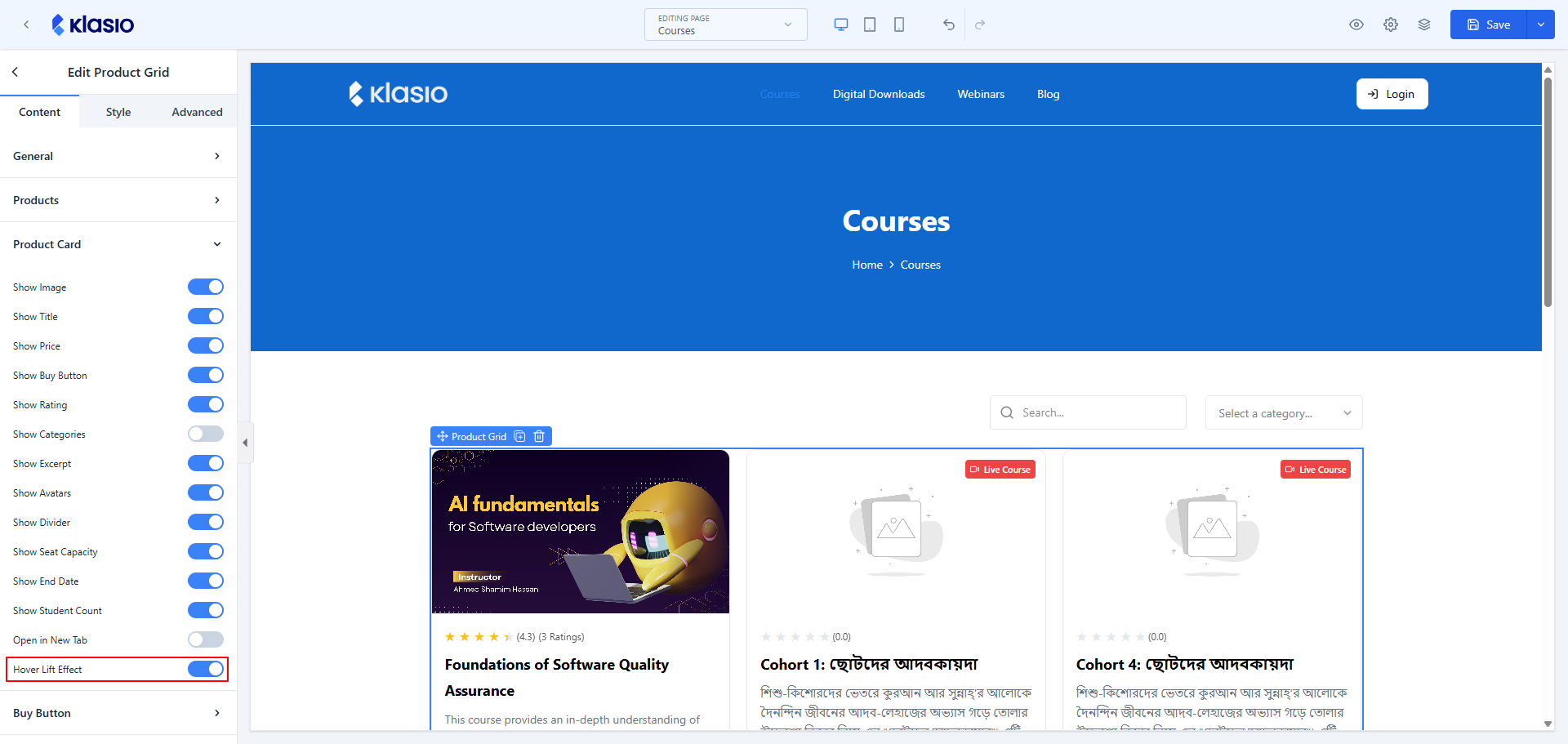
We’ve added a new option that lets you enable or disable hover animations on different blocks across your site. Whether you prefer a more dynamic, interactive feel or a cleaner, static presentation, you now have the flexibility to choose what works best for your brand. This small but meaningful addition gives you finer control over the look and feel of your pages.
A Better Lesson Experience
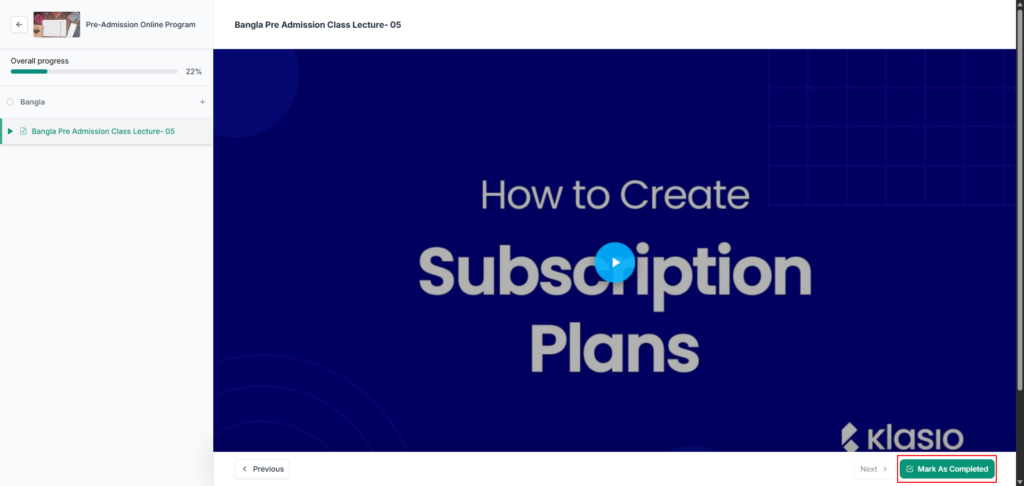
We’ve improved the positioning of the “Mark As Completed” button on the Lesson Page to make it more intuitive and easier to access. Students can now wrap up their lessons with less friction, helping them stay focused on what matters most — the learning itself. A small adjustment that makes a noticeable difference in the day-to-day student experience.
Smarter Content Discovery on Your Blog
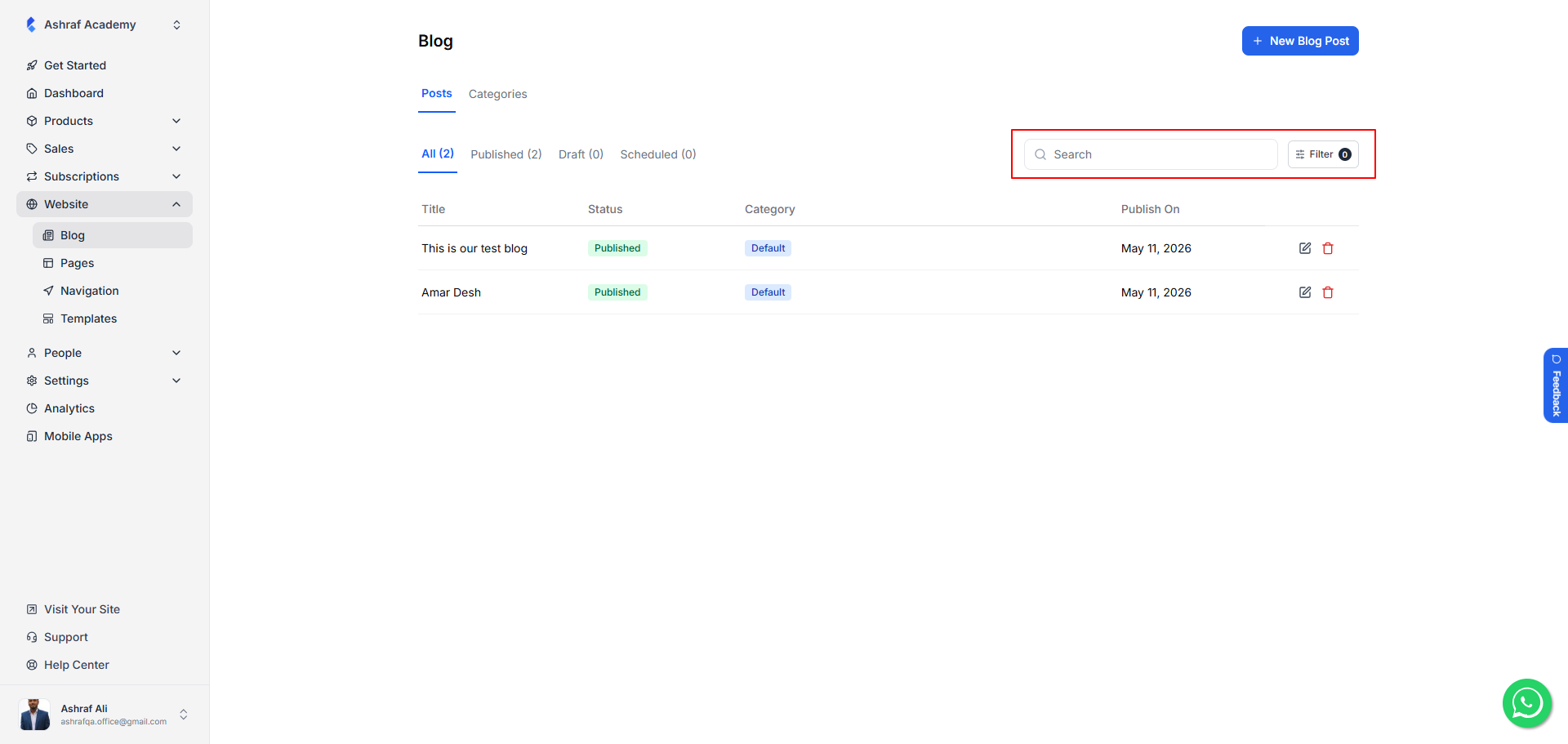
Your blog just got a lot easier to navigate. We’ve added Search and Filter functionalities to the Blogs Page on the admin side, so you can quickly find the blog you’re looking for.
Improved Filtering on Listings
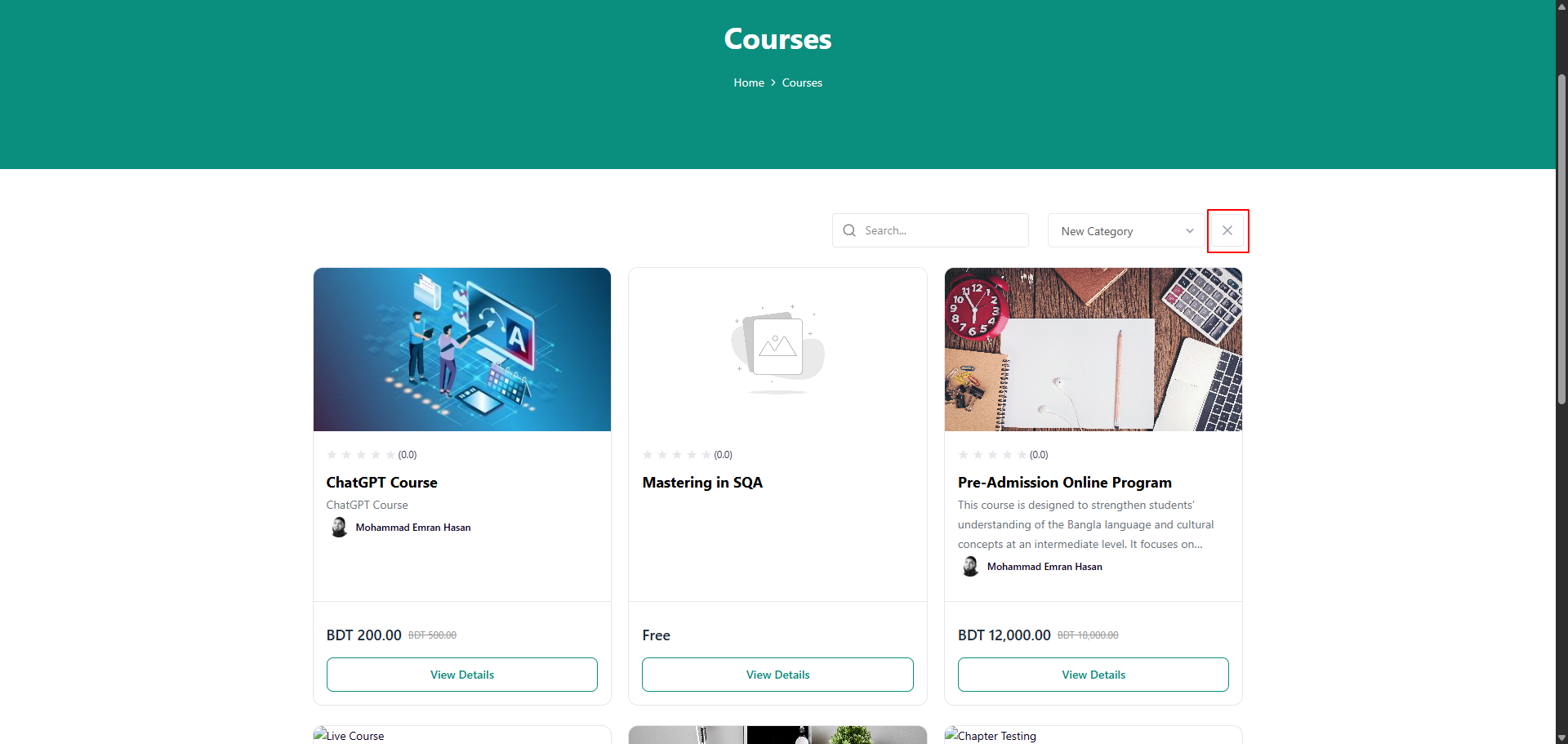
We’ve added an option to cancel the Product Category Filter on the Listings Page. Visitors browsing your products can now easily clear an applied category filter and return to the full listing with a single click. This makes it simpler for prospective students and customers to explore everything you offer without getting stuck in a narrowed-down view.