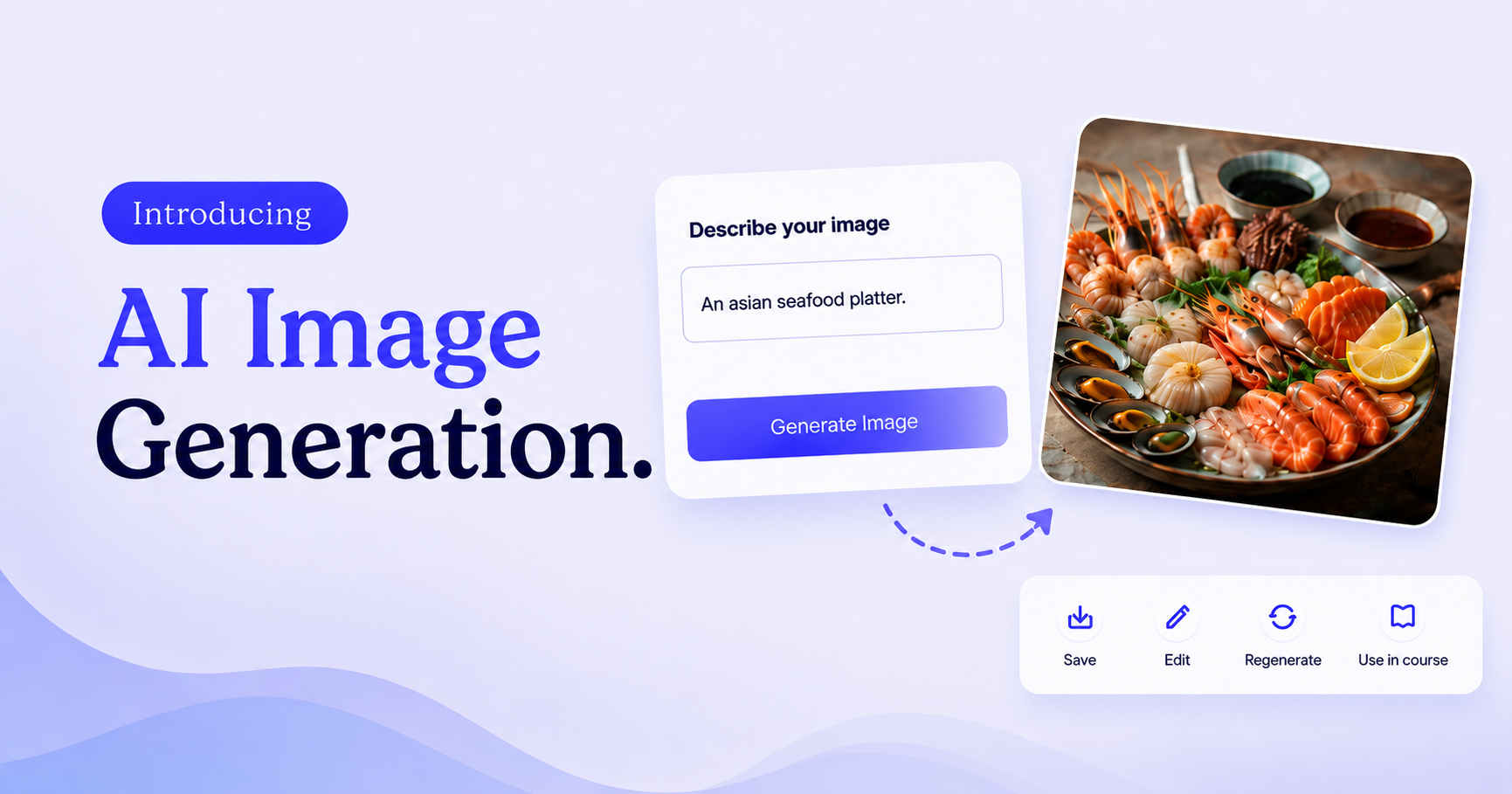
Introducing AI image generation in Klasio. You no longer need a separate tool every time you need a course banner, a product cover, or a lesson image. Generate them right inside Klasio, in the same place you’re already building your content.
This release also adds text formatting inside builder Heading blocks and a short description field for Coaching.
Generate Product Cover Images With AI
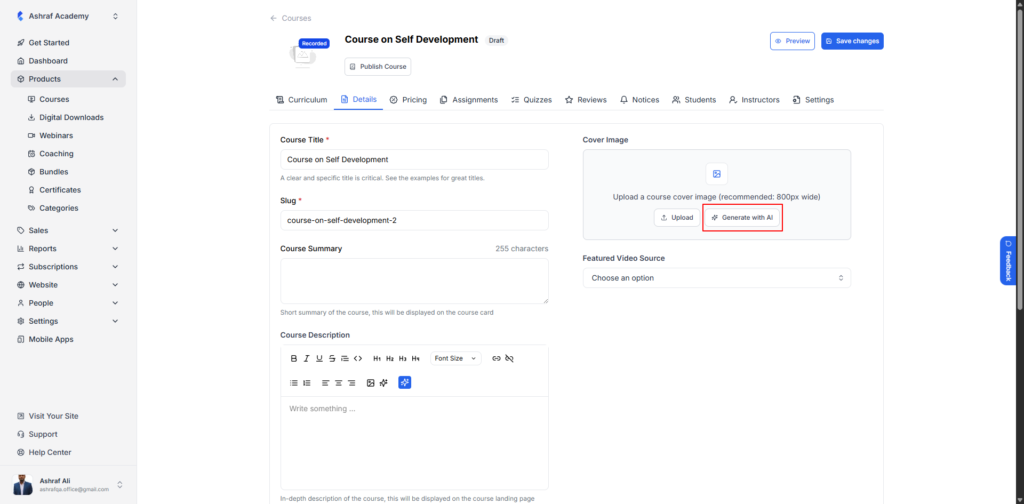
You can now generate a cover image for your products directly inside Klasio, without opening a separate design tool. Describe what you want, and Klasio creates an image you can use right away as your course or bundle cover.
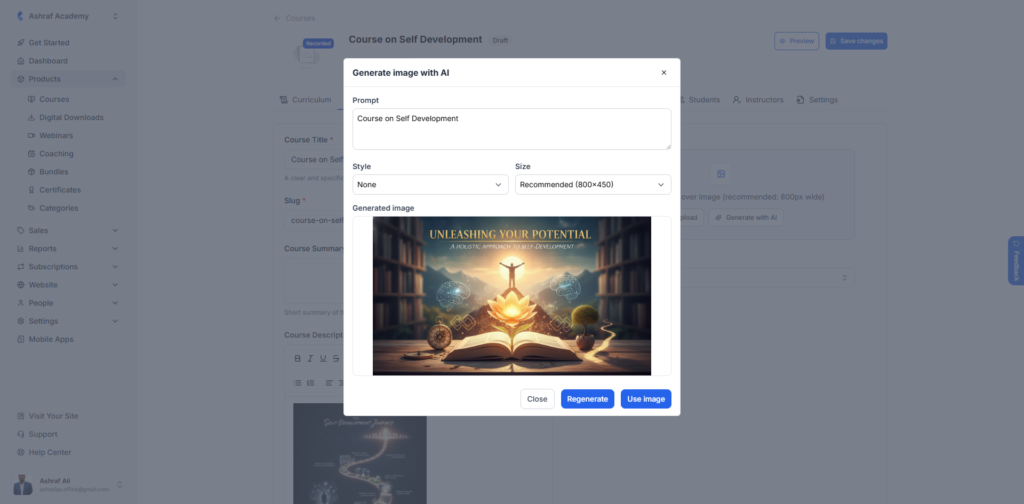
This saves you a trip to stock photo sites or design software every time you launch a new course or bundle. Your product page gets a cover the moment you need one.
Generate Images in Your Content Editors
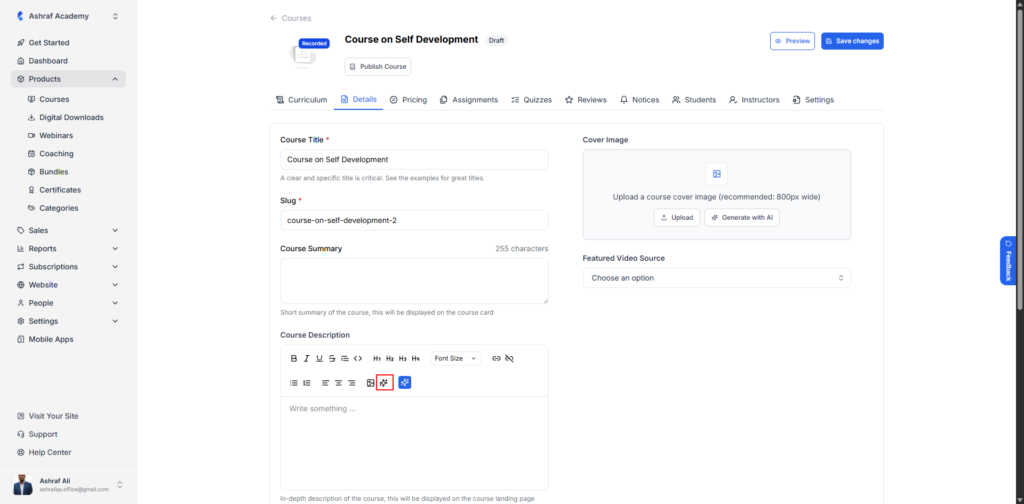
The same AI image generation is now built into your course description, digital download description, and lesson description editors. Type a prompt while you’re writing, and add the image directly into your content without switching tabs.
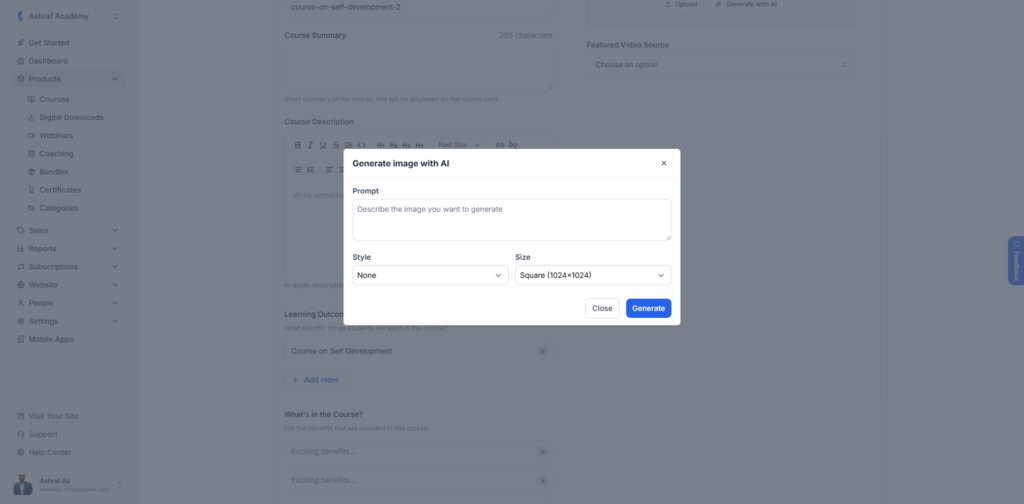
This keeps you inside the editor while you write a course overview, a lesson, or a product description. No more pausing to search for the right image somewhere else.
Format Text Inside Heading Blocks
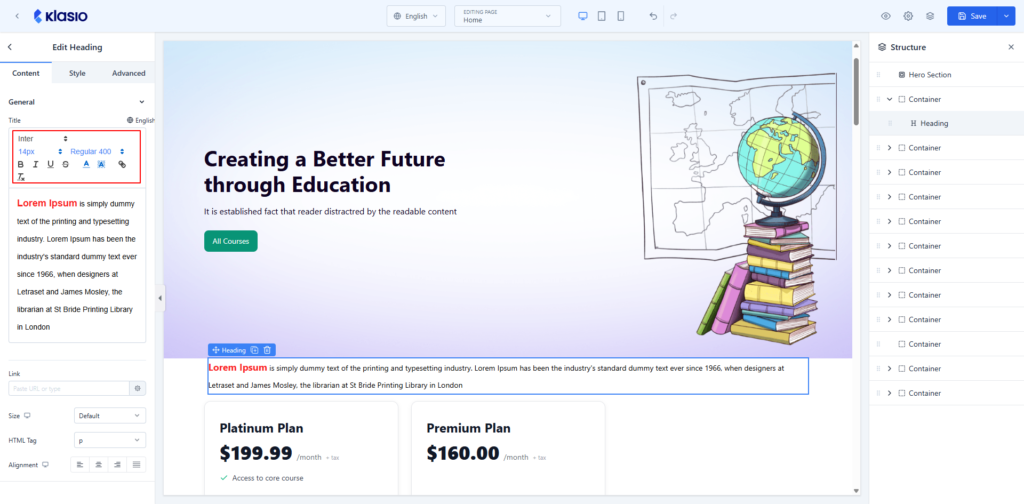
Heading blocks in the builder now support text formatting. Bold, italicize, or underline any part of a heading, instead of leaving it as plain text.
This gives you more control over how your headings look, without switching to a different block just to emphasize a word or phrase.
Short Descriptions for Coaching Programs
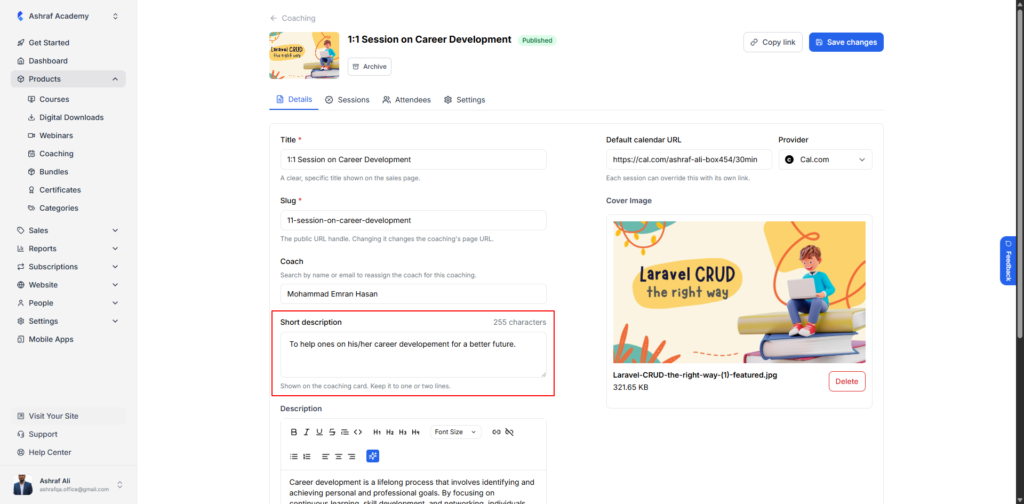
Coaching programs now have a short description field on the setup page. Add a quick summary of what students can expect before they scroll through the full details.
It gives prospective students the context they need at a glance, before they commit to a full read of the program page.