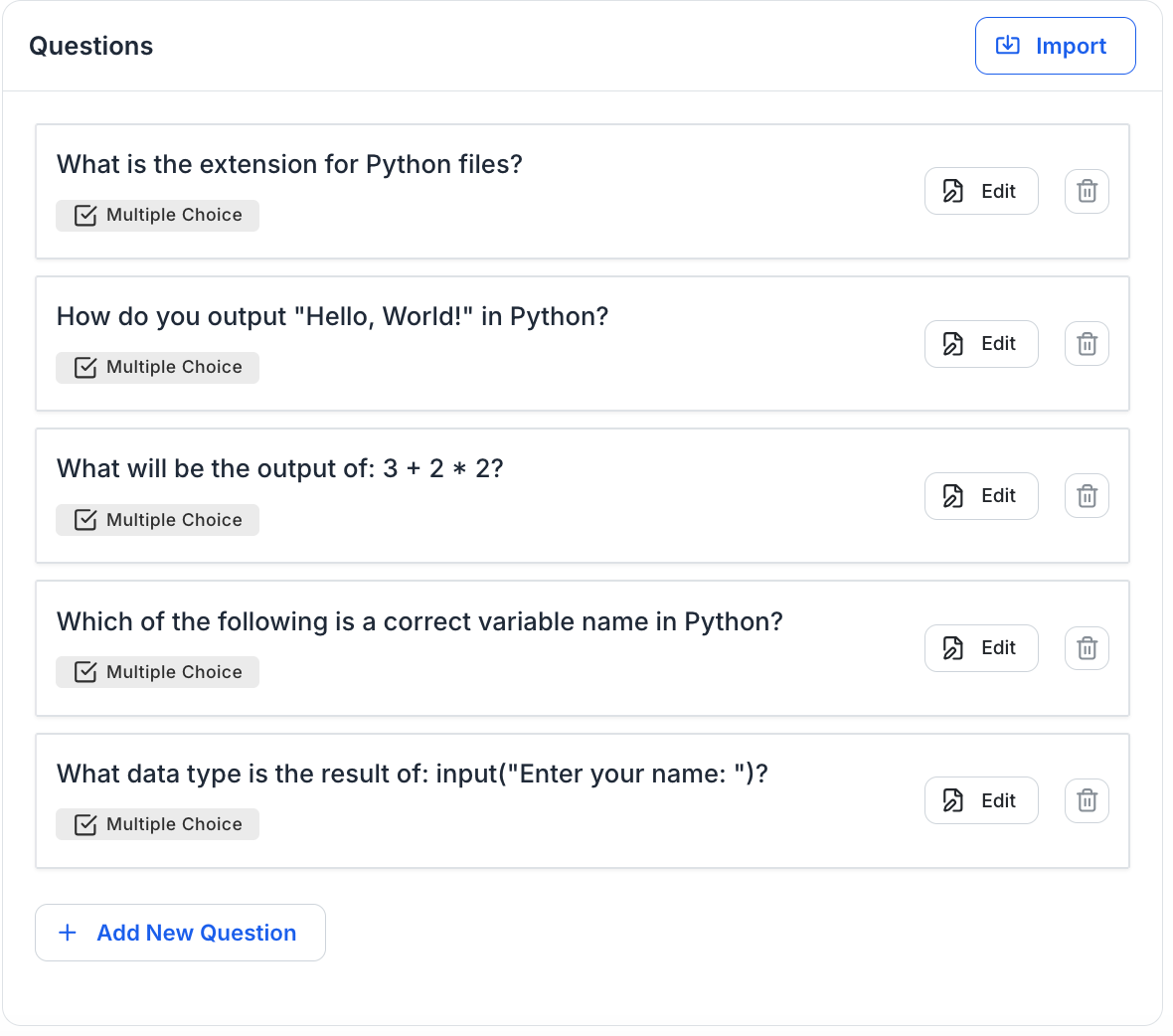
Along with improving communication tools, we’ve also introduced several updates designed to make administrative tasks easier and your platform experience more polished. These improvements focus on simplifying student data management, enhancing the checkout experience, and refining the interface across key areas of the dashboard.
Student Export with Email Notifications
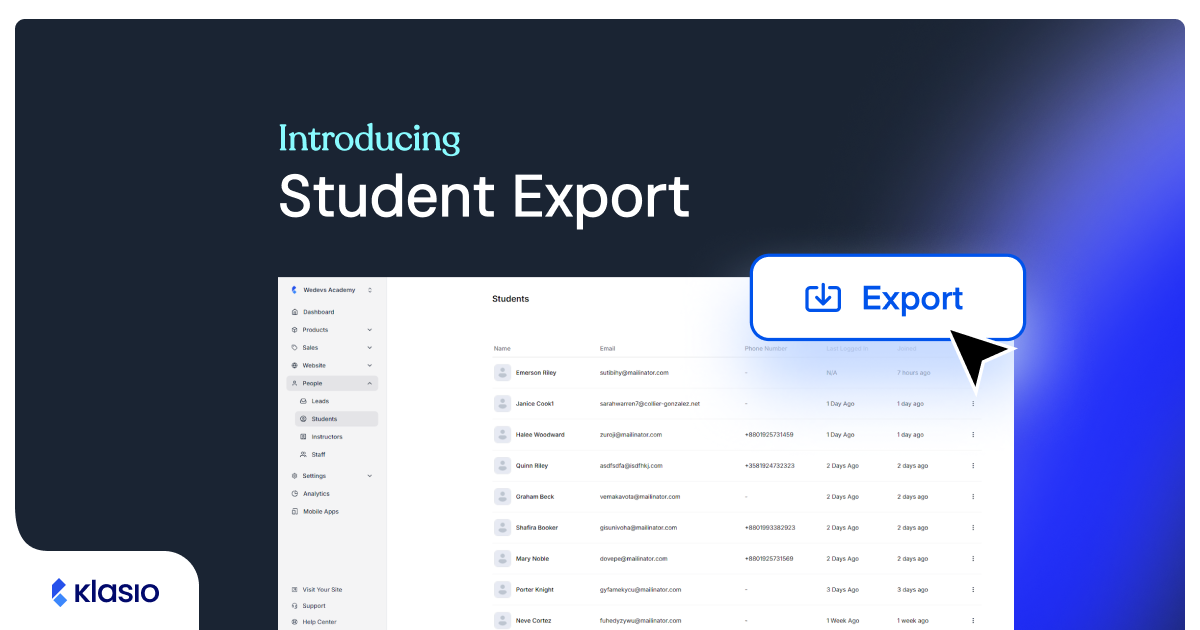
Managing and exporting student data is now more efficient and convenient. We’ve introduced a background student export feature that allows you to generate export files without waiting on the page.
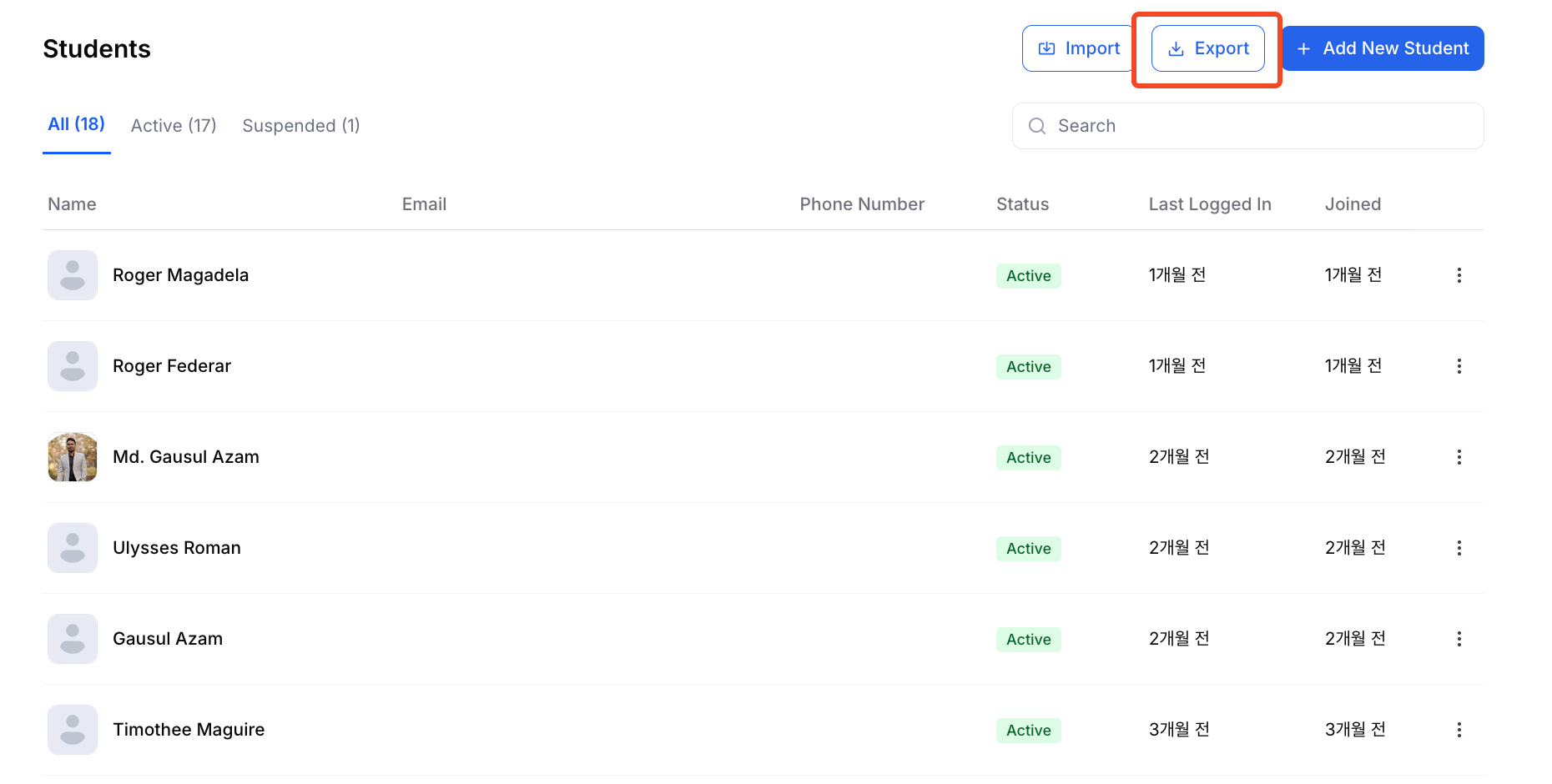
When you request a student export, the system processes the file in the background. Once the export is complete, you’ll receive an email notification with a download link, allowing you to access your data instantly. This improvement is especially useful for large datasets, helping administrators save time and continue working without interruption.
Enhanced Checkout and Purchase Experience
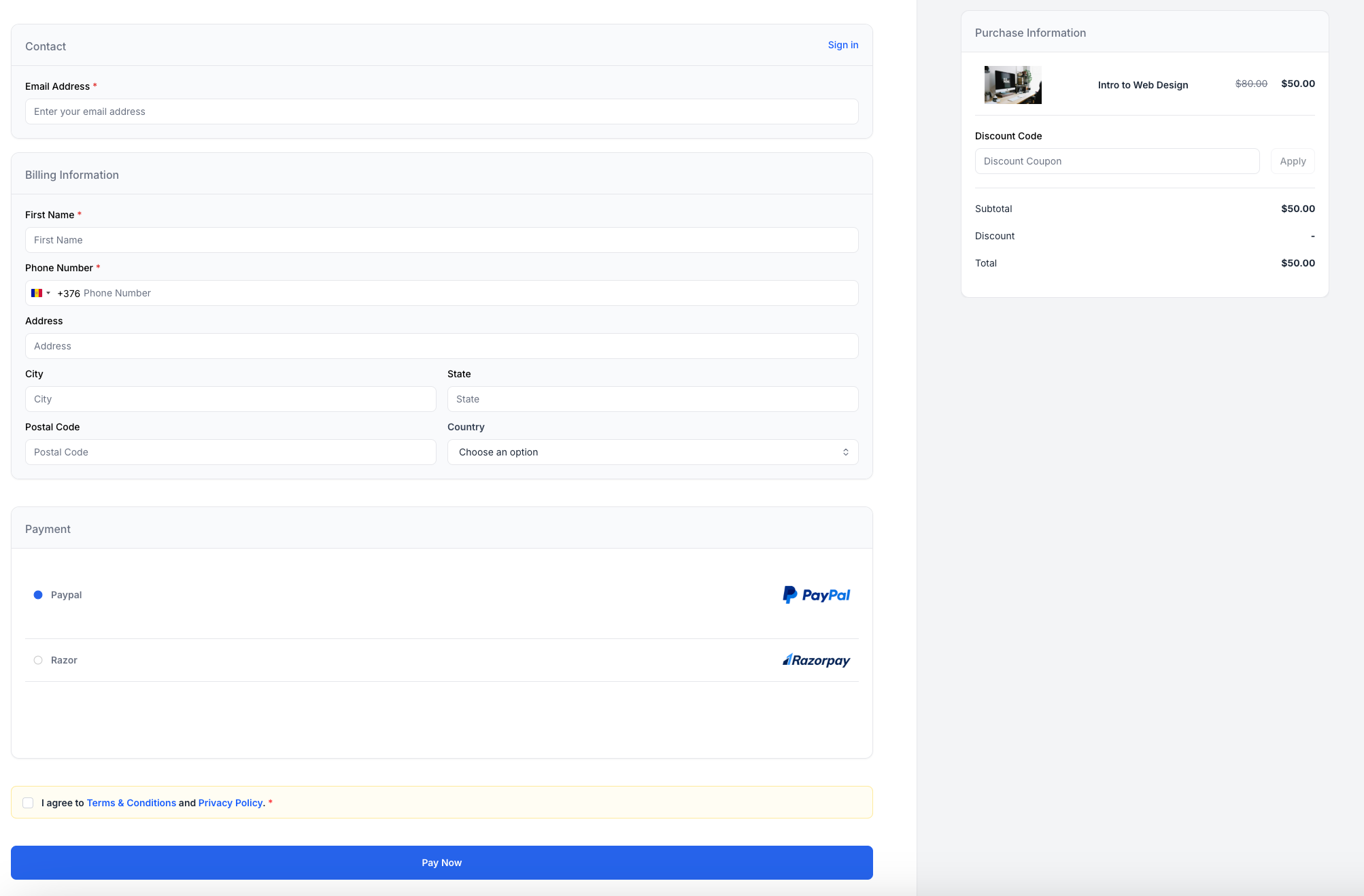
We’ve refined both the Checkout page and the Purchase Complete page to create a more professional and trustworthy purchasing experience for your students.
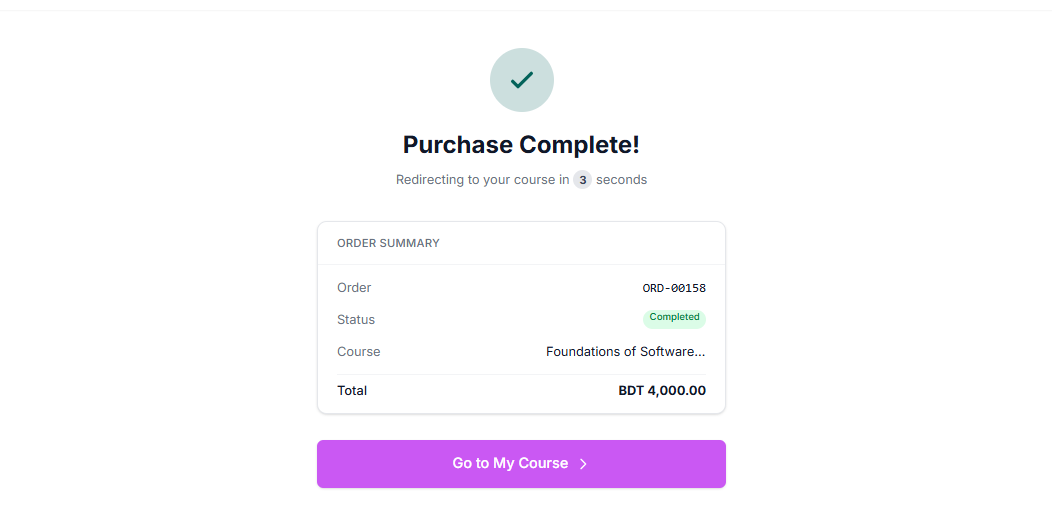
The checkout flow now includes an improved terms agreement section, making it clearer for students to review and accept the necessary terms before completing their purchase. These updates help build confidence during the purchase process while ensuring transparency and compliance.
Polished Dashboard and Course Tools
Several targeted UI improvements have been made across the dashboard to create a cleaner and more intuitive workspace.
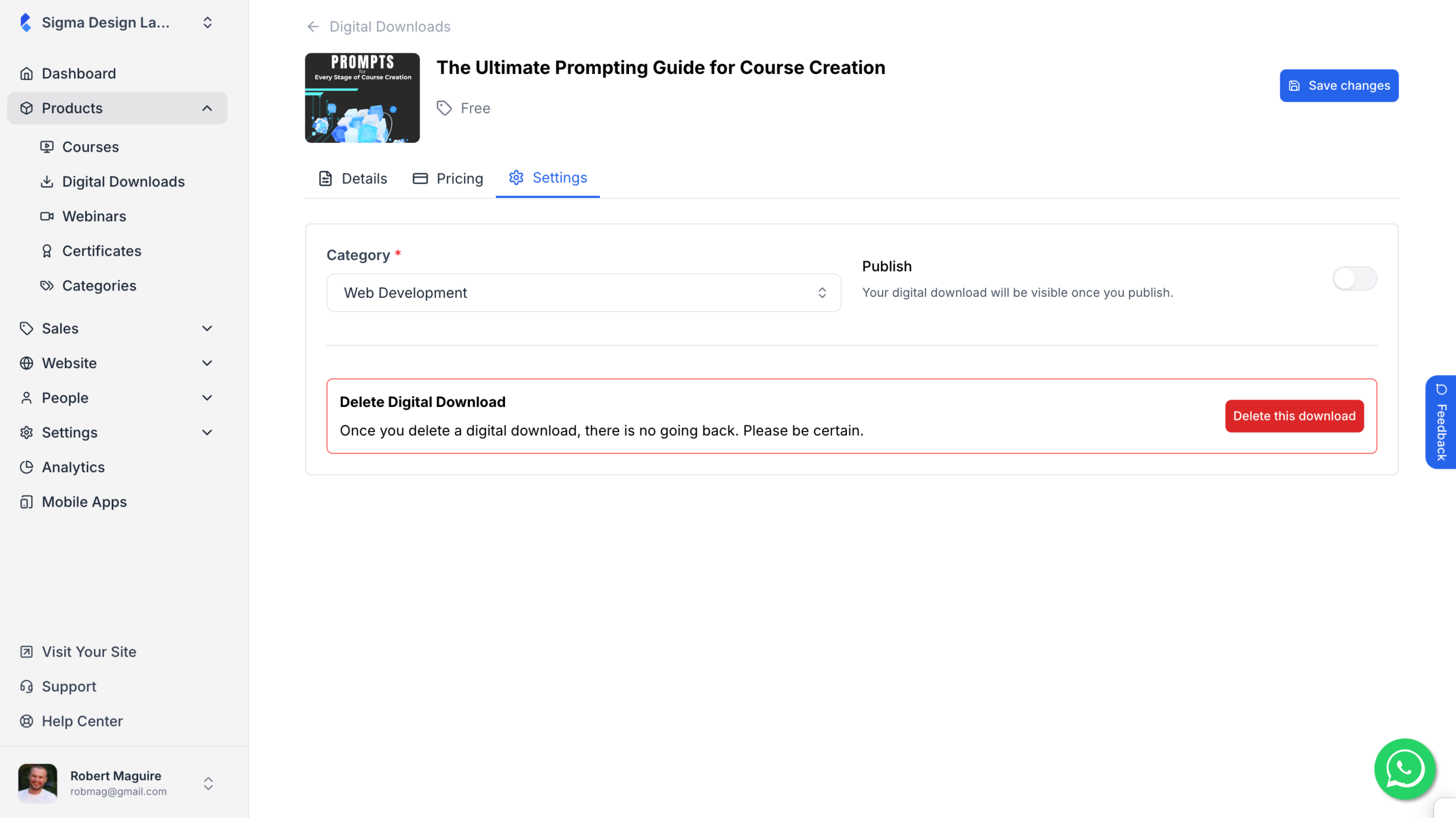
The Digital Download delete functionality has been visually refreshed, providing a clearer and more consistent interface when managing downloadable resources.
We’ve also fixed a layout issue in the course tools where long or multi-line text could cause the Quiz Type label and Delete button to become misaligned. With this fix, elements now remain properly aligned regardless of text length, ensuring a more stable and professional interface.