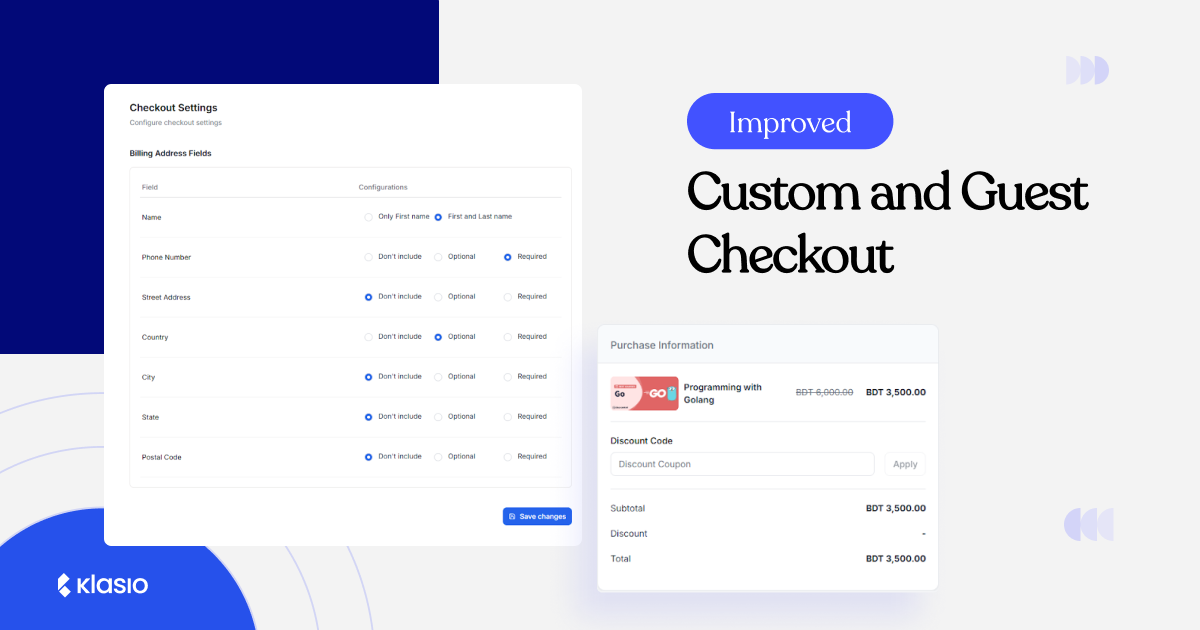
In the month of November, we are bringing in some huge updates for you and your students. This new set of updates focused on enhancing your students’ checkout experience, giving you more control over billing data, and boosting the security of your valuable video content. Let’s dive into what’s new.
Custom Checkout: Control Over Your Billing Fields
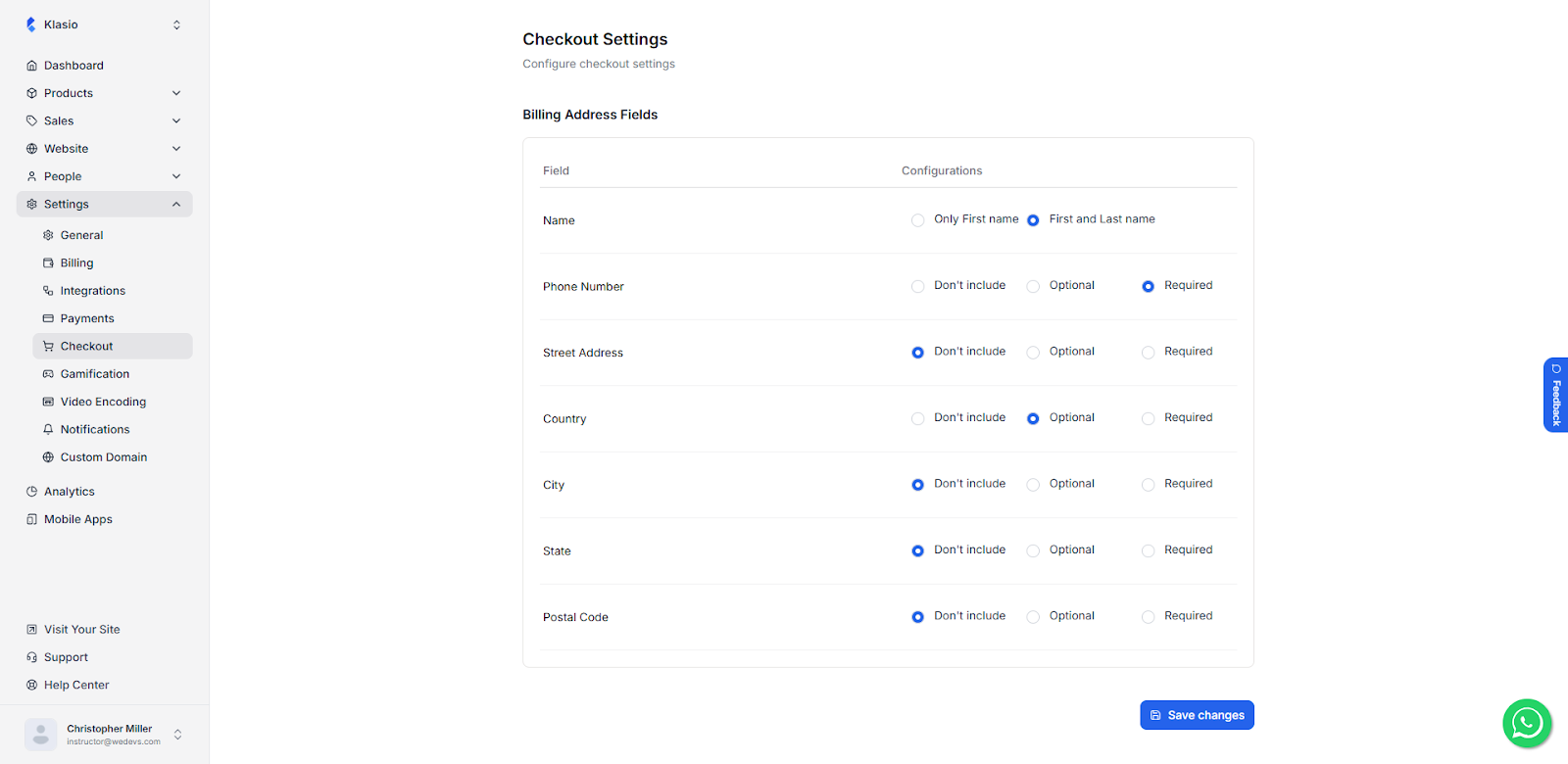
You now have granular control over the billing information collected during checkout. This new feature allows you to configure which billing address fields are included, made optional, or required. As a result, you have the flexibility to comply with regional tax regulations or simply streamline the checkout process for your students.
This level of customization ensures you only collect the necessary data, leading to a faster, less intrusive checkout experience.
Improve Conversions with Guest Checkout
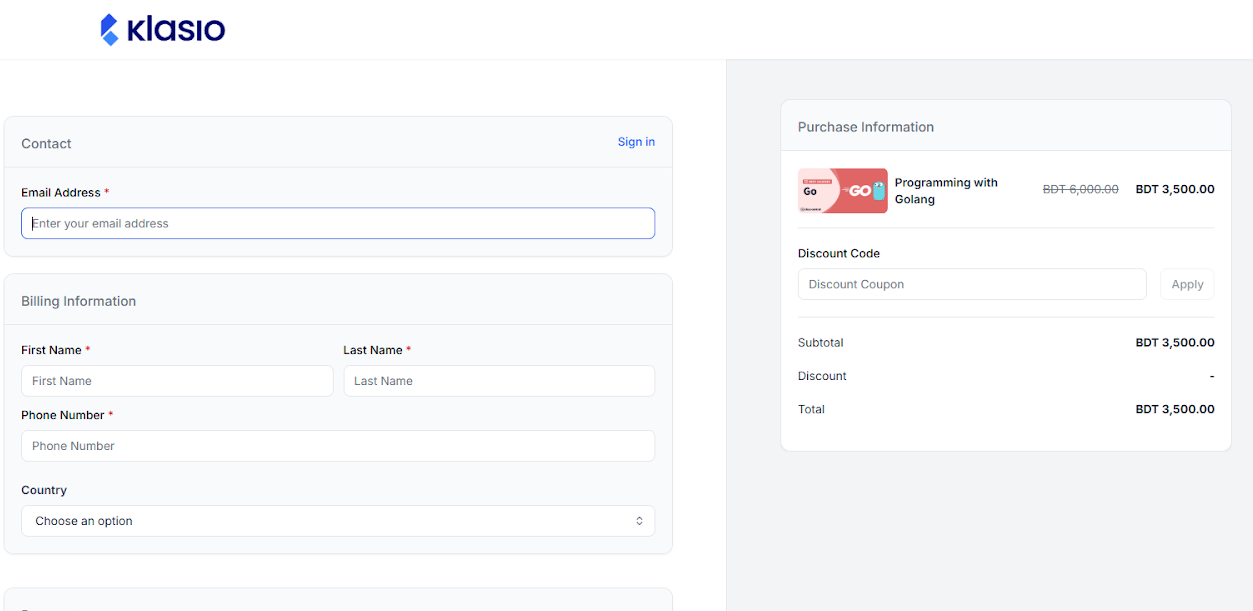
To minimize friction and maximize conversions, we’ve introduced Passwordless Checkout, also known as Guest Checkout. Students can now complete a purchase using just their email address, without the immediate requirement to create a password or log in.
If the student has an account, then an email notification will be sent to the student confirming the purchase. On the other hand, if the student doesn’t have an account, then an account will be created on behalf of the student using the email address. Also, the student will get emails about their purchase and setting up a new password.
Apple Pay Integration in Stripe
We are continually working to make the purchasing process as smooth as possible. We’ve added Apple Pay integration within Stripe, offering another fast, secure, and familiar payment method for your students using Apple devices. This addition aims to further reduce friction at checkout and improve the overall purchasing experience.
Course Video Thumbnail Upload
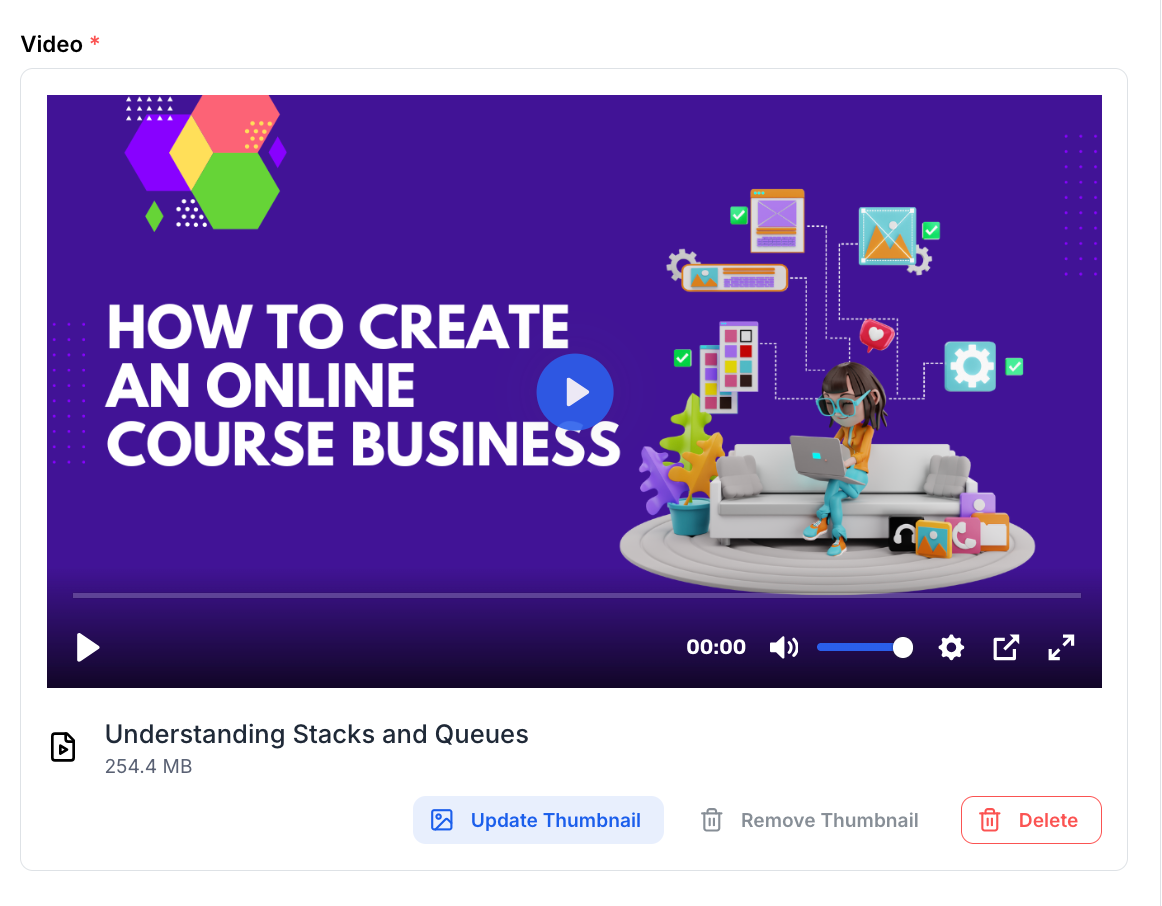
Managing the visual appeal of your course content is now easier than ever. You can now upload custom thumbnails for your lesson videos directly within the course editor. This allows you to create engaging, branded visuals that encourage students to click and watch.
Video DRM Protection in Mobile Apps
Protecting your courses’ intellectual property is paramount. We are rolling out Video DRM (Digital Rights Management) Protection for all course videos accessed through our mobile applications.
This feature adds an essential layer of security, preventing unauthorized screen recording of your high-value video content. This ensures your course content remains secure and exclusive to your enrolled students.
Removal of the Checkout Process for Free Courses
We’ve simplified the enrollment process for your free courses. Students no longer have to go through the checkout process to enroll in a free course. A single click on the “Enroll for Free” button is all it takes, instantly granting them access.
This change is designed to boost enrollment rates for your free offerings, making them an even more effective tool for lead generation and community building.
We’re committed to continuously improving Klasio to help you build and manage your online education business more effectively. We hope these updates enhance your experience and provide even more tools for your success. As always, we welcome your feedback!