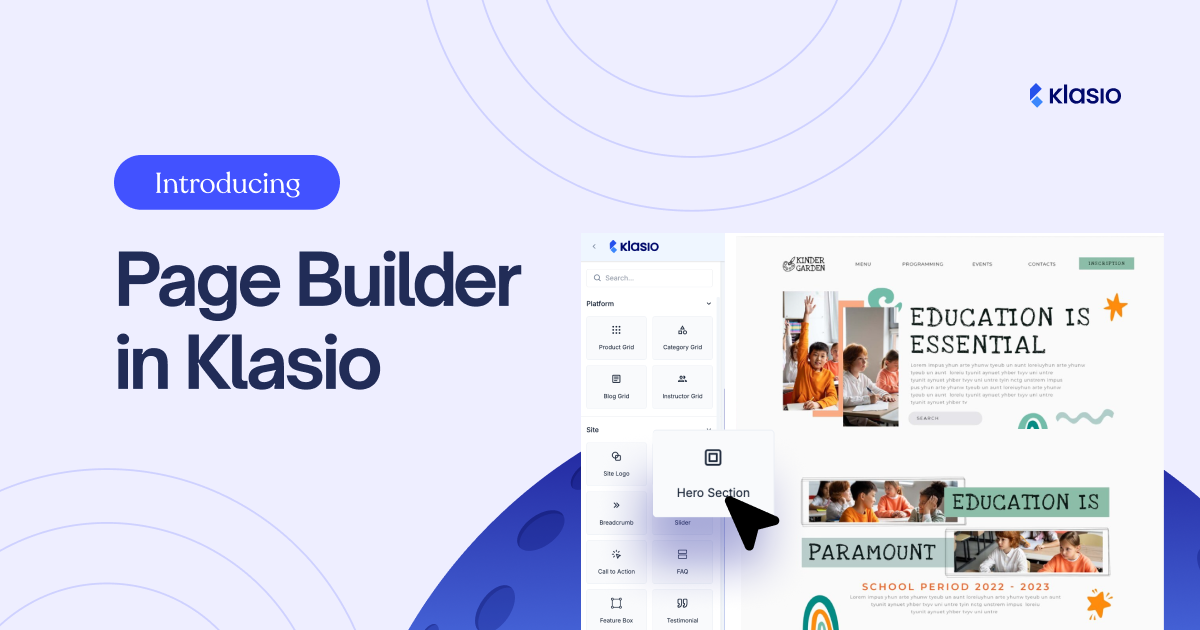
We are thrilled to announce the launch of the all-new Klasio Page Builder, a powerful, intuitive, and zero-code solution designed to give you complete creative control over your online school’s design. This is a massive step forward in helping you build a unique, professional, and high-converting presence without ever touching a line of code.
The Page Builder is structured around a comprehensive set of components, categorized to help you quickly find and deploy the elements you need.
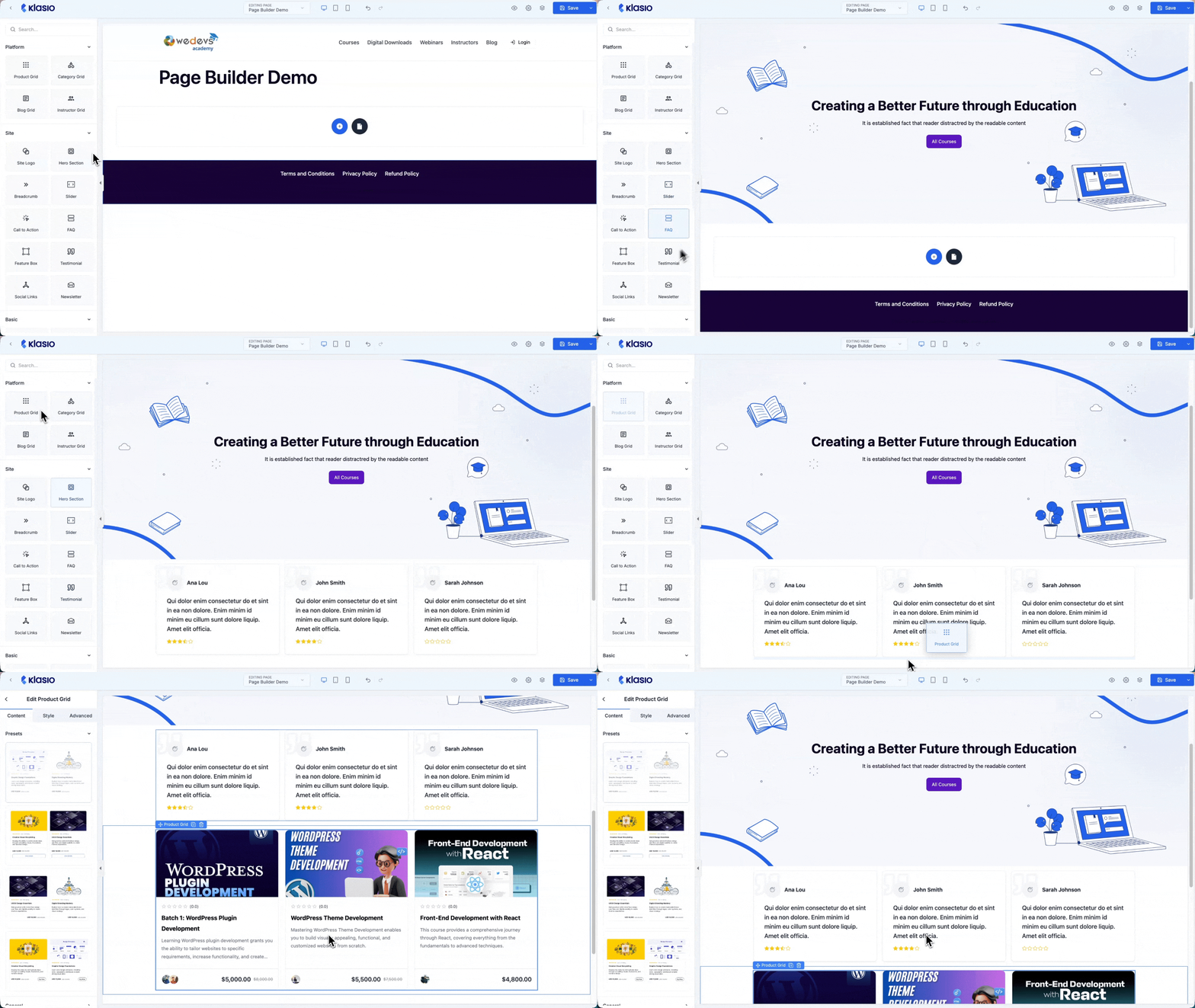
Component Overview
Below we have given a high-level overview of all the component groups and the blocks within each group.
Dynamic Platform Components
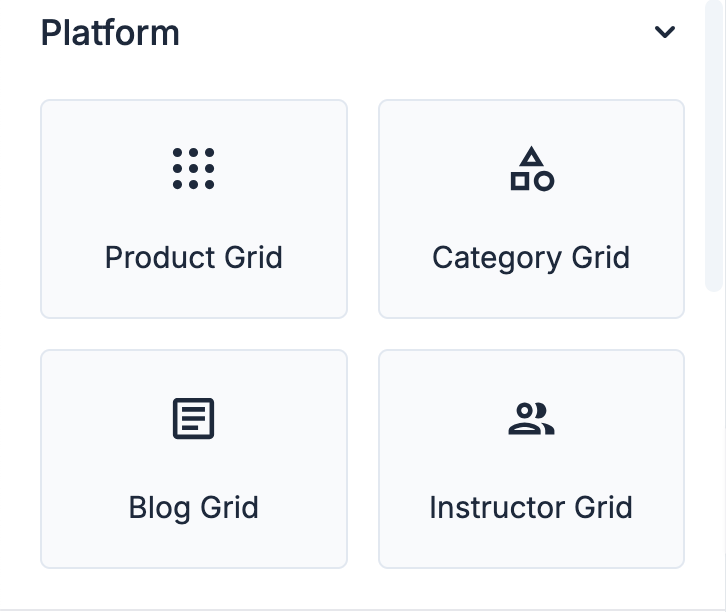
The most powerful feature of the new Page Builder is its deep integration with your Klasio content. The Platform components allow you to instantly display dynamic content from your school, ensuring your pages are always up-to-date and directly connected to your core business.
This category includes the Product Grid to showcase your courses and bundles, the Category Grid to help students browse, the Blog Grid to integrate your latest posts, and the Instructor Grid to feature your teaching staff.
Essential Site Components
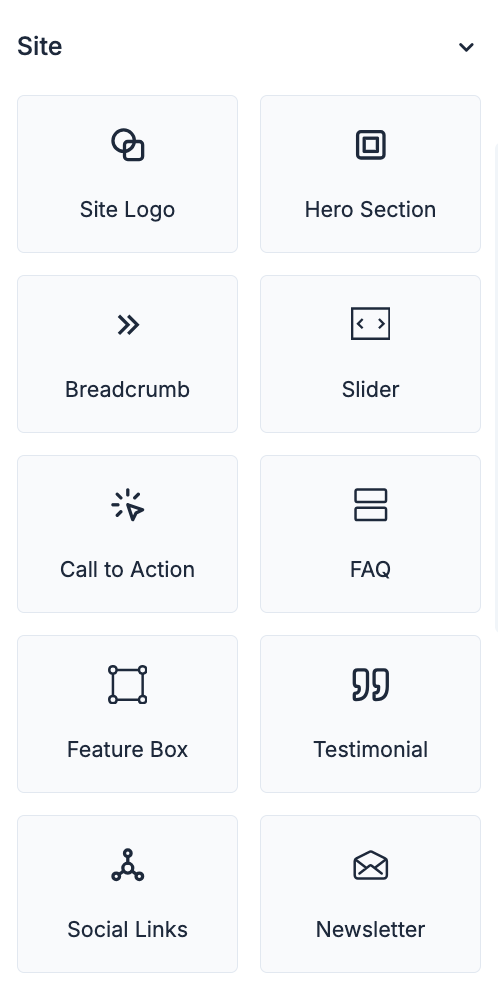
The Site components provide all the necessary elements for building a professional and engaging website experience. You can create a powerful first impression with the Hero Section, display rotating content with the Slider, and drive conversions with a clear Call to Action.
Building trust is easy with the Testimonial component, and you can organize information with the FAQ and highlight key benefits with the Feature Box. Essential elements for branding and navigation, such as the Site Logo and Breadcrumb, are also included, alongside tools for community building like Social Links and the Newsletter signup.
Basic Building Blocks
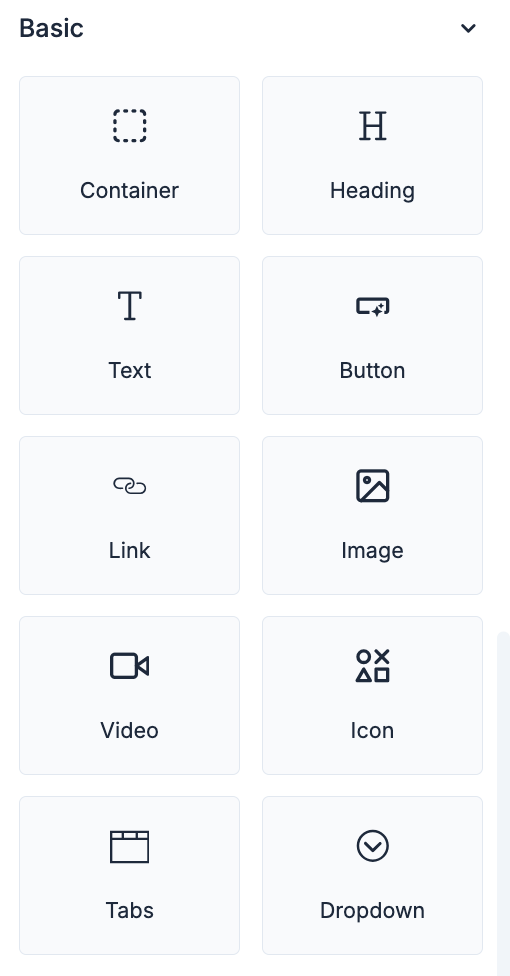
The Basic components are the fundamental tools for any web design, giving you granular control over layout and content. The Container allows you to structure your page with flexible, responsive sections. You have full control over typography and content hierarchy with Heading and Text elements.
For media, you can easily embed rich content using Image and Video components, and direct students to key areas with Button and Link elements. Finally, you can organize complex information into clean, interactive elements using Tabs and Dropdown, and add visual flair with the Icon component.
Advanced Customization
For users who need maximum flexibility, the Advanced section includes an HTML component, allowing you to inject custom code, widgets, or third-party integrations directly into your pages.
We believe this new Page Builder will revolutionize how you manage and design your online school, making it faster and easier than ever to create a stunning, high-performing website. We can’t wait to see what you build!