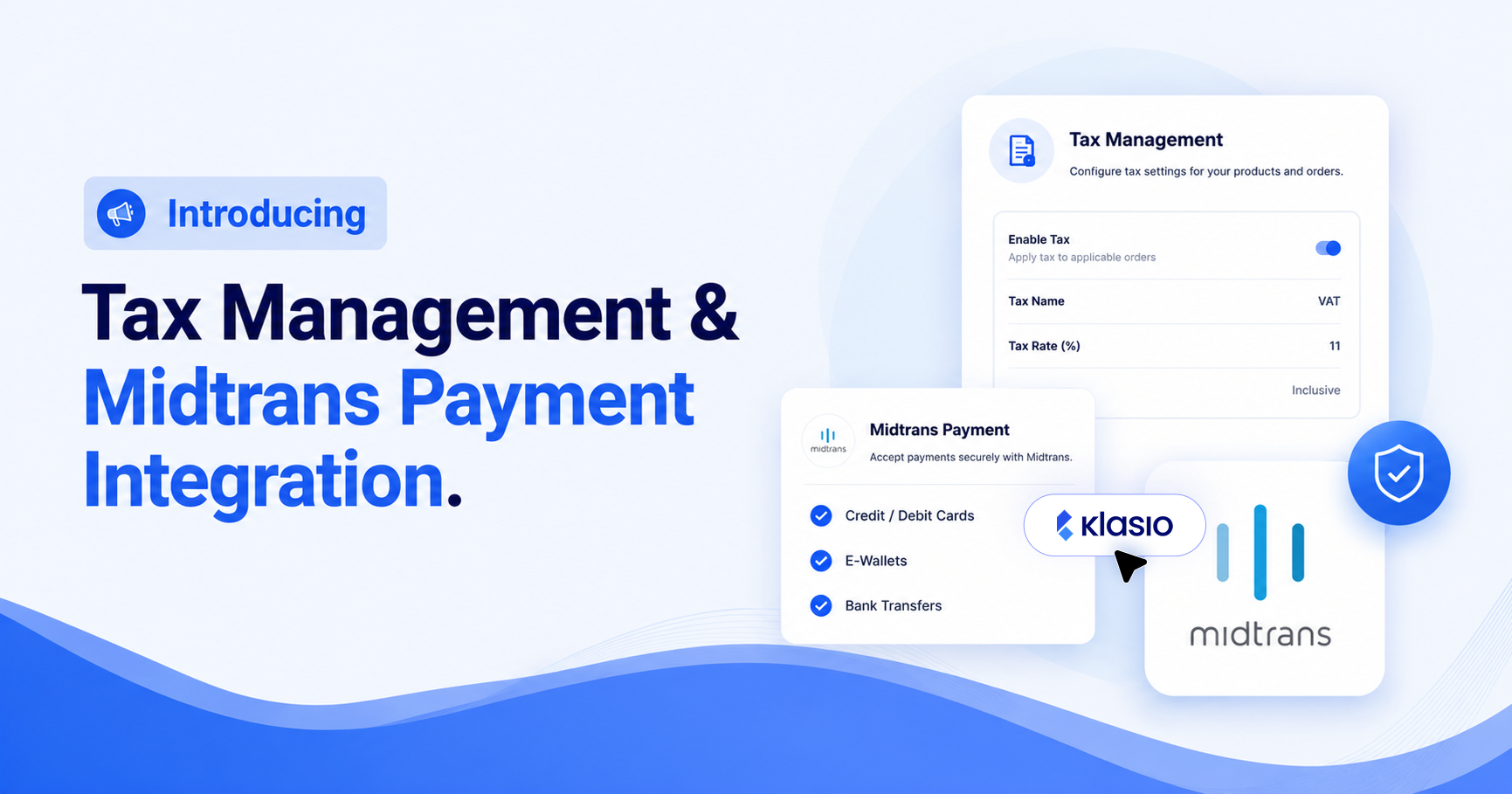
We’ve been working behind the scenes to make tax management easier (plus, a little something extra). So our latest release adds a dedicated tax management system and a new regional payment gateway. Plus we’ve improved the workflow for scheduling drip content.
Manage Taxes Now From Klasio
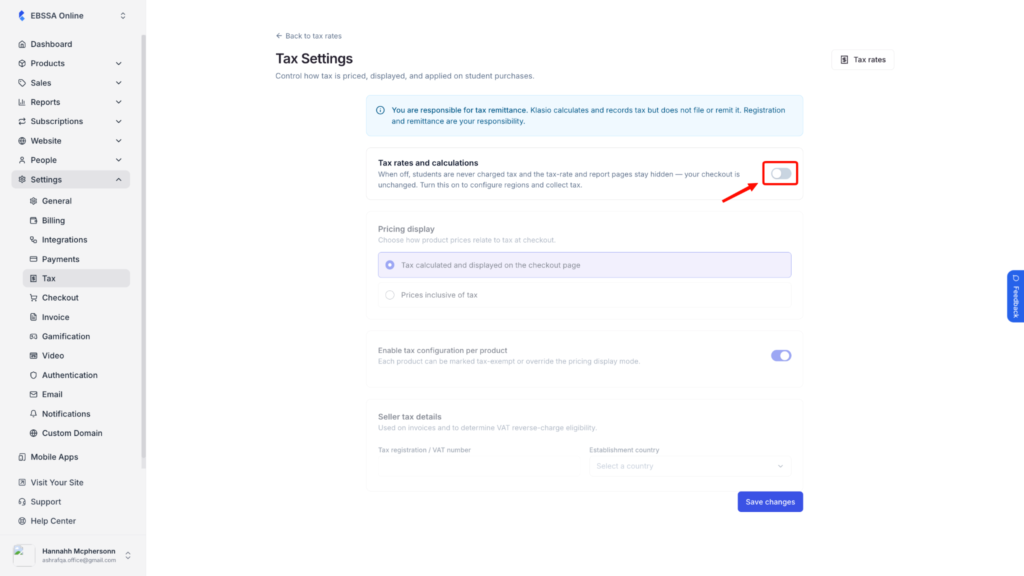
We’ve introduced a dedicated Tax Management option inside Klasio. You can now set up tax rates for different countries. Configure your rates once, and Klasio applies them automatically at checkout for every order that qualifies.
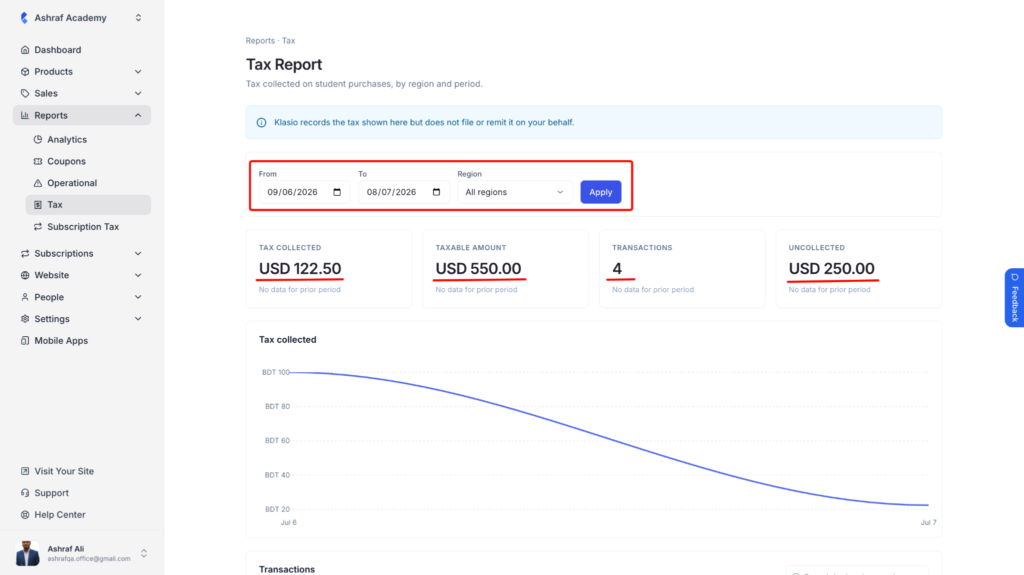
The new Tax Report gives you a clear breakdown of the tax collected across your sales, broken down by period, so you always know what you owe before it’s time to file.
Visit Tax Documentation for details.
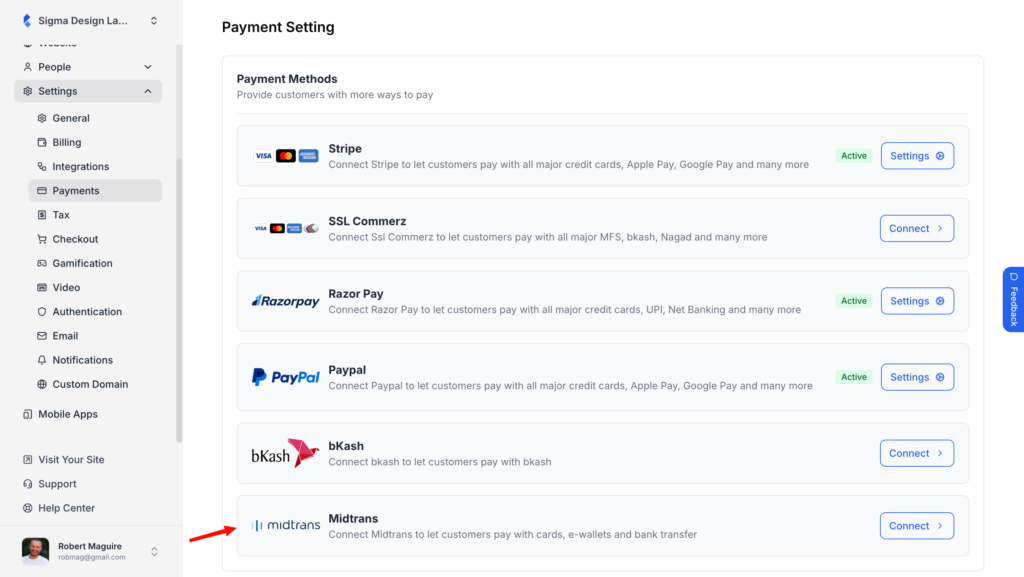
Midtrans Payments in Indonesia
This one is specially for our Indonesian course creators. You can now accept payments through Midtrans, one of Indonesia’s most widely used payment gateways, alongside Stripe and PayPal. Your students in the region get a payment method they already recognize and trust, right at checkout.
If you’re growing your academy in Indonesia, this gives your checkout one less reason to lose a sale to an unfamiliar payment screen.
Schedule Drip Content Without Leaving the Lesson Editor
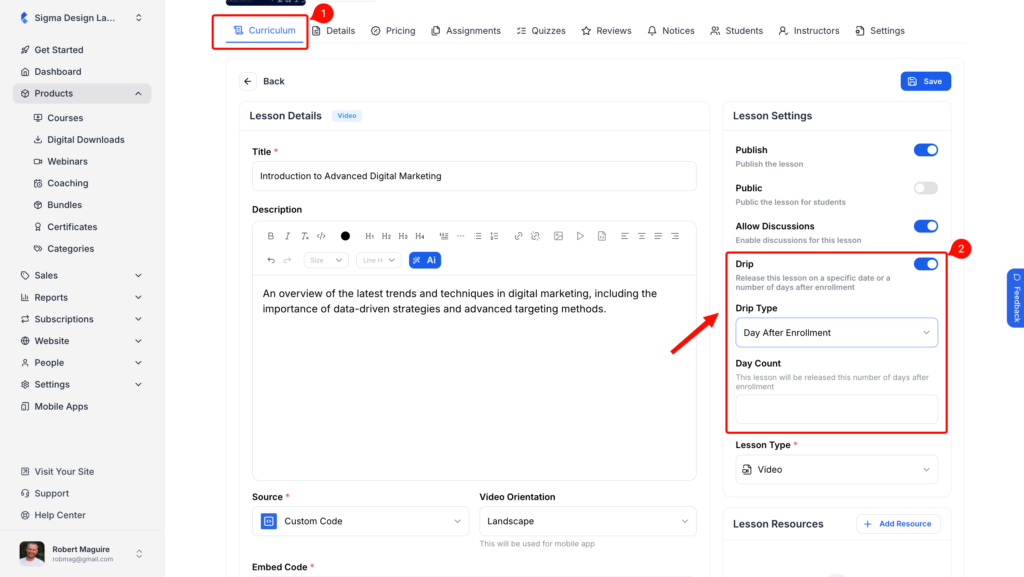
Drip settings used to live in a separate area of your dashboard, away from the lesson itself. Now you set them directly on the lesson creation and edit page, right where you’re already building your course.
You can schedule a lesson’s release the moment you create it, instead of jumping between screens to line things up afterward.