
Mobile learning continues to grow, and in 2026, having a mobile-friendly LMS is no longer optional. Learners expect to access courses, submit assignments, and receive updates directly from their smartphones.
In this blog, we’ve compiled a list of the 17 best mobile-friendly LMS platforms to try in 2026. Each platform is evaluated based on its mobile app experience, offline access, notification system, security features, and overall usability to help you find the right fit for your needs.
TL;DR
- Klasio is the best LMS for all-around mobile LMS with strong native iOS/Android apps, push notifications, device management, and built-in video DRM for course protection.
- TalentLMS is another great choice for businesses that want an easy-to-use mobile app with offline learning, gamification, and cross-device syncing.
- Moodle (with mobile app) is ideal if you need a customizable, open-source LMS with offline access and full control over branding and data.
- Look for a true native mobile app, not just a responsive website, to ensure better speed, usability, and notifications.
- Prioritize offline access, push notifications, and security features (like device limits and DRM) to improve engagement and protect content.
TalentLMS
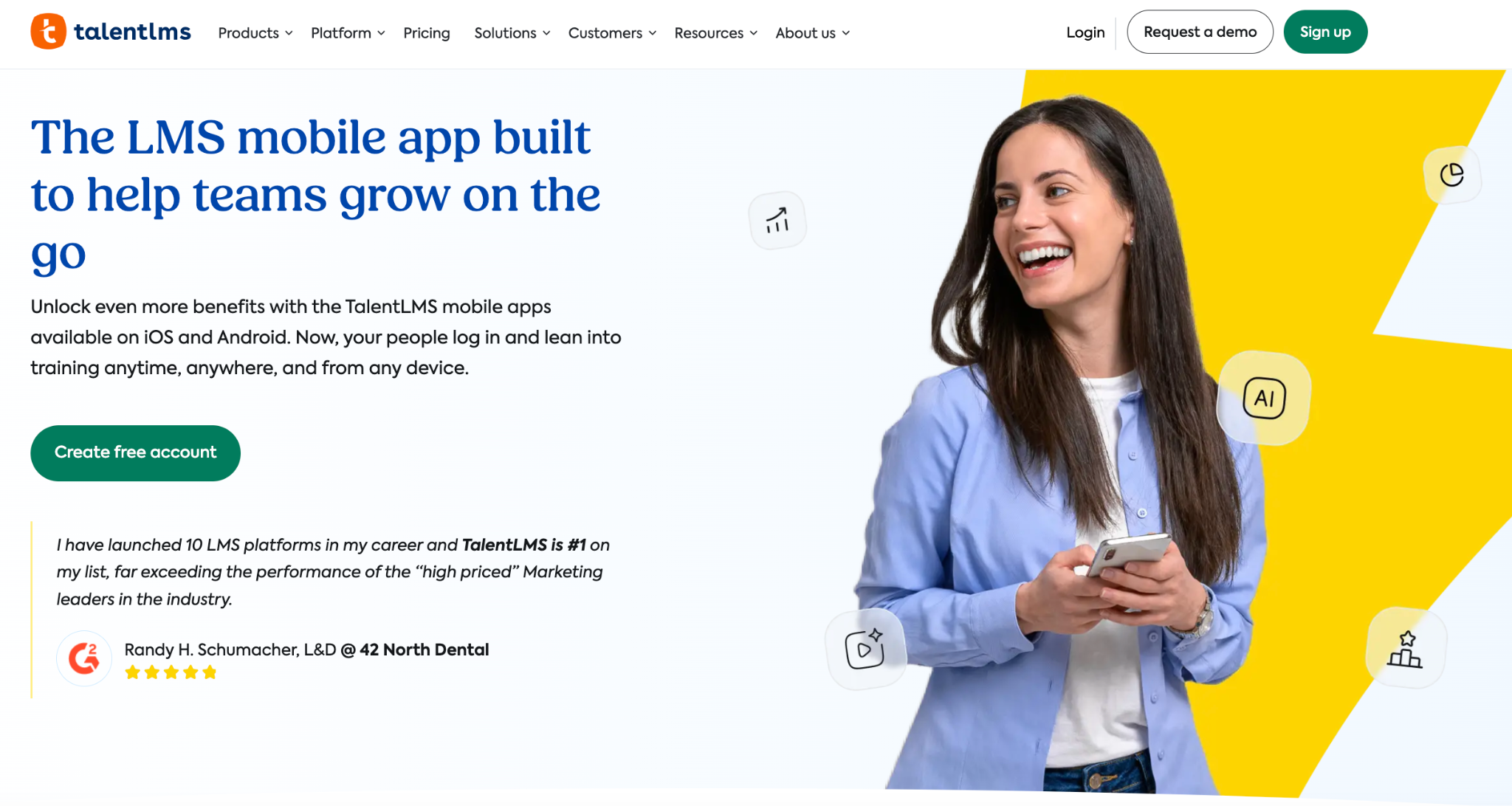
TalentLMS is a cloud-based learning management system used by organizations to create, manage, and deliver online training programs. It allows users to build courses with various types of content, manage users and track their progress, and integrate with other business applications.
TalentLMS is used for a variety of training scenarios, including employee onboarding, compliance, and customer education.
TalentLMS mobile app key features:
- Offline learning: Users can download courses to complete them without an internet connection; progress syncs back automatically once online.
- Cross‑device continuity: Learners can start a course on one device and pick up where they left off on another, ensuring a seamless learning experience.
- Push notifications and messaging: In‑app notifications and a built‑in messenger keep learners informed about new assignments, deadlines, and messages from trainers.
- Gamification: The app includes badges, points, and leaderboards to boost engagement and motivation among learners.
360Learning
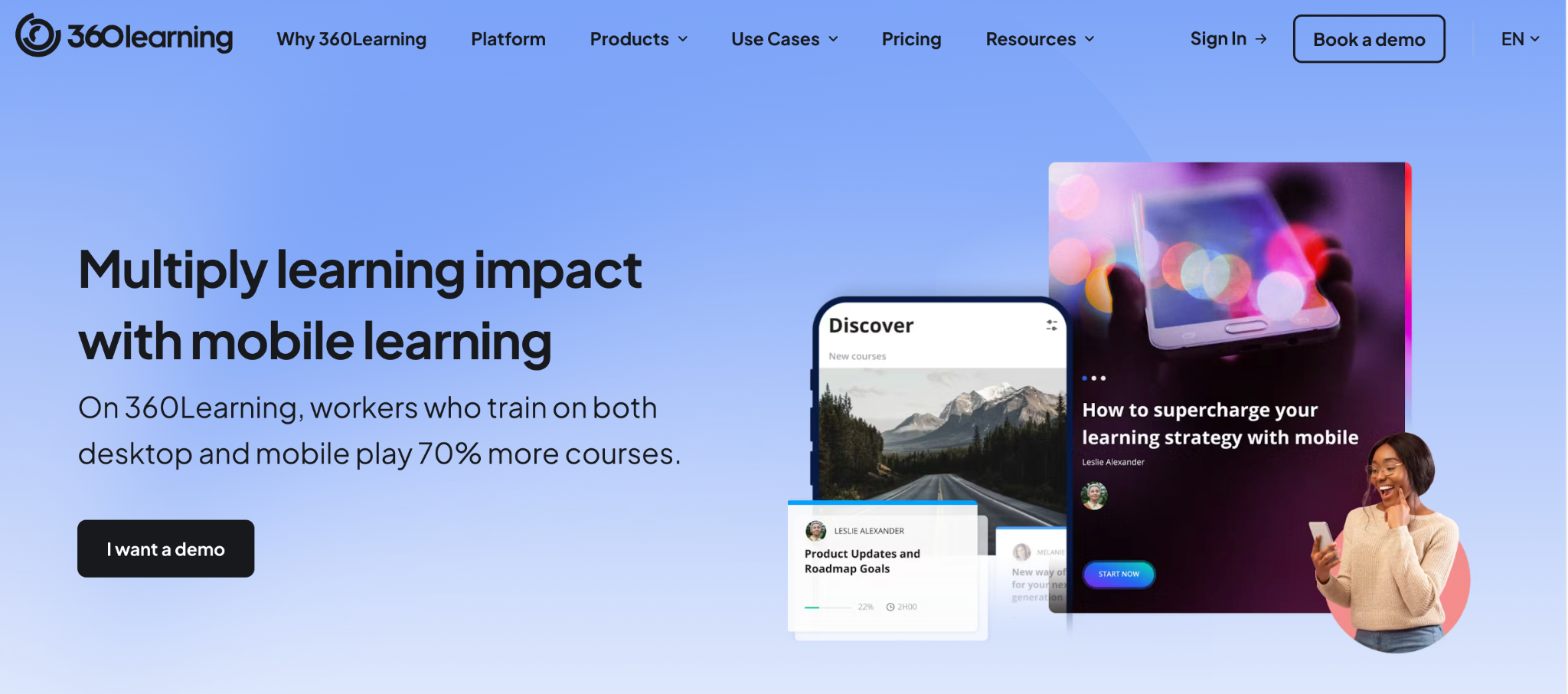
360Learning is a learning platform that helps companies train their employees. It allows subject matter experts within an organization to create courses and share their knowledge with their colleagues.
360Learning mobile app key features:
- Native iOS and Android app with a single catalog. Courses are created once and automatically formatted for any device.
- Offline mode that lets learners download courses and complete them without an internet connection; progress and statistics sync automatically when they reconnect.
- Push notifications and modern UI to keep learners engaged with reminders about new content, due dates, and course feedback.
- Gamification and collaboration tools like reactions, discussion forums, and a learning feed to encourage participation and peer-to-peer learning.
- Cross‑platform access so learners can switch between desktop and mobile seamlessly without losing progress.
Adobe Learning Manager
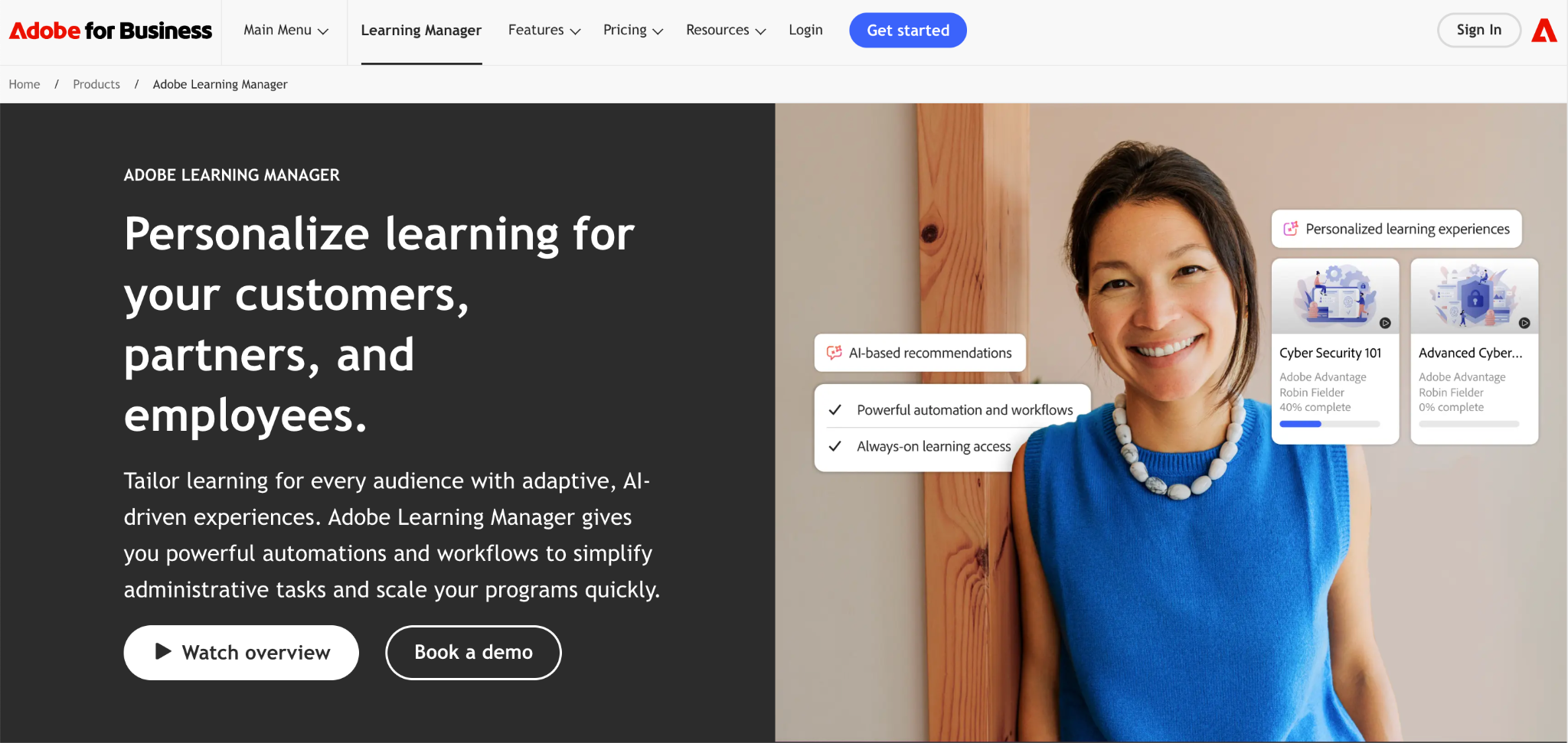
Adobe Learning Manager, formerly known as Captivate Prime, is Adobe’s enterprise-focused learning platform. It is designed to deliver engaging training across an organization’s workforce, partners, and customers.
Adobe Learning Manager combines robust reporting and AI-driven content recommendations with seamless integration into the wider Adobe ecosystem.
Adobe Learning Manager mobile app key features:
- Seamless cross-device learning: Learners can switch between desktop and mobile without losing their place, ensuring continuity in their training.
- Offline course access: Users can download content to their mobile devices and complete it offline; progress syncs automatically when they reconnect.
- Bookmarks and quick access: The app lets learners bookmark favorite courses or modules for quick retrieval.
- Push notifications and targeted announcements: Administrators can send notifications, reminders, and announcements directly to learners’ phones to keep them informed about new courses and assignments.
- QR code enrollment: Learners can enrol in new content with a simple QR code scan, making it easy to join training programs from their devices.
iSpring Learn
iSpring Learn is a corporate learning management system from iSpring Solutions designed for quick deployment and ease of use. It integrates tightly with the iSpring Suite authoring tool, making it simple to create interactive courses and deploy them within minutes.
iSpring Learn mobile app key features:
- Offline learning: Employees can download courses to their devices and complete them without an internet connection; progress automatically syncs when they reconnect.
- Push notifications & reminders: The app sends notifications for new training, deadlines, achievements, and other updates, helping employees stay on track.
- Gamification & achievements: Learners earn badges and points for completing modules, boosting engagement and motivation.
- Real‑time reporting: Managers can see up‑to‑date training progress and completion data via the app.
Docebo
Docebo is an enterprise-grade learning management system (LMS) designed to support formal training, social learning, and extended enterprise programs. It leverages AI to recommend content and personalize learning paths.
Docebo mobile app key features:
- Offline learning: Learners can download training materials and complete them offline; progress automatically syncs back when they reconnect.
- Custom-branded app: Organizations can white-label the app with their own logo and colors for a consistent brand experience.
- Push notifications: The app sends reminders and alerts about new content, deadlines, and announcements.
- Gamification and modern UX: Docebo’s mobile app includes gamified elements like leaderboards and badges, wrapped in a modern, mobile-first user interface.
- Biometric login: Supports fingerprint or face recognition for quick, secure access.
Klasio
Klasio is an AI‑powered course builder and learning management platform aimed at course creators. Every Klasio account includes a free student mobile app for iOS and Android, and organisations can upgrade to a fully branded app.
Klasio key mobile app features:
- White‑label mobile app: Klasio’s mobile app is available on the App Store and Google Play. Creators can get a fully branded app with their own icon, colours, and name.
- Course participation on the go: The Klasio Student app allows learners to view course content, watch videos, take quizzes, submit assignments, and attend live sessions.
- Offline access for digital downloads and webinars: General course content cannot be accessed offline, but students can download digital content or recorded webinars for offline viewing.
- Push notifications: Klasio’s mobile apps deliver push notifications, course drops, and limited‑time offers, giving course owners a direct line to their audience.
- Device management: Klasio’s authentication settings let administrators control how many devices or sessions a student can use, monitor active devices, and force logout sessions.
- Video DRM Protection: Klasio embeds Digital Rights Management (DRM) technology within its mobile applications to secure course videos. This prevents unauthorized downloading, screen recording, and sharing of video content.
Moodle
Moodle is a widely used open‑source learning management system that powers thousands of academic and corporate training environments around the world. Its modular design and large developer community make it highly customizable, allowing institutions to tailor courses, activities, and integrations to suit their unique needs.
Moodle mobile app key features:
- Offline learning: Students can download course content and continue studying without an internet connection; changes sync when they reconnect.
- Push notifications: The app sends alerts for assignment deadlines, new messages, forum posts, and grade updates, helping learners stay organized.
- QR code login & seamless device switching: Learners can log in by scanning a QR code and easily switch between desktop and mobile devices without losing their place.
- Custom branding and privacy: Institutions can customise the app’s look and feel to match their brand, while administrators maintain control over data and analytics.
- Cross‑platform support: Available on both iOS and Android, the app provides access to activities, resources, and collaboration tools on the go.
LearnWorlds
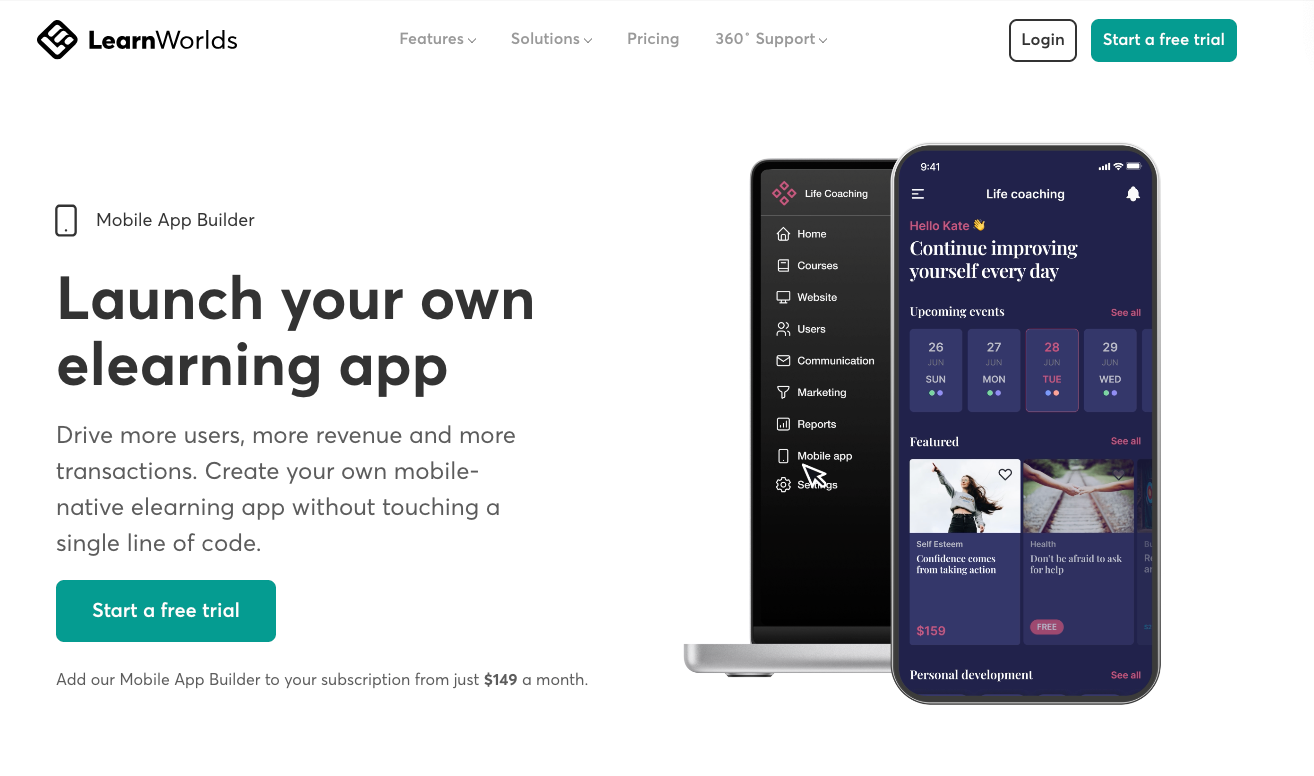
LearnWorlds is a white‑label LMS that allows course creators and businesses to build branded online academies. Its mobile app builder provides a custom, white‑label mobile app for iOS and Android.
LearnWorlds key mobile‑app features:
- Offline video mode: Administrators can enable Offline Video Mode so learners can stream or download course videos and watch them without internet connectivity.
- Learning reminders: The app lets learners set daily or weekly reminders to build a study habit. Students select the days and times they want to receive notifications, and administrators can customise the message.
- Biometric authentication: Learners can log into the mobile app using Face ID or fingerprint. Biometric authentication simplifies sign‑in and enhances security.
- Guest user flow: Prospective customers can browse the app as guests before creating an account. Admins can enable this feature to reduce friction and encourage conversions.
- Powerful integrations and analytics: LearnWorlds’ mobile app integrates with Firebase and Facebook Business SDKs to track events such as logins, course visits, reminders, and video downloads.
Litmos
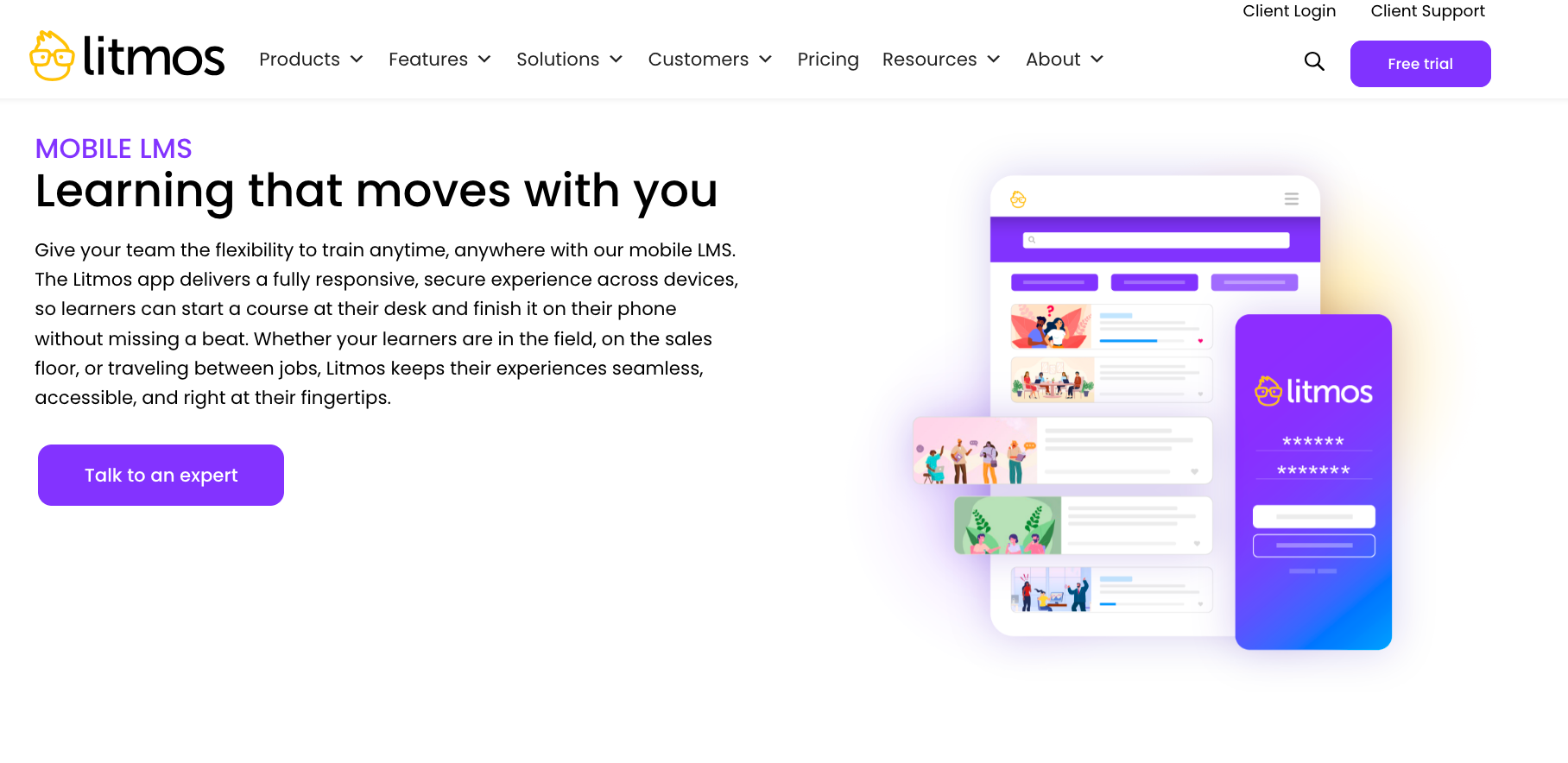
Litmos is known for its simplicity and rapid deployment. It offers a large library of ready-made compliance and soft‑skills courses in addition to tools for creating custom content.
Litmos mobile app key features:
- Cross‑device continuity: Learners can start training on a laptop and pick up where they left off on their mobile devices without losing progress.
- Offline access: Users can download courses and complete them without an internet connection; progress automatically syncs when reconnected.
- Push notifications: The app sends reminders to keep learners on track when courses are due soon or overdue.
- Biometric login: Supports Touch/Face ID for secure and convenient access on iOS and Android devices.
- Microlearning and gamification: Short learning modules, badges, and leaderboards encourage engagement and make training more digestible.
Absorb LMS
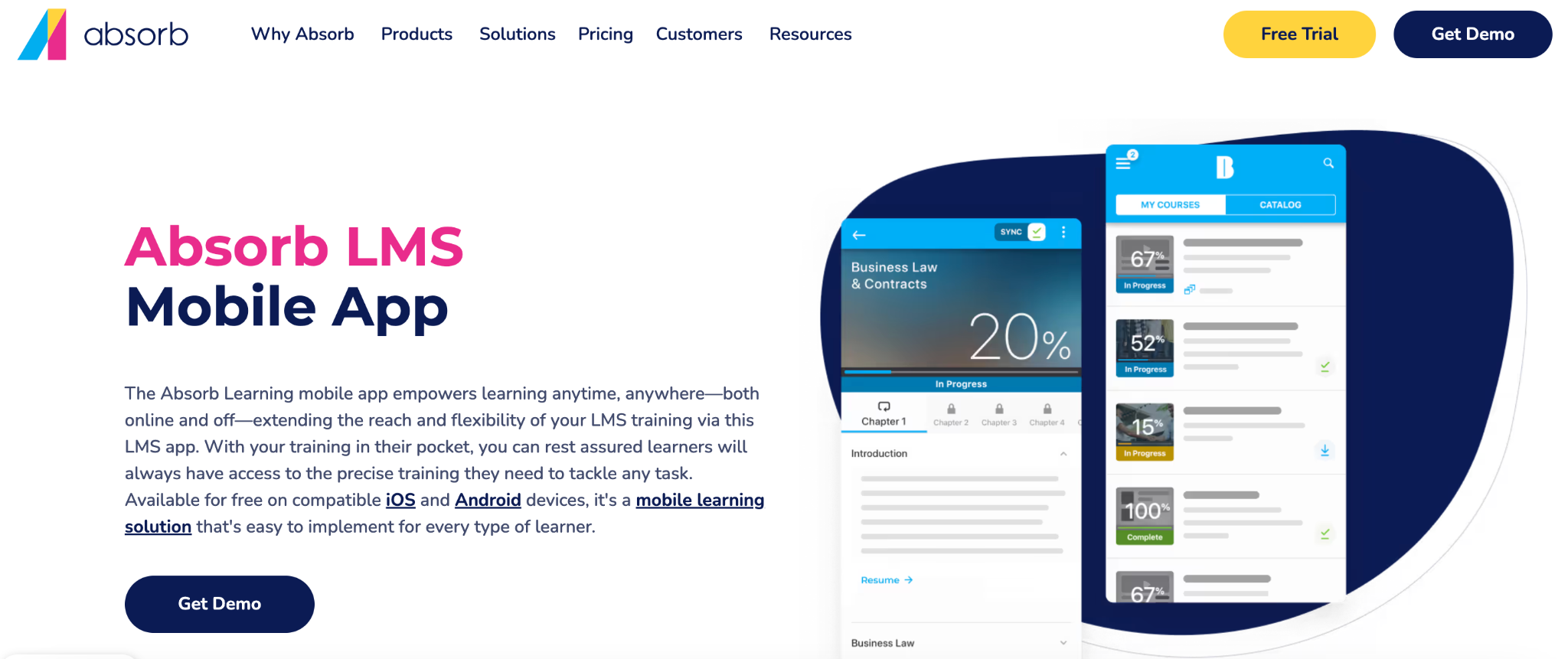
Absorb LMS is a cloud-based learning management system that uses AI to help with training for medium to large businesses. It serves both employees and outside groups like customers and partners. The system focuses on “Smart Administration” with AI tools, strong branding options, and a clear, easy-to-use experience for learners.
Absorb LMS mobile app key features:
- Offline learning: Learners can download diverse course content, including SCORM, xAPI, MP4 videos, PDFs, and Microsoft Office files.
- Push notifications: The app delivers timely push notifications for new course enrollments, important updates, and messages.
- Single Sign-On (SSO): Absorb LMS supports Service Provider Initiated SAML SSO, facilitating quick and secure login.
- Custom branding: The mobile app dynamically adopts the organization’s branding, including colors and logos, directly from the “Department Template” configured within the LMS.
- Broad content support: The application is compatible with a wide array of content types, from interactive SCORM and xAPI packages to videos and assessments.
- Automated administration: While administrators manage rules from the web portal, the system’s automatic enrollment rules ensure learners are assigned the correct training without manual intervention.
Schoology
Schoology is a K–12 and higher education LMS by PowerSchool. Its mobile apps for iOS and Android provide learners, teachers, and parents with access to courses, assignments, and communications on the go.
Schoology key mobile‑app features:
- Quick Posts: The Android mobile app lets teachers use the Quick Post tool to create updates, assignments, discussions, and events directly from the home screen.
- Offline learning: Students can download course materials (including files and attachments) for offline access. The materials are review‑only (students cannot submit work while offline) and sync back when the user reconnects; downloaded items can be manually removed.
- Push notifications & SMS: Users can receive alerts for assignment deadlines, new messages, forum posts, and grade updates via app notifications or optional text messages; notification preferences can be managed in the settings.
- QR‑code login and multi‑device switching: Students can log in by scanning a QR code and easily switch between desktop and mobile devices without losing their place.
- Parental view: Parents can monitor their children’s courses, grades, and overdue assignments via the My Children tab and receive notifications about student activity
Canvas
Canvas is a popular learning management system used by schools, universities, and businesses to manage courses and training. It is known for being easy to use and flexible, allowing teachers to create lessons, track progress, and communicate with students in one place.
Canvas key mobile‑app features:
- Offline content: Students can download select course content and access it offline.
- Push notifications & personalisation: Learners receive push notifications for due dates, new grades, and announcements, and can customise which alerts they receive. The app supports dark mode and allows users to reorder courses and dashboard cards.
- Teacher tools: The Canvas Teacher app provides grading tools, assignment creation, messaging, and course management.
SC Training
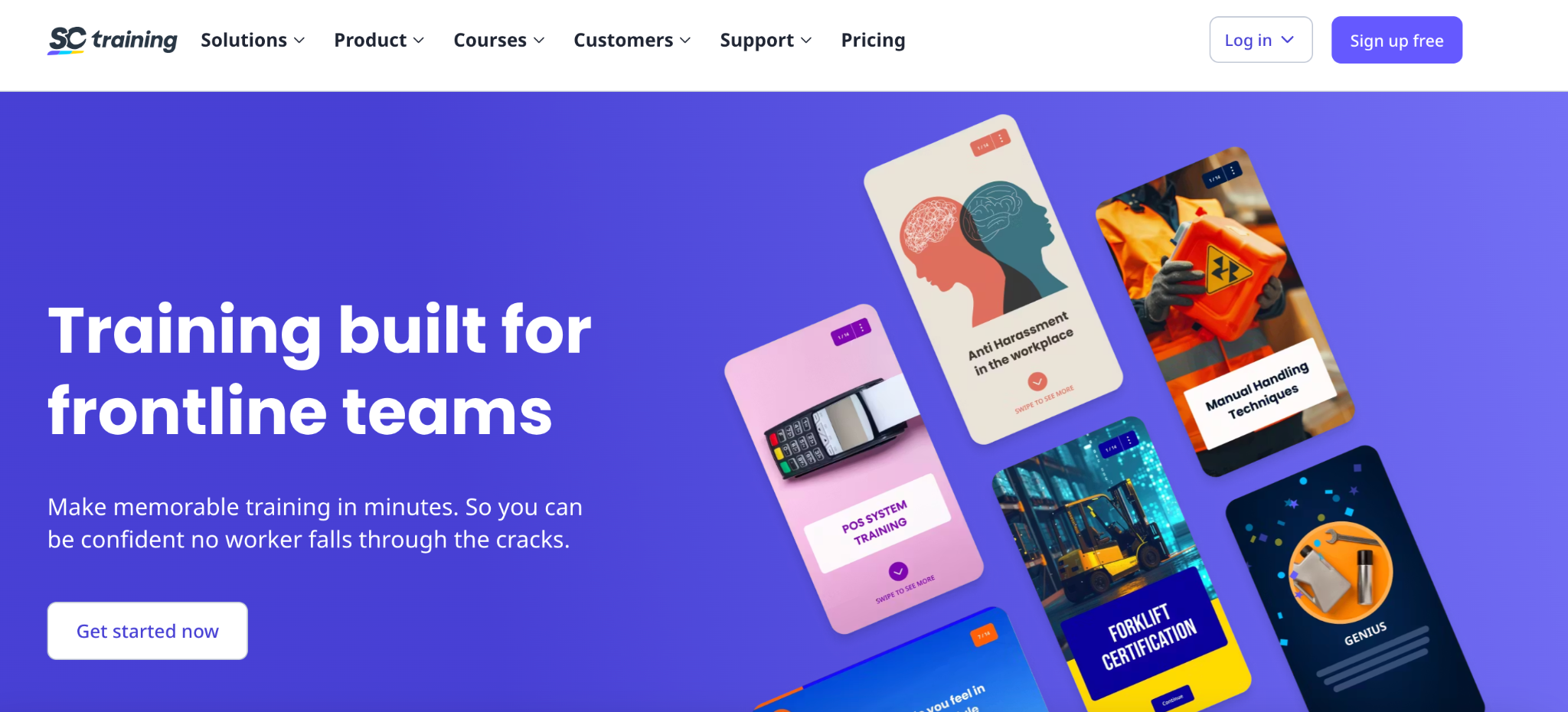
SC Training is a micro‑learning platform designed for corporate training. Its mobile‑first design delivers bite‑sized lessons to learners worldwide.
SC Training key mobile‑app features:
- Gamification: SC Training uses native smartphone gestures such as swipes, drag‑and‑drop, and matching to make training feel like a game. Learners earn stars and prizes for engagement.
- Peer and social learning: Learners can share ideas via text, images or video and engage in discussions.
- Spaced repetition and quizzes: The Brain Boost tool uses spaced‑repetition to reinforce knowledge, while the Rapid Refresh quiz maker allows administrators to create quick quizzes.
- Practical assessments: Trainers can set up practical assessments to verify hands‑on skills.
Blackboard Learn
Blackboard Learn is a long-standing learning management system that helps schools and businesses deliver online courses and track how students are doing. It is known for being flexible and working well with many different teaching styles.
Blackboard Learn key mobile‑app features:
- Activity stream and notifications: The default landing page is an Activity Stream that displays up‑to‑the‑minute announcements, upcoming tests and assignments, changes to due dates, and newly posted grades. Users can customise push notifications for announcements, tests, due dates, new content, and grades.
- Calendar and messaging: A built‑in calendar shows due dates and events. The Global Messages page allows users to send and respond to course messages.
- Offline content (limited): The app includes settings for downloading content for offline viewing, although support depends on course type, and some tools open in an in‑app browser.
- Face ID/Touch ID: Users can enable Face ID or Touch ID for quicker login via mobile settings.
CYPHER Learning
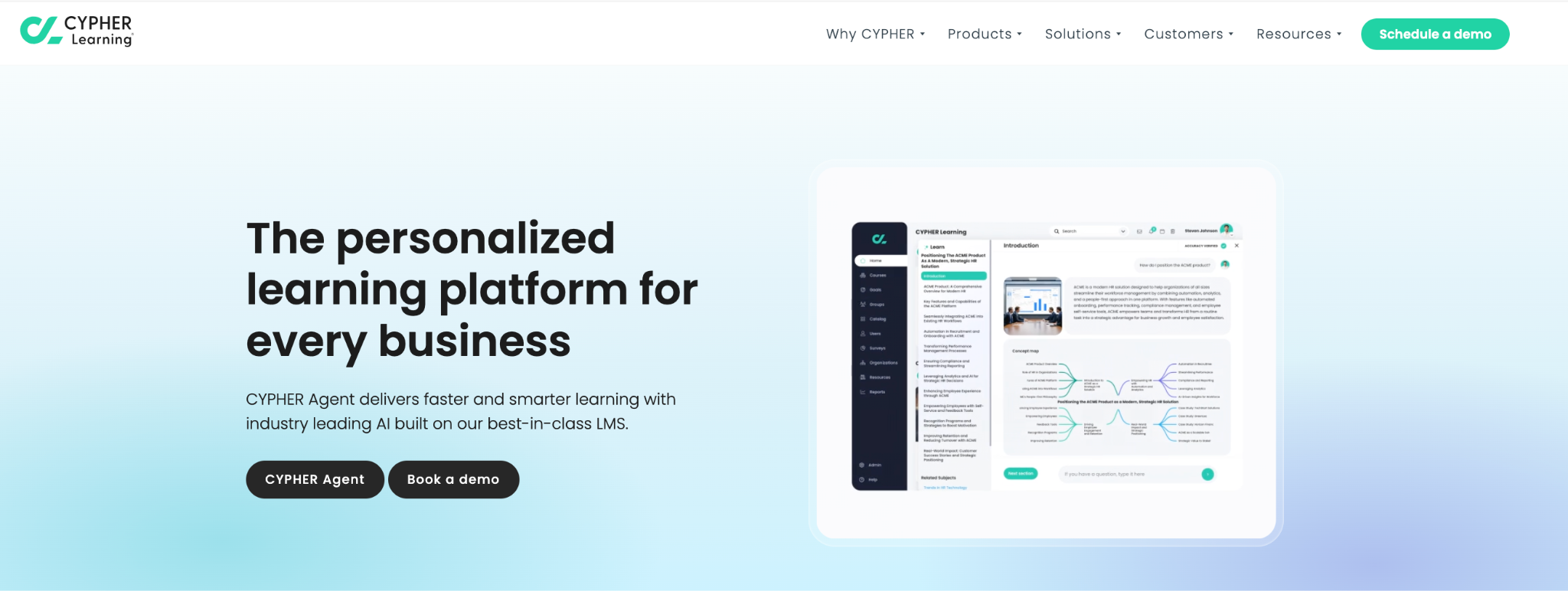
CYPHER Learning provides an AI‑powered LMS for business and academia. Its redesigned mobile app (2025) delivers the full platform experience on iOS and Android.
CYPHER Learning key mobile‑app features:
- Collaboration and gamification: Users participate in discussions, communities, and events and earn points, badges, and rewards for engagement.
- Manager and instructor tools: Managers can monitor learner activity, assign courses, track completion, send messages and announcements, review submissions, and track compliance.
- Offline mode and branded apps: CYPHER’s mobile apps include an offline mode so users can engage with the platform without an internet connection. Organisations can create branded mobile apps with custom logos to reinforce their identity.
Bridge LMS
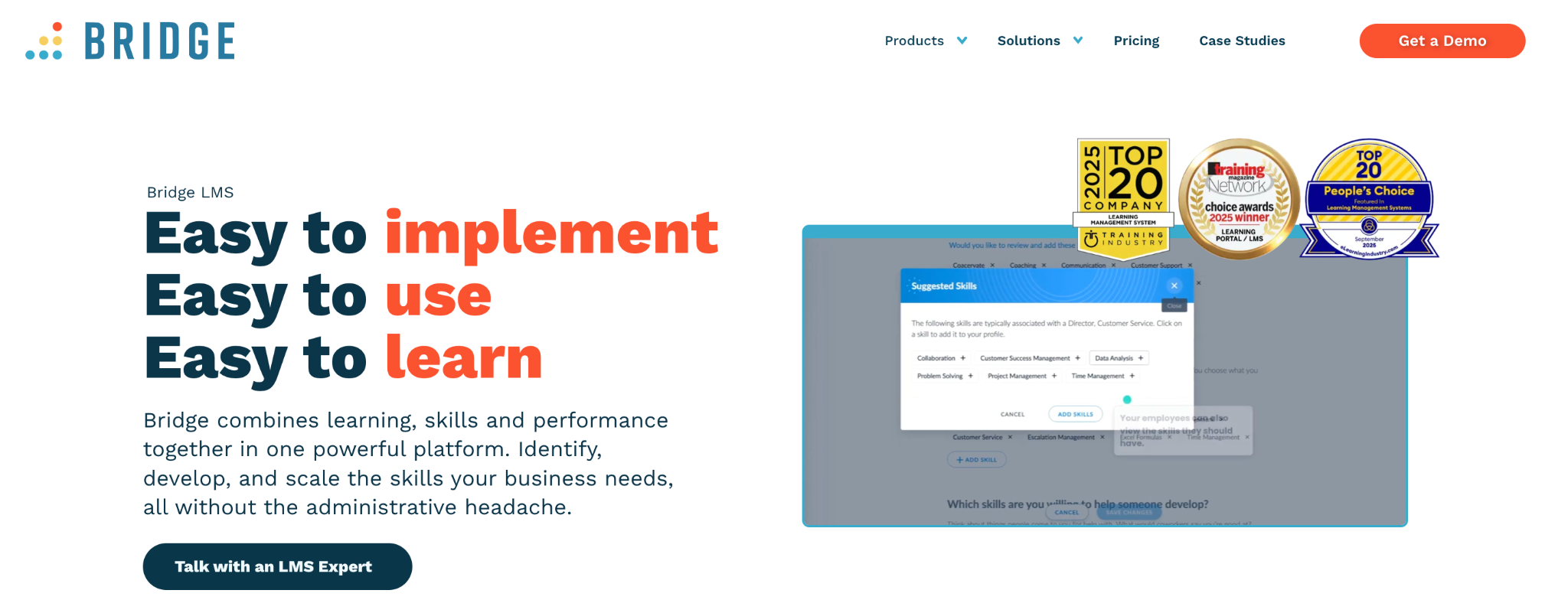
Bridge is a corporate LMS focused on employee development. Its mobile app extends learning and performance tools to deskless workers and managers.
Bridge LMS key mobile‑app features:
- Offline learning: Learners can download SCORM courses for offline access via the app. Downloaded content syncs automatically when the device reconnects. Employees without Wi‑Fi can continue training.
- Push notifications: The app sends push‑notification reminders for assigned and overdue courses, reducing the need for email reminders. Users can manage notification settings and data usage.
- 1‑on‑1 agendas and collaboration: Employees and managers can create, view, and manage 1‑on‑1 agendas from mobile, adding notes, tasks, and achievements. The app also supports directory search, viewing user profiles, and adding skills.
- Learning items and analytics: Learners can view upcoming, added, completed, and recommended training items, launch courses, access certificates, and download SCORM content. Managers can view analytics such as completion rates, overdue learners, and program health from the mobile dashboard.
- Custom branding and accessibility: Organisations can brand the app with their logo and colours. The app meets WCAG AA accessibility standards and offers light/dark mode and high‑contrast options.
Cornerstone OnDemand
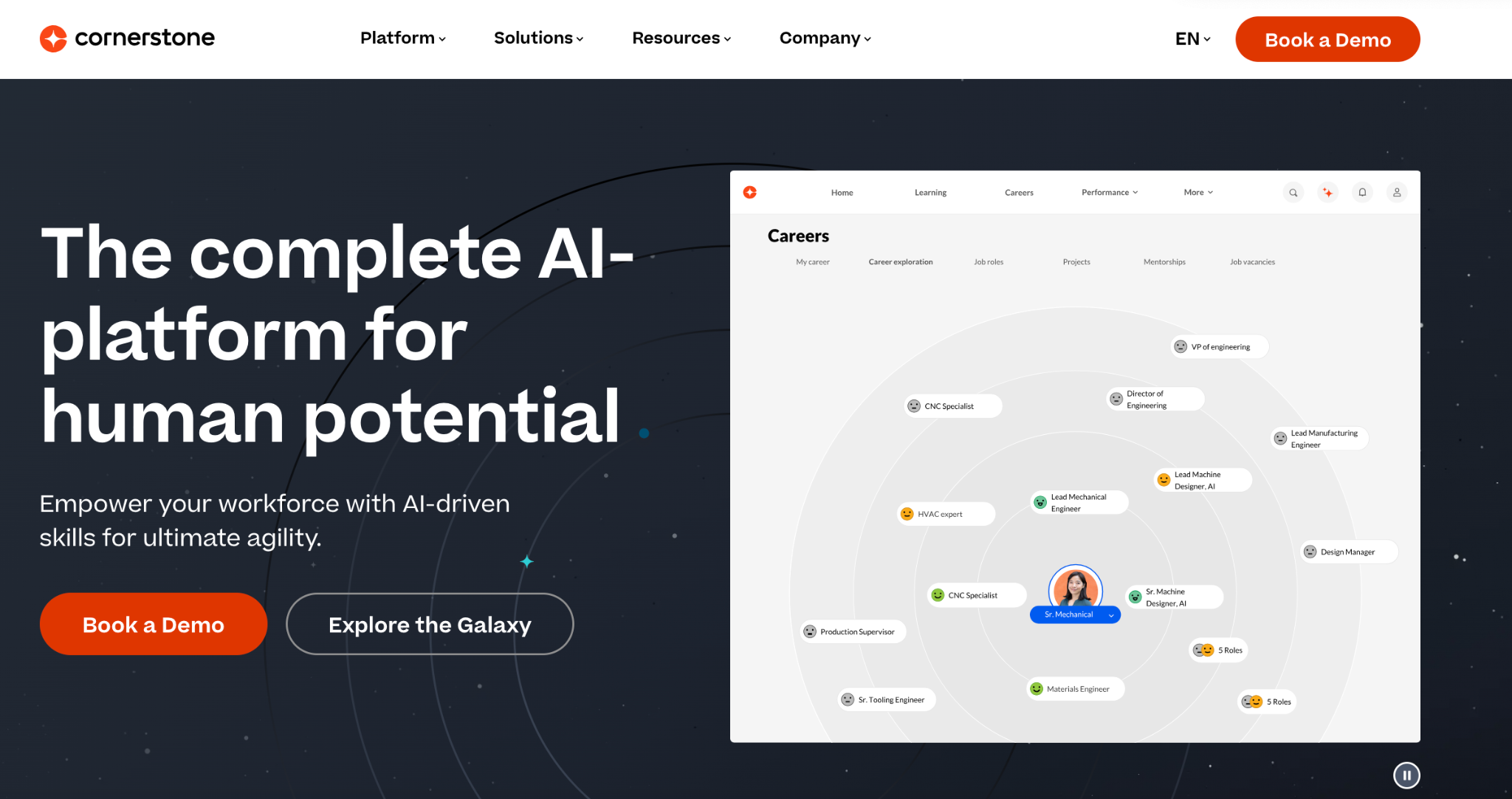
Cornerstone Galaxy is Cornerstone’s unified mobile app designed for workforce agility, combining learning, performance, and talent features.
Cornerstone Galaxy key mobile‑app features:
- Offline downloads: The app allows users to download learning content and observation checklists for offline access.
- Smarter learning notifications: A notification centre provides nudges and push notifications that remind learners about assignments and help managers track progress.
- Personalised recommendations and talent marketplace: Learners can complete required training, browse courses, and receive recommendations based on interests, job role, or career.
- Multi‑user login & secure access: The Galaxy app supports multi‑user login on shared devices, with biometric and multi‑factor authentication to secure access.
- Manager tools and analytics: Managers can approve training requests, track employee progress with real‑time insights, and automate checklist tracking.
- Role‑specific content and AI‑curated learning: The Cornerstone Galaxy app delivers role‑specific content and personalised learning paths, aligning with the broader Galaxy platform’s AI‑powered workforce development.
How to Choose the Best Mobile-Friendly LMS Platform
Choosing a mobile-friendly LMS is no longer optional. Today’s learners expect effortless access to courses from their smartphones and tablets.
Whether you’re serving students, employees, or customers, the right mobile experience can directly impact engagement, course completion rates, and satisfaction.
Here’s what to look for when selecting the best mobile-ready LMS.
01. Check if It Has a Real Mobile App
Some LMS platforms say they are mobile-friendly because their websites adjust to smaller screens. That can work, but it is not the same as having a dedicated mobile app.
You should look for:
- A native app for both iOS and Android
- Availability in the App Store and Google Play
- Smooth navigation designed for touch screens
A proper mobile app usually offers better speed, easier navigation, and features like notifications that do not work as well in a browser.
02. Look at Offline Access
Not all learners have a stable internet connection all the time. If your audience includes remote workers or students in areas with limited connectivity, offline access becomes important.
Ask:
- Can learners download videos or materials?
- Does progress sync automatically when they reconnect?
- Are there limits to what can be accessed offline?
- Even partial offline access can make a big difference in course completion rates.
03. Consider Notifications and Reminders
On mobile, reminders matter. Without them, learners may forget about deadlines or new lessons.
You should check whether the LMS supports:
- Push notifications for assignments and updates
- Grade or feedback alerts
- Announcements from instructors
If you sell online courses, you may also want the option to send notifications about new content or offers.
04. Think About Security and Content Protection
If you are sharing paid content, you need to think about how it is protected.
Look for:
- Device login limits
- Session control and monitoring
- Video DRM (Digital Rights Management)
05. Pay Attention to Ease of Use
Mobile screens are smaller, so design matters. The dashboard should be clear, navigation should feel natural, and common actions such as submitting assignments or taking quizzes should not require too many steps.
If possible, test the mobile app yourself to understand how learners will experience it. A simple layout often leads to better engagement.
06. Review Branding Options
Some platforms allow you to customize the mobile app with your own logo, colors, and name, while others provide a shared branded experience. If brand identity is important to your organization, check whether white-label options are available. This can help create a more consistent experience for your learners.
Try Klasio for Free and See the Difference for Yourself
If mobile learning is important to your organization, the next step is to experience it directly. Instead of relying only on feature comparisons, try a platform that is built with mobile access in mind.
Klasio offers a dedicated student mobile app, offline access for supported content, push notifications, device management controls, and video DRM protection within its app to help secure your course materials.




Leave a Reply