
Running a small business means you’re already wearing multiple hats. You’re managing operations, handling clients, and somewhere in between, you’re also responsible for making sure your team actually knows what they’re doing.
That’s where things get complicated.
You know your people need structured learning. But most LMS platforms you’ve looked at are either built for enterprise teams with six-figure budgets. Or, they’re so bare-bones that you’d be stitching together workarounds from day one.
If you’ve been through that cycle, you already understand the problem. That’s why we have compiled a list of the best LMS platforms for small businesses, so you don’t have to.
TL;DR
- The best LMS for small businesses looking for simplicity and an all-in-one setup is Klasio. Built for creators and educators who want to launch without a steep learning curve.
- TalentLMS is your best bet for employee training and corporate onboarding, especially if you need multi-branch management.
- iSpring Learn works well if your team is already producing SCORM-based content and needs a straightforward delivery system to go with it.
- Moodle is the go-to if you need full control over your platform and have the technical resources to manage a self-hosted environment.
- LifterLMS is worth considering if you’re running your academy on WordPress and want to keep everything within that ecosystem.
Klasio
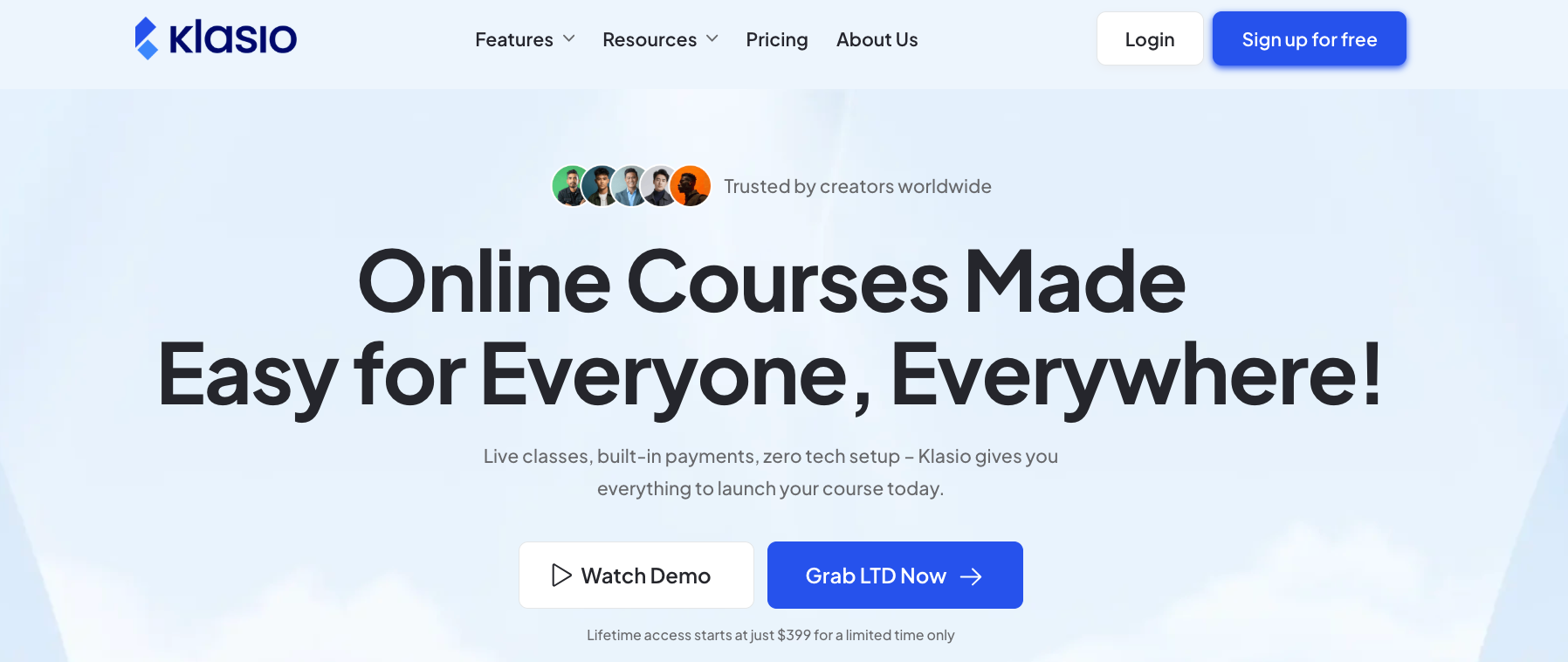
If you’re looking for a way to get your course content online without a steep learning curve, Klasio is a solid place to start. It’s designed to be an easy-to-use platform for hosting lessons, running live classes, and managing your students or customers without a dedicated IT team. The interface is clean and focuses on getting your academy live quickly, which is often the biggest hurdle for small business owners.
Key Features
- Page Builder: Drag-and-drop page builder that helps you build your course website as you want.
- AI Assistant: Helps with the initial course design and content generation, which can save you a lot of time during the setup phase.
- Live Classes & Webinars: Built-in support for live sessions and webinars, making it easier to interact with your team or customers in real-time.
- Student Mobile App: Provides a dedicated free mobile app for your learners, so they can access your content on the go.
- Assessment Tools: Includes quizzes, assignments, and course certificates to track progress and validate learning.
- Integrated Payments: Supports Stripe, PayPal, and several other gateways if you plan to sell your courses or digital products.
- Multilingual: Klasio offers multilingual options for both the web app and website, so you can set it up in your local language.
Who It’s For
Klasio is specifically built for small businesses that need a “zero tech setup” experience for both internal and external purposes. It’s a great fit for:
- Customer Onboarding & Education: Software companies or service providers that need to educate their customers on how to use their products effectively.
- Professional Services & Agencies: If you need to onboard new clients or train them on your specific processes through a professional-looking academy.
- Coaching & Consulting Businesses: For those who want to start with one-on-one sessions and scale into online courses or hybrid programs with live webinars.
- Internal Training for Small Teams: Companies that need a simple way to host SOPs, employee handbooks, and mandatory training without the complexity of enterprise-level software.
- Monetizing Expertise: Content creators and small business owners looking to sell their knowledge through courses, digital downloads, or coaching packages.
Pricing
Klasio offers both monthly subscriptions and lifetime deals, which can be a great way to manage long-term costs.
| Plan | Monthly Price | Lifetime Price | Key Limits |
| Free | $0 | — | 1 Course, 50 Students |
| Starter | $49 | $399 | 25 Courses, 2,500 Students |
| Growth | $79 | $699 | 250 Courses, 10,000 Students |
| Business | $149 | $999 | Unlimited Courses, Unlimited Students |

TalentLMS
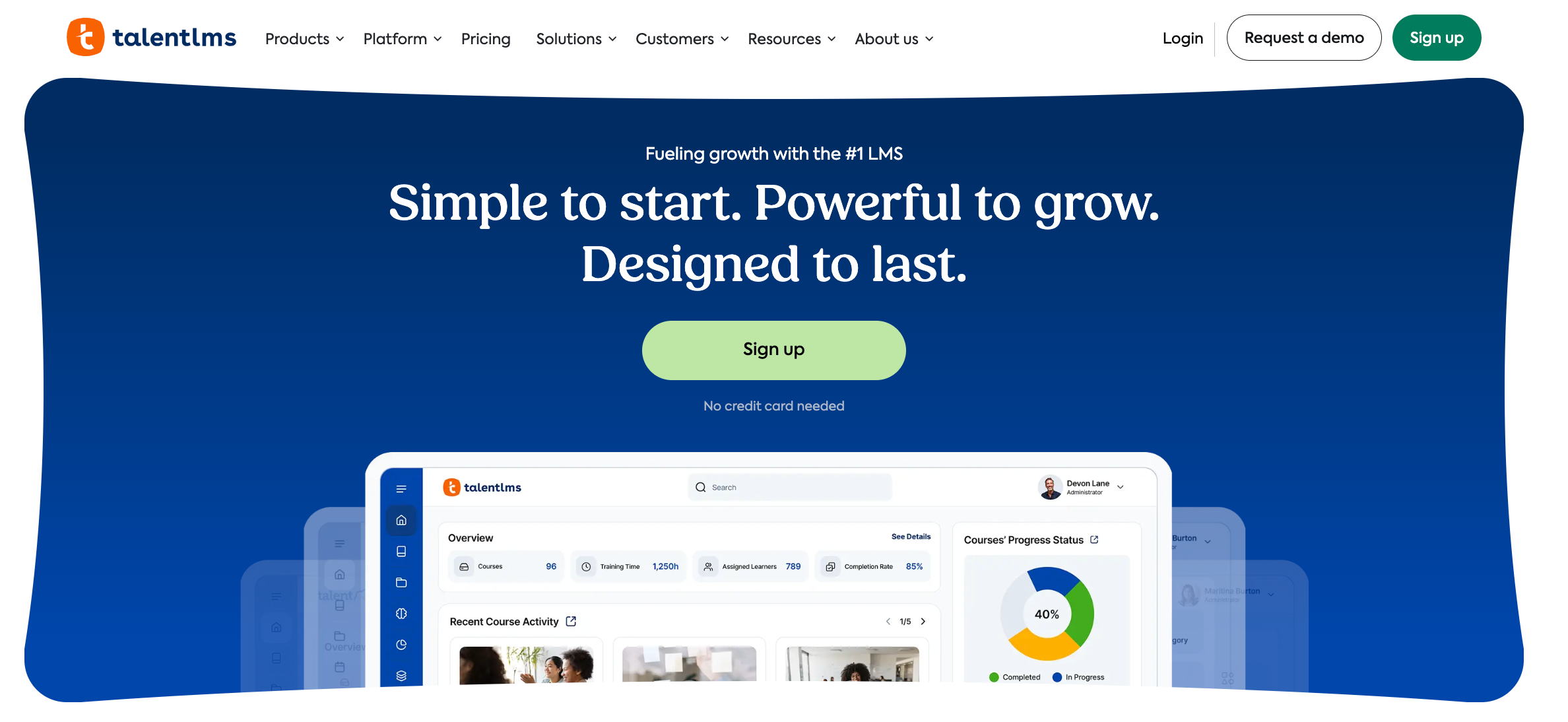
If you’re looking for a platform that can grow alongside your business, TalentLMS is a very popular choice. It doesn’t overwhelm you with complex settings right away, but it has the depth to handle more advanced training needs as you scale. It’s particularly strong if you want to mix your own custom content with ready-made courses.
Key Features
- AI Content Creator (TalentCraft): A built-in tool that helps you turn basic ideas into full courses, flashcards, and visuals quickly. It even has an AI coach to guide learners.
- TalentLibrary: An optional add-on that gives you access to over 1,000 ready-made courses on common business topics like soft skills, compliance, and safety.
- Gamification: You can easily add badges, points, levels, and leaderboards to your training to keep people motivated.
- Blended Learning: Supports a mix of self-paced online courses and live, instructor-led sessions (via Zoom, Microsoft Teams, etc.).
- Mobile App: A native app for iOS and Android that allows learners to access content offline, which is great for teams that aren’t always at a desk.
- Branches: This allows you to create separate, branded training environments for different departments, partners, or client groups, all managed from one main account.
Who It’s For
TalentLMS is highly versatile, making it a good fit for several small business scenarios:
- Growing Startups: The “Free” and “Starter” plans allow you to begin small and upgrade as your headcount increases.
- Compliance-Heavy Industries: If your business needs to track mandatory certifications or safety training, the automated reporting and expiration alerts are very helpful.
- Franchises & Multi-Department Businesses: The “Branches” feature is perfect if you need to provide unique, branded portals for different locations or teams while keeping oversight at the top.
- Sales & Partner Training: It’s a solid choice for companies that need to train external partners or distributors on their products and brand standards.
Pricing
TalentLMS uses a “Standard” pricing model based on the total number of registered users. They also offer “Active” plans (Flex) if you have a large database but only a few people logging in each month.
| Plan | Monthly Price (Billed Annually) | Users |
| Free | $0 | 5 Users |
| Starter | $69 | 40 Users |
| Basic | $149 | 100 Users |
| Plus | $279 | 500 Users |
| Premium | $459 | 1,000 Users |
iSpring Learn
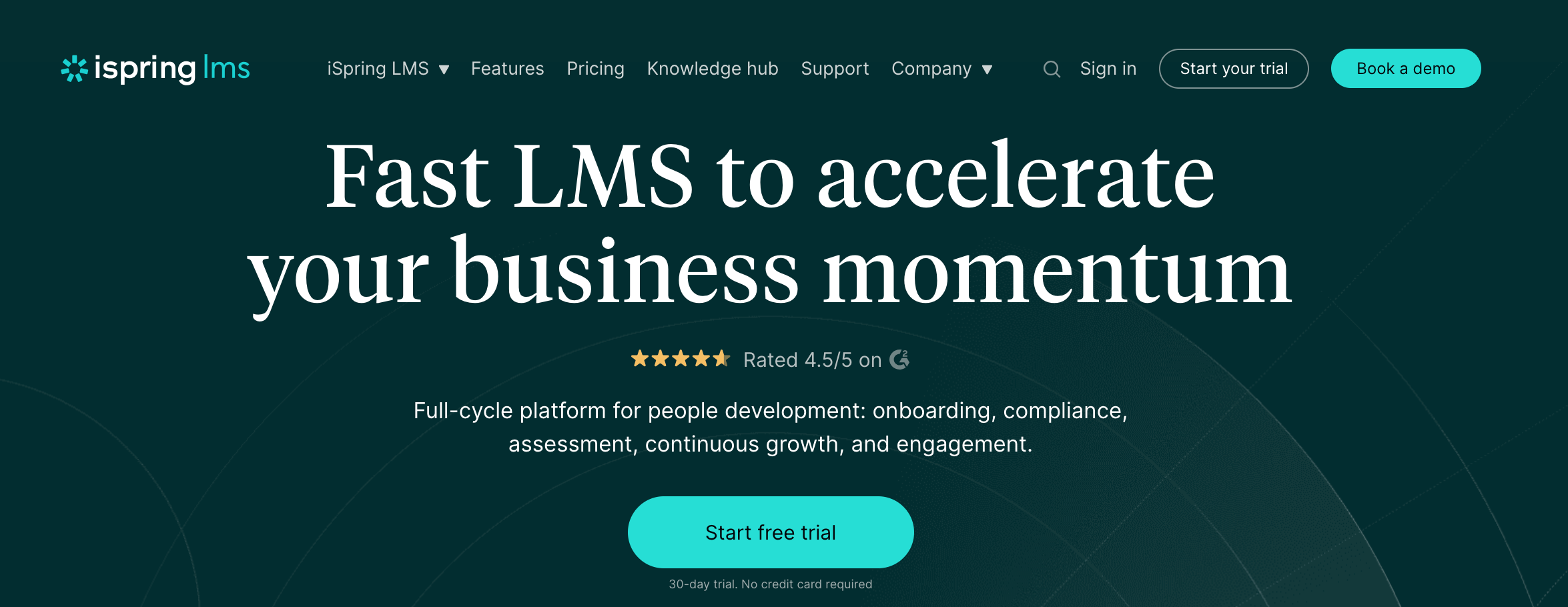
If your small business already relies heavily on PowerPoint for presentations and training, iSpring Learn might be the most natural fit for you. It’s a corporate-grade LMS that feels very familiar because it integrates directly with PowerPoint.
Key Features
- PowerPoint Integration: You can turn your existing PPT presentations into interactive e-learning courses (SCORM format) without needing to learn a new design tool.
- iSpring Suite AI: A powerful authoring tool that helps you generate course text, create quizzes, and even produce role-play simulations to practice sales or customer service conversations.
- 360-Degree Feedback: A built-in tool for performance reviews that helps you gather competency-based feedback from peers, managers, and direct reports.
- On-the-Job Training: Includes a structured way to track practical, real-world tasks and checklists, which is great for businesses with “hands-on” roles.
- Corporate Portal: Beyond just courses, it acts as a mini-intranet with a newsfeed, organizational chart, and event announcements to keep your team connected.
- Mobile App with Offline Mode: Learners can download courses to their phones and complete them without an internet connection—perfect for field staff or commuters.
Who It’s For
- Sales & Customer Service Teams: The role-play simulations are excellent for training staff on how to handle specific client scenarios or objections.
- Manufacturing & Field Services: If your team is often on-site or away from a desk, the offline mobile access and “on-the-job” checklists are game-changers.
- HR-Focused Small Businesses: Companies that want to combine training with performance management will appreciate the 360-degree feedback and competency tracking.
- Rapid Growth Companies: If you need to onboard dozens of new hires quickly, the automated learning tracks and “set-and-forget” assignments save a massive amount of admin time.
Pricing
iSpring Learn uses a “pay-per-active-user” model. This means you can have an unlimited number of people registered in the system, but you only pay for the ones who actually log in and learn each month.
| Plan | Price (Billed Annually) | Users |
| Start | ~$4/user/mo | Up to 50 |
| Business | ~$3.14/user/mo | Up to 100 |
| Enterprise | Custom | 300+ |
Moodle
Moodle is the world’s most widely used open-source LMS. It offers a superior level of flexibility that few other platforms can match.
For a small business, it presents two main paths: you can either download the software for free and host it on your own servers (giving you total control), or you can use MoodleCloud, their hosted “plug-and-play” version that removes the technical headache of server management.
Key Features
- Modular Design: You can customize the interface and functionality using thousands of community-developed plugins (though this is limited on the MoodleCloud version).
- Moodle App Premium: All MoodleCloud plans include the premium version of their mobile app, allowing learners to access courses, receive notifications, and submit assignments from their phones.
- Advanced Assessment: Beyond simple quizzes, Moodle supports complex grading scales, peer assessment workshops, and detailed competency tracking.
- Multilingual Support: The platform is available in over 100 languages, making it a top choice for businesses with a global or multilingual workforce.
- H5P Integration: Built-in support for creating interactive content like branching scenarios, interactive videos, and memory games directly within the platform.
Who It’s For
- Technical Teams & Developers: If you have in-house IT talent, the self-hosted version of Moodle is essentially “free” and can be molded into exactly what you need.
- Global Organizations: Its extensive language support and accessibility features make it ideal for training teams across different countries.
Pricing
While the Moodle software itself is free to download, MoodleCloud offers several hosted plans for small businesses. Prices are billed annually.
5app
5app is a learning platform designed for organisations that want learning to become part of everyday work, rather than something employees only access during formal training. Instead of relying on lengthy courses, 5app helps businesses deliver targeted learning, resources, and communications directly within employees’ workflows, making it particularly effective for leadership development, onboarding, sales enablement, and continuous learning initiatives.
Key Features
- AI-powered learning assistant: Helps employees quickly find answers, resources, and relevant learning content when they need it.
- Personalised learning experiences: Delivers tailored content recommendations based on role, interests, and learning behaviour.
- Content aggregation: Brings together learning resources from multiple sources, including videos, articles, documents, and existing LMS content.
- Mobile-first learning: Employees can access learning anytime, anywhere through a dedicated mobile app.
- Advanced analytics: Track engagement, content performance, knowledge retention, and learning impact through detailed reporting dashboards.
- Collaborative learning: Encourage knowledge sharing, discussions, and peer-to-peer learning across teams.
- Integrations and automation: Connect with existing HR, learning and business systems to streamline administration.
Who It’s For
5app is a strong choice for small and growing businesses that want to build a culture of continuous learning without creating unnecessary administrative overhead.
- Leadership development programmes: Deliver leadership resources, coaching content and learning journeys that employees actually engage with.
- Employee onboarding: Help new starters get up to speed quickly with personalised learning pathways and just-in-time support.
- Sales and customer-facing teams: Provide easy access to product knowledge, playbooks and performance support resources.
- Distributed and remote workforces: Ensure employees can access learning and communications wherever they work.
- Organisations moving beyond traditional LMSs: Ideal for businesses looking to improve engagement and make learning more accessible within the flow of work with a full AI-powered learning ecosystem.
Pricing
5app offers custom pricing based on the size and needs of your organisation. Contact the team for a personalised quote and demonstration.
LifterLMS
LifterLMS is a powerful WordPress plugin that transforms any existing website into a full-featured learning hub. Unlike “all-in-one” platforms that host everything for you, this solution is installed directly on your own site, giving you 100% ownership of your data and total control over the design.
While this means you’ll be responsible for your own hosting and maintenance, it eliminates the recurring “per-user” fees common with other systems.
Key Features
- Memberships: Built-in membership functionality that allows you to sell access to groups of courses or create “members-only” areas of your site.
- Engagement Triggers: You can set up automated emails, text messages (via Twilio), and personalized “congratulations” pop-ups based on student actions.
- Advanced Quizzes & Assignments: Supports everything from basic multiple-choice to advanced video-based quizzes and manual assignment uploads for instructor review.
- Social Learning: An add-on that creates a Facebook-like experience within your site, including student profiles, activity walls, and private messaging.
- Vast Integrations: Because it’s WordPress-based, it connects seamlessly with tools like WooCommerce, Mailchimp, and Gravity Forms.
Who It’s For
LifterLMS is the go-to choice for small businesses that want to avoid monthly “per-user” fees and keep everything under one roof:
- WordPress Power Users: If you’re already comfortable managing a WordPress site, adding LifterLMS is a natural next step that won’t require learning a completely new system.
- Membership-Based Businesses: If your business model relies on recurring subscriptions for access to a library of content, the built-in membership engine is a huge advantage.
- Privacy-Conscious Companies: Since you host the data yourself, it’s a solid option for businesses that have strict requirements about where their student or employee data is stored.
Pricing
| Bundle | Annual Price |
| Core Plugin | $0 |
| Earth | $299 |
| Universe | $499 |
| Infinity | $1,499 |
LearnWorlds
LearnWorlds stands out as a premium, all-in-one platform that prioritizes the learning experience through high-end interactive features. It gives you the tools to create a beautiful, branded website and a professional academy.
Key Features
- Interactive Video Editor: You can turn passive videos into active learning experiences by adding synchronized transcripts, overlay images, and interactive questions.
- Built-in Social Network: Every school comes with its own community space where students can interact, share ideas, and build a network without leaving the platform.
- AI Assistant: A sophisticated tool that helps you brainstorm course outlines, generate educational content, and even design quizzes based on your existing lessons.
- Branded Mobile App: For an additional fee, LearnWorlds can build and publish a custom iOS and Android app for your academy, complete with push notifications and offline viewing.
- Advanced Site Builder: Includes hundreds of ready-made templates and a drag-and-drop editor to build your entire marketing website, not just the course pages.
- SCORM & HTML5 Support: Unlike many other course creation platforms, LearnWorlds has excellent support for industry-standard content formats.
Who It’s For
LearnWorlds is a top-tier choice for small businesses that want to provide a “luxury” feel to their training or educational products:
- Professional Training Providers: If you sell high-ticket courses or certifications, the polished look and interactive features justify a premium price point.
- Customer Education Teams: The interactive video and “white-label” branding make it perfect for onboarding customers to complex software or services.
- Corporate L&D for Small Teams: Companies that want a modern, social-first learning environment for their employees will find the built-in community and gamification very effective.
- Mobile-First Academies: If your audience primarily learns on their phones, the option to have your own branded app in the App Store is a massive competitive advantage.
Pricing
LearnWorlds offers several tiers based on the features you need. Note that the “Starter” plan has a small transaction fee per course sale, while higher plans do not.
| Plan | Price (Billed Annually) | Transaction Fee |
| Starter | $24/mo | $5 per sale |
| Pro Trainer | $79/mo | $0 |
| Learning Center | $249/mo | $0 |
| High Volume | Custom | $0 |
Thinkific
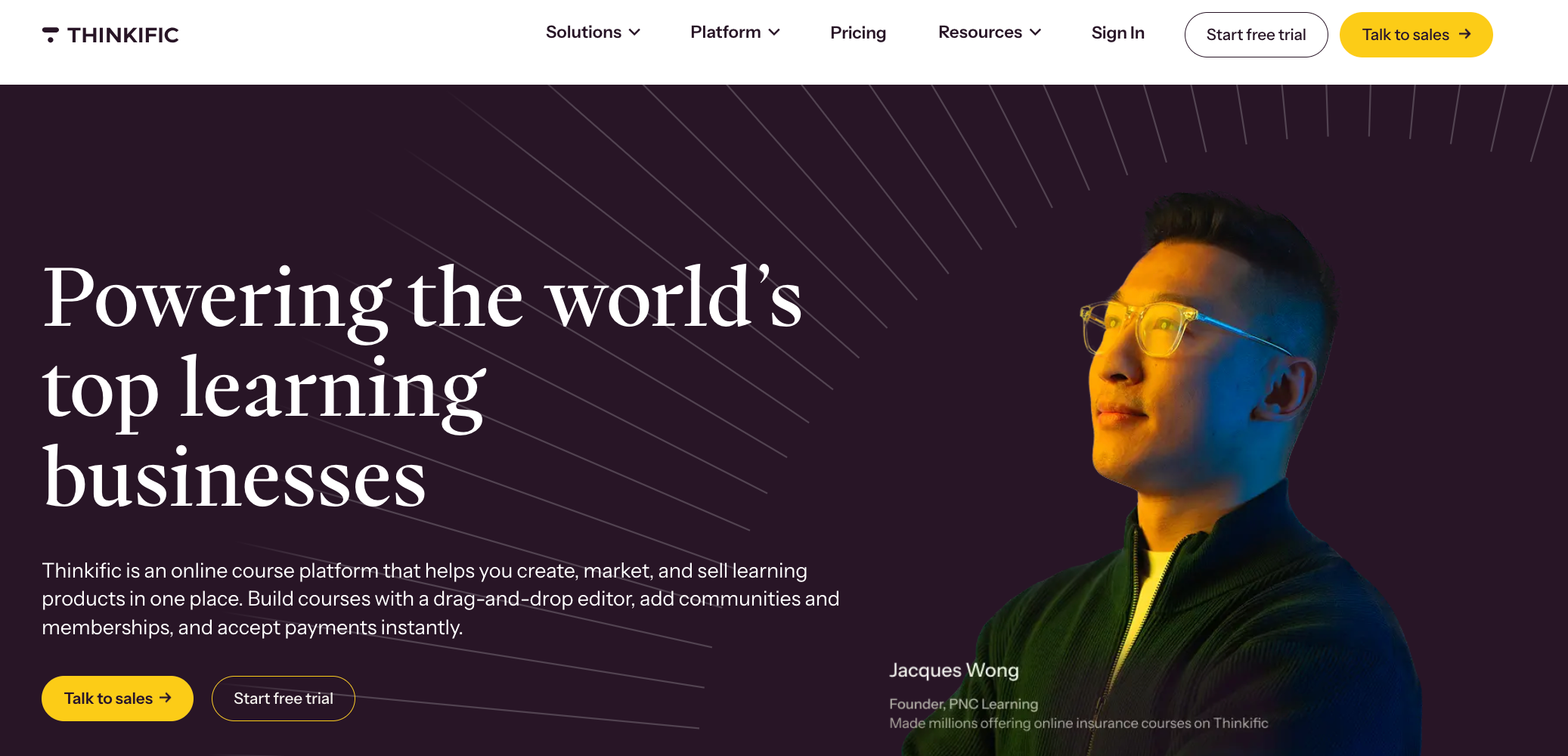
Thinkific is a leading online course platform that balances ease of use with powerful commerce tools. It handles everything from website creation and course delivery to payment processing and student management.
Key Features
- Drag-and-Drop Course Builder: A highly intuitive editor that allows you to build courses, add multimedia content, and create quizzes without any technical skills.
- TCommerce & Thinkific Payments: An integrated payment solution that supports “Buy Now, Pay Later” options, order bumps, and automated sales tax handling.
- Thinkific Communities: Built-in community spaces that allow you to foster engagement and discussion around your courses, reducing the need for external groups like Facebook.
- AI Course Outline Generator: A tool that helps you jumpstart your course creation by generating a structured outline based on your topic and target audience.
- App Store: A dedicated marketplace with over 90 integrations, allowing you to connect with tools like Shopify, Mailchimp, and Zoom to extend your platform’s functionality.
- Custom Branding: Extensive options to customize your site’s look and feel, including the ability to use your own domain and remove Thinkific branding on higher plans.
Who It’s For
Thinkific is an excellent choice for small businesses that want a professional, scalable platform with a strong focus on sales:
- Subject Matter Experts: Consultants, speakers, and authors who want to package their knowledge into a scalable digital product.
- Professional Training Academies: Businesses that need a robust system to manage a high volume of students and multiple instructors.
- B2B Training Providers: Companies that sell training packages to other businesses will appreciate the “Group Orders” and “Bulk Licenses” features.
- Customer Education Teams: Its reliability and professional appearance make it a solid choice for companies looking to reduce churn through better customer onboarding.
Pricing
| Plan | Monthly Price (Billed Annually) |
| Basic | $36/mo |
| Start | $74/mo |
| Grow | $149/mo |
| Plus | Custom |
Teachable
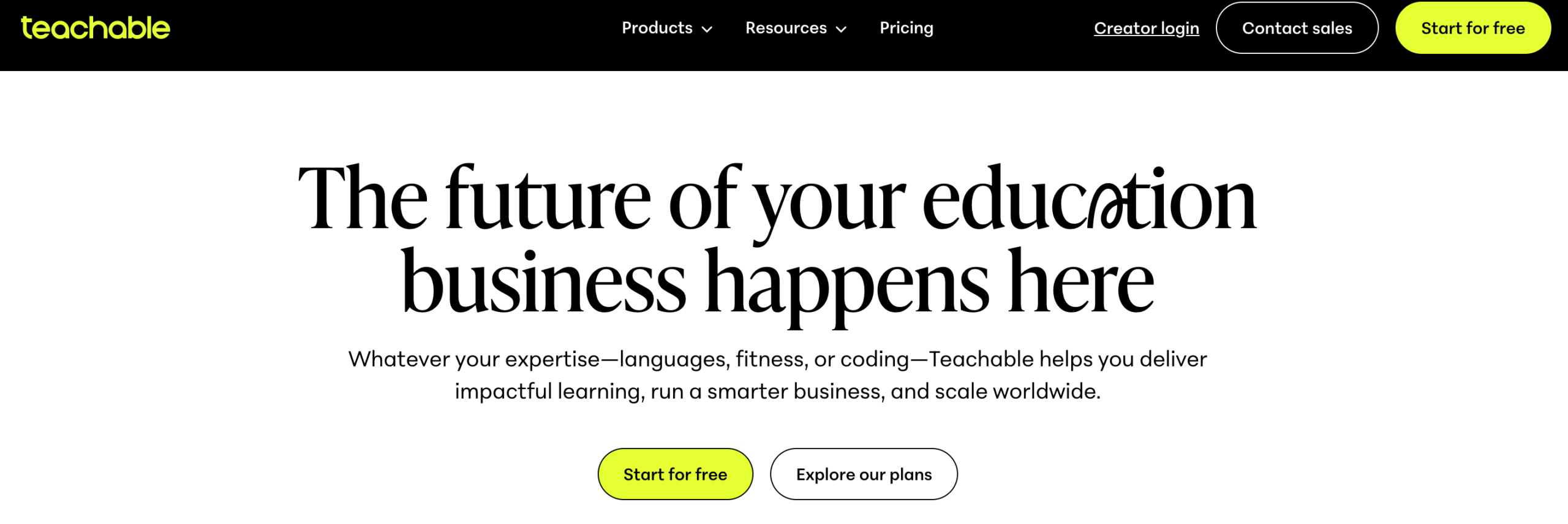
Teachable is a powerhouse in the online course creation space, specifically designed to remove the administrative burden of running an online school. It is widely recognized for its robust, built-in tax handling and payment processing, which automatically manages U.S. sales tax and international VAT.
Key Features
- Automated Tax Handling: Teachable collects and remits U.S. sales tax and EU/UK VAT on your behalf, which is a massive time-saver for international sellers.
- Teachable:pay: An integrated payment system that allows for daily, weekly, or monthly payouts and handles all the “back-office” work like student refunds and chargebacks.
- AI Curriculum Generator: A built-in tool that helps you quickly turn a simple idea into a structured course outline, complete with lesson titles and descriptions.
- Course & Coaching Products: Beyond standard video courses, Teachable has dedicated features for selling one-on-one coaching sessions and digital downloads.
- Automatic Subtitles & Translation: You can instantly generate subtitles for your videos and translate them into over 70 languages to reach a global audience.
- Affiliate Marketing: A built-in system that allows you to recruit and manage affiliates who can promote your courses in exchange for a commission.
Who It’s For
Teachable is built for small businesses and entrepreneurs who want to focus on content and sales rather than technical or financial administration:
- Global Course Sellers: If you have students in multiple countries, the automated VAT and sales tax handling is arguably the platform’s most valuable feature.
- Solo Entrepreneurs & Small Teams: The “all-in-one” nature of the platform means you don’t need to hire a developer or an accountant to manage your school’s operations.
- Coaches & Consultants: Those who want to offer a mix of self-paced courses and live coaching will find the integrated booking and product types very useful.
- Content Creators: If you already have an audience on social media, Teachable provides a professional “home base” to monetize that expertise through structured programs.
Pricing
| Plan | Monthly Price (Billed Annually) |
| Basic | $36/mo |
| Start | $74/mo |
| Grow | $149/mo |
| Plus | Custom |
GoSkills
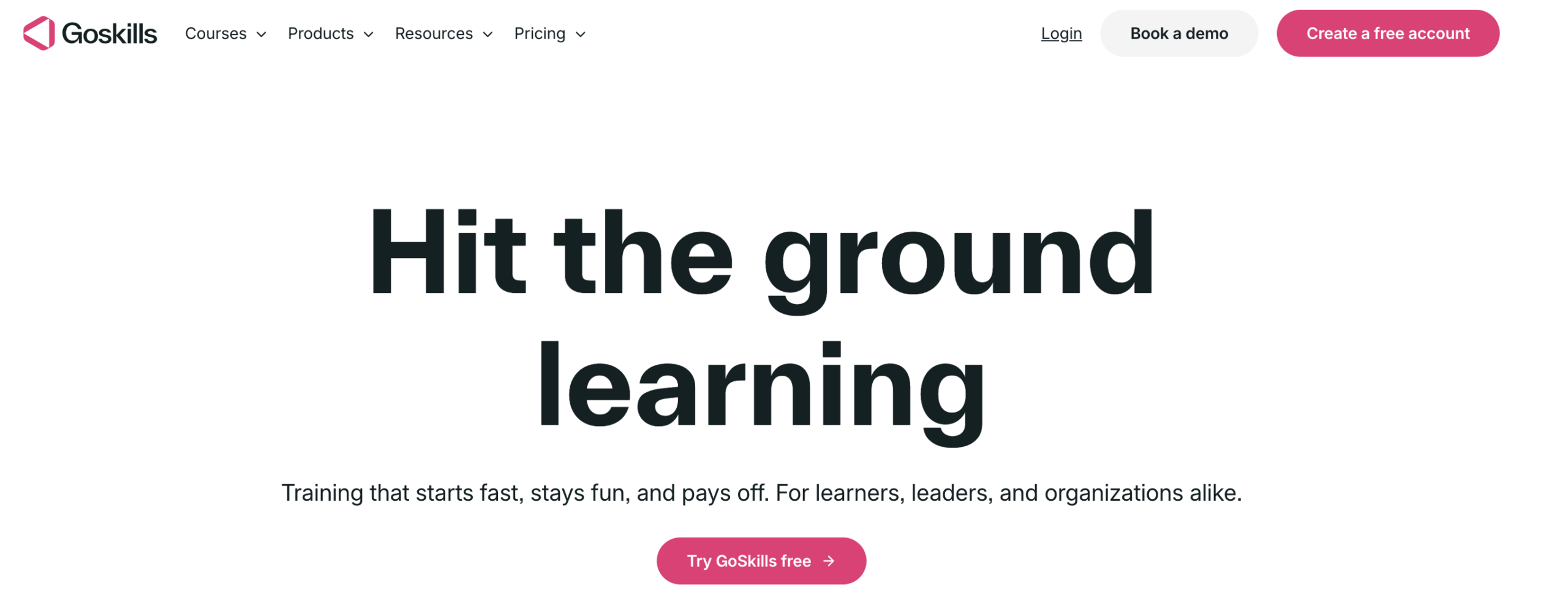
GoSkills is a cloud-based learning management system that combines a lightweight LMS with a high-quality library of over 100 bite-sized business courses. It’s designed for small teams that want to start training immediately without the hassle of creating all their own content from scratch.
GoSkills is known for its clean, gamified interface and its focus on microlearning, which breaks complex topics like Excel, Project Management, and Soft Skills into manageable, 3-5 minute lessons.
Key Features
- Integrated Course Library: Access to over 100 expert-led courses on essential business skills, including Microsoft Office, Finance, Design, and Leadership.
- AI-Powered Course Builder: A block-based editor that uses AI to help you generate course outlines, lessons, and quizzes in minutes if you want to create your own custom training.
- Gamification & Rewards: Includes built-in features like daily goals, streaks, and achievement badges to keep learners motivated and engaged.
- Mobile-Friendly Microlearning: All content is optimized for mobile devices and designed for short bursts of learning, making it easy for busy employees to fit training into their day.
- Custom Branding: You can easily add your company logo and colors to the platform to create a consistent brand experience for your team.
- Social Learning: Features like “Teams” and “Leaderboards” allow for healthy competition and collaborative learning within your organization.
Who It’s For
GoSkills is an ideal fit for small businesses that prioritize upskilling and professional development with minimal setup:
- Small Teams (1-50 employees): The “per-license” pricing and ready-made content make it very affordable and easy to manage for smaller groups.
- Businesses Needing Software Training: If your team needs to master tools like Excel, PowerPoint, or Project Management software, the GoSkills library is one of the best in the industry.
- Companies with Limited L&D Resources: Since the content is already created and maintained by GoSkills, you don’t need a dedicated instructional designer to run a successful training program.
- Remote & Busy Workforces: The microlearning approach is perfect for employees who are on the go or only have a few minutes a day to dedicate to learning.
Pricing
| Plan | Annual Price (Per License/Mo) |
| Basic | $0 |
| LMS Pro | ~$9.71 |
| Courses | ~$13.91 |
| Platinum | ~$15.28 |
Coggno
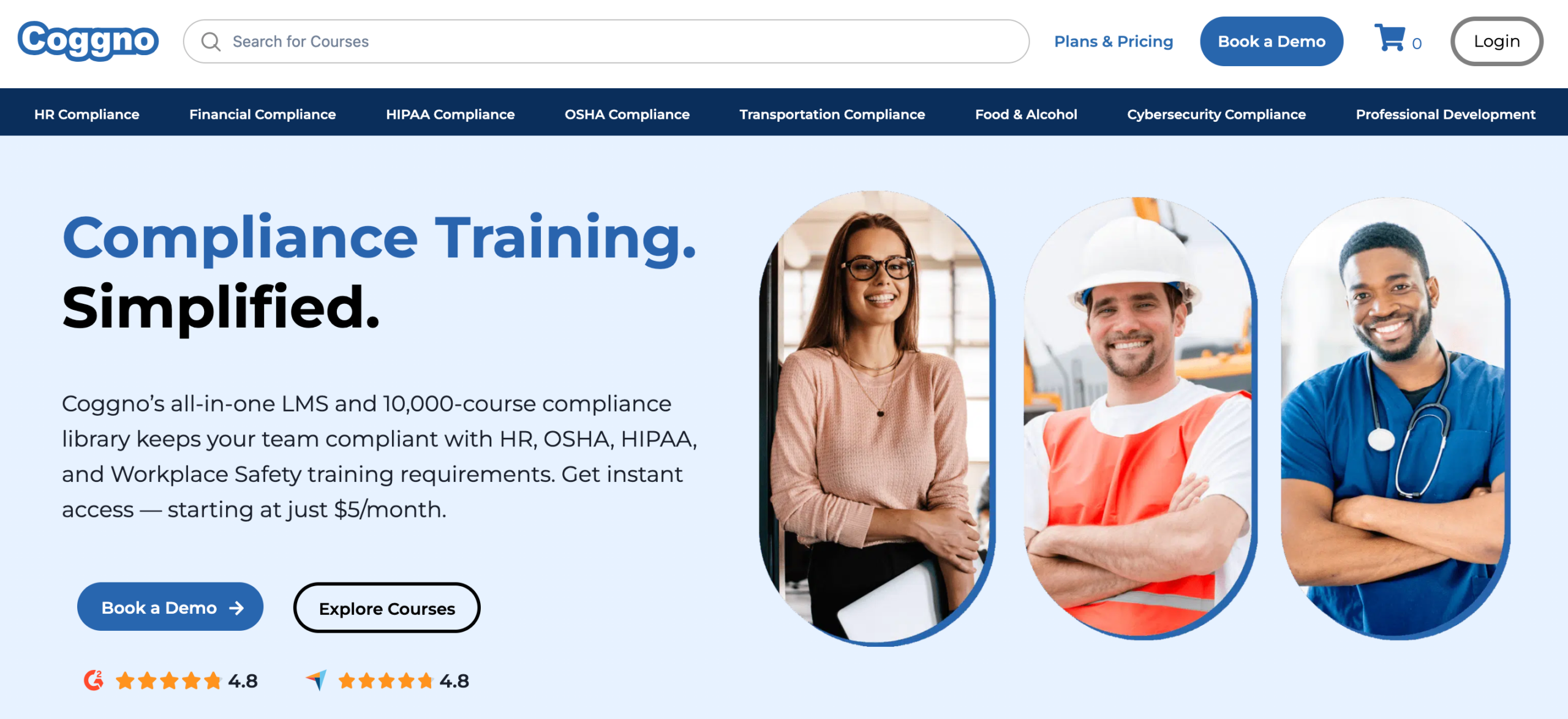
Coggno operates as a massive online course marketplace combined with a simplified LMS. It eliminates the need to create internal courses by providing a library of over 10,000 professionally developed courses across industries such as healthcare, safety, and compliance.
Key Features
- Extensive Course Marketplace: Access to over 10,000 courses from industry experts, covering everything from OSHA compliance and HR training to specialized medical and technical skills.
- Instant Setup: Since the platform is cloud-based and the content is pre-loaded, you can start training your team immediately without any technical configuration.
- Pay-Per-Course Model: A flexible pricing approach that allows you to buy only the specific courses you need for individual employees, which is ideal for small businesses with tight budgets.
- Compliance Tracking: Built-in tools to monitor course completions and manage certifications, ensuring your team stays up-to-date with mandatory industry standards.
- Self-Paced Learning: All courses are designed for self-paced study, allowing employees to complete their training whenever it fits into their work schedule.
- Scalable Infrastructure: The platform is built to handle anywhere from 10 to 10,000 users, making it easy to grow your training program as your business expands.
Who It’s For
Coggno is a strategic choice for small businesses that need to meet specific regulatory or professional standards without building their own training department:
- Compliance-Driven Businesses: Companies in industries like construction, healthcare, or manufacturing that must provide mandatory safety and regulatory training.
- HR & Management Teams: Small businesses looking for ready-made professional development courses on topics like workplace harassment, leadership, and soft skills.
- Startups with Limited Budgets: The “pay-per-course” option is perfect for businesses that don’t want to commit to a large monthly subscription fee for an LMS.
- Organizations Needing Rapid Onboarding: If you need to get new hires trained on specific industry standards quickly, the instant access to thousands of courses is a major advantage.
Pricing
| Plan | Pricing Model |
| Pay-Per-Course | $5/course |
| Subscription | $5/user per month |
| Enterprise | Custom |
Why Klasio is Different Than the Other LMS Platforms
When you’re evaluating an LMS, you already know the feature checklist isn’t the whole story. You’ve probably been down that road and still walked away unsure.
What actually matters is whether the platform fits how you work, what happens when something breaks, and whether it’ll still make sense six months from now.
That’s the lens through which Klasio is built.
Klasio starts from a straightforward premise: technical friction shouldn’t be what stands between your expertise and your learners. If you’re spending more time navigating the system than you are on course delivery, something’s off.
Klasio is set up to get out of your way. The architecture is intentionally simple, so you’re not troubleshooting when you should be teaching.
That said, simplicity doesn’t mean static. The product roadmap is driven by user feedback, meaning the updates you see aren’t arbitrary. They’re responses to problems that actual content creators flagged. That kind of iteration loop matters when you’re building a long-term academy.
On the community side, Klasio treats the creator-learner relationship as something worth structuring around, not just a transactional exchange. The platform supports collaborative environments because, in practice, open communication between instructors and learners tends to produce better outcomes.
The support structure is also worth noting. All tiers include 24/7 customer support, and the founder, Mohammad Emran, is available for conversations about scaling and marketing strategy.
And if you’re already running on another platform, the migration process is supported and free.
FAQs
Which LMS offers the best user experience for a small company?
The LMS that offers the best user experience for a small company is Klasio. That’s because it combines a clean interface, fast setup, and minimal admin effort. These are the key factors small teams need to adopt and use a platform effectively.
How do I choose the best LMS for employee training in a small business?
You choose the best LMS for employee training in a small business by prioritizing ease of use, quick setup, and scalability. So, your team can adopt it without friction and grow with it over time.
What features should a small business look for in an LMS?
A small business should look for features like an intuitive interface, mobile access, course creation tools, and progress tracking to ensure employees can learn easily and consistently. It’s also important to consider scalability, integrations, and engagement tools like quizzes or certifications as your training needs expand.




Leave a Reply