

You already sell a course. Now a student asks for a 1:1 call, or you want to run a small group coaching cohort alongside your lessons. So you search for the best coaching platforms for course creators, and most of what comes up is written for someone else entirely.
One set of guides assumes coaching is your whole business. They push tools built around contracts, invoicing, and client CRM, features you do not need if courses are still your main product and coaching is something you are adding on top.
The other set of guides only covers course platforms, and coaching gets one vague line about being available as an add-on. No detail on how scheduling works, whether sessions are 1:1 or group, or what breaks once you actually try to book a call.
This guide sits between those two. We compared platforms built primarily for selling and delivering courses that also let you add coaching without paying for a second tool.
You will see how each one handles scheduling, session types, and pricing, so you can pick the one that fits the business you are actually running.
TL;DR
- Kajabi is the right pick if native scheduling matters more than price, because its built-in Scheduler lets clients book sessions straight off your set availability, with no separate booking app required.
- Systeme.io is the right pick if you want a real booking calendar without paying for one, because scheduling, funnels, and email all run in one account with 0% transaction fees, even on the free plan.
- Klasio is the right pick if you already run a course business and want to add coaching as a simple upsell, because it packages multi-session coaching offers inside your academy and lets you connect the booking tool you already use, like Calendly or Google Calendar.
- Stan Store is the right pick if your audience finds you through a social media bio link, because its booking calendar handles 1:1 coaching calls with automatic Zoom links, no separate scheduling tool needed.
- Teachable is the right pick if you want built-in coaching scheduling without Kajabi’s price tag, because appointment booking, intake forms, and milestone tracking come standard on every coaching product.
- Thinkific is the right pick if the course itself needs to carry the business, because its Start plan pairs bookable calendars with quizzes, certificates, and compliance tools most coaching-first platforms skip.
- LearnWorlds is the right pick if interactive video sets your coaching apart, because it lets you build quizzes and clickable moments directly into a video lesson, something none of the others offer.
- Podia is the right pick if you want coaching bundled with community and email for one low price, because its entry plan includes courses, coaching, and a member space starting under $50 a month.
How We Picked These Platforms
We’re part of the weDevs family, the same team behind Dokan, so testing competitor tools is part of the job here, not a one-time research project for this post. Every platform in this guide was checked first-hand, not just researched from a pricing page, because that’s the only way to catch the gap between what a scheduling feature promises and what actually happens when a client tries to book a session.
Evaluation Criteria
- Scheduling method: Whether the platform books sessions natively or hands you off to Calendly, Cal.com, or another tool.
- Session type support: Whether the platform handles 1:1 calls only, or group coaching too.
- Course depth: How complete the actual course builder is, since courses are the core product here and coaching is the add-on.
- Pricing and where coaching is gated: Which paid tier actually unlocks coaching, not just the advertised starting price.
- Booking visibility: Whether you can see who booked, when, and whether they showed up, without leaving your dashboard.
- Customer reviews: Feedback from G2, Capterra, and Reddit on how scheduling and course delivery actually hold up once real clients start booking.
Quick Comparison Table
| Platform | Scheduling Method | Session Type | Course Depth | Starting Price | Best For |
| Podia | Connects Calendly, SavvyCal, or Squarespace Scheduling | 1:1 and group | Full course builder, unlimited on paid plans | $42/mo (annual) | Bundling coaching with community and email |
| Kajabi | Native Kajabi Scheduler | 1:1 and group | Full course builder plus all-in-one marketing suite | $143/mo (annual) | Native scheduling at a premium, all-in-one price |
| Thinkific | Native bookable calendars (Start plan and up) | 1:1 and group cohorts | Strong course builder with quizzes, certificates, compliance tools | $36/mo (annual), coaching needs Start at $74/mo | Course-first creators who still want native scheduling |
| Klasio | Connects Calendly, Cal.com, or Google Calendar | 1:1 and group | Full course builder with AI outlines, quizzes, certificates | Free (1 course, 50 students) | Adding coaching to an existing course business |
| Teachable | Native integrated coaching scheduling | 1:1 and group | Solid course builder with quizzes and certificates | $29/mo (annual) | Native scheduling without Kajabi’s price tag |
| LearnWorlds | Integrates Zoom and Calendly; live classes need Pro Trainer | 1:1 and group | Strong course builder with interactive video and SCORM | $24/mo (annual), live coaching needs Pro Trainer at $79/mo | Interactive video-based coaching content |
| Systeme.io | Native booking calendar, free on every plan | 1:1 and group | Basic to moderate course builder | Free | A free native booking calendar bundled with funnels |
| Stan Store | Native booking calendar with auto-generated Zoom links | Mostly 1:1 | Basic course builder, no quizzes or discussions | $25/mo (annual) | Social-media-first creators bundling bookings with products |
What to Look For in a Course Platform That Also Supports Coaching
Every platform on this list will let you sell a coaching session. Fewer of them will let you sell one without adding a second tool, a separate login, or a workaround your clients notice. The features below are the ones that actually decide which category a platform falls into.
Whether Scheduling Lives Inside the Platform
A platform that books sessions natively means one login, one calendar, and no risk of a client hitting a broken link between two disconnected tools. A platform that connects to Calendly or Cal.com still works, but you are managing two systems that need to stay in sync. Neither approach is wrong, but know which one you are signing up for before you build your coaching page around it.
Support for Both 1:1 and Group Sessions
If you only ever run private calls, this matters less. But group coaching changes your economics, since you can serve ten clients in the time it takes to serve one. Check whether the platform’s booking system actually supports group capacity limits, or whether group coaching means manually managing a spreadsheet of who signed up.
How Deep the Actual Course Builder Goes
Coaching is the layer you are adding. The course is still the product carrying your business. A platform with a shallow course builder and a decent coaching feature leaves you outgrowing the course side just as your coaching starts working, which forces a migration at the worst possible time.
Which Paid Tier Actually Unlocks Coaching
Several platforms advertise a low starting price, then gate coaching, live sessions, or bookable calendars behind a higher tier. The number on the pricing page is not always the number you will pay once you add coaching. Confirm the real starting cost before you commit, not after you have built your coaching offer.
Visibility Into Who Booked and Who Showed Up
A booking calendar that fills up is only useful if you can see it. Look for a dashboard that shows upcoming sessions, past sessions, and no-shows in one place, so you are not cross-referencing a calendar app and a course platform to know who is actually engaging with your coaching.
Mobile Access for Your Clients
Coaching clients book on their phones as often as they book on a desktop. A clunky mobile booking flow costs you sign-ups you never see, because the client just gives up and closes the tab. Test the booking flow on your own phone before you assume it works.
The 8 Best Coaching Platforms for Course Creators
1. Podia
Podia treats coaching as one of several products you can sell from the same storefront, alongside courses, downloads, community, and events. The pitch is less about coaching as a standalone offer and more about coaching as part of an ongoing relationship with a client who is already in your community.

You get a dedicated sales page for your coaching offer, and clients book a session after checkout. Scheduling connects through Calendly, Squarespace Scheduling, YouCanBookMe, or SavvyCal, so like Klasio, the calendar itself is not native to Podia. Where Podia differs is how tightly it ties coaching into everything else you sell, letting you bundle a session with a course, a download, or ongoing community access in one purchase.
One real limitation shows up in user reviews rather than marketing copy: a Capterra reviewer noted that customers cannot buy the same product more than once on Podia, which makes repeat coaching sales clunky without a workaround.
Best For
Creators who want coaching bundled with community, email, and courses in one storefront, rather than treated as a separate product line.
Pricing
| Plan | Monthly Price | Annual Price | Transaction Fee | What You Get |
| Mover | $49/mo | $42/mo | 5% | Courses, coaching, webinars, community, certificates |
| Shaker | $99/mo | $84/mo | 0% | Everything in Mover, plus affiliate marketing |
| Earthquaker | $179/mo | $150/mo | 0% | Everything unlimited |
No free plan. 30-day free trial, no credit card required. Email marketing is free on every plan up to 100 subscribers.
Pros
- Coaching bundles cleanly with everything else. Pair a session with a course, download, or community access in one sale.
- Every plan includes the same core features. Tiers differ mainly in transaction fees and limits, not locked functionality.
- Community is built in. Clients stay in the same space between sessions instead of scattering across email and social media.
Cons
- No native scheduling. You still need Calendly or a similar tool connected before clients can book.
- Repeat purchases are clunky. Verified reviewers report the platform does not handle a client buying the same coaching product twice.
- Mover’s 5% fee adds up fast. Past $840 in monthly revenue, Shaker’s flat fee becomes cheaper.
Verdict
Choose Podia if you want coaching to live inside a broader creator business with community and email already built in. Look elsewhere if you need coaching to be the primary product or want native scheduling.
2. Kajabi
Kajabi is the only platform on this list with a fully native, purpose-built scheduling tool for coaching. The Kajabi Scheduler lets clients book sessions directly off your set availability, no separate app, no external calendar link pasted into a sales page.
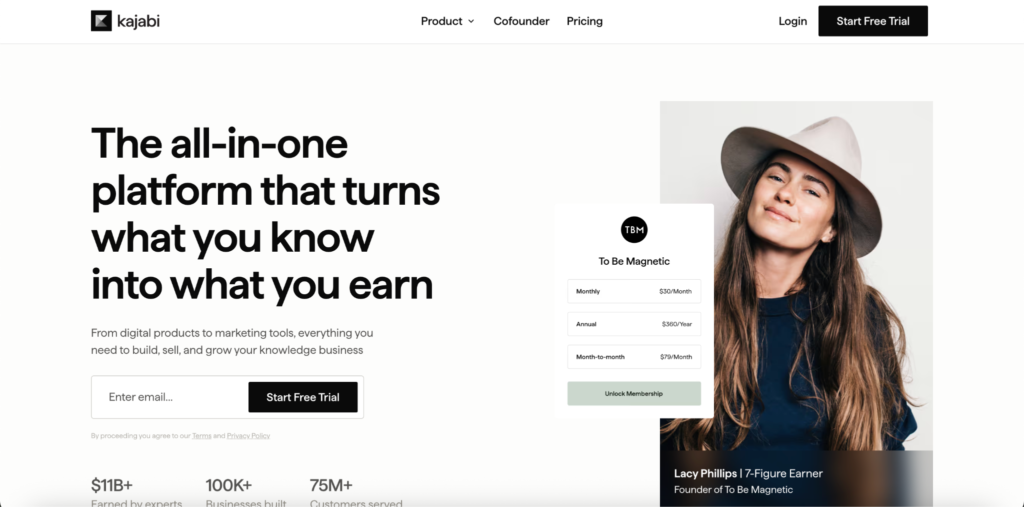
Setup happens inside the same Coaching Product you use to sell the offer. You set your available hours, session length (up to 90 minutes), and buffer time, then clients book slots in 15-minute intervals up to 200 days in advance. Sessions run through Kajabi’s own built-in live video, or you can route them through Zoom or Google Meet if you prefer. The Scheduler also syncs two-way with Google Calendar and Outlook, so a booked coaching session shows up on your personal calendar automatically.
Group coaching works too. You can override your standard 1:1 availability with separate scheduling rules for group sessions, so a cohort program doesn’t eat into the hours you’ve set aside for individual clients. This depth is the clearest differentiator on this list. Every other platform either has no native calendar or a lighter version of one.
Best For
Established coaches who want scheduling to work entirely inside the platform, and who are generating enough revenue to justify the highest price point in this guide.
Pricing
| Plan | Monthly Price | Annual Price | What You Get |
| Basic | $179/mo | $143/mo | 1 website, 5 products, 2,500 contacts, Kajabi Scheduler, AI tools |
| Growth | $249/mo | $199/mo | Affiliate program, advanced automation, higher contact limits |
| Pro | $499/mo | $399/mo | Multiple websites, up to 100 products, branded mobile app, API access |
No free plan. 14-day free trial. Kajabi Payments processing runs 2.9% + $0.30 on Basic, dropping slightly on higher tiers; using your own Stripe adds a separate surcharge.
Pros
- Native scheduling with no workarounds. Clients book, reschedule, and get calendar-synced automatically, all inside Kajabi.
- Group and 1:1 coaching both work natively. Custom availability rules keep the two from conflicting.
- Genuinely all-in-one. Email marketing, funnels, community, and courses run in the same system as coaching, with no Zapier required.
Cons
- Most expensive platform in this guide by a wide margin. Entry price is roughly 3 to 6 times most competitors here.
- January 2026 price increase drew real backlash. Existing customers saw significant jumps on renewal, and reviews reflect that frustration.
- Overkill if coaching is a minor add-on. The all-in-one depth is wasted if you only need a simple booking layer next to a course.
Verdict
Choose Kajabi if native scheduling is non-negotiable and your revenue supports premium pricing. Look elsewhere if coaching is a small part of your course business or your budget is tight.
3. Thinkific
Thinkific’s course builder is the strongest reason creators choose it, and that strength carries into how coaching is delivered. Coaching is not the headline feature here. It’s a layer added to a platform built primarily to deliver structured, gradeable, compliance-ready course content.
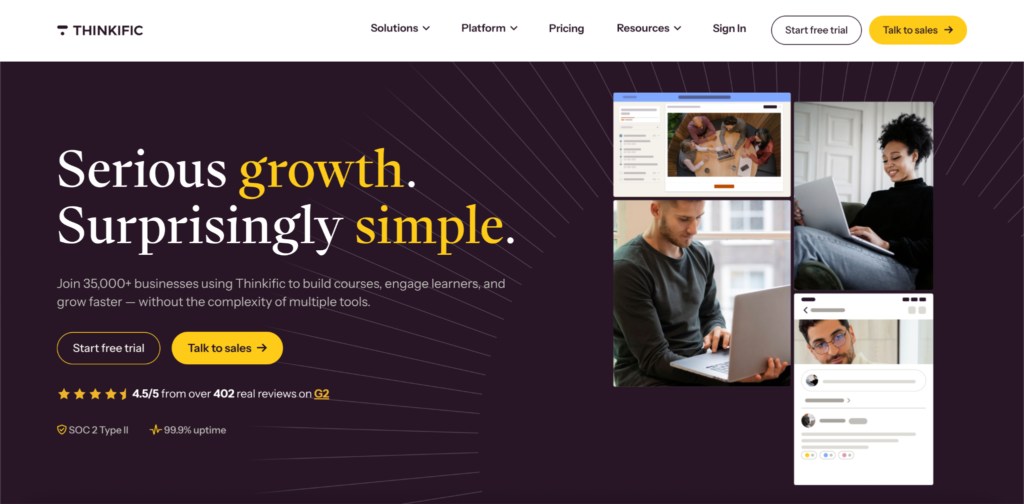
Coaching and live sessions are gated by plan. The entry-level Basic plan caps you at 5 coaching or webinar sessions total, which works only for testing the idea. The Start plan removes that cap and adds what Thinkific calls live cohorts and coaching: unlimited Zoom sessions paired with bookable calendars and attendance tracking, all native to the platform rather than bolted on through a third-party scheduler.
That combination, a real course builder plus native bookable calendars, is what sets Thinkific apart from platforms like Klasio and Podia, where coaching and course strength don’t scale together in the same way. The trade-off is price. Reaching the tier where coaching actually works costs more than most course-first platforms.
Best For
Creators who want the course itself to carry the business, with coaching added as a genuine feature rather than an afterthought.
Pricing
| Plan | Monthly Price | Annual Price | Coaching Access |
| Basic | $49/mo | $36/mo | Capped at 5 coaching/webinar sessions total |
| Start | $99/mo | $74/mo | Unlimited Zoom sessions, bookable calendars, attendance tracking |
| Grow | $199/mo | $149/mo | Everything in Start, plus more communities and priority support |
| Plus | Custom | Custom | Unlimited everything, SCORM, SSO, CRM integrations |
No free plan. 30-day free trial. 0% transaction fees in primary markets like the US on every plan.
Pros
- Native bookable calendars from the Start plan up. No third-party scheduler is required once you’re past the Basic plan.
- Course builder is genuinely strong. Quizzes, certificates, drip content, and compliance gates go deeper than most platforms on this list.
- Attendance tracking comes standard. Useful for coaching cohorts where showing up matters as much as booking.
Cons
- Coaching is locked behind Start at minimum. Basic’s 5-session cap makes it unusable for a real coaching offer.
- No permanent free plan. You get a 30-day trial and then a paid commitment.
- Billing and cancellation complaints show up in recent reviews. Worth confirming current terms before committing to annual billing.
Verdict
Choose Thinkific if you want a serious course platform first and native coaching scheduling second. Look elsewhere if you want coaching available on the cheapest possible plan.
4. Klasio
Klasio is a course platform first, which shapes how its coaching feature works. Instead of a dedicated booking business tool, coaching sits inside the same academy as your courses, using the same students, the same payment setup, and the same dashboard.
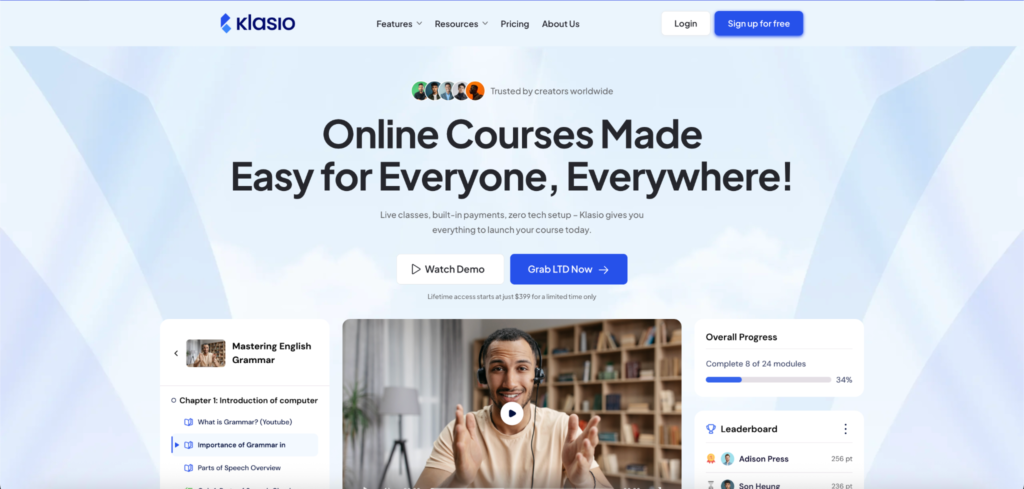
You can package and price a coaching offer with multiple sessions to sell alongside your courses, then track who has booked from your dashboard. Scheduling itself runs through an external tool like Calendly or Google Calendar rather than a calendar built into Klasio, so clients book their slot after checkout through whichever scheduling link you connect.
For live delivery, Klasio integrates with Zoom and Google Meet, the same integration used for live classes and webinars. That means coaching sessions, live cohorts, and webinars all run through the same video setup, so you are not learning three different systems for three types of live content.
Best For
Course creators who want to add coaching as a simple upsell without paying for a second subscription, and who are comfortable connecting their own scheduling tool.
Pricing
| Plan | Price | Commission | What You Get |
| Free | $0 | 0% | 1 course, 50 students, reporting, email automation |
| Starter | $49/mo | 0% | Custom domain, branding removal, mobile app, gamification, certificates, Zoom/Meet integration |
| Business | $149/mo | 0% | Higher course and student limits, advanced features |
| Lifetime | From $399 | 1 to 3% | One-time payment, no recurring subscription |
Pros
- Free plan is a real plan. 1 course and 50 students with 0% commission.
- 0% commission on every monthly plan. Useful when coaching sits next to a course, not in place of one.
- Free student app included on every plan. Custom branded app for Android and iOS starts at $59 per month, plus a $199 one-time setup fee.
Cons
- No native booking calendar. You need to connect Calendly, Google Calendar, or a similar tool for scheduling.
- Coaching dashboard is still basic. It shows bookings, but lacks the deeper client history and package tracking dedicated coaching tools offer.
Verdict
Choose Klasio if coaching is secondary to a course business you are actively building, and you are fine connecting your own scheduling tool. Look elsewhere if you want scheduling to work without leaving the platform.
5. Teachable
Teachable builds coaching scheduling directly into its Coaching Program product type, rather than treating coaching as a bolt-on feature. Setting up a coaching offer gives you appointment scheduling, intake forms, and milestone tracking in the same flow you use to price and publish the offer.
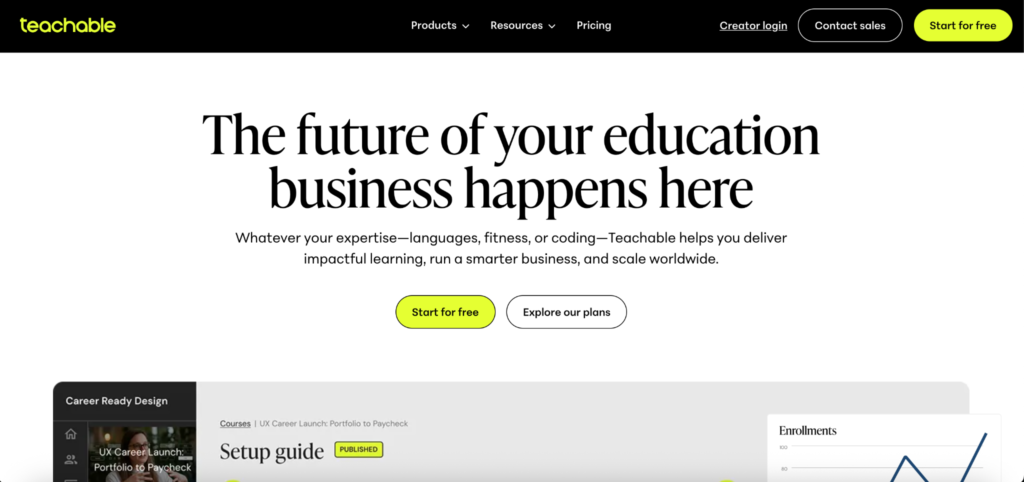
That native scheduling is real, but it comes with a gap worth knowing about before you commit: Teachable does not track attendance for live sessions. If you run cohort-based coaching or need attendance records for any reason, you’ll be reconciling that manually or with an outside tool, since the platform simply doesn’t log it.
Where Teachable holds its own is the student experience. Every plan includes native iOS and Android apps, so coaching clients get a real mobile app rather than a mobile browser workaround. Combined with built-in payment processing and a straightforward course builder, Teachable works well if you want coaching and courses running through one clean, no-frills system.
Best For
Creators who want native coaching scheduling without paying Kajabi-level prices, and who value a polished mobile experience for clients.
Pricing
| Plan | Monthly Price | Annual Price | Transaction Fee |
| Starter | $39/mo | $29/mo | 7.5% |
| Builder | $89/mo | $69/mo | 0% |
| Growth | $189/mo | $139/mo | 0% |
| Advanced | $399/mo | $309/mo | 0% |
No free plan. 7-day free trial. Standard Stripe/PayPal processing (2.9% + $0.30) applies on every plan regardless of tier. International cards carry an additional 1% surcharge. Chargebacks cost $15 each.
Pros
- Coaching scheduling is genuinely built in. Appointment booking, intake forms, and milestone tracking come with the Coaching Program type, no external tool required.
- Native mobile apps on every plan. Coaching clients get a real iOS/Android app, not a responsive website.
- 0% transaction fees from Builder up. Once past the entry tier, Teachable takes no cut of your sales.
Cons
- No attendance tracking for live sessions. A real gap if you run cohort coaching or need attendance records.
- Starter’s 7.5% transaction fee is steep. It’s one of the highest entry-tier fees among the platforms in this guide.
- Product limits arrive fast on lower tiers. You’ll likely outgrow Starter and Builder if you run more than a handful of coaching and course offers at once.
Verdict
Choose Teachable if you want native coaching scheduling and a strong mobile app without Kajabi’s price tag. Look elsewhere if attendance tracking for live sessions matters to your coaching model.
6. LearnWorlds
LearnWorlds’ standout feature has nothing to do with scheduling. It’s interactive video, the ability to embed quizzes, clickable hotspots, and branching questions directly inside a video lesson. For coaching built around teaching a skill rather than just showing up for a call, that’s a genuinely different kind of content than any other platform on this list offers.
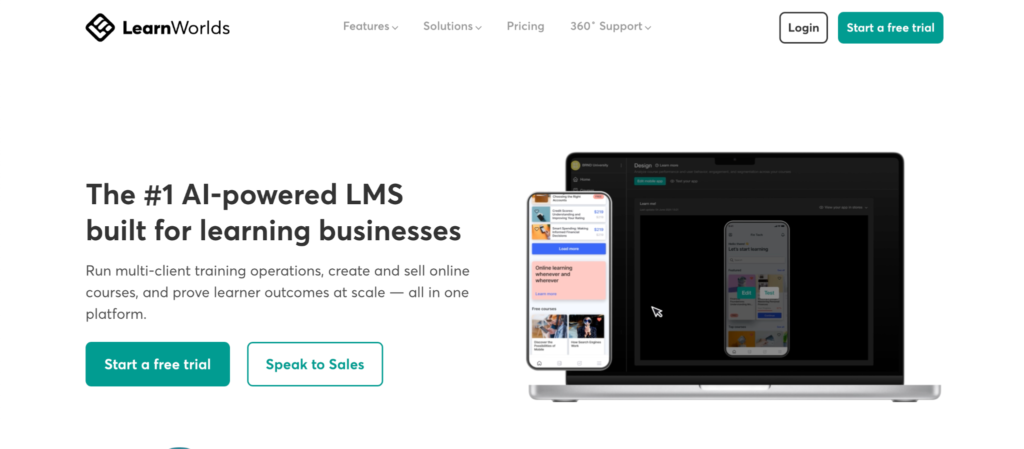
Coaching and live sessions exist, but they’re gated by plan in a way that catches people off guard. The Starter plan looks appealing at $29 a month. It does not include live classes or webinars, which means no live coaching delivery at that tier. You need Pro Trainer to unlock live sessions, interactive video, and the $5 per-course-sale fee that Starter charges disappears too.
LearnWorlds integrates with both Zoom and Calendly for live delivery and scheduling, rather than offering a fully native booking calendar the way Kajabi does. For coaches who care more about content depth than scheduling depth, that trade-off is worth making.
Best For
Coaches whose sessions lean on teaching content, demonstrations, or skill-building, where interactive video adds real value over a plain video call.
Pricing
| Plan | Monthly Price | Annual Price | Live Coaching Access |
| Starter | $29/mo | $24/mo | No live classes or webinars; $5 fee per course sale |
| Pro Trainer | $99/mo | $79/mo | Live classes, webinars, interactive video, 0% transaction fee |
| Learning Center | $299/mo | $249/mo | Everything in Pro Trainer, plus white-label and 20+ admin seats |
No free plan. 30-day free trial, the longest among the platforms in this guide.
Pros
- Interactive video is a real differentiator. Quizzes and clickable content inside a video lesson aren’t available anywhere else on this list.
- SCORM and xAPI support. A genuine option if your coaching ties into accredited or compliance training.
- Support quality gets consistently strong reviews. Multiple sources cite fast, detailed responses even from lower-tier plans.
Cons
- Live coaching is locked out of the Starter plan entirely. You need Pro Trainer at nearly 3.5 times the price to run live sessions at all.
- $5 flat fee per sale on Starter adds up fast. Past roughly 14 sales a month, Pro Trainer becomes the cheaper option.
- No fully native booking calendar. Scheduling leans on Zoom and Calendly integrations rather than a built-in tool.
Verdict
Choose LearnWorlds if interactive video content matters more to your coaching than scheduling depth, and budget for Pro Trainer from the start since Starter can’t deliver live sessions. Look elsewhere if you need live coaching on the cheapest available plan.
7. Systeme.io
Systeme.io’s booking calendar is the most genuinely native scheduling tool in this guide outside of Kajabi, and it’s included on every plan, including the free one. Clients pick a time slot, get an automated confirmation, and can pay upfront if you charge for the session, all without leaving your funnel.
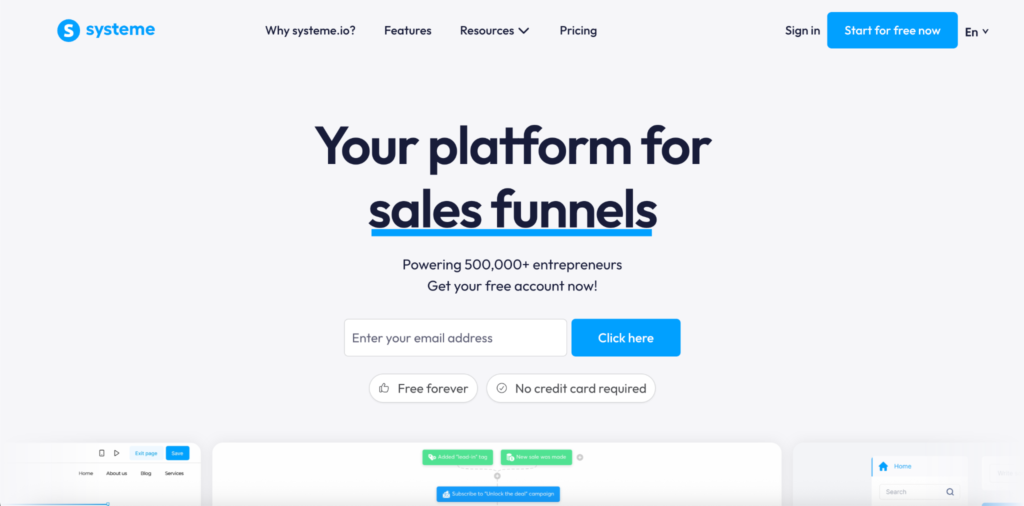
Setup works through “events,” which are the different session types you offer, like a free consultation or a paid 1-hour coaching call. The calendar syncs two-way with Google Calendar to prevent double-booking, generates Zoom or Google Meet links automatically, and adds every booking as a contact to your email list. You can run 1:1 sessions or group workshops with capacity limits from the same tool.
The trade-off is depth on both ends. Systeme.io’s own team is upfront that the booking calendar doesn’t match Calendly Teams for advanced team scheduling or Acuity for complex intake forms. And the course builder behind the coaching offer is functional rather than feature-rich, so if you need SCORM compliance or deep assessment tools, this isn’t the platform for that.
Best For
Creators who want a genuinely free native booking calendar bundled with email, funnels, and basic course hosting, without paying for a dedicated scheduling tool separately.
Pricing
| Plan | Monthly Price | Contacts | Courses | Booking Calendar |
| Free | $0 | 2,000 | 1 | Included |
| Startup | $17/mo | 5,000 | 5 | Included |
| Webinar | $47/mo | 10,000 | 20 | Included |
| Unlimited | $97/mo | Unlimited | Unlimited | Included |
No transaction fees on any plan. The feature set is identical across all four tiers; only contact, funnel, and course limits change as you go up.
Pros
- Booking calendar is free, even on the $0 plan. Most platforms in this guide gate scheduling behind a paid tier.
- Payment collection happens at the time of booking. Clients pay upfront through Stripe or PayPal without a separate checkout step.
- Every plan has the same features. Upgrading only raises limits, not functionality, so you’re not chasing a higher tier for a locked feature.
Cons
- Course builder is basic compared to dedicated LMS platforms. No SCORM support, and assessment tools are limited.
- CRM is contact-based, not pipeline-based. Tracking a coaching client through sales stages requires an external tool.
- Scheduling lacks advanced intake forms. Acuity and dedicated coaching tools go deeper on pre-session questionnaires.
Verdict
Choose Systeme.io if a free, native booking calendar matters more than course depth, and you’re comfortable with a simpler CRM. Look elsewhere if you need SCORM compliance or advanced client intake before sessions.
8. Stan Store
Stan Store’s booking system is built for one specific setup: a coach whose audience finds them through a social media bio link. The Coaching Call product type handles session duration, time zone detection, buffer times, advance booking limits, and attendee caps, then auto-generates a Zoom or Google Meet link once a client books.
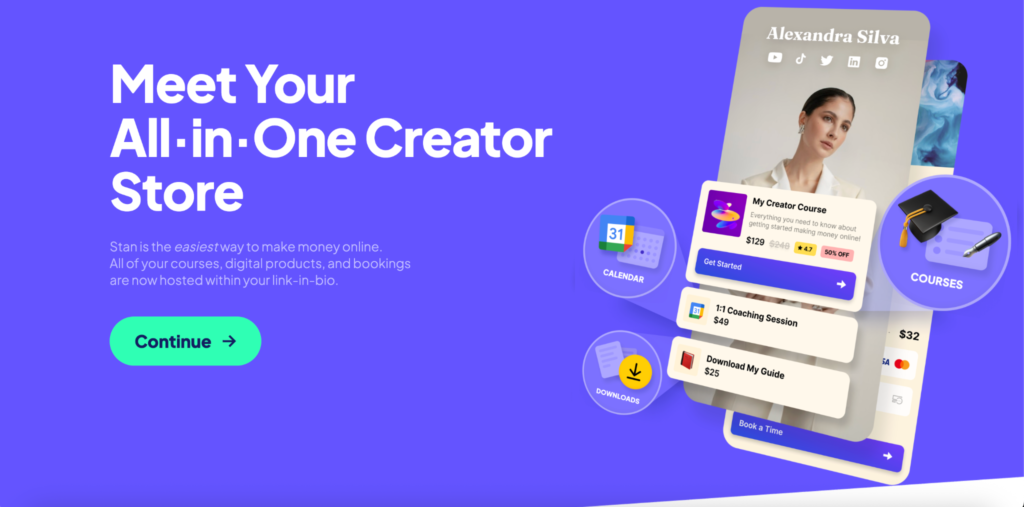
That native scheduling is genuinely one of the platform’s stronger features. Most solo coaches don’t need a separate tool like Calendly on top of it. Where Stan Store falls short is everything around the booking. The course builder is closer to a content library than a real classroom: no quizzes, no lesson-level discussions, and no structured progress tracking. Your store also lives on a stan.store subdomain, with no custom domain option on either plan.
Stan Store doesn’t include live video itself. The native part is the booking and calendar sync; the actual call still runs through Zoom or Google Meet, the same as most platforms on this list. For creators selling digital products and booking coaching calls from an Instagram or TikTok bio, that’s rarely a dealbreaker.
Best For
Social-media-first creators who want to bundle coaching bookings with digital products in one mobile-first storefront, not creators building a structured course business.
Pricing
| Plan | Monthly Price | Annual Price | What You Get |
| Creator | $29/mo | $25/mo | Storefront, bookings, basic course builder, subscriptions, community |
| Creator Pro | $99/mo | $79/mo | Everything in Creator, plus email marketing, funnels, discount codes, affiliate tracking |
No free plan. 14-day free trial. 0% platform transaction fees on both plans; standard Stripe processing (2.9% + $0.30) still applies.
Pros
- Native booking calendar with automatic meeting links. Session duration, buffers, and attendee caps are all handled without a separate scheduling tool.
- Mobile-first design built for social traffic. The storefront is optimized for clients arriving from Instagram or TikTok.
- Zero platform transaction fees. You keep everything beyond standard Stripe or PayPal processing.
Cons
- Course builder lacks real structure. No quizzes, no discussions, no meaningful progress tracking for students who need to complete something.
- No custom domain on either plan. Your store stays on a stan.store subdomain.
- No native video calling. Booking is native, but the actual session still runs through an external tool like Zoom.
Verdict
Choose Stan Store if your business runs through a social bio link and coaching is a simple add-on to digital products. Look elsewhere if you need a real course platform behind the coaching offer.
How to Choose the Right One for Your Business
Eight platforms in, the honest answer is that no single one wins across the board. The right choice depends on three decisions you need to make before you look at a comparison table again: how much you want scheduling to happen without a second app, whether coaching or the course is really your core product, and what you can afford once coaching actually unlocks.
Decide How Much You Want Scheduling Inside the Platform
If a client hitting a broken link between two disconnected tools would cost you the sale, native scheduling matters more than anything else on this list. Kajabi, Systeme.io, Stan Store, Teachable, and Thinkific’s Start plan all book sessions without leaving the platform. Klasio, Podia, and LearnWorlds connect out to Calendly or a similar tool instead, which works fine but means managing two systems that need to stay in sync.
Neither approach is wrong, but pick on purpose. A coach running five sessions a week can manage an external calendar without friction. A coach running thirty sessions a week across multiple time zones will feel every gap between two disconnected tools by week two.
Figure Out Which Product Is Actually Carrying Your Business
If courses are the product and coaching is the upsell, prioritize the course builder first and treat coaching as a bonus. Klasio, Thinkific, and Teachable all fit that pattern, with real course depth and coaching layered on top. If coaching is closer to equal footing with courses, or ahead of it, Kajabi and LearnWorlds handle that balance better, since both were built assuming a transformation-focused offer, not just a video library.
If coaching is really the whole business and the course is secondary, none of these eight are the strongest fit. A dedicated coaching platform built around contracts, client CRM, and invoicing will serve you better than a course platform with coaching bolted on. That’s a different guide entirely, and worth knowing before you commit to any of the eight above.
Check Where Coaching Actually Unlocks, Not Just the Starting Price
The advertised entry price rarely tells you what coaching costs. Thinkific’s Basic plan caps you at 5 sessions total, so any real coaching offer needs Start at $74/month. LearnWorlds’ Starter plan doesn’t include live sessions at all, so live coaching needs Pro Trainer at $79/month. Kajabi’s Basic plan includes the Scheduler from day one, but Basic itself starts at $143/month annually, the highest floor in this guide.
Before you pick a platform based on its cheapest listed price, confirm that price actually includes the coaching features you plan to use. Two platforms with the same sticker price can put coaching behind very different tiers.
Match Session Type to How You Actually Coach
If you only run 1:1 calls, most platforms here handle that without issue. Group coaching is where the gap widens. Kajabi lets you set separate availability rules for group sessions so they don’t eat into 1:1 hours. Systeme.io and Koalendar-style tools cap group sessions by attendee count natively. Stan Store and Podia support group coaching, but with less granular control over capacity and scheduling than the platforms built with group programs in mind.
How Klasio Handles Coaching for Course Creators
Klasio was built as a course platform, and coaching reflects that origin. Rather than a separate coaching business tool, it’s a feature that sits inside the same academy as your courses, using the same students, the same checkout, and the same dashboard you already use to run classes.
That design choice makes the most sense for one specific situation: you already have a course business, or you’re building one, and you want to add coaching as a simple upsell without paying for a second subscription or learning a second piece of software. You can package a coaching offer with multiple sessions, sell it alongside your existing courses, and track bookings from the same dashboard where you check course completion rates.
Scheduling itself runs through an external tool you connect, like Calendly or Google Calendar, rather than a calendar built into Klasio. Live sessions run through Zoom or Google Meet, the same integration Klasio uses for live classes and webinars, so coaching doesn’t require learning a separate video setup. The free plan includes 1 course and 50 students at 0% commission, and every paid plan, starting at Starter for $49 a month, keeps that 0% commission on monthly billing.
Where this fits best is a creator who wants to build the surrounding curriculum fast. Klasio’s AI course builder generates an outline from a topic prompt, which matters if your coaching offer works best paired with a structured course rather than standing alone.
Choose Klasio if you’re adding coaching to a course business you’re already building, want 0% commission on your sales, and don’t mind connecting your own scheduling tool.
Look elsewhere if native, built-in scheduling matters more than anything else. Kajabi’s Scheduler handles that natively at a premium price, and Systeme.io and Stan Store both offer native booking calendars at a much lower cost. If interactive video content is central to how you coach, LearnWorlds does something none of these platforms match.
Start your free trial on Klasio today. No credit card required.
Frequently Asked Questions
What is the best coaching platform for course creators?
The best coaching platform for course creators depends on whether native scheduling or course depth matters more to your business. Klasio fits creators who want coaching as a simple upsell on an existing course business, without paying for a second subscription. Kajabi fits creators who want scheduling to work entirely inside the platform and can afford premium pricing. Systeme.io fits creators who want a genuinely free native booking calendar. The comparison table earlier in this guide breaks down all eight by scheduling method, session type, and price.
Can I run coaching and courses on the same platform?
Yes, you can run coaching and courses on the same platform, all eight platforms in this guide let you sell coaching and courses from the same account. The difference is how tightly the two connect. On Klasio, Podia, and Teachable, coaching and courses share the same student list and dashboard. On Stan Store, coaching sits next to a lighter course builder that works better for simple content than a structured curriculum.
Which platform is cheapest for adding coaching to an existing course?
Systeme.io is the cheapest option for adding coaching to an existing course, since its booking calendar is included on the free plan at $0 a month. Klasio’s free plan also supports coaching through a connected scheduling tool at no cost, with paid plans starting at $49 a month once you need more courses or students. Both undercut every other platform in this guide by a wide margin once you factor in where each competitor actually gates coaching.
What if my business is coaching only, with no course at all?
If your business is coaching only with on course at all you can skip this guide’s recommendations and look at dedicated coaching software instead. Paperbell, Satori, and similar tools are built around the parts of a coaching business that course platforms don’t handle well: client contracts, package-based billing, session notes, and a proper client portal. Every platform in this guide assumes courses are part of the business, so a coaching-only practice will hit friction that dedicated coaching software was built to avoid.




Leave a Reply