
As a nonprofit, you may need to train volunteers, onboard staff, and educate your community, all while working with a limited budget and minimal technical support. When every dollar and staff hour matters, choosing a Learning Management System (LMS) can feel like a difficult decision.
You might be concerned about hidden costs, complicated setup processes, or platforms that require ongoing technical maintenance.
The good news is that several free and low-cost LMS platforms are designed to meet these exact challenges. In this guide, we’ll walk through the 7 best free LMS platforms that can help your organization share knowledge, train volunteers, and build capacity in a way that is both manageable and affordable.
TL;DR
- Klasio is the best free LMS for nonprofits if you’re new to online courses or want professional features without high costs and complexity. It’s perfect for nonprofits needing a mobile-ready platform, AI help with course creation, and wanting to keep 100% of their sales without commission fees, especially for smaller cohorts.
- Choose Moodle if your nonprofit has technical resources or is willing to invest in hosting, and you need a highly flexible, scalable, and customizable open-source solution. It’s ideal for organizations that want full control over their learning environment and can manage the technical setup.
- Choose LifterLMS if your nonprofit already uses WordPress or plans to, and you want full control over your data and branding. It’s great for organizations that need unlimited courses and students within their own website, and are comfortable managing a self-hosted WordPress environment.
- Choose Google Classroom if your nonprofit is eligible for Google Workspace for Nonprofits and needs a simple, free, and organized way to manage assignments and communicate within the Google ecosystem. It’s best for basic classroom-style learning and communication.
Top Free Learning Management Systems for Nonprofits: An Overview
| Platform Name | Best Feature | One Drawback |
| Klasio | Includes live classes, free mobile app, certificates, and built-in email tools in the free plan. | No custom domain on the free plan. |
| Moodle | An open-source platform that allows full customization through themes and plugins. | Requires self-hosting and technical setup. |
| LifterLMS | Free WordPress plugin that supports unlimited courses and students. | Requires managing a self-hosted WordPress site. |
| Google Classroom | Simple assignment distribution, grading, and communication within Google Workspace. | Designed mainly for classroom-style learning; lacks built-in sales or certification tools. |
| Canvas Free-for-Teacher | Provides core Canvas LMS tools, including quizzes, assignments, and course analytics at no cost. | Only offers course-level access without organization-wide administration. |
| Chamilo | Includes built-in tools for quizzes, forums, SCORM content, and learner tracking. | Requires self-hosting and specific server setup. |
| Sensei LMS | Free WordPress plugin with course creation, quizzes, and progress tracking. | Advanced features such as selling courses and cohort management require paid upgrades. |
Now, let’s get to know about these LMS platforms for nonprofit organizations.
01. Klasio
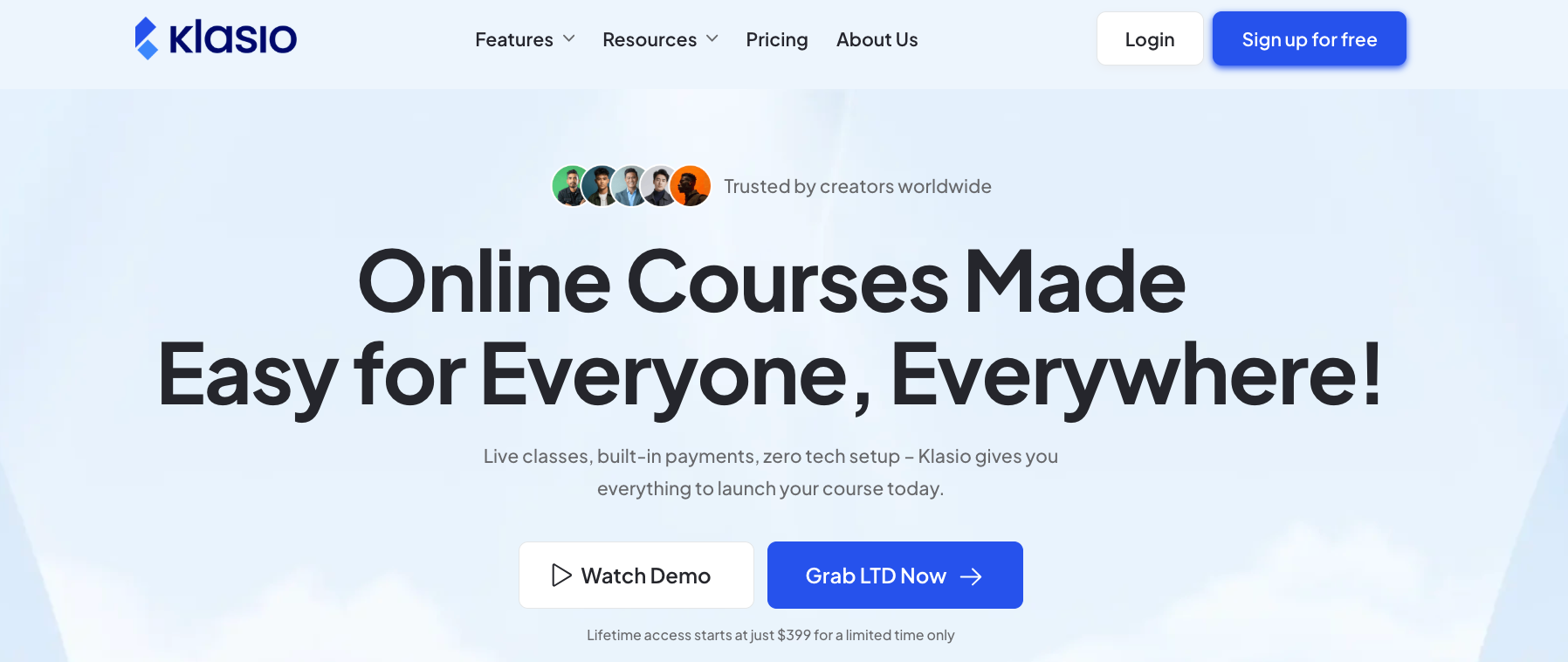
If you’re a nonprofit organization looking for a way to create and share online courses, you might want to look at Klasio. It’s a learning platform that works well on mobile devices and has the tools you need to host your courses online.
Why Klasio Might Work for Your Nonprofit
Klasio offers a free forever plan that allows you to teach up to 50 students. This plan also includes a free mobile app and the ability to host webinars and live courses.
Even though Klasio is free, it doesn’t take a commission. This means that if you decide to charge for a course or accept donations, your organization will get to keep all of the money.
The best thing about Klasio is that you don’t need to be a technical expert to use Klasio. It has a drag-and-drop page builder to help you create your course pages, so you won’t need to write any code.
If you outgrow their free plan and need to upgrade to their paid plan, Klasio offers lifetime deals besides their monthly subscriptions. The lifetime deal comes at a budget-friendly price, starting only at $399.
On top of that, Klasio also offers additional discounts for non-profit organizations. So, if you are really interested in using Klasio for your non-profit organization, you should contact their support.
Why You Might Not Like Klasio for Your Nonprofit
- The free version of Klasio only allows for up to 50 students.
- You won’t be able to use your own website address for your courses on the free plan.
02. Moodle
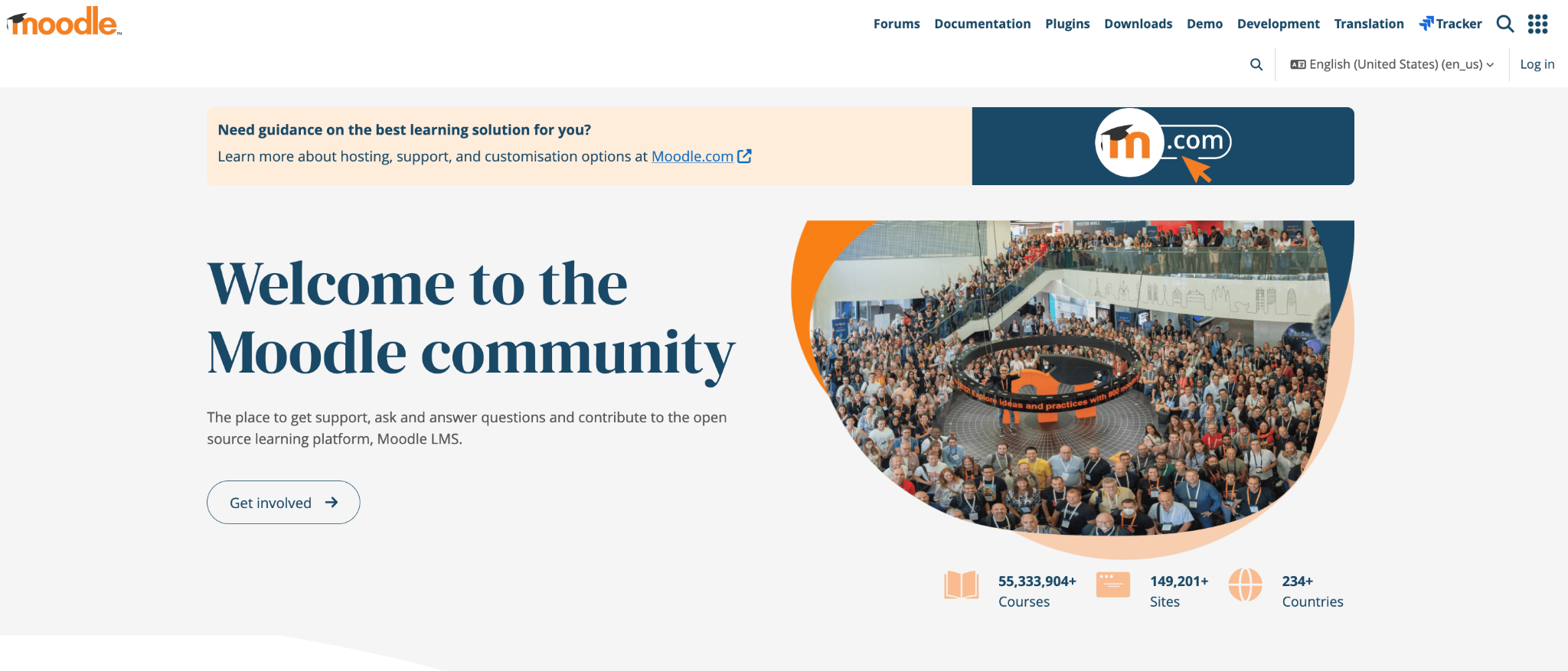
Another option you might consider for your nonprofit’s online courses is Moodle. It’s one of the most popular learning management systems in the world.
How Moodle Can Help Your Nonprofit
The biggest advantage is that Moodle is an “open-source” project. This means the software itself is free for anyone to download, use, and even change to fit their needs, without having to worry about paying licensing fees. This can save your nonprofit from ongoing software costs.
Because it’s open-source, Moodle is very flexible. You can change its appearance with different themes or add new features with plugins and integrations. This allows you to build a learning environment that is tailored specifically to what your organization and your learners need.
Moodle also comes with many built-in tools to support both fully online courses and courses that blend online and in-person activities. It includes features like forums, wikis, chats, and blogs that can help build a sense of community and encourage collaboration among your participants.
The platform is also secure and can grow with you. You can use it for a small group of students or for thousands. The team behind Moodle regularly releases security updates and gives you control over user privacy.
Finally, there is a large international community behind Moodle. You can find extensive documentation, active forums for asking questions, and a network of certified partners who can provide services like hosting and support if you need them.
Why You Might Not Like Moodle for Your Nonprofit
- While the Moodle software is free, you are responsible for hosting it. This means you need a web server and someone with the technical skills to install and maintain it. If your nonprofit doesn’t have an IT person, this could be a challenge.
- Moodle is powerful and has many customization options, which can take time to learn. Setting up and managing a full site might require some training or support, even though it has some user-friendly features.
- With the free, self-hosted version, you’ll rely on community forums and documentation for help. If you need dedicated, one-on-one support, you would likely need to hire a certified Moodle partner.
03. LifterLMS
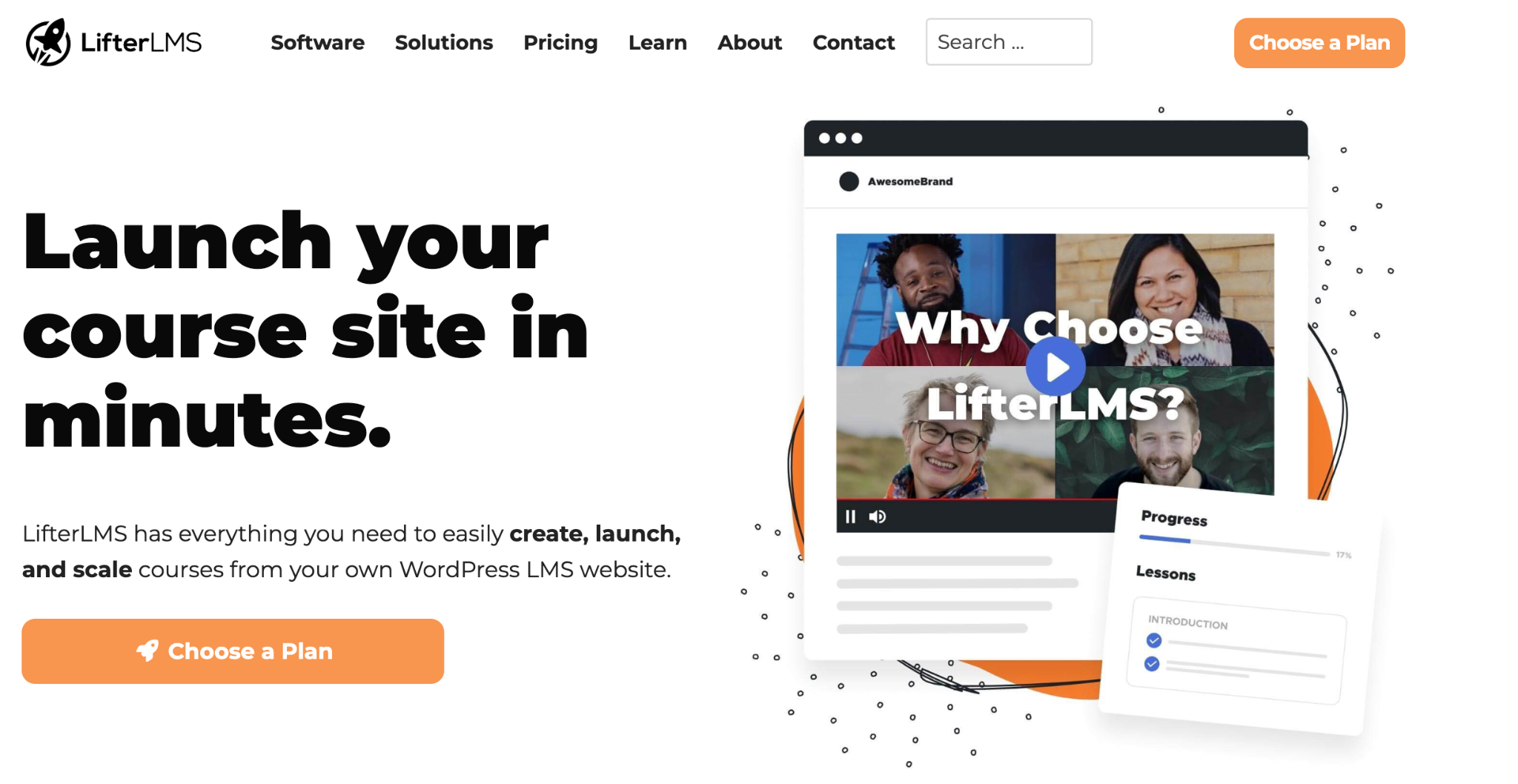
If your nonprofit already uses WordPress for its website, or if you’re comfortable with it, LifterLMS is another great option to explore. It’s a plugin that can turn your existing WordPress site into a complete online learning platform.
How LifterLMS Can Help Your Nonprofit
A major benefit is that the main LifterLMS plugin is free and doesn’t limit you. You can create as many courses and memberships as you want, and there’s no cap on how many students can enroll. This is great for organizations that need to train a growing number of volunteers or participants without worrying about software costs.
Since it’s a WordPress plugin, you have a lot of control over the look and feel. You can customize the design to match your nonprofit’s branding and use a drag-and-drop tool to build your courses. It also works with many other applications, so you can add more functionality if you need it.
The free plugin provides an all-in-one solution for managing your courses and students from a single dashboard. It includes built-in features for payments, and you can award badges and certificates to keep your learners motivated.
You can even test a new course idea by accepting manual payments, which is included in the free version.
A key feature is that you own and control all of your data. Because you host LifterLMS on your own website, all of your course materials and student information belong to you. This gives your nonprofit full control over data privacy and branding.
Why You Might Not Like LifterLMS for Your Nonprofit
- While the core plugin is free, many advanced features are only available through paid “add-ons.” If you need more payment options, specific marketing tools, or other special integrations, you will likely need to purchase these extensions.
- Because you have full control, you are also responsible for managing your WordPress site. This includes handling security, performance, themes, plugins, and regular updates. If your team doesn’t have experience with web administration, you may need to set aside time to learn or get some help.
04. Google Classroom
You’ve likely used Google’s tools before, and they also offer a free platform for learning called Google Classroom. It’s a web-based tool that’s part of the Google Workspace suite of apps. It’s available for free to schools, nonprofits, and anyone with a personal Google account.
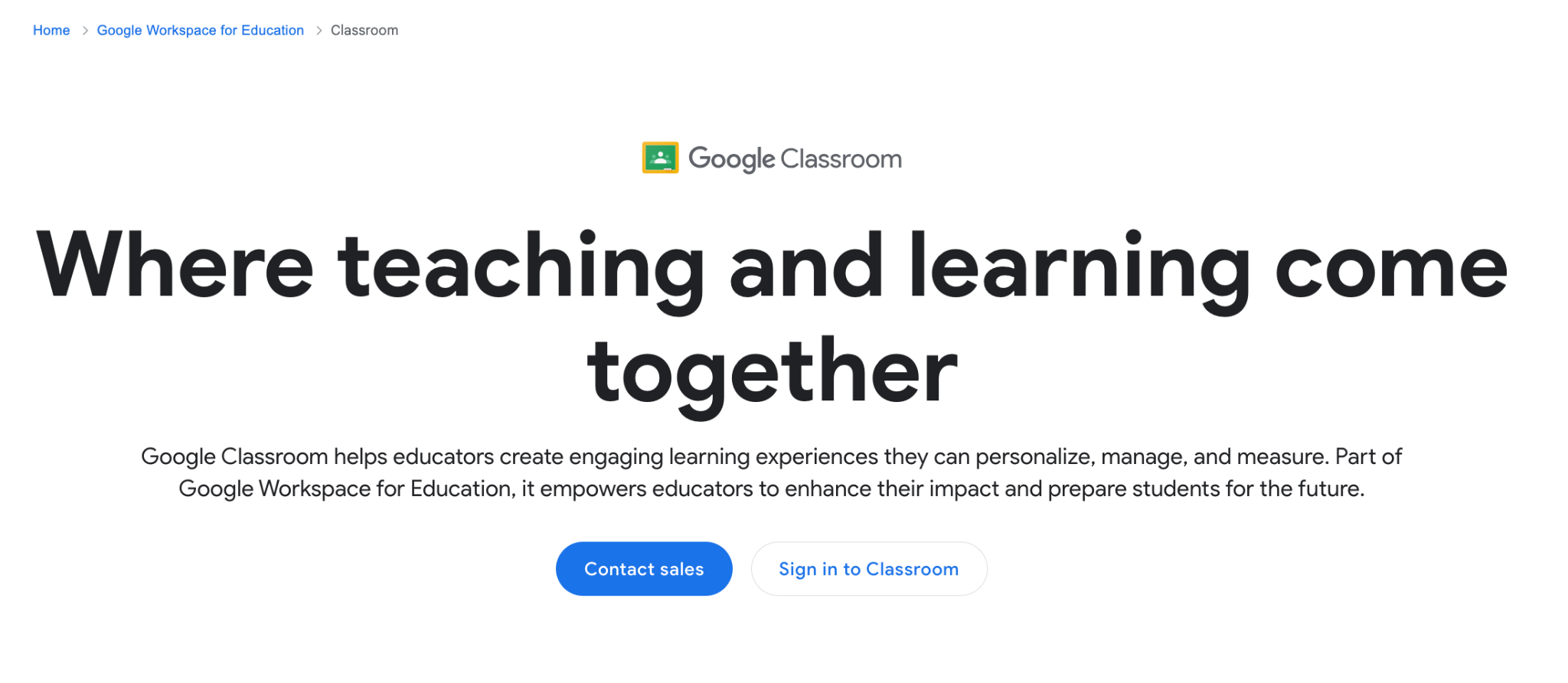
How Google Classroom Can Help Your Nonprofit
The most obvious benefit is that it’s free. Google offers Classroom at no cost to eligible nonprofit organizations, which means you can use it without having to budget for subscription fees.
Google Classroom makes managing courses and assignments very straightforward. You can easily create a class and share assignments digitally.
For every assignment, Classroom automatically creates folders in Google Drive for both the class and for each student, which helps keep things tidy. Learners can see all their upcoming work on a dedicated assignments page.
In Google Classroom, Communication is also very efficient. You can post announcements to your class, start discussions, and provide feedback directly to your learners. The system sends out notifications to keep everyone informed.
Setting up a class in Google Classroom is also simple. You can add students directly by email or share a special code that they can use to join. The whole process is paperless, which can save time and help you stay organized.
Why You Might Not Like Google Classroom for Your Nonprofit
- To get access to the full Google Workspace for Nonprofits (which includes Classroom), your organization must be a registered nonprofit and go through a verification process with Google’s partner, Percent. This offer is not available for government entities, hospitals, or academic institutions.
- The free Google Workspace for Nonprofits plan allows you to have up to 2,000 users. If your organization is larger than that, you would need to upgrade to a discounted Enterprise plan.
- Google Classroom’s features are focused on traditional school-like activities, such as assignments and class discussions. It doesn’t have built-in tools for selling courses, creating custom certificates, or deeply customizing the look and feel of the platform, which some nonprofits might need.
05. Canvas Free-for-Teacher
Another platform you might like is Canvas, which is a very popular learning management system used by many universities and schools. The company that makes Canvas, Instructure, offers a “Free-for-Teacher” plan.
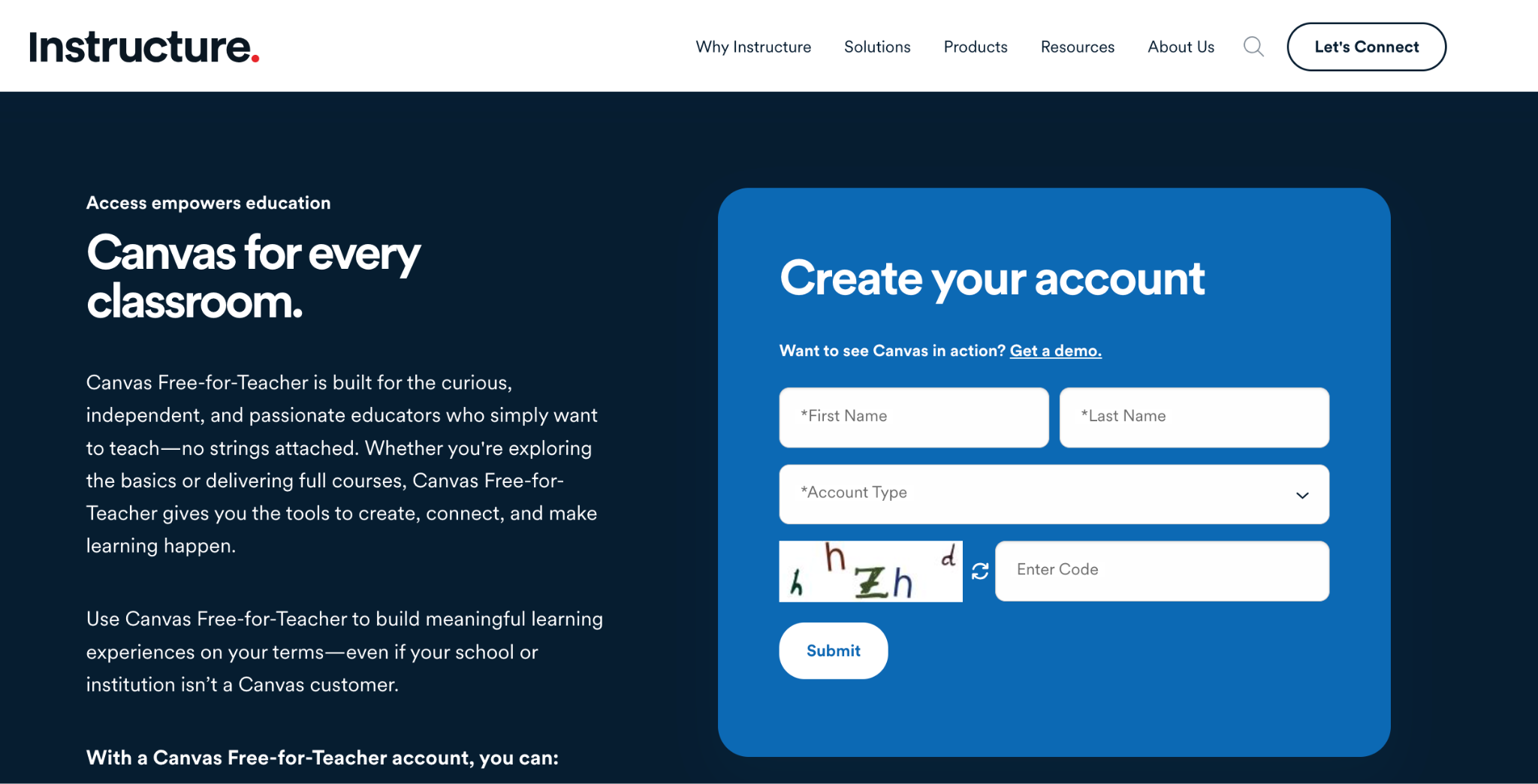
This plan lets any educator create and deliver online courses using the core features of Canvas, all without needing to pay.
How Canvas Free-for-Teacher Can Help Your Nonprofit
The main advantage is that you get access to a powerful and widely-used LMS, Canvas, for free. Your nonprofit can build and run courses without having to worry about licensing fees.
With Canvas, you have a good amount of flexibility when creating your courses. You can build them from scratch using Canvas’s tools, which are known for being user-friendly.
You can also import ready-made content from a shared library called Canvas Commons. It’s also possible to connect your course with other third-party applications.
Canvas allows you to create assignments and quizzes that include different types of media, like videos and images. This can help you make your training more engaging for your volunteers or participants through discussions, assessments, and multimedia content.
Canvas also offers dedicated mobile apps for students and teachers, so everyone can access course materials on their phones or tablets. It also has features that allow for personalized learning, which can be very helpful if you are training a group of people with different skill levels and backgrounds.
Canvas lets you get access to basic analytics for your course, which lets you see how your learners are doing and where they might be struggling. Free-for-Teacher users can also get help from a user community and access support resources within the platform.
Why You Might Not Like Canvas Free-for-Teacher for Your Nonprofit
- The Free-for-Teacher plan only gives you access at the course level. This means you can create courses, but you don’t get administrative control to manage all the users or settings across your entire nonprofit.
- While you can get basic help, full customer support is not included. You can add integrations to your individual courses, but you can’t manage apps centrally or add other paid Canvas products.
- The free plan gives you 500 MB of file storage for each course. If you plan to use a lot of large files or videos in your training, you might find this limit restrictive.
- The free Canvas plan does not include any features for selling courses or accepting payments. If you wanted to use it for fundraising or to charge for a course, you would need to handle that separately with external tools.
06. Chamilo
Let’s look at another open-source option called Chamilo. It’s a learning and collaboration platform that is free to use and modify. The platform is supported by a non-profit association, which is a nice connection for other nonprofits.
How Chamilo Can Help Your Nonprofit
Because Chamilo is free and open-source, you won’t have to pay any software licensing fees. This gives your organization the freedom to use it, study how it works, and even change it to better suit your needs.
Chamilo comes with a rich set of tools for creating courses. You can import or create documents, audio, video, and images. You can also build tests and exams that are scored automatically and manage assignments within the platform. These features are built in, so you don’t need to find extra plugins to get started.
Collaboration is a key part of Chamilo. It includes forums, chat, announcements, and group workspaces to help your learners connect with each other. There are also tools to help you track attendance and monitor learner progress.
Chamilo is also designed to be user-friendly and adaptable. You can customize the tools to fit each course, and the interface is meant to be intuitive, which can make it easier for your staff and volunteers to start using it.
Since Chamilo is maintained by a non-profit association with a global community, you can benefit from improvements, translations, and new features developed by volunteers from around the world.
Why You Might Not Like Chamilo for Your Nonprofit
- Like all the other open source platforms, you must provide your own web server to run Chamilo. This involves a technical setup that includes a database and specific software like Apache and PHP, which could be a hurdle for organizations without technical staff.
- If you want to host live video sessions, you’ll need to set up a separate server for a tool called BigBlueButton and connect it to Chamilo with a plugin. This requires a dedicated server and additional technical work.
- The standard backup tool saves your course content, but it doesn’t save student interactions like forum posts. To save everything, your platform administrator would need to perform a full backup of the entire portal.
- As a volunteer-driven project, support comes from community forums and documentation. If you need guaranteed, immediate assistance, you would likely need to hire an official Chamilo provider.
- While basic course creation is straightforward, installing plugins and making sure the platform runs smoothly can involve server configuration and command-line work.
07. Sensei
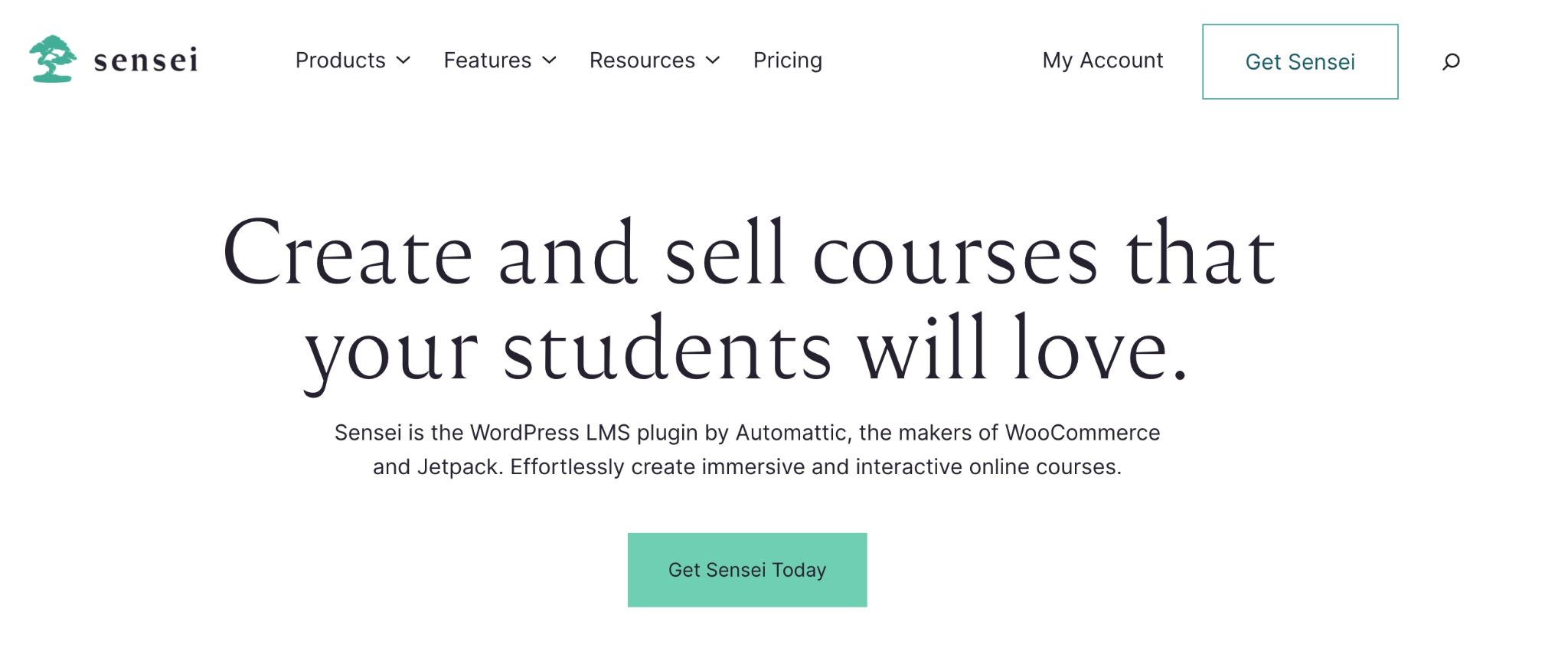
Sensei LMS is another WordPress plugin that can help you create online courses. It’s an open-source tool made by Automattic, the same company behind WordPress.
How Sensei Can Help Your Nonprofit
Sensei offers a lot of features in its free plugin. You can download it for any WordPress site. And because it’s open-source, it provides a free starting point for your nonprofit’s online learning initiatives.
It works smoothly with your existing WordPress site and looks good with any website design. You create courses using the familiar WordPress editor, and there’s a special “Learning Mode” you can turn on to help your students focus on the material without distractions.
In Sensei, there are no limits on the number of courses you can create or the number of students who can enroll. This means you don’t have to worry about outgrowing the free version as your programs expand.
You can make your courses engaging by embedding videos from platforms like YouTube or Vimeo. It also includes different types of quizzes, like multiple choice and fill-in-the-blank, and provides detailed reports so you can see how your learners are progressing.
Finally, because Sensei is a part of the WordPress ecosystem, it works well with hundreds of other plugins. This allows your nonprofit to add more features and functionality to your site as you need them.
Why You Might Not Like Sensei for Your Nonprofit
- Many useful features, such as scheduling content to be released over time, interactive videos, and flashcards, are only available in the Pro version.
- If you use the free plugin, you’ll need to rely on community forums and online documentation for help. Priority support from the developers is reserved for paying customers.
- Sensei is a WordPress LMS plugin, not a standalone platform. This means you are responsible for maintaining your own WordPress site, which includes handling hosting, updates, and security.
- If you want to charge for your courses or offer paid memberships, you’ll need to integrate Sensei with WooCommerce. This can involve additional setup and potentially more costs for specific extensions.
How to Choose the Right LMS for Your Nonprofit
Here are 04 tips on how to pick the right LMS for your nonprofit organization.
01. Understand Your Nonprofit’s Needs
Before you even start looking at free course platforms, take some time to think about what your nonprofit truly needs. Every organization is different, and what works for one might not work for another. Consider the following questions:
- Who are your learners? Are they volunteers, staff, or the people you serve? What are their technical skills? Do they have reliable internet access?
- What kind of content will you deliver? Will it be simple text and images, videos, interactive quizzes, or live webinars? Do you need to issue certificates?
- What is your budget? While many free options exist, some might come with hidden costs like hosting or paid add-ons. Be realistic about what you can afford for both initial setup and ongoing maintenance.
- How many learners do you expect? Some free plans have limits on the number of users. Will your needs grow over time?
- What are your technical capabilities? Do you have staff with IT experience, or do you need an online course platform that is very easy to set up and manage without technical help?
- Do you need to collect payments? If you plan to charge for courses or accept donations through the platform, you’ll need built-in e-commerce features or easy integrations.
02. Consider Cloud-Hosted vs. Self-Hosted Options
LMS platforms generally fall into two categories: SaaS LMS and Open-source LMS, each with its own set of advantages and disadvantages for nonprofits.
Cloud-Hosted LMS
SaaS or Cloud-Hosted LMS platforms are managed by the provider, meaning you don’t have to worry about servers, updates, or technical maintenance. They are often quicker to set up and easier to use, making them a good choice for nonprofits with limited technical resources.
Pros: Easy setup, no technical maintenance, often user-friendly interfaces, support usually included (though sometimes limited in free tiers).
Cons: Less control over data, customization might be limited, features can be restricted in free plans, and it may not integrate with your existing website easily.
Self-Hosted or Open-Source LMS
Open-Source LMS platforms give you more control because you host the software on your own server (or a server you rent). Open-source options are often free to download and modify, offering great flexibility.
Pros: Full control over data, extensive customization options, no licensing fees for the software itself, and can integrate deeply with your existing website (especially WordPress plugins).
Cons: Requires technical knowledge for setup and maintenance, you are responsible for hosting costs and security, and support often relies on community forums unless you pay for a service provider.
03. Evaluate Key Features
Once you have a clearer idea of your needs and the type of course platform you prefer, look closely at the features each LMS offers. Here are some important ones to consider:
- Course Creation Tools: How easy is it to build courses? Can you add different types of content (videos, documents, quizzes)?
- User Management: How do you add students? Can you group them? Is there a limit on the number of users?
- Communication Tools: Does it have forums, chat, or announcement features to help you connect with learners?
- Assessment and Reporting: Can you create quizzes and assignments? Does it track student progress and provide reports?
- Mobile Accessibility: Can learners access courses easily on their phones or tablets?
- Integrations: Does it connect with other tools you use, like video conferencing (Zoom, Google Meet) or payment gateways?
- Customization and Branding: Can you make the platform look like your nonprofit’s website?
- Support and Community: What kind of help is available if you run into problems? Is there a community of users you can ask for advice?
04. Test Drive and Ask Questions
Before making a final decision, try out a few platforms. Many offer free trials or free versions that allow you to get a feel for how they work.
Set up a sample course, invite a few colleagues to act as students, and see if it meets your expectations.
Don’t hesitate to reach out to the platform providers, especially if they offer nonprofit discounts. Ask specific questions about their free plans, limitations, and what kind of support you can expect.
What Makes Klasio Unique Among Other Nonprofit LMS Platforms
At its heart, Klasio was created with a simple belief: that everyone should have the chance to share what they do best and learn from others. This idea is especially relevant for nonprofits, where sharing real-world skills and experiences can make a profound difference.
Klasio aims to open doors, helping learners access practical knowledge and enabling organizations to expand their reach and build something lasting.
Our work at Klasio is shaped by a few core values, all designed to make it easier for organizations like yours to teach and connect:
- Simplicity First: Every feature in Klasio is built with clarity in mind. We want you to spend less time figuring out the technology and more time focusing on sharing your knowledge.
- Continuous Innovation: We listen to the challenges and goals of our users. Each update and new feature is developed to help you teach more effectively today than you did yesterday.
- Strengthen Every Voice: We believe that everyone with expertise deserves a platform to share their knowledge, regardless of their background. Klasio is designed to remove barriers, making it possible for diverse voices to be heard.
- Community Collaboration: We encourage spaces where creators and learners can communicate openly. By working together, we believe we can help foster a smarter and more connected world.
This foundation makes Klasio a thoughtful choice for nonprofits looking to deliver online learning that is accessible, impactful, and aligned with a mission of shared growth.




Leave a Reply