
Choosing an enterprise LMS becomes more difficult as your course business grows. A platform that works well for a few hundred learners may struggle when you add multiple academies, larger teams, advanced reporting, or customer training. Switching platforms later can take time, increase costs, and disrupt your learners.
An enterprise LMS gives you the tools to manage learning at scale. Depending on the platform, that can include multi-tenant academies, advanced analytics, API access, single sign-on (SSO), white labeling, and stronger security controls. The right choice depends on how you deliver training and where your business is headed.
This guide compares the best enterprise LMS platforms for course businesses. You’ll see where each platform performs well, where it falls short, how pricing compares, and which option fits different use cases. We also cover hidden costs, migration, integrations, and implementation, so you can compare the total value instead of feature lists alone.
TL;DR
- Klasio: Best for course businesses that need multi-tenant academies, built-in ecommerce, white labeling, and room to scale without adding multiple tools.
- Docebo: Best for large organizations that need AI-powered learning, enterprise automation, and employee training across global teams.
- LearnWorlds: Best for creating interactive online courses with built-in authoring tools, learner engagement features, and branded learning experiences.
- TalentLMS: Best value for growing teams that want an easy-to-manage platform for employee training without enterprise-level complexity.
- LearnUpon: Best for businesses that train employees, customers, and partners from one platform with strong reporting and integrations.
- Absorb LMS: Best for compliance-focused training programs that require detailed reporting, certifications, and enterprise administration.
- 360Learning: Best for collaborative learning where subject matter experts create and update training alongside learning teams.
- Cornerstone OnDemand: Best for large enterprises that need deep HR integrations, workforce development, and advanced talent management.
- CYPHER Learning: Best for organizations looking to use AI to personalize learning paths, automate course creation, and reduce administrative work.
- iSpring Learn: Best for teams that rely on SCORM-based training and want a straightforward LMS with fast deployment.
Why You Can Trust This Comparison
We build LMS software for course businesses. Understanding how other platforms solve different learning and business challenges is part of how we improve our own product.
As part of that work, we tested every platform in this guide to understand what each one does well, where it falls short, which problems it solves best, and how it compares with the rest of the market. We also reviewed official documentation, pricing, product updates, and real customer feedback to verify our findings.
Every platform was evaluated using the same criteria, including learning experience, enterprise features, scalability, integrations, implementation, support, pricing, and long-term value. When a platform performed better than Klasio in a specific area, we say so. When Klasio had a clear advantage, we explain why. The goal is to help you choose the right LMS, even if that isn’t Klasio.
Quick Comparison
| Platform | Best For | Pricing | Free Trial / Demo |
| Klasio | Scaling course businesses | Free plan. Paid plans from $29/month. | ✅ Free plan |
| Docebo | Large employee training | Custom pricing | ✅ Demo |
| LearnWorlds | Interactive course experiences | From $29/month | ✅ 30-day free trial |
| TalentLMS | Growing teams | Free plan. Paid plans from $149/month | ✅ Free plan |
| LearnUpon | Customer and partner training | Custom pricing | ✅ Demo |
| Absorb LMS | Compliance training | Custom pricing | ✅ Demo |
| 360Learning | Collaborative learning | Custom pricing | ✅ Free trial |
| Cornerstone OnDemand | Enterprise HR ecosystems | Custom pricing | ✅ Demo |
| CYPHER Learning | AI-powered learning | Custom pricing | ✅ Demo |
| iSpring Learn | SCORM-based training | From $3.58/user/month | ✅ 30-day free trial |
Top 10 Enterprise LMS Platforms
Choosing the right enterprise LMS depends on your business goals, budget, and growth plans. Compare the top platforms using the same evaluation criteria, so you can quickly see where each solution stands and choose the best fit with confidence.
1. Klasio
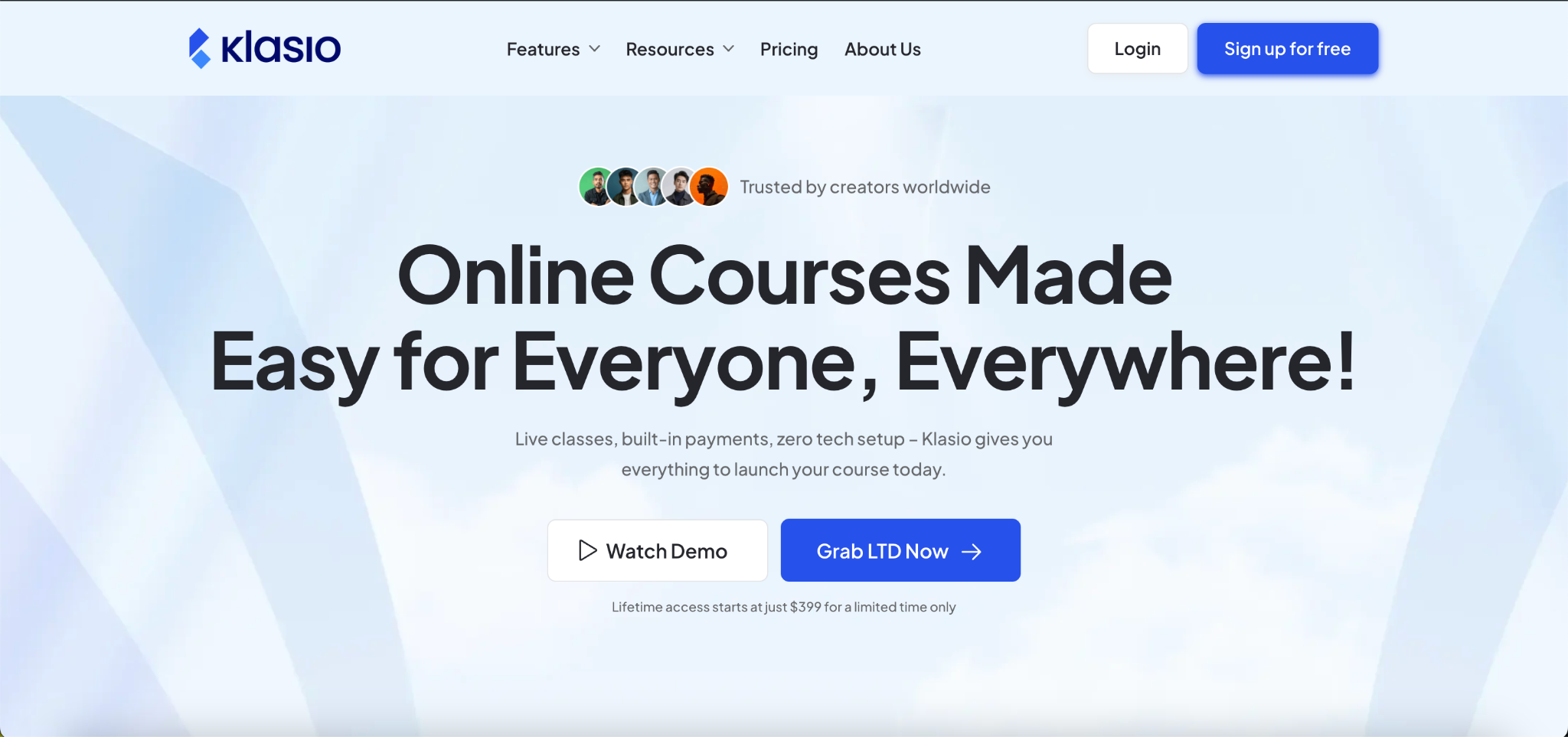
Klasio is an AI-powered learning management system built for course creators, coaches, educators, and training businesses that want to create, market, and sell online courses from one platform. Instead of combining multiple tools for your website, payments, community, and learning experience, Klasio brings those capabilities together in a single system.
Best For
Course businesses that want to scale with built-in ecommerce, multi-tenant academies, and white-label branding without relying on multiple software subscriptions.
Who Should Avoid It
Klasio may not be the best fit if your primary goal is internal employee training for a large enterprise that already uses HR, talent management, or workforce management software. In that case, platforms like Docebo or Cornerstone OnDemand may offer deeper enterprise HR capabilities.
Key Features
- AI-powered course creation: Generate course outlines and learning content faster, reducing the time needed to launch new programs.
- Multi-tenant academies: Manage multiple branded learning portals from one dashboard, making it easier to serve different clients or business units.
- Built-in ecommerce: Sell courses, memberships, and digital products without adding a separate ecommerce platform.
- Website builder: Create a complete course website with landing pages, blogs, and checkout pages inside the platform.
- Live classes: Run live sessions through Zoom and Google Meet integrations while keeping learner management in one place.
- Community features: Keep learners engaged with discussions and community spaces instead of sending them to another platform.
- Mobile learning: Give learners access to courses through a responsive experience and a dedicated student mobile app.
- Assessments and certificates: Measure learner progress with quizzes, assignments, and certificates.
Pricing
Klasio offers a free plan for getting started. Paid subscription plans start at $49 per month, followed by Growth at $79 per month and Business at $149 per month. Enterprise pricing is available through a custom quote. All monthly subscription plans include 0% platform commission on course sales. Standard payment gateway processing fees still apply.
Migration & Implementation
Klasio offers migration support for businesses moving from another LMS. The migration effort depends on the amount of course content, learner data, and integrations you need to transfer. Because the platform includes website building, ecommerce, and course delivery, many businesses can replace several separate tools during implementation. Public documentation does not specify a standard migration timeline.
Integrations
Klasio integrates with Zoom, Google Meet, and popular payment gateways. Higher plans also include advanced integrations to connect your learning platform with other business tools. If your business depends on specialized enterprise software, confirm integration requirements with the sales team before migrating.
Pros
- Built specifically for course businesses instead of general corporate training.
- Built-in website, ecommerce, and LMS reduce the need for additional software.
- Multi-tenant academies support multiple brands or clients.
- Student mobile app is available.
- Monthly plans include 0% platform commission on course sales.
- Free plan available for getting started.
Cons
- Enterprise pricing requires contacting the sales team.
- Public documentation provides limited details about advanced enterprise integrations.
- Large organizations with complex HR or workforce management requirements may need a more corporate-focused LMS.
Final Verdict
Klasio is one of the strongest choices if your business earns revenue by selling online courses, memberships, or digital products. It combines learning management, ecommerce, website building, and learner engagement in one platform, helping you scale without managing a large collection of separate tools. Businesses focused primarily on enterprise employee training may find a corporate LMS better aligned with their requirements.
2. Docebo
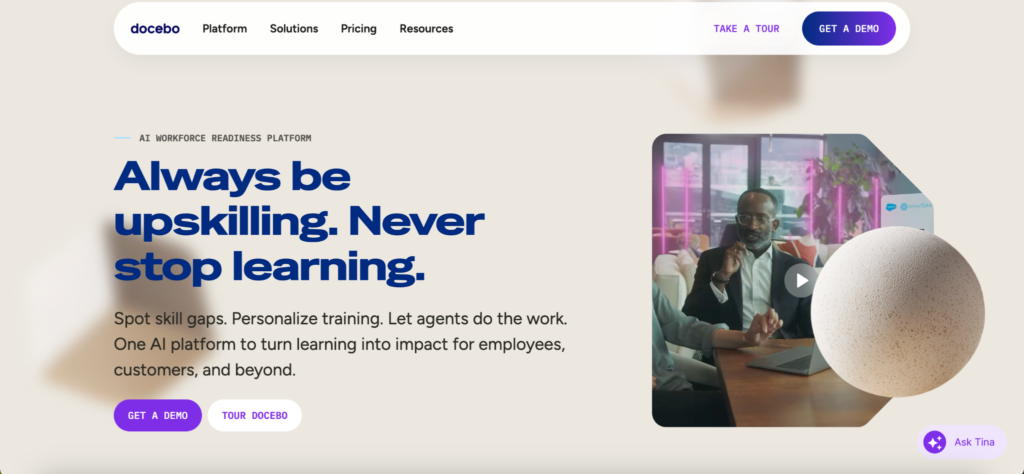
Docebo is an AI-powered enterprise learning platform designed for organizations that train employees, customers, and partners at scale. It combines traditional LMS capabilities with AI-powered content creation, personalized learning, automation, analytics, and extended enterprise features, making it a strong choice for large organizations with complex training needs.
Best For
Large organizations that need one platform to manage employee training, customer education, partner enablement, and compliance programs across multiple audiences.
Who Should Avoid It
Docebo may not be the right choice if you run a small course business, need transparent pricing, or want to launch quickly without working through a sales process. Platforms built specifically for course businesses often require less setup and a lower initial investment.
Key Features
- AI-powered content creation: Create courses, assessments, translations, and learning materials faster with built-in AI tools, reducing manual content development.
- Personalized learning: AI recommends relevant learning content based on each learner’s role, skills, and activity, helping improve engagement and course completion.
- Extended enterprise training: Train employees, customers, and partners from one platform while managing different learning audiences through separate domains.
- Automation and workflows: Automate enrollments, learning paths, notifications, and administrative tasks, reducing repetitive work for learning teams.
- Advanced reporting: Track learner progress, certifications, engagement, and business impact with detailed reporting and analytics.
- Enterprise integrations: Connect with HR systems, CRM platforms, collaboration tools, and business applications through pre-built integrations and APIs.
Pricing
Docebo does not publish fixed pricing. It offers two primary plans, Elevate and Enterprise, with pricing based on your selected tier, active user model, and optional add-ons. You need to contact the sales team for a custom quote.
Migration & Implementation
Docebo provides onboarding, implementation, and migration services for enterprise customers. The implementation timeline depends on learner volume, integrations, customizations, and organizational complexity. Large deployments typically require planning before launch.
Integrations
Docebo supports integrations with Salesforce, Microsoft Teams, HR systems, content providers, video conferencing tools, and other enterprise applications. It also offers APIs and webhooks for custom integrations.
Pros
- AI capabilities are integrated throughout the platform instead of being limited to one feature.
- Supports employee, customer, and partner training from one LMS.
- Strong automation reduces administrative work.
- Extensive integration ecosystem for enterprise software.
- Scales well for global organizations with multiple learning audiences.
Cons
- Pricing is not publicly available.
- Implementation usually takes longer than platforms built for smaller businesses.
- Some advanced capabilities and add-ons increase the total cost of ownership.
- The platform has a steeper learning curve for administrators than many mid-market LMS platforms.
Final Verdict
Docebo is one of the strongest enterprise LMS platforms for organizations that need AI-powered learning, automation, and large-scale training across employees, customers, and partners. If your organization values flexibility, advanced integrations, and enterprise scalability more than transparent pricing or quick setup, Docebo is a strong option to consider.
3. LearnWorlds
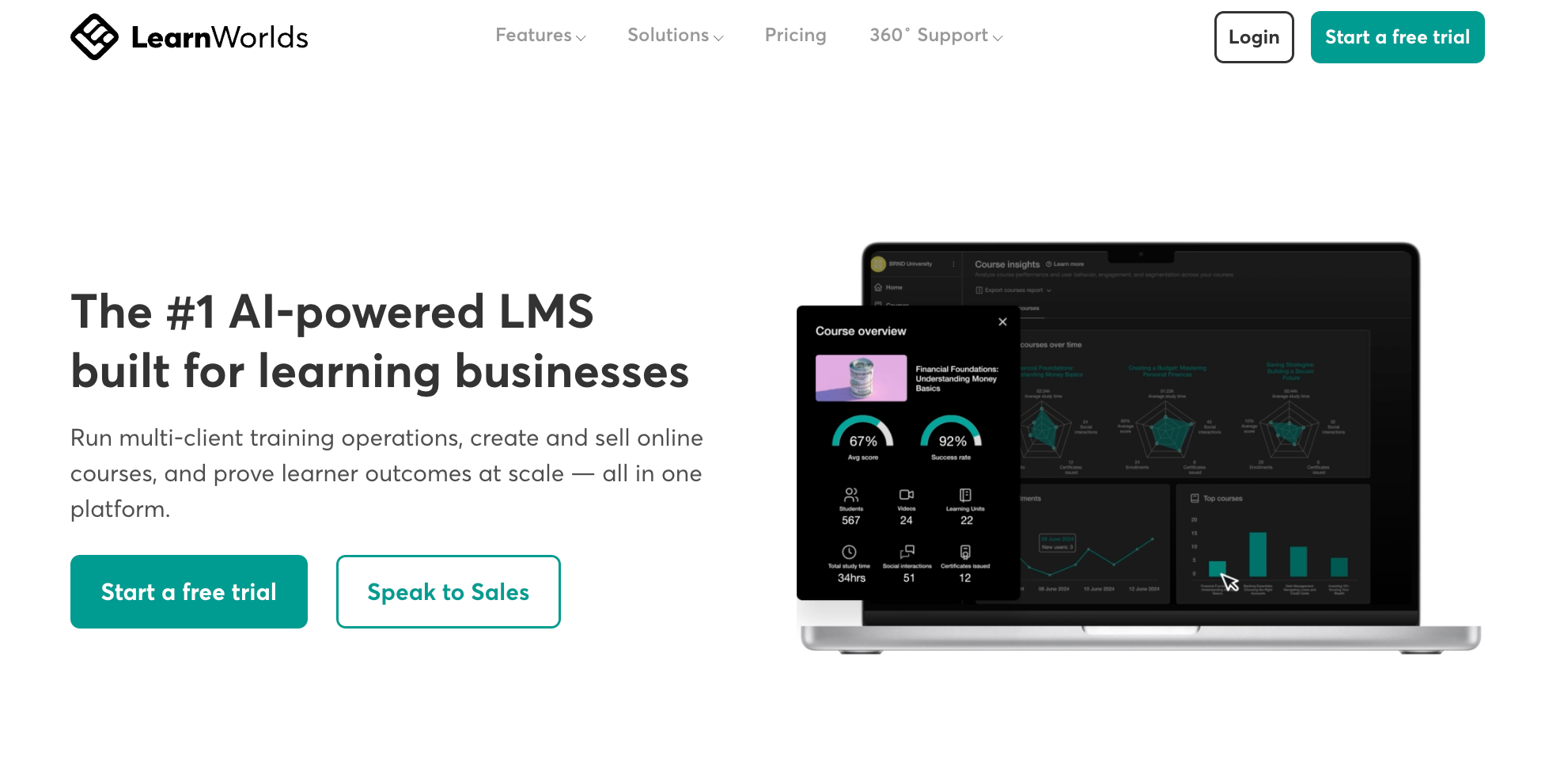
LearnWorlds is an AI-powered learning management system built for creators, coaches, training companies, and businesses that want to create, market, and sell online courses. Its biggest strength is delivering engaging learning experiences through interactive videos, assessments, digital products, and a fully branded online school.
Best For
Course creators and training businesses that want highly interactive learning experiences with advanced branding and course customization.
Who Should Avoid It
LearnWorlds may not be the best fit if you want an all-in-one platform with built-in multi-tenancy, transparent enterprise pricing, or a branded mobile app included in your subscription. Several advanced features are only available on higher-tier plans or as paid add-ons.
Key Features
- Interactive video learning: Add quizzes, buttons, forms, transcripts, and other interactions directly inside videos to improve learner engagement and knowledge retention.
- AI course creation: Generate course outlines, learning materials, subtitles, translations, and other content faster with built-in AI tools. AI-generated content should still be reviewed before publishing.
- White-label online school: Customize your website, domain, emails, learner portal, and branding so learners see your business instead of the platform.
- Course selling tools: Sell courses, memberships, bundles, subscriptions, and digital downloads with built-in checkout and marketing features.
- SCORM support: Import SCORM packages for professional training programs. Higher plans increase SCORM limits and unlock unlimited imports.
- Advanced analytics: Track learner progress, course performance, sales, and engagement from one dashboard. Advanced reporting is available on higher-tier plans.
Pricing
LearnWorlds offers a 30-day free trial. Paid plans start at $29/month or $24/month when billed annually. The Starter plan charges a $5 fee per course sale. Transaction fees are removed on higher plans, which start at $99/month or $79/month annually. Enterprise customers can request custom pricing through the High Volume & Corporate plan.
Migration & Implementation
LearnWorlds provides migration assistance for businesses moving from another LMS. The platform includes an onboarding academy, documentation, and customer support to help you launch your school. More advanced onboarding services are available on higher-tier plans.
Integrations
LearnWorlds supports integrations with Zapier, HubSpot, Mailchimp, Stripe, PayPal, Zoom, Google Analytics, Intercom, APIs, and webhooks. Enterprise plans also include additional SSO and API capabilities.
Pros
- Interactive video is one of the strongest learning features available.
- Strong white-label customization across your website and learning experience.
- Built-in AI tools speed up course creation.
- Supports SCORM content for professional training.
- Includes marketing and ecommerce tools for selling courses.
Cons
- The Starter plan charges a $5 fee for every course sale.
- Advanced reporting, API access, SSO, and unlimited SCORM support require higher-tier plans.
- The branded mobile app is a paid add-on starting at $149/month and is not included with standard subscriptions.
Final Verdict
LearnWorlds is one of the strongest choices if learner engagement is your highest priority. Interactive video, AI-powered content creation, and deep branding options help you build a polished online academy. If you need built-in multi-tenancy, lower long-term costs, or more enterprise features in lower-priced plans, compare it carefully with Klasio. You can also explore our LearnWorlds alternatives before making your final decision.
4. TalentLMS
TalentLMS is a cloud-based learning management system designed for businesses that need to train employees, customers, or partners without a lengthy implementation process. It focuses on ease of use, quick deployment, and flexible training management, making it a popular choice for small and mid-sized organizations that expect to grow.
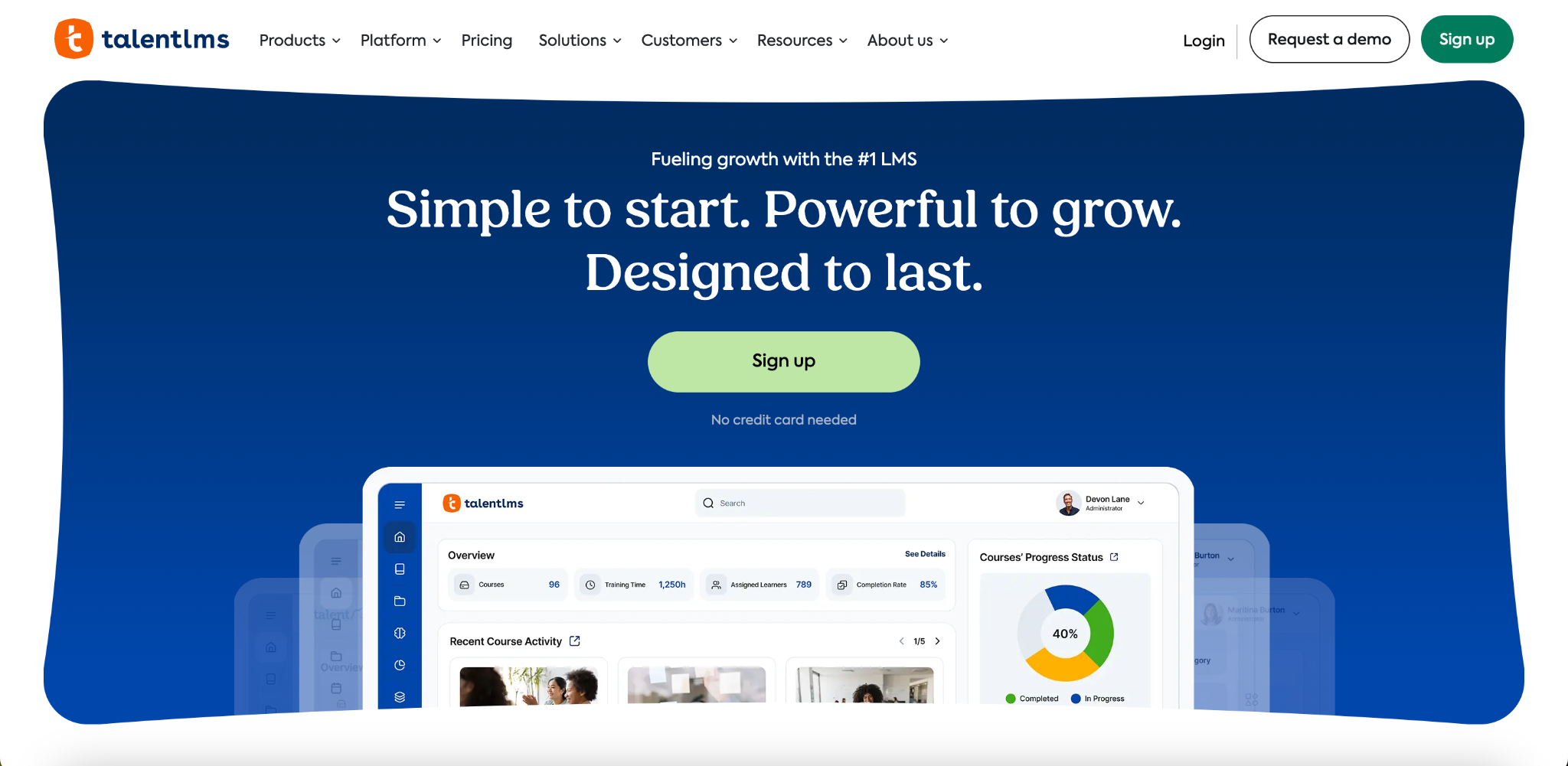
Best For
Growing businesses that want an easy-to-manage LMS for employee training with transparent pricing and fast implementation.
Who Should Avoid It
TalentLMS may not be the best choice if you run a course business that depends on built-in ecommerce, advanced marketing tools, or highly customized learner experiences. It is designed primarily for business training rather than selling online courses.
Key Features
- AI-powered course creation: Generate course content, quizzes, and learning materials faster with built-in AI tools, reducing course development time.
- Learning paths: Guide learners through structured training programs with automatic enrollments and progress tracking.
- Branch management: Create separate learning environments for departments, locations, or clients while managing them from one account.
- Assessments and certifications: Measure learner progress with quizzes, exams, surveys, and automatically issued certificates.
- Automation: Schedule enrollments, reminders, and recurring training to reduce manual administration.
- Reporting and analytics: Monitor learner activity, completion rates, and training performance through built-in reports.
Pricing
TalentLMS offers a Free plan with limited users and courses. Paid plans start at $149 per month when billed monthly, with pricing based on the number of active users or registered users you choose. Larger organizations can request custom enterprise pricing.
Migration & Implementation
TalentLMS provides migration assistance, onboarding resources, and an extensive knowledge base to help businesses move from another LMS. Because the platform is designed for quick deployment, many organizations can launch training in a relatively short time without dedicated technical staff.
Integrations
TalentLMS integrates with Zoom, Microsoft Teams, Salesforce, HubSpot, Zapier, Stripe, PayPal, Shopify, BambooHR, and many other business applications. It also supports REST APIs, SSO, and SCIM on higher-tier plans.
Pros
- Easy for administrators and learners to use.
- Free plan available for small teams.
- Fast implementation with minimal technical setup.
- Flexible pricing based on active or registered users.
- Strong integration library for common business tools.
Cons
- Ecommerce capabilities are limited compared with platforms built for selling online courses.
- Website customization and branding options are less flexible than creator-focused LMS platforms.
- Some enterprise capabilities, including advanced SSO and automation, require higher-tier plans.
Final Verdict
TalentLMS is a strong choice if your priority is employee training with a platform that is easy to deploy, manage, and scale. If your business generates revenue from selling courses, memberships, or digital products, a course-focused platform such as Klasio or LearnWorlds is likely to be a better fit.
5. LearnUpon
LearnUpon is a cloud-based enterprise LMS built for organizations that train employees, customers, partners, and members from one platform. Its biggest strengths are multi-audience training, easy administration, strong customer support, and enterprise scalability. It is widely used by mid-sized and enterprise organizations that need structured learning without the complexity of a traditional HR platform.
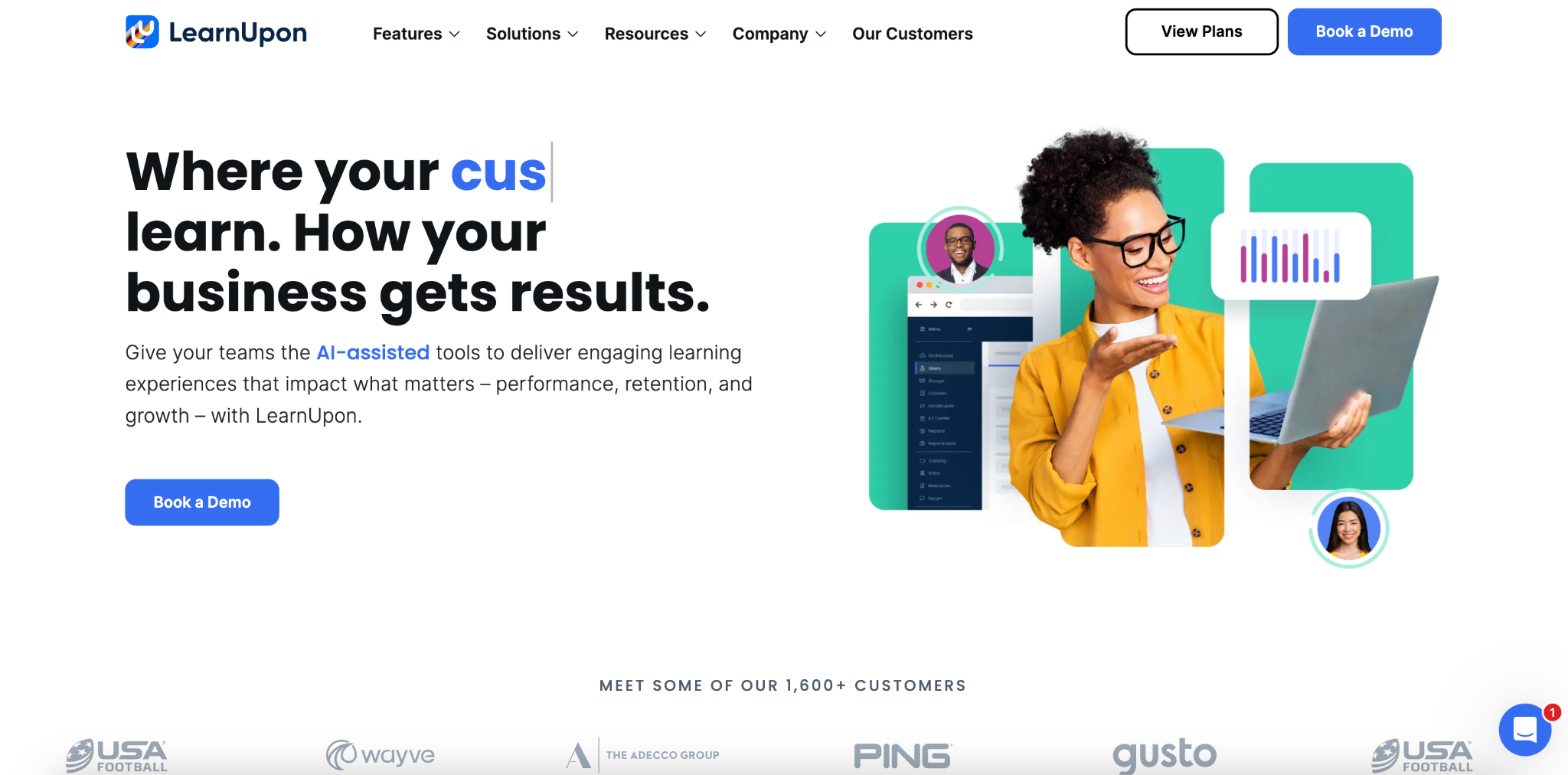
Best For
Organizations that need to deliver employee, customer, and partner training from one LMS with strong reporting and enterprise support.
Who Should Avoid It
LearnUpon may not be the best choice if you primarily sell online courses to consumers or need built-in ecommerce and advanced marketing tools. It focuses on business training rather than running an online course business.
Key Features
- Multi-portal training: Create separate learning portals for employees, customers, partners, or franchises while managing everything from one platform. This helps you deliver different learning experiences without maintaining multiple LMS platforms.
- AI-powered course creation: Create+ uses AI to generate structured courses from documents, presentations, and other learning materials, helping learning teams publish content much faster.
- Learning paths and journeys: Build structured training programs with automated progression, helping learners complete courses in the right order with less manual administration.
- Compliance and certification: Track mandatory training, certifications, and learner progress through built-in reporting and automated reminders.
- Advanced reporting: Monitor learner engagement, completion rates, certifications, and training performance through enterprise reporting tools.
- SCORM and xAPI support: Import and manage industry-standard learning content while keeping training records centralized.
Pricing
LearnUpon does not publish fixed pricing. Plans are based on Monthly Active Users (MAUs), required features, and support requirements. You need to contact the sales team for a custom quote. The platform offers a personalized demo instead of a self-service free trial.
Migration & Implementation
Every customer works with an Implementation Consultant during setup. LearnUpon also includes Customer Success guidance and 24/7 technical support to help with onboarding, configuration, and long-term adoption. Implementation time depends on the size of your organization, integrations, and migration requirements.
Integrations
LearnUpon integrates with Salesforce, HubSpot, Microsoft Teams, Zoom, HR systems, Single Sign-On providers, and many other business applications. It also provides APIs for organizations that need custom integrations.
Pros
- Supports employee, customer, partner, and member training from one platform.
- AI-powered course creation speeds up content development.
- Multi-portal architecture works well for different learner groups.
- Strong onboarding process with implementation specialists.
- 24/7 customer support is included.
Cons
- Pricing is not publicly available.
- Built for business training rather than selling online courses.
- Ecommerce and marketing capabilities are limited compared with creator-focused LMS platforms.
- Implementation typically takes longer than self-service LMS platforms.
Final Verdict
LearnUpon is an excellent choice if your business trains multiple audiences from one platform and values structured implementation, enterprise support, and scalable learning management. If your primary goal is selling online courses with built-in ecommerce and marketing tools, platforms designed for course businesses are likely to provide a better fit.
6. Absorb LMS
Absorb LMS is an AI-powered enterprise learning platform designed for organizations that train employees, customers, partners, contractors, and suppliers from one system. It combines learning management, AI-assisted content creation, compliance tracking, reporting, ecommerce, and automation to support large-scale training programs.
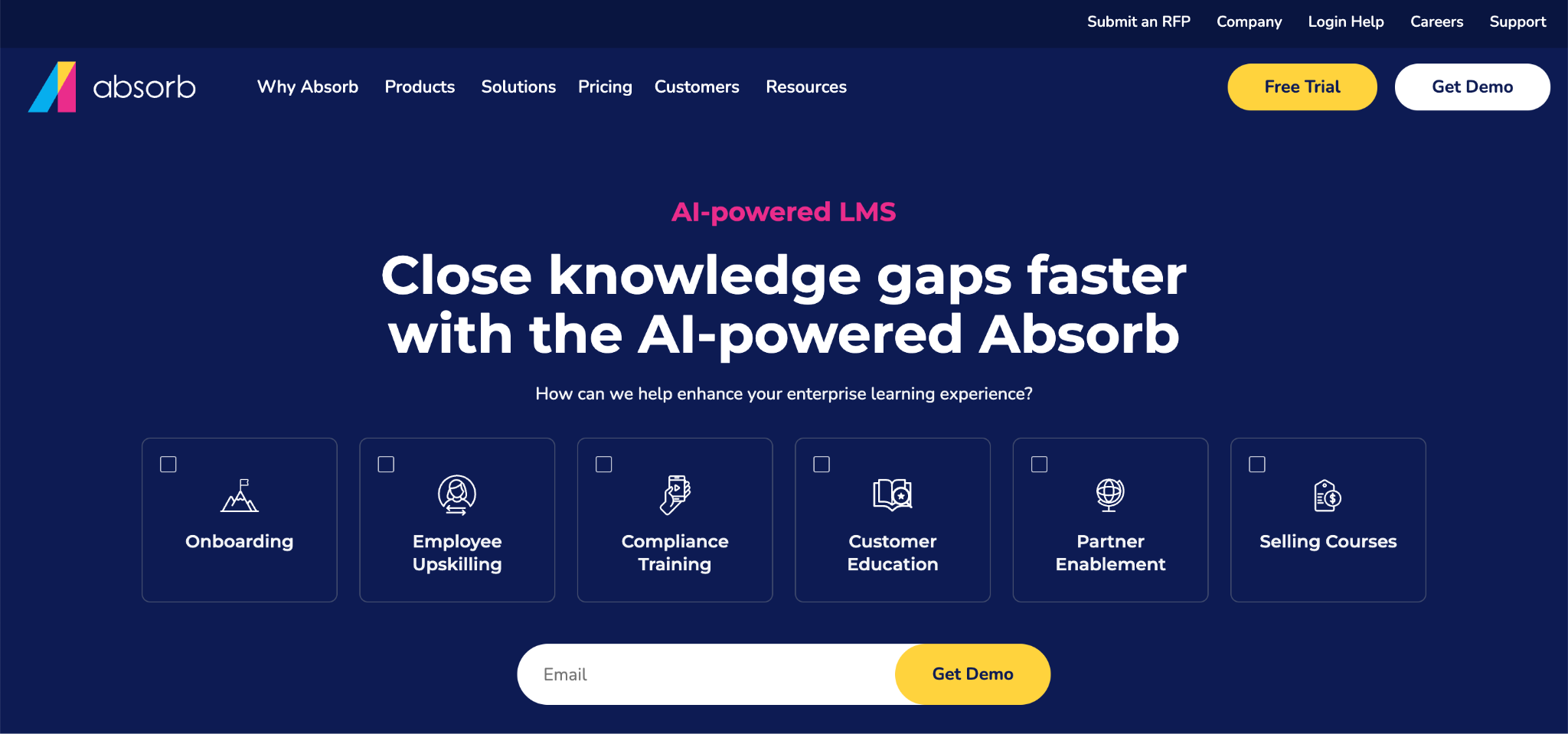
Best For
Large organizations that need enterprise training, compliance management, and customer education with AI-powered learning tools.
Who Should Avoid It
Absorb LMS may not be the best choice if you mainly sell online courses and want built-in marketing tools, transparent pricing, or a platform designed specifically for course businesses.
Key Features
- AI-powered learning and administration: Absorb Aura helps generate learning content, recommend training, and automate administrative tasks. This reduces manual work while making learning more relevant for each learner.
- Compliance management: Automate recurring certifications, mandatory training, reminders, and reporting. This makes it easier to keep employees and external learners compliant with internal and regulatory requirements.
- Built-in ecommerce: Every Absorb LMS instance includes an integrated ecommerce storefront. You can sell courses, accept online payments, and manage commercial training without connecting a separate ecommerce platform.
- Advanced reporting: Create detailed reports and dashboards to monitor learner progress, certifications, engagement, and training performance. These insights help learning teams measure outcomes and identify improvement opportunities.
- Mobile learning: Learners can access training through native iOS and Android apps with support for online and offline learning. This helps teams continue training regardless of location or internet access.
- Enterprise integrations: Connect Absorb LMS with HR systems, CRM platforms, content libraries, Single Sign-On providers, and other business applications through pre-built integrations and REST APIs.
Pricing
Absorb LMS does not publish fixed pricing. Costs depend on your learner volume, feature requirements, and implementation needs. You need to contact the sales team for a custom quote. Organizations can request a personalized demo or discuss trial options during the sales process.
Migration & Implementation
Absorb provides implementation, onboarding, and migration services to help organizations move from another LMS. Deployment timelines vary based on learner volume, integrations, branding, and data migration requirements. Larger implementations typically involve a structured onboarding process with guidance from the implementation team.
Integrations
Absorb LMS integrates with HRIS platforms, CRM systems, Zoom, Microsoft Teams, content providers, Single Sign-On services, and many other enterprise applications. It also supports SCORM, xAPI, REST APIs, and webhooks for organizations with custom integration requirements.
Pros
- Strong AI capabilities across course creation and administration.
- Built-in ecommerce is included with every LMS instance.
- Excellent compliance and certification management.
- Native mobile apps support offline learning.
- Broad enterprise integration ecosystem.
- Supports both internal and external training programs.
Cons
- Pricing is only available through the sales team.
- Implementation usually takes longer than self-service LMS platforms.
- Marketing and sales features are less extensive than platforms built specifically for course businesses.
- The total cost can increase as you add enterprise services and custom requirements.
Final Verdict
Absorb LMS is a strong choice if your organization needs enterprise training, compliance management, and customer education from one platform. Its AI capabilities, integrated ecommerce, and enterprise integrations make it well suited for large organizations. If your primary goal is selling online courses and growing a course business, compare it with creator-focused LMS platforms before making your final decision.
7. 360Learning
360Learning is an AI-powered learning platform built around collaborative learning. Instead of relying only on learning and development teams to create training, it enables subject matter experts across your organization to build, share, and improve courses together. The platform supports employee, customer, and partner training while helping organizations capture and scale internal knowledge.
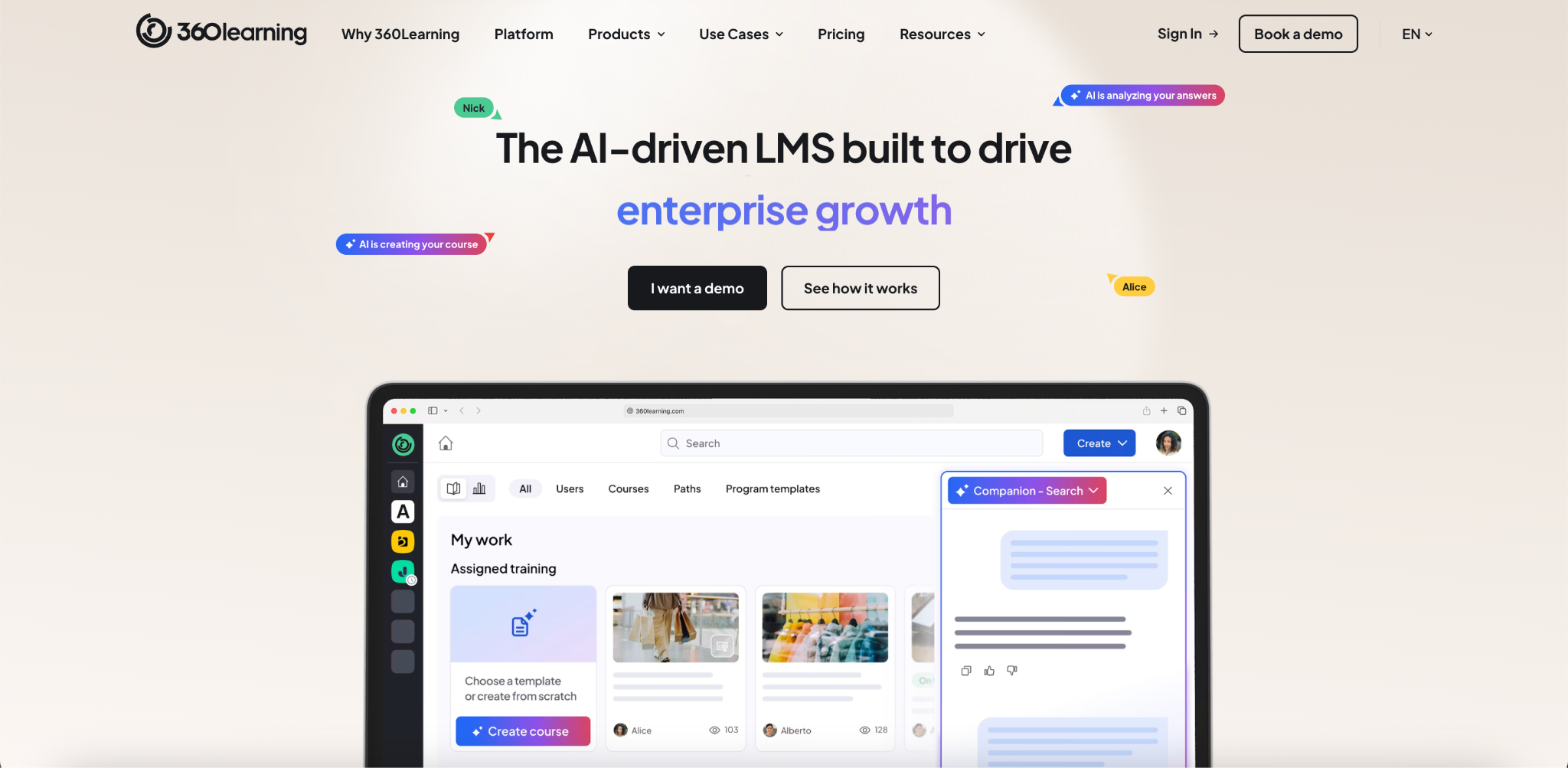
Best For
Organizations that want to scale collaborative learning by enabling internal experts to create and maintain training.
Who Should Avoid It
360Learning may not be the best choice if you primarily sell online courses and need built-in ecommerce, advanced marketing tools, or a platform designed for commercial course businesses.
Key Features
- Collaborative course authoring: Subject matter experts and learning teams can create and update courses together. This keeps training accurate and reduces the time needed to publish new content.
- AI-powered course creation: Generate course content, quizzes, translations, and learning recommendations with built-in AI tools. This helps learning teams develop training faster while maintaining human review before publishing.
- Learning paths and skills development: Build structured learning journeys and recommend relevant training based on employee skills, roles, and learning history.
- Analytics and reporting: Track learner engagement, course completion, and training effectiveness through built-in dashboards that help measure business impact.
- Mobile learning: Native mobile apps allow learners to complete training, collaborate with peers, and access learning from anywhere.
- Enterprise integrations: Connect with HR systems, collaboration tools, content libraries, and identity providers through pre-built integrations and APIs.
Pricing
360Learning publicly offers a Team plan starting at $8 per registered user per month for up to 100 users. Business and Enterprise plans require a custom quote. A free trial is available.
Migration & Implementation
360Learning provides onboarding and implementation support for organizations moving from another LMS. Smaller teams can launch quickly with the Team plan, while larger Business and Enterprise deployments include guided implementation based on your training requirements.
Integrations
360Learning integrates with Microsoft Teams, Salesforce, Workday, BambooHR, Zoom, Slack, content providers, Single Sign-On services, and other enterprise applications. APIs are also available for custom integrations.
Pros
- Excellent collaborative course authoring.
- AI tools reduce course creation time.
- Transparent entry-level pricing.
- Strong mobile learning experience.
- Well suited for employee onboarding and internal knowledge sharing.
- Supports employee, customer, and partner training.
Cons
- Ecommerce capabilities are limited for businesses that sell online courses.
- Business and Enterprise pricing is not publicly available.
- Collaborative learning works best when subject matter experts actively contribute.
- Advanced enterprise capabilities require higher-tier plans.
Final Verdict
360Learning is a strong choice for organizations that want employees to actively contribute to learning instead of relying entirely on an L&D team. Its collaborative approach, AI-powered authoring, and transparent entry-level pricing make it an excellent fit for internal training. If your business focuses on selling online courses, you’ll likely find more suitable options in platforms built specifically for commercial education.
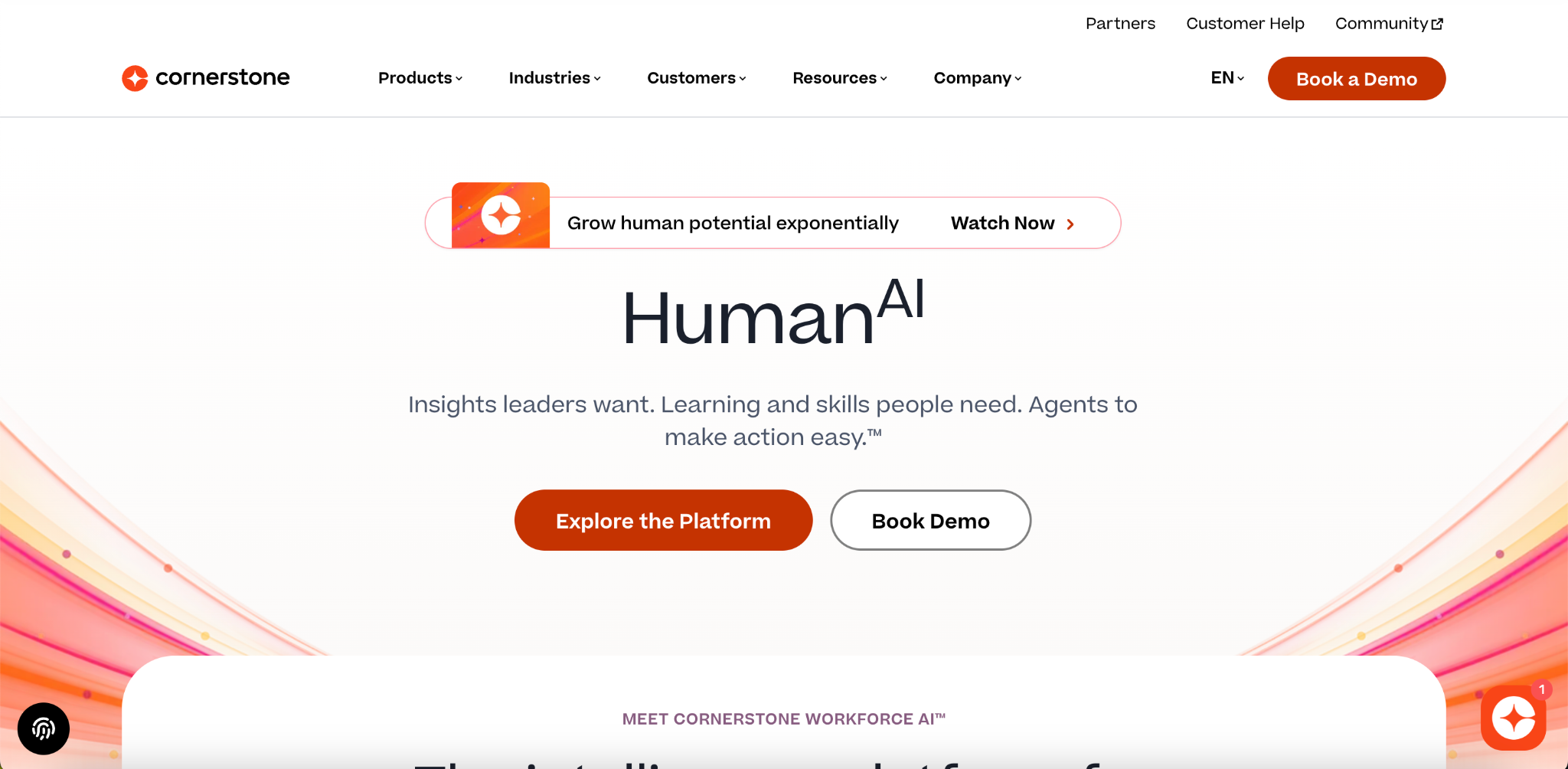
8. Cornerstone OnDemand
Cornerstone OnDemand is an enterprise learning and talent development platform built for large organizations with complex workforce training needs. Beyond learning management, it includes performance management, skills development, compliance, and workforce planning, making it a strong choice for organizations that want learning as part of a broader talent strategy.
Best For
Large enterprises that need to combine employee learning, compliance, performance management, and workforce development in one platform.
Who Should Avoid It
Cornerstone OnDemand may not be the right choice if you primarily sell online courses or need a fast, self-service LMS. Its enterprise implementation, pricing model, and feature set are designed for large organizations rather than commercial course businesses.
Key Features
- Learning and talent management: Manage employee training alongside performance, skills, succession planning, and career development from one platform. This gives HR and L&D teams a complete view of workforce growth.
- AI-powered skills intelligence: Cornerstone Galaxy uses AI to identify skills, recommend personalized learning, and help organizations close workforce skill gaps. This supports long-term workforce planning instead of simply delivering courses.
- Compliance management: Automate mandatory training, certifications, and compliance reporting across global teams. This reduces manual administration while helping organizations meet regulatory requirements.
- Advanced analytics: Track learner progress, compliance, skills development, and workforce performance through enterprise reporting and dashboards. These insights help leaders measure learning outcomes and business impact.
- Enterprise integrations: Connect Cornerstone with HRIS platforms, CRM systems, payroll software, Microsoft Teams, Salesforce, Workday, and other enterprise applications. This keeps employee data synchronized across systems.
- Global scalability: Support multiple languages, regions, business units, and compliance requirements from one enterprise platform. This makes Cornerstone suitable for multinational organizations.
Pricing
Cornerstone OnDemand does not publish fixed pricing. Plans are fully sales-led, and costs depend on your organization’s size, selected modules, implementation requirements, and support needs. You need to contact the sales team for a custom quote. Demo and evaluation environments may be available during the sales process.
Migration & Implementation
Cornerstone provides enterprise implementation, onboarding, and migration services. Because the platform is highly configurable and often integrates with HR systems, deployments typically require careful planning and may take significantly longer than self-service LMS platforms.
Integrations
Cornerstone integrates with Salesforce, Microsoft Teams, Workday, payroll systems, HR platforms, identity providers, and many other enterprise applications. It also supports APIs and enterprise authentication options for organizations with complex IT environments.
Pros
- Combines learning management with talent management and workforce development.
- Strong AI-powered skills intelligence and personalized learning.
- Excellent compliance and reporting capabilities.
- Broad enterprise integration ecosystem.
- Designed to support global organizations at scale.
Cons
- Pricing is not publicly available.
- Implementation is more complex than most cloud LMS platforms.
- Many organizations will use only a portion of the available functionality.
- Not designed primarily for businesses that sell online courses.
Final Verdict
Cornerstone OnDemand is one of the strongest enterprise learning platforms for organizations that view learning as part of a broader talent management strategy. Its AI-powered skills intelligence, compliance capabilities, and enterprise integrations make it a strong fit for large global organizations. If your goal is launching and growing a commercial course business, you’ll likely find a more focused solution in a platform built specifically for online education.
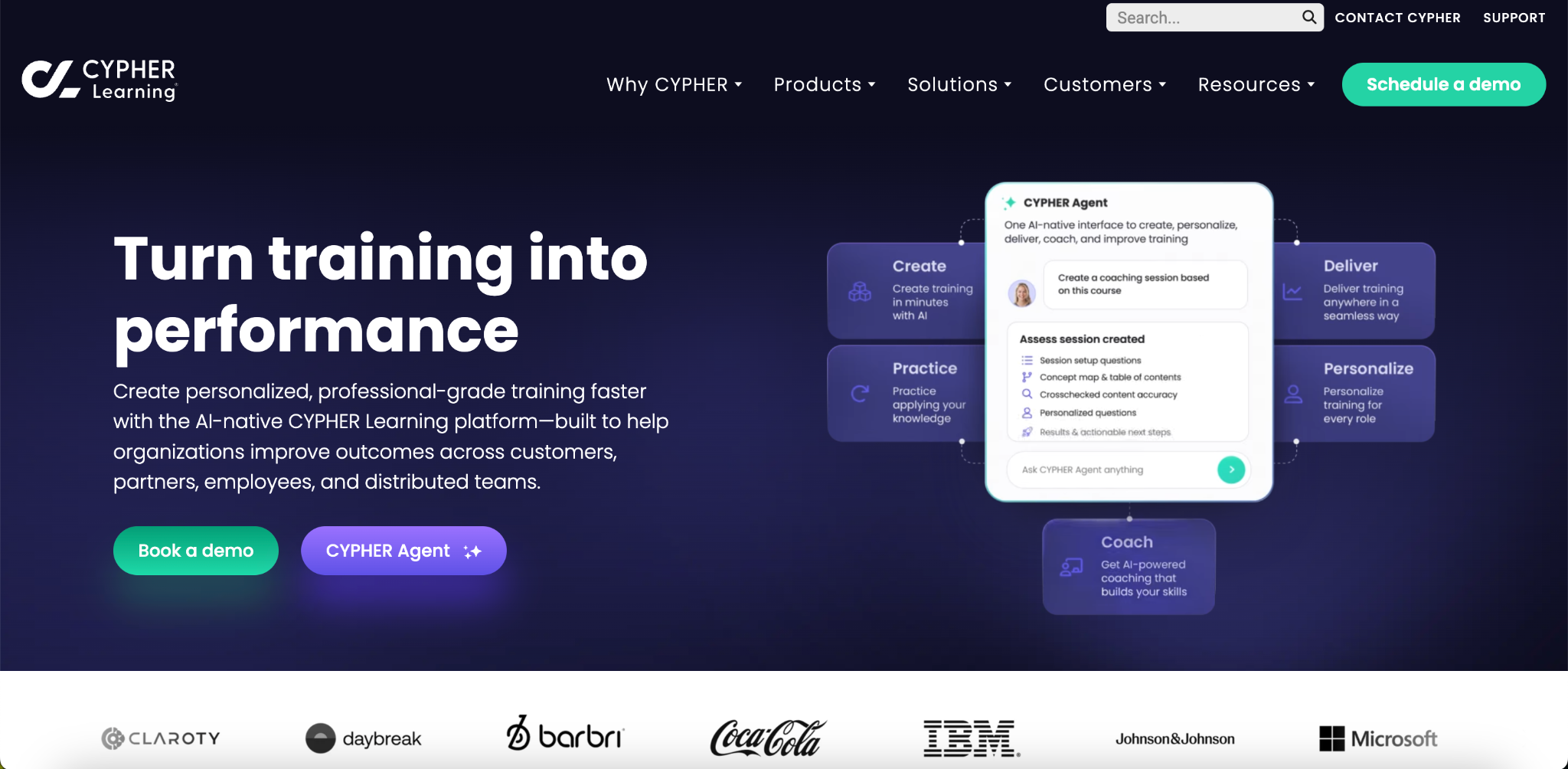
9. CYPHER Learning
CYPHER Learning is an AI-powered learning platform designed for organizations that deliver employee, customer, academic, and partner training. Its biggest differentiator is the deep use of AI throughout the platform, helping learning teams create courses faster, automate administrative work, and personalize learning for every learner.
Best For
Organizations that want to use AI to create, manage, and personalize learning at scale.
Who Should Avoid It
CYPHER Learning may not be the best choice if you primarily sell online courses and need built-in ecommerce, advanced marketing tools, or transparent pricing. The platform focuses on enterprise learning rather than running a commercial course business.
Key Features
- AI-powered course creation: CYPHER AI can generate course outlines, quizzes, assignments, summaries, and learning materials from prompts or existing content. This helps learning teams publish training faster while reducing manual work.
- Personalized learning: AI recommends courses and learning paths based on learner roles, skills, and progress. This makes training more relevant and helps learners stay engaged.
- Skills-based learning: Track workforce skills, identify gaps, and recommend training to support employee development and career growth.
- Automation: Automate enrollments, reminders, certifications, notifications, and recurring learning tasks. This reduces administrative effort for learning managers.
- Reporting and analytics: Monitor learner activity, completion rates, assessments, and training performance through customizable dashboards and reports.
- Mobile learning: Learners can access courses, complete assignments, and continue training from mobile devices, making learning available wherever work happens.
Pricing
CYPHER Learning does not publish standard pricing. Plans are customized based on your organization’s size, feature requirements, and implementation needs. You need to contact the sales team for a custom quote or product demonstration.
Migration & Implementation
CYPHER Learning provides onboarding and migration assistance for organizations moving from another LMS. Implementation timelines depend on learner volume, integrations, customizations, and data migration requirements. Larger enterprise deployments typically include guided onboarding.
Integrations
CYPHER Learning integrates with Microsoft Teams, Zoom, Google Workspace, Salesforce, HR systems, Single Sign-On providers, and other enterprise applications. The platform also provides APIs for organizations that need custom integrations.
Pros
- AI capabilities are integrated throughout the platform.
- Personalized learning recommendations improve learner engagement.
- Strong automation reduces repetitive administrative work.
- Supports employee, customer, partner, and academic learning.
- Broad enterprise integration options.
Cons
- Pricing is only available through the sales team.
- Ecommerce capabilities are limited compared with platforms built for selling online courses.
- Some enterprise features require implementation planning and administrator training.
- Public documentation provides fewer pricing and deployment details than some competitors.
Final Verdict
CYPHER Learning is a strong choice for organizations that want AI to play a central role in learning and development. Its intelligent course creation, personalized learning, and automation features help reduce administrative work while improving the learner experience. If your primary goal is building and growing an online course business, compare it with platforms designed specifically for commercial course sales before making your final decision.
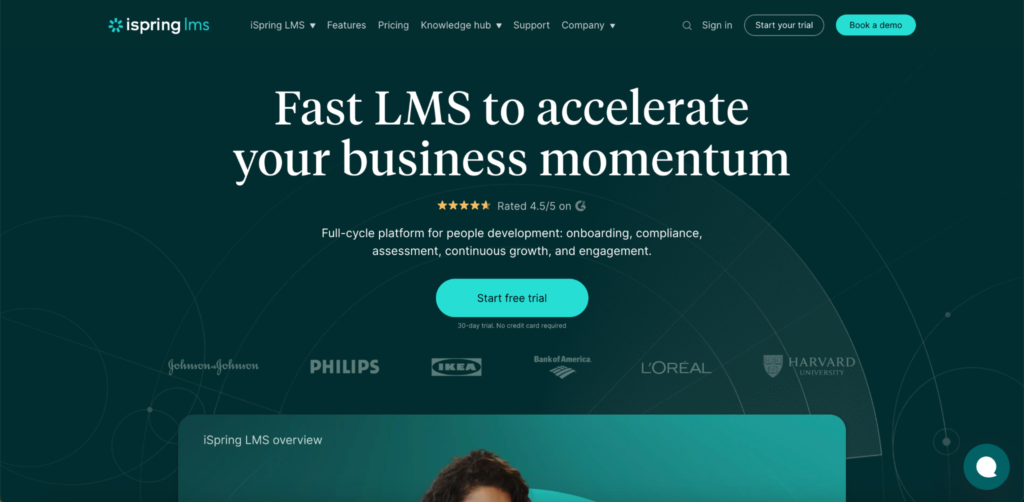
10. iSpring Learn
iSpring Learn is a cloud-based learning management system built primarily for employee onboarding, compliance training, and professional development. It is known for its ease of use, fast implementation, and close integration with iSpring Suite, allowing organizations to create and deliver SCORM-compliant training from one ecosystem.
Best For
Organizations that rely on SCORM-based training and want an LMS that is easy to deploy and manage.
Who Should Avoid It
iSpring Learn may not be the best choice if you primarily sell online courses and need built-in ecommerce, advanced marketing tools, or a platform designed for running a commercial course business.
Key Features
- Built-in AI course creation: Create interactive courses, quizzes, and learning materials with AI directly inside the LMS. This helps reduce course development time while keeping content editable before publishing.
- SCORM and xAPI support: Upload and track SCORM, xAPI, AICC, cmi5, video, and document-based learning content. This makes it a strong choice for organizations with an existing eLearning library.
- Learning paths and automation: Build structured learning programs, automate enrollments, assign role-based training, and notify managers when learners complete required courses.
- Mobile learning: Native iOS and Android apps support online and offline learning. Learner progress automatically syncs when the device reconnects to the internet. Mobile learning is included in every pricing plan.
- Reporting and 360-degree reviews: Track learner progress, quiz performance, certifications, assignments, and employee competencies through detailed reports and performance reviews.
- Enterprise integrations: Connect with HR systems, CRM platforms, Zoom, Google Meet, Microsoft Teams, Single Sign-On providers, and other business applications through ready-made integrations and REST APIs.
Pricing
iSpring Learn uses an active user pricing model, so you only pay for learners who log in during each billing period. Business plans start at $3.58 per active user per month (annual billing for 1,000 active users). Enterprise pricing is available by custom quote. Every subscription includes a license for iSpring Suite and a 30-day free trial.
Migration & Implementation
iSpring Learn is designed for fast deployment and includes onboarding resources, guided setup, and 24/7 technical support. Organizations can migrate existing learning content and begin delivering training without extensive technical expertise. Enterprise customers can also request on-premise deployment if required.
Integrations
iSpring Learn integrates with Zoom, Google Meet, Microsoft Teams, HR systems, CRM platforms, Single Sign-On providers, and other business applications. REST APIs are available for organizations that need custom integrations.
Pros
- Excellent support for SCORM, xAPI, and other eLearning standards.
- Fast implementation with a simple administrator interface.
- Mobile learning with offline access is included in all plans.
- Every LMS subscription includes iSpring Suite for course authoring.
- Strong customer support with 24/7 assistance.
Cons
- Ecommerce capabilities are limited compared with platforms built for selling online courses.
- Active-user pricing may become more expensive as learner engagement increases.
- Enterprise features such as on-premise deployment require custom pricing.
- Website customization and marketing capabilities are limited compared with creator-focused LMS platforms.
Final Verdict
iSpring Learn is a strong choice if your organization already uses SCORM content or needs a straightforward LMS for employee onboarding, compliance, and professional development. Its combination of easy deployment, built-in course authoring, and strong support makes it well suited for corporate training. If your business depends on selling online courses with integrated ecommerce and marketing tools, a platform built specifically for course businesses will be a better fit.
How to Choose the Right Enterprise LMS
After comparing platforms, the next step is making sure your preferred LMS fits your business over the long term. Before you make a final decision, look beyond feature lists and ask the questions below.
Understand the Pricing Model
Enterprise LMS platforms don’t use the same pricing structure. If you’re still deciding whether you actually need an enterprise platform, start by comparing the best LMS for small businesses before evaluating enterprise solutions. You’ll also find flat-rate subscriptions and custom enterprise pricing. A platform with a lower starting price isn’t always the most affordable once your learner base grows. Estimate your costs based on your expected usage instead of comparing advertised prices alone.
Verify the Integrations You Need
Your LMS should fit into your existing workflow instead of creating more manual work. Before signing a contract, confirm that it integrates with the tools your team already relies on, such as your CRM, HRIS, payment gateway, marketing platform, Single Sign-On (SSO) provider, and analytics tools. If an integration requires custom development or a higher-tier plan, ask about the additional cost and implementation timeline.
Calculate the Total Cost of Ownership
The subscription fee is only one part of the investment. Ask about implementation fees, migration services, branded mobile apps, white-label features, premium support, API access, storage limits, and any usage-based charges. These costs can have a much bigger impact on your budget than the monthly subscription, especially as your business grows.
Why Klasio Is a Strong Choice for Enterprise Course Businesses
Many enterprise LMS platforms are built primarily for employee training. They often include HR-focused features, complex implementation processes, and pricing models designed for large internal learning programs. If your business earns revenue by selling online courses, those platforms can include capabilities you may never use. If you’re moving away from marketplace platforms, compare the best Udemy alternatives before choosing your long-term LMS.
Klasio takes a different approach. It is built for course businesses that need to create, market, sell, and manage online learning from one platform. Instead of combining separate tools for your website, checkout, community, and learning management, you can manage everything from a single dashboard.
As your business grows, Klasio also supports features that become more important at scale. Multi-tenant academies let you manage multiple branded learning portals from one account. White labeling helps you deliver a consistent brand experience across your website and learner portal. Built-in ecommerce lets you sell courses and memberships without relying on a separate commerce platform. Mobile learning gives your learners access to training wherever they are.
The platform can also reduce your long-term operating costs. Because website management, e-commerce, course delivery, and learner engagement are built into the platform, you may need fewer third-party subscriptions. Many course businesses can also launch faster because they don’t have to integrate several separate tools before publishing their first academy.
Choose Klasio if you run a course business and want one platform to create, market, sell, and deliver online learning while keeping long-term software costs under control.
Consider another platform if your primary focus is enterprise employee training, workforce development, or talent management that requires deep HR integrations, advanced compliance workflows, or a broader human capital management ecosystem.
Frequently Asked Questions
What is the difference between an enterprise LMS and a standard LMS?
The difference between an enterprise LMS and a standard LMS is its ability to support large-scale learning operations. An enterprise LMS includes features such as advanced reporting, Single Sign-On (SSO), API integrations, stronger security, multi-tenant learning portals, and automation. A standard LMS is often enough for smaller training programs, but an enterprise LMS is built to scale as your learners, teams, and training needs grow.
What are the most important features to look for in an enterprise LMS?
The most important enterprise LMS features depend on your business goals, but scalability should come first. Look for advanced reporting, integrations, mobile learning, automation, AI capabilities, white labeling, security, and support for standards such as SCORM and xAPI. If you sell online courses, built-in ecommerce and payment processing are also important.
Can an enterprise LMS support both employee training and customer education?
Yes. Many enterprise LMS platforms support employee training, customer education, partner enablement, and compliance training from one platform. Some use separate portals or multi-tenant environments so each audience gets a customized learning experience while administrators manage everything from one dashboard.
How do enterprise LMS platforms compare in terms of pricing?
Enterprise LMS pricing varies based on the vendor’s pricing model. Some platforms charge per registered learner, while others bill only for monthly active learners. You’ll also find flat-rate subscriptions and custom enterprise pricing. Compare the total cost based on your expected learner volume and required features instead of choosing the platform with the lowest starting price.
How long does it take to implement an enterprise LMS?
Enterprise LMS implementation usually takes anywhere from a few days to several months. The timeline depends on learner volume, migration requirements, integrations, branding, administrator training, and customizations. Self-service platforms typically launch faster than enterprise systems that require guided implementation.
Do enterprise LMS platforms support SCORM, xAPI, and other eLearning standards?
Most enterprise LMS platforms support SCORM and many also support xAPI. Some platforms also support AICC and cmi5. If you already have SCORM or xAPI courses, verify compatibility before migrating so your existing content and learner records continue working as expected.
Can I migrate my existing courses and learner data to a new LMS?
Yes. Most enterprise LMS providers offer migration services for courses, learner records, enrollments, certificates, and other training data. The migration process depends on your current platform, content format, and data structure. Before signing a contract, ask what migration assistance is included and whether additional fees apply.
Can an enterprise LMS integrate with Salesforce, HubSpot, Microsoft Teams, and HR software?
Most enterprise LMS platforms integrate with popular CRM, HR, communication, and marketing tools. Common integrations include Salesforce, HubSpot, Microsoft Teams, Zoom, Workday, BambooHR, and Single Sign-On providers. Before making a decision, confirm that your essential integrations are available on your chosen plan.
What hidden costs should I look for before choosing an enterprise LMS?
The hidden costs of an enterprise LMS often go beyond the monthly subscription. Ask about implementation fees, migration services, branded mobile apps, white-label features, premium support, API access, storage limits, transaction fees, and usage-based pricing. Understanding these costs before you sign a contract helps you estimate the true long-term investment.




Leave a Reply