
Udemy is where most course creators start, and for good reason. It’s free to join, has over 70 million students, and can get your course in front of a paying audience without any marketing experience.
For a first-time instructor, that’s genuinely valuable.
But spend enough time on Udemy and the cracks start to show. You’re keeping 37% of the sales the platform generates for you. Your course gets discounted to $9.99 without your approval. You can’t email your own students. Your course can be removed without warning or explanation. And the longer you stay, the more you realize you’re building Udemy’s business, not yours.
That’s why, in this guide, we break down the best alternatives to Udemy across every category. So you can find the platform that actually fits the business you’re trying to build.
TL;DR
- If you want to stay in a marketplace and just reach more students, Skillshare and Coursera are worth looking at. You’re not building your own brand, but you’re also not starting from zero. Just know that you’re still playing by someone else’s rules.
- If you want your own branded school without dealing with tech, Klasio or LearnWorlds are the most practical options. You get your own platform, you own your student list, and you keep the majority of your revenue. Klasio is the easiest entry point if you’re just starting out. LearnWorlds makes sense if interactive content is important to you.
- If you want an all-in-one business platform, Kajabi is the answer, but only if you’re already generating revenue and want to replace multiple tools with one. It’s not a beginner platform, and the price reflects that.
- If you’re already on WordPress and want to keep it that way, LearnDash is the most capable WordPress LMS plugin available.
- If you need total control and have technical resources, Moodle is the open-source option that gives you complete ownership of your infrastructure. It’s used by universities and enterprises for a reason — but it requires real technical investment to set up and maintain.
Best Udemy Alternatives: Quick Overview
| Tool | Best Feature | Best For | Starting Price |
| Skillshare | Built-in audience with subscription discovery | Creators in creative niches who prioritize discoverability over ownership | Free |
| Klasio | AI course outline generator + zero transaction fees | Beginners who want a branded course business without a technical setup | $49/month |
| Moodle | Open-source with full self-hosting control | Institutions with technical resources and custom needs | Free |
| LearnDash | Full WordPress ownership with no revenue share | WordPress users wanting deep control and flexibility | $199/year |
| LearnWorlds | Interactive video with quizzes and branching | Educators focused on high-engagement learning experiences | $29/month |
| Kajabi | All-in-one suite (courses, email, funnels, community) | Established creators replacing multiple tools with one platform | $173/month |
| Coursera | University-backed certifications with global recognition | Institutions and established educators | Free |
Now, let’s talk about these Udemy alternatives in detail.
Skillshare
Skillshare has been around since 2010 and has built a solid reputation as a marketplace for creative learning. Instead of selling individual courses, it runs on a subscription model. Students pay a flat annual fee and get unlimited access to the entire course library.
As an instructor, you publish your class for free and earn royalties of up 20% based on how many minutes premium members spend watching your content.
Key Features
- Subscription-based access; students pay once to access all classes
- Watch-time royalty system for instructor earnings
- Project-based learning is built into each class
- Community discussion boards and peer feedback on class projects
- Curated Learning Paths that group related classes by topic
- Offline viewing via the iOS and Android apps
- Live workshops and 1-on-1 video sessions
- Class transcripts and playback speed controls
- Team plan for businesses and organizations
Why Choose Skillshare Over Udemy
Choose Skillshare over Udemy if you’re in a creative niche and want your content in front of an audience that’s already paid for access.
Who Skillshare is For
Skillshare is a good fit for people who have expertise in a creative field. For example, graphic design, illustration, photography, video, writing, or marketing. If your course topic doesn’t fall somewhere in that creative-professional space, you’ll likely find it harder to gain traction here.
Pricing
Free
Klasio
Klasio is a relatively new AI-powered LMS built for independent educators, coaches, and course creators who want a clean, mobile-first LMS platform. Since it’s not a marketplace, you’re not competing with thousands of other instructors for visibility.
Instead, you get your own branded course school, your own student list, and full control over how you price and deliver your content. It’s designed to get you from “I have an idea” to “my course is live” as fast as possible, even if you’ve never built a course before.
Key Features
- AI course outline generator and lesson editor
- Branded mobile app for students (Android and iOS)
- Live classes via Zoom and Google Meet integration
- Quizzes, assignments, and auto-grading
- Customizable certificates
- Landing page builder
- Student progress tracking and analytics
- Coupon codes and flexible pricing
- Email automation and Mailchimp integration
- Sell digital downloads alongside courses
- Zero transaction fees on monthly plans
Why Choose Klasio Over Udemy
Choose Klasio over Udemy if you want to keep your revenue, own your student data, and build a course business under your own brand.
Who Klasio is For
Klasio is a good fit for first-time course creators, coaches, and educators who want a straightforward hosted LMS without a steep learning curve. It’s particularly well-suited for creators in regions where mobile is the primary way people access the internet.
Pricing
- Free: 1 course and up to 50 students
- Monthly: Starts from $29/month
- Lifetime: Starts from $399
Moodle
Moodle has been around since 2002 and is one of the most widely used open-source LMS platforms in the world. Since it’s open-source, which means the core software is free to download, you can customize it however you want.
That said, Moodle is a very different platform altogether from Udemy. There’s no built-in audience, no course marketplace, and no hand-holding. You’re essentially building and running your own learning platform from the ground up.
Key Features
- Fully open-source and self-hostable
- SCORM and xAPI support for importing external content
- Forums, wikis, chats, and collaborative tools built in
- Conditional learning paths and activity completion tracking
- Detailed reporting and analytics
- Plugin library with thousands of extensions
- Multilingual support (160+ languages)
- Mobile app for iOS and Android
- Role-based permissions and multi-tenancy (via Moodle Workplace)
- MoodleCloud option for managed hosting without server setup
Why Choose Moodle Over Udemy
Choose Moodle over Udemy if you need total ownership of your platform, your data, and your learner experience, and you have the technical setup to support it.
There are no licensing fees, no revenue cuts, and no platform rules dictating how you structure or price your courses.
Who Moodle is For
Moodle is best suited for educational institutions, training organizations, and businesses that need a scalable, enterprise-grade LMS. It’s not a practical choice for solo course creators looking for a quick, low-maintenance setup.
Pricing
Free
LearnDash
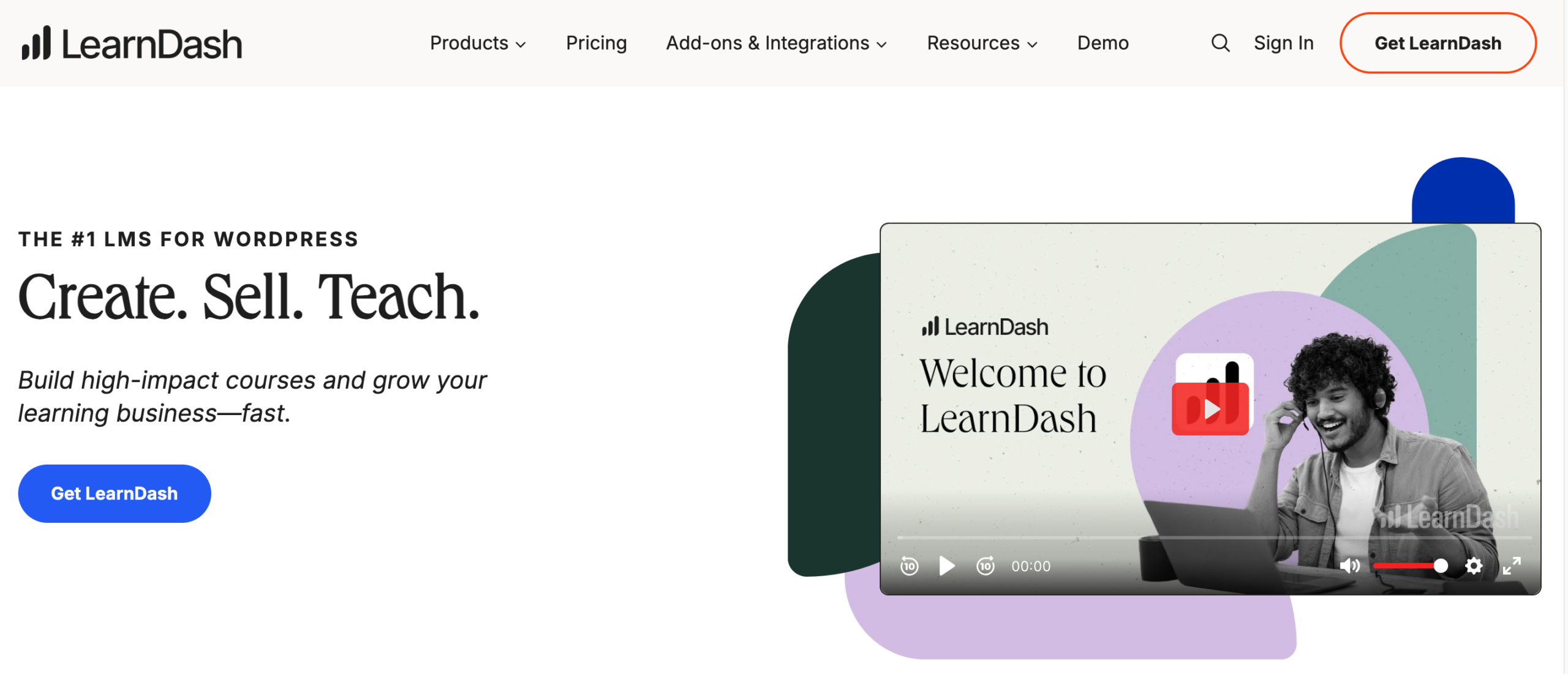
LearnDash is a WordPress LMS plugin that’s been a go-to choice for serious course creators for years. It plugs into an existing WordPress site and turns it into a fully functional course school.
The trade-off for using a WordPress LMS plugin is that you need to be comfortable in the WordPress ecosystem. You’ll need to handle your own hosting, domain, and potentially a few add-ons to get everything working the way you want.
But once it’s set up, you have a powerful, fully owned course platform with zero revenue share and no platform interference.
Key Features
- Drip-feed content scheduling
- Advanced quizzes with multiple question types
- Certificates and badges
- Course forums and student note-taking
- Assignments and gradebook
- Multi-instructor and group management
- Gamification and leaderboards
- WooCommerce, Stripe, and PayPal integrations
- Membership and subscription monetization support
- AI course outline tool
- ProPanel for real-time student analytics
- REST API for custom development
Why Choose LearnDash Over Udemy
Choose LearnDash over Udemy if you’re already on WordPress and want to run your own course platform without paying a percentage of every sale. You keep 100% of your revenue, you own your student data, and you have full control over your site’s design, pricing structure, and user experience.
Who LearnDash is For
LearnDash works best for WordPress users, agencies, and organizations that want enterprise-level course functionality. If you’re not comfortable managing a WordPress site, the learning curve may not be worth it.
Pricing
Starts from $199/year
Also Read: LearnDash vs Klasio
LearnWorlds
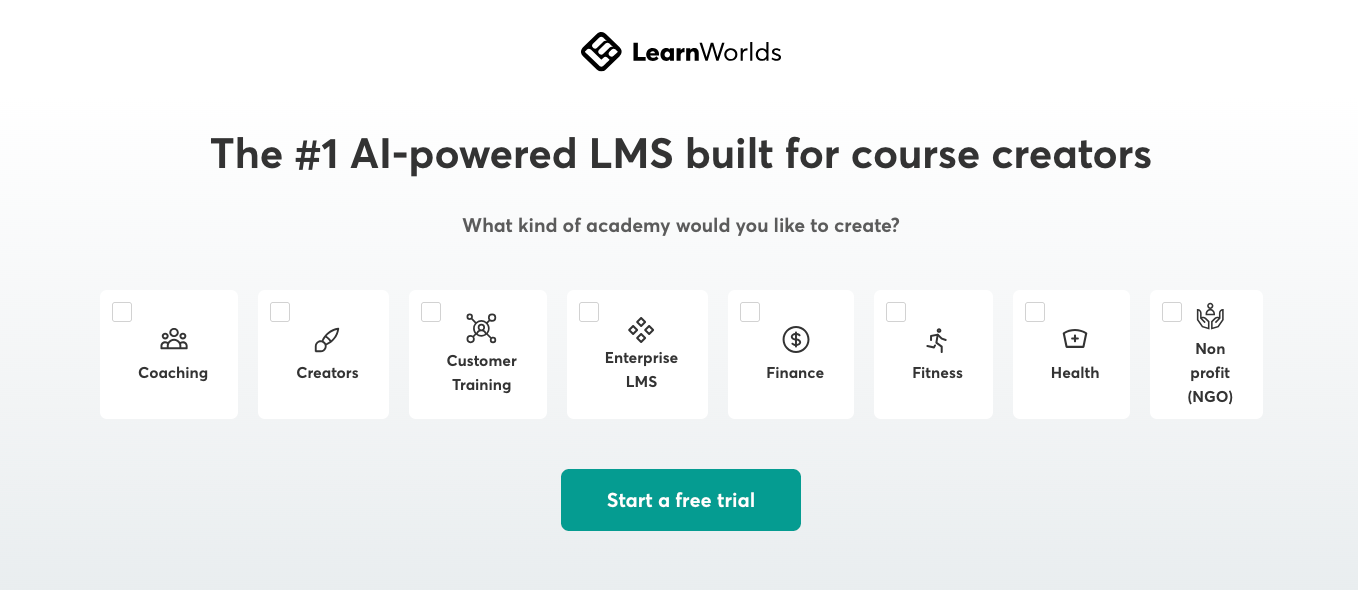
LearnWorlds is a SaaS LMS platform built around one idea: passive video watching isn’t how people actually learn. The platform puts a heavy emphasis on interactive content.
With LearnWorlds, you can embed quizzes, clickable elements, buttons, and branching logic directly into your videos. On top of that, it comes with a full website builder, eBook creator, and white-label options.
Key Features
- Interactive video player with embedded quizzes, buttons, and watermarks
- Drag-and-drop website and landing page builder
- eBook and digital resource builder
- Live classes and webinars
- Advanced assessments with branching logic and question banks
- SCORM compliance for importing third-party content
- Subscriptions, memberships, and bundles
- Custom-branded certificates
- White-label options (Learning Center plan and above)
- Detailed student analytics and reporting
- Zapier, Mailchimp, ActiveCampaign, and ConvertKit integrations
- White-label mobile app (available as an add-on)
- Multi-instructor support
Why Choose LearnWorlds Over Udemy
Choose LearnWorlds over Udemy if you want to build a fully branded online school where students actually interact with your content rather than just watch it.
Who LearnWorlds is For
LearnWorlds is a good fit for professional educators, coaches, and training businesses who want a polished, feature-rich school without touching any code. It can feel complex for first-time users, so it’s better suited for creators who are past the “just testing the waters” stage and ready to invest in a proper platform.
Pricing
Starts from $29/month
Also Read: Best Learnworlds Alternatives
Kajabi
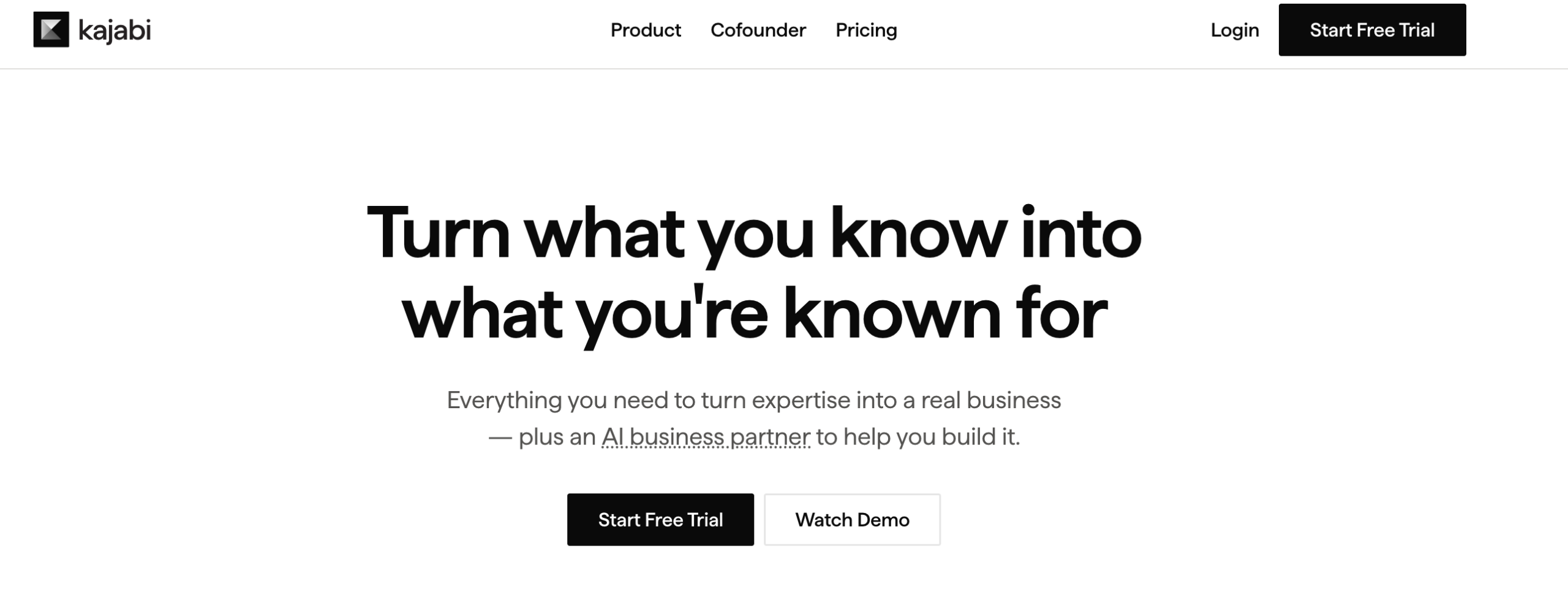
Kajabi is the closest thing to a complete online business platform in this list. It started as a course tool back in 2015, but over the past decade, it’s expanded into email marketing, sales funnels, membership sites, and more.
Key Features
- Built-in email marketing and broadcast campaigns
- Sales funnels and landing pages
- Membership and community management
- Coaching and live session tools
- Podcast and newsletter hosting
- Affiliate program management
- Advanced automations and workflows
- Checkout and payment pages (via Kajabi Payments or Stripe/PayPal)
- Analytics and revenue tracking dashboard
- Creator Studio for content management
- Branded mobile app (Pro plan)
- Cohort courses
- Unlimited landing pages and marketing emails on all plans
Why Choose Kajabi Over Udemy
Choose Kajabi over Udemy if you’re running a serious online business and want your courses, email list, sales funnels, and community in one place without paying revenue share.
Who Kajabi is For
Kajabi is best suited for established course creators, coaches, and digital entrepreneurs who are already generating revenue and want to consolidate their tech stack.
Pricing
Starts from $179/month
Also Read: Best Kajabi Alternatives
Coursera
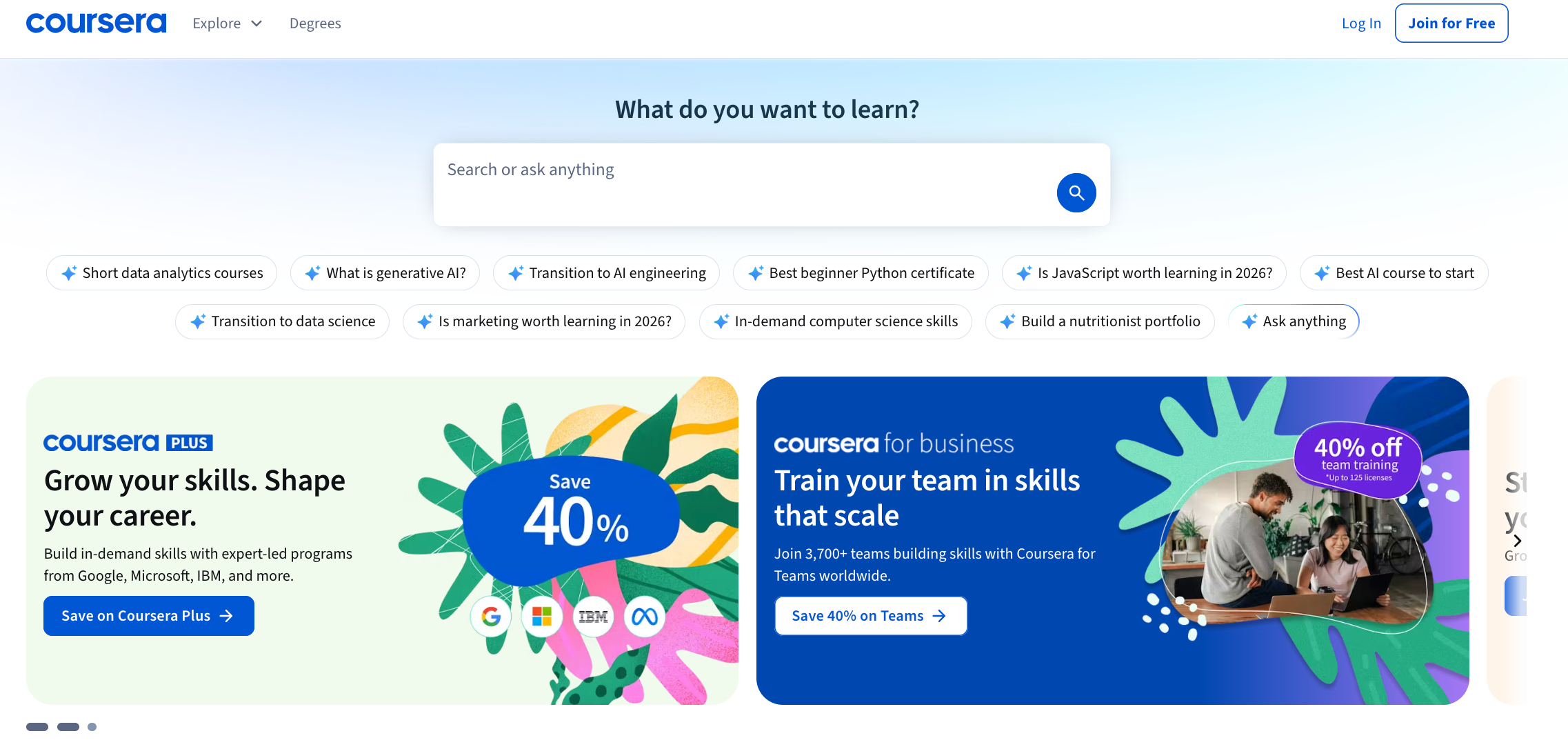
Coursera is one of the most reputable online learning platforms in the world. Founded in 2012 by two Stanford professors, it’s built around partnerships with over 350 universities and companies. That includes companies like Google, IBM, Meta, and Duke to deliver courses, specializations, professional certificates, and even full degrees.
Coursera is a unique platform compared to everything else on this list. You’re not setting up your own school or selling your own courses here. Coursera is a marketplace, but one where the content comes from institutions, not individual creators. If credential recognition is your biggest frustration with Udemy, this is the most direct fix.
Key Features
- MasterTrack certificates that count toward full degrees
- Graded assignments, quizzes, and peer-reviewed projects
- Hands-on guided projects (under 2 hours)
- Free course auditing on thousands of courses
- Mobile app for on-the-go learning
- Geo-pricing for learners in lower-income countries
Why Choose Coursera Over Udemy
Choose Coursera over Udemy if you’re affiliated with a university, a recognized company, or an established organization.
Who Coursera is For
Coursera is for institutional educators, universities, and established companies, not solo independent creators. If you’re a freelance instructor or independent coach looking to publish a course quickly, this isn’t the right platform for you.
Pricing
Free
Why Klasio is Different Than Most Other Udemy Alternatives
After reviewing these Udemy alternatives, you might notice that most platforms prioritize either marketplace discovery, advanced customization, or enterprise-level features.
Except for Klasio, which was built around a different philosophy.
Most course platforms assume you already know what you’re doing. You sign up, set up your own curriculum structure, and hope students eventually find you.
However, without the right foundation, it becomes difficult to build a course business that actually sustains itself.
If you’ve been frustrated by Udemy or other course platforms, here’s how Klasio is designed to work for you:
- AI-Assisted Course Building: Klasio’s AI generates your entire course outline from a single prompt.
- Zero Revenue Share: Even on Klasio’s free plans, there are no commission fees.
- Mobile-First by Default: Every student gets access to a dedicated mobile app on Android and iOS, regardless of which plan you’re on.
- Your Own Branded School: Klasio gives you your own school with your own branding, your own domain, and your own student list that you actually own.
- No Tech Setup Required: Klasio handles hosting, payments, student management, and course delivery out of the box. You don’t need a WordPress site, a developer, or a stack of plugins to get started.
- A Free Plan That’s Actually Useful: Klasio’s free plan supports up to 50 students with email automation, reporting, quizzes, and certificates included. You can validate your course idea with a real audience before spending anything.
Klasio was built for educators who want to start fast, own their business, and grow without being nickel-and-dimed at every step. The focus is on giving you an affordable, simple, and complete platform. So, you can spend less time wrestling with tech and more time doing what you’re actually good at.
FAQs
What are the best online learning platforms similar to Udemy?
The best online learning platforms similar to Udemy are Skillshare, Coursera, and LinkedIn Learning if you’re looking for a marketplace with a built-in audience. If you want your own platform instead, Teachable, Thinkific, Kajabi, LearnWorlds, and Klasio are the most popular hosted options.
What are the top-rated e-learning marketplaces besides Udemy?
The top-rated e-learning marketplaces besides Udemy are Skillshare, Coursera, and LinkedIn Learning. Skillshare is for creatives, Coursera is for academics, and LinkedIn Learning is for professional development.
Which platforms provide interactive coding exercises and projects?
Platforms known for interactive coding exercises and projects include Coursera and edX, both of which integrate hands-on labs and graded projects into their courses. Udemy itself has coding courses with exercises, but the quality varies heavily by instructor since there are no platform-wide standards for interactivity.




Leave a Reply