
“DO NOT TRUST THINKIFIC. Take note of all the negative reviews and be warned.” — Ron, Trustpilot review (April 2026)
If you’ve landed here, you’ve probably had your own Thinkific horror story. A surprise annual charge after a free trial. Payment access revoked three days after launch. Features are locked behind a higher tier overnight. Support tickets that vanish into a chatbot loop.
We analyzed 119 negative Trustpilot reviews of Thinkific, and the pattern is clear: predatory billing, inaccessible support, surprise KYC requirements, constant feature downgrades, and content that’s nearly impossible to migrate out. All while paying premium prices for an LMS that feels a decade behind.
Course creators like you deserve better, and that’s why we have compiled the 7 best Thinkific alternatives, each one chosen to solve a specific pain point that Thinkific doesn’t.
TL;DR
- Klasio is the best Thinkific alternative if you’re tired of predatory billing and auto-renewal traps, because it offers lifetime deals and a free plan with 0% commission.
- Ruzuku is the best Thinkific alternative if you need real, accessible customer support, because it actually includes human student tech support in every plan.
- Podia is the best Thinkific alternative if you want clean payments without proprietary processors or KYC surprises, because it runs directly on standard Stripe and PayPal.
- Systeme.io is the best Thinkific alternative if you’re sick of features being locked behind higher tiers, because its free plan includes funnels, email marketing, and course tools that Thinkific charges hundreds for.
- LearnWorlds is the best Thinkific alternative if you want a modern, polished platform with SCORM support, because it’s built for professional-grade course design without the glitchy interface complaints.
- LearnDash is the best Thinkific alternative if you want to avoid platform lock-in, because, as a WordPress plugin, you fully own your site, content, and data with no migration headaches.
- Skool is the best Thinkific alternative if you want stable, predictable pricing, because it has stuck to one flat $99/month plan with no tier shuffling or feature downgrades.
What’s Wrong With Thinkific? A Look at 119 Negative Reviews
Based on an analysis of 119 critical reviews on Trustpilot, the same handful of problems recur. If you’re researching alternatives to Thinkific, these are the recurring pain points users say pushed them to leave.
1. Predatory Billing and Auto-Renewal Practices
This is the single most common complaint, and it’s not even close. Dozens of reviewers describe the same pattern:
- Sign up for a free trial → get charged before the trial ends
- Try to cancel → can’t find a cancel button, or the page is broken
- Get charged the annual rate (often £800–£900) instead of the monthly rate they signed up for
- Reach out to support → get ignored or refused a refund
Multiple users reported being charged hundreds of dollars after cancelling, with cards being re-charged even after subscriptions were officially closed. Several mentioned filing chargebacks with their banks or reporting Thinkific to fraud authorities.
One reviewer wrote that “they block you from deleting your card within the account,” making it nearly impossible to stop charges from your end.
2. Customer Support is Nearly Inaccessible
The second-most cited issue is support, or the lack of it:
- No phone support. Period.
- No human contact unless you’re on a higher-tier plan
- The chatbot routinely closes mid-conversation, requiring users to start over
- Email replies often take 24+ hours, and frequently come as boilerplate templates
- Cancelled or free-trial users are completely locked out of support — yet billing issues still affect them
- “We’ll forward this to our development team” is a common response that leads nowhere
As Marina Angleton put it bluntly in her review: “There is NO human contact with this company.”
3. Thinkific Payments and KYC Surprises
Several recent reviews flag a serious issue with Thinkific Payments:
- KYC verification is mandatory but barely disclosed in marketing or onboarding
- Approval is not guaranteed. Your payment access can be revoked after you’ve built and launched your course
- Funds can be held for 90 days with no clear path to release
- There’s no real appeal process when access is revoked
One creator described building nearly 100 video lessons before discovering “my payment access was permanently revoked due to ‘elevated risk’” three days after launch — with no appeal process offered.
There’s also a 5% extra fee on Stripe and PayPal transactions if you don’t use Thinkific’s own payment processor. This fee didn’t exist on older plans.
4. Feature Restrictions That Keep Moving to Higher Tiers
A consistent gripe: features that used to be included in mid-tier plans keep getting pushed to more expensive tiers. Specific examples from reviews:
- Removing Thinkific branding isn’t possible on the $80/month Pro plan
- Bulk imports and bulk affiliate enrollment require Pro+Growth (~$900 extra)
- API access for email integrations got moved to a more expensive plan
- SSO (Single Sign-On) requires the Plus/Enterprise plan at $1,000+/month
- Multi-site for multilingual courses requires Plus at $2,000/month — competitors offer this at $399/month
- Custom domains and full email customization also require upgrades
As Jorine Harry summed it up: “important features all of a sudden belong to an even more expensive plan.”
5. The Platform Itself Has Real Limitations
Beyond pricing and support, users cited specific functional weaknesses:
- Slow, glitchy interface that takes hours to do simple tasks
- No native blog — requires a $40/month third-party app (DropinBlog)
- No contact forms built into the site builder
- Affiliate management is manual — no bulk approval, you click through every commission individually
- Mobile app doesn’t support portrait video (despite Wix doing this fine)
- No SCORM support
- Poor SEO control on standard plans
- Site outages lasting 1–3 days, with no compensation policy
- Limited site builder — described as “a decade behind” by experienced users
6. Lock-In Makes Leaving Painful
Several reviewers said they would have left sooner, but couldn’t easily migrate:
- No clean content export — users described copying courses page by page
- Closing your account requires manually deleting every element (courses, lessons, students)
- Lose access to course materials immediately after cancelling, even within a paid month
- Some users couldn’t close accounts at all because of forgotten school URLs or login issues
7. Pricing Increases Without Equivalent Value
Long-time users are frustrated by repeated price hikes. Rosie Tadman, a 2-year customer, said her plan was now “triple the price of what it was 2 years ago” — for fewer features. Angel Rodriguez left after Thinkific decided on “more than doubling the price. Outages lasting 1-3 days did not help” either.
Who Should Look for a Thinkific Alternative?
You should seriously consider alternatives if you:
- Sell internationally (limited payment methods, Stripe-fee surcharges, no multi-site)
- Run an affiliate program (manual approval is unworkable at scale)
- Need reliable support (live chat/phone is essentially nonexistent)
- Want to keep more revenue (5% surcharge on third-party processors stings)
- Are on a tight budget (basic features keep migrating to expensive tiers)
- Need SCORM, SSO, or advanced LMS features (priced for enterprises only)
- Sell to non-English markets (multilingual support starts at $2,000/month)
Best Thinkific Alternatives at a Glance
| Tool | Best For | Starting Price |
| Klasio | Course creators who want predictable, lock-in-free pricing (lifetime deals + 0% commission free plan) | Free + Starts from $49/month |
| Ruzuku | Coaches and trainers running live or cohort-based programs who need real human support | Free + Starts from $99/month |
| Podia | Solopreneurs who want a clean Stripe/PayPal checkout with no proprietary payment processor | Starts from $39/month |
| Systeme.io | Bootstrapped beginners building an all-in-one business (funnels + email + courses) on a tight budget | Free + Starts from $17/month |
| LearnWorlds | Professional educators, corporate trainers, and academies needing SCORM and advanced LMS features | Starts from $29/month |
| LearnDash | WordPress users who want full ownership of their content and no platform lock-in | Starts from $29/month |
| Skool | Community-first creators building paid memberships who want simple, flat pricing | Starts from $9/month |
Klasio – Best Thinkific Alternative for Billing Transparency
If those 119 reviews mirror what you’ve been dealing with on Thinkific, here’s how Klasio addresses the same friction points and how you can squeeze more value out of the platform once you switch.
Billing and refunds you can predict
Klasio has a 14-day refund policy with no questions asked. If the platform doesn’t fit your business inside that window, you can ask for your money back.
You can also sign up for the free plan without a credit card, so there’s no auto-charge surprise if you forget about a trial. The free plan gives you 1 site, 1 course, 50 students, and quiz and assignment features, which is enough to run a pilot cohort before committing any money.
If you want to skip recurring billing entirely, Klasio offers Lifetime Deals starting at $399. You pay once and keep the license, with updates and support included.
Support that actually responds
Klasio offers 24/7 support, plus a knowledge base, tutorial videos, and a documentation hub.
You can also book a free 30-minute consultation with the founder, Mohammad Emran, through their calendar link.
Payments that stay yours
This one matters most if you’ve been hit by the Thinkific Payments KYC issue.
Klasio never touches your money. You connect your own Stripe, PayPal, or Razorpay account, and payments go directly to that account. There’s no platform processing layer in between.
You can also use Cash or Manual Payment if you sell locally.
On monthly plans, Klasio charges 0% commission on your sales. On Lifetime plans, the commission sits between 1% and 3%, depending on the tier, with the Enterprise lifetime plan at 0%.
Features that stay on the plan you bought
The Klasio Starter plan at $49 per month already includes:
- Custom Domain
- Remove Klasio Branding
- Student Mobile App
- AI Assistant
- Quizzes, Certificates, Assignments
- Import Students and Import Quizzes
- Gamification and Leaderboard
- Stripe, PayPal, Google Meet, Zoom integrations
- Manage Blog and Manage Leads
These are the same features Thinkific reviewers said had been pushed up the pricing ladder. On Klasio, they sit on the entry tier. What gets gated on higher tiers is mostly capacity (more staff, more courses, more students, more video upload) and a few enterprise items like Zapier and External Embed. The core teaching toolkit doesn’t move between plans.
Platform features that close real gaps
A few of the platform-level limitations Thinkific reviewers mentioned have direct answers in Klasio:
- Klasio allows blogging on every plan, so you don’t need a $40 per month third-party blog app.
- Every plan, including the free one, gives your students a dedicated mobile app.
- Native Google Meet and Zoom integrations let you run live cohorts and webinars without juggling links manually.
- Klasio includes a drag-and-drop page builder with website templates, so you can launch a full course site in minutes without coding or hiring a developer.
- Klasio lets you serve students in multiple languages. The student dashboard auto-translates, and you can manually translate your course website text inside the page builder. Add the language switcher block to your header so students can pick their preferred language.
- Klasio supports one-time payments, recurring subscriptions, and course bundles. You can package multiple courses together or charge a recurring fee for ongoing access.
Migration help when leaving Thinkific
Klasio offers free migration help if you want to migrate from Thinkific or any other platform. You can book a free consultation meeting with the team to discuss your requirements. That means you don’t have to copy courses page by page to move over.
Limitation: Klasio doesn’t currently support SCORM. If that is a dealbreaker for your business, factor it in.
Ruzuku – Best Thinkific Alternative for Accessible Customer Support
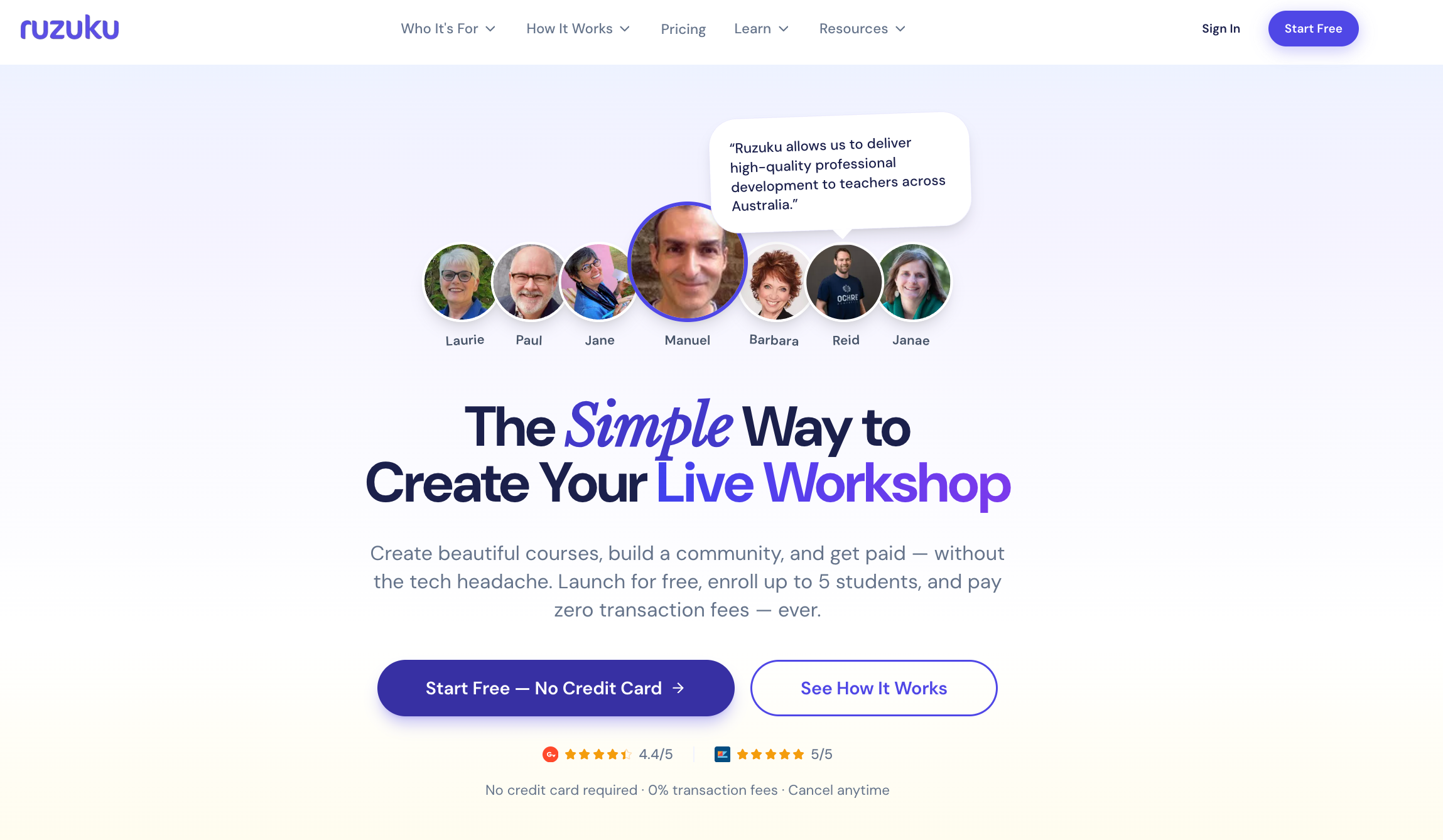
If the reason you’re leaving Thinkific is the support black hole, Ruzuku fixes that problem directly.
Thinkific’s support model is tiered by plan, which means free trial users and lower-tier subscribers are essentially on their own. When something breaks for your students, that gap becomes your problem to manage.
However, Ruzuku takes a different approach: student tech support is included on every plan. Their team handles login issues and access problems on behalf of your students directly. That is not a common feature in this space, and for course creators who are also the sole support team for their business, it removes a real operational burden.
Ruzuku is designed around course delivery rather than course marketing. You get native Zoom integration for live cohorts, which makes it practical for creators running 1:1 coaching.
On pricing, Ruzuku’s Core plan sits at $99 per month and includes payment plans for your students, which Thinkific holds back until the $199 Grow tier. There are zero transaction fees across all plans, including the free tier.
Also, there are unlimited courses and students on all paid plans, no feature gating based on enrollment volume.
Limitations: Ruzuku has fewer themes, less design flexibility, no SCORM compliance, and no native mobile app. If you are running a heavily branded course business where visual customization matters, you will feel those constraints.
Podia – Best Thinkific Alternative for Payments
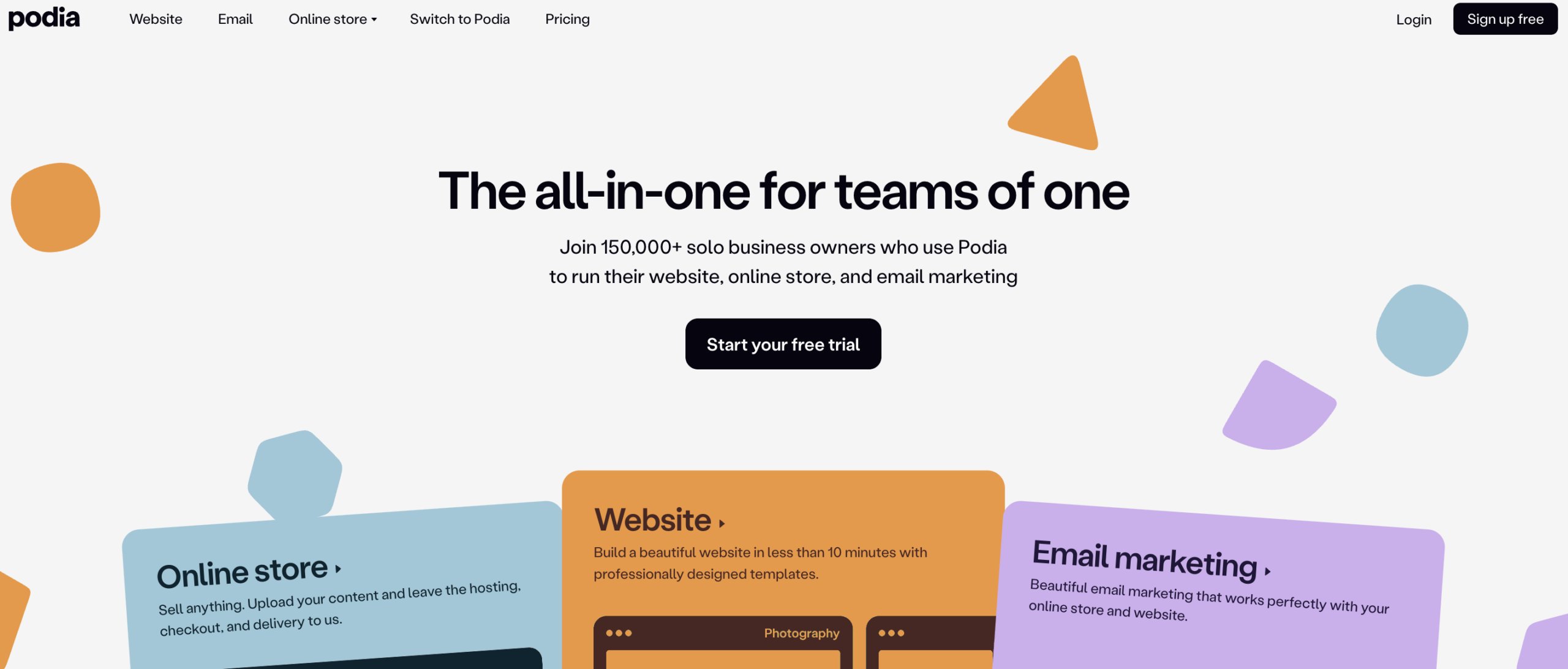
If the reason you are leaving Thinkific is the payment processor situation, Podia sidesteps the whole mess. It connects directly to Stripe and PayPal with no proprietary processor in the middle.
Beyond payments, Podia is structured as an all-in-one platform. You can sell courses, digital downloads, webinars, and coaching sessions from a single account. The website builder is included on all plans and handles custom domains, unlimited sales pages, and SEO basics without requiring any additional tools.
Email marketing and affiliate management are also built in. There is no $40 per month third-party blog app situation like Thinkific requires.
Podia’s course builder itself is pretty straightforward. You can embed content from over 1,900 third-party platforms directly into lessons, offer multiple payment plans to students, and message students through an on-page chat widget.
On pricing, Podia offers a 30-day free trial with no credit card required, which is one of the longer trials in this space. After that, the Mover plan runs $39 per month with a 5% transaction fee. The Shaker plan is $89 per month with no transaction fees and adds affiliate marketing and PayPal support.
Limitations: no native mobile app, no built-in Zoom integration for live cohorts, and the Mover plan’s 5% fee adds up fast at scale. Migrations are included for annual Shaker customers, which removes some friction of leaving Thinkific, but quizzes cannot be migrated, and site pages do not transfer.
Read More: Klasio vs Podia
Systeme.io – Best Free Thinkific Alternative
One of the most consistent complaints about Thinkific is that features keep migrating upward. Things that used to be included in mid-tier plans quietly move to more expensive ones. Affiliates, API access, bulk imports, and removing branding all require upgrades that compound on each other fast.
Systeme.io is structured almost entirely the opposite way. The difference between plans is primarily capacity, not capability.
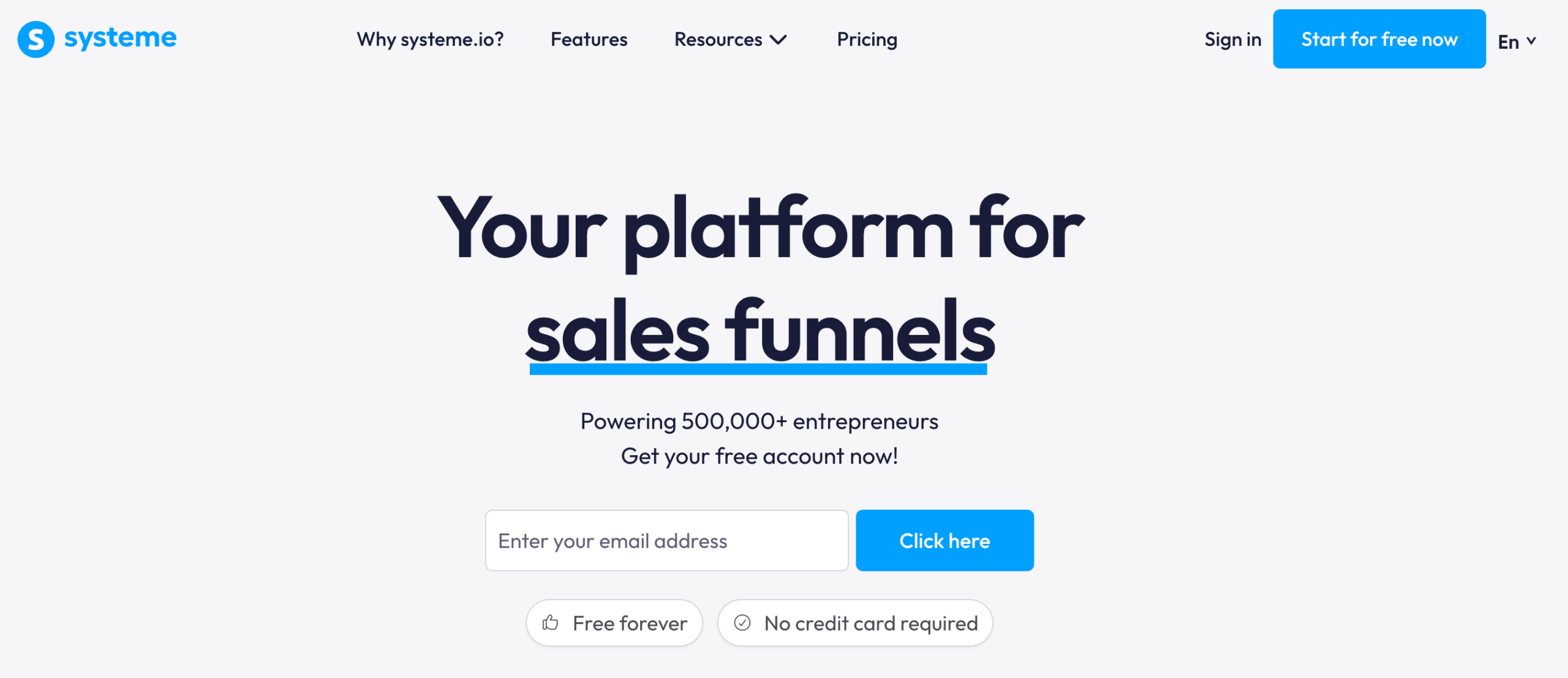
The free plan includes sales funnels, email marketing tools, a course, an affiliate program, and a custom domain. There is no trial countdown and no credit card required. You get the same core toolset on every plan. What changes as you move up is how many contacts, courses, and funnels you can run, not whether those tools are available to you at all.
For context on what that means in practice: to get affiliate management on Thinkific, you need the Grow plan at $199 per month. On systeme.io, it is included in the free tier. There are no transaction fees on any plan. You process payments through Stripe, PayPal, or a handful of other processors, depending on your region, and systeme.io takes nothing on top.
Limitations: Systeme.io’s course builder is functional but basic. It supports only a two-level hierarchy of modules and lessons with no nested sub-modules. There are no native quiz or assignment tools that match what a dedicated LMS would give you.
The page builder templates work but are not particularly polished. If your course business depends on a refined student experience or strong visual branding, you will likely feel the ceiling.
Support response times are also a recurring concern, with some users reporting waits of 12 to 19 hours and responses that did not actually resolve their issues. That is worth weighing if you run live cohorts or time-sensitive launches where platform issues need fast resolution.
LearnWorlds – The Best Thinkific Alternative for SCORM Support
If the reason you are leaving Thinkific is the glitchy interface and the absence of proper LMS features, LearnWorlds is the most direct upgrade.
Thinkific’s platform has a recurring complaint in user reviews: it is slow, the site builder feels dated, and basic LMS capabilities like SCORM support simply do not exist.
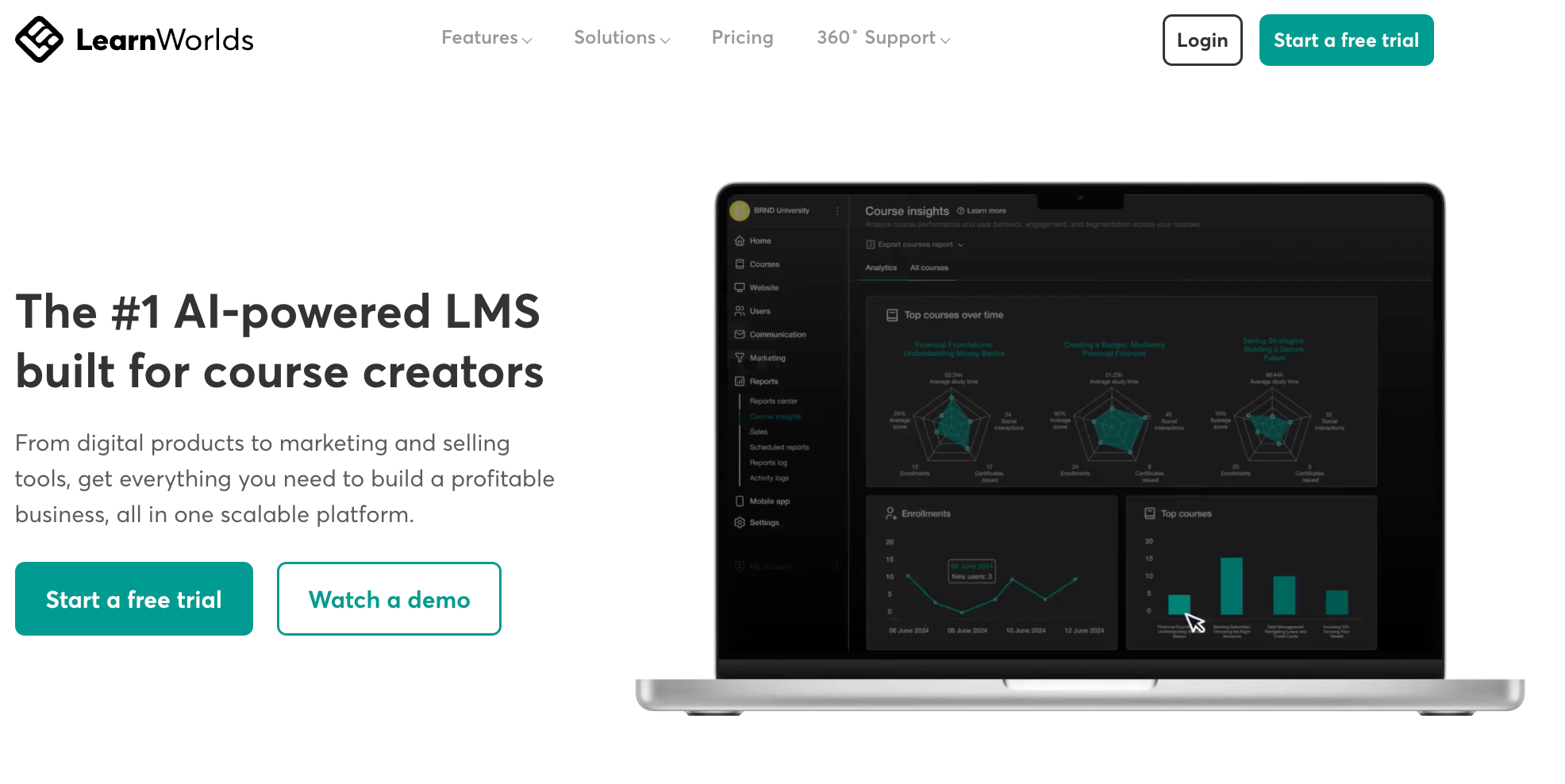
LearnWorlds is built around course authoring as the core feature. You get an interactive video editor that lets you embed quizzes, hotspots, buttons, and branching paths directly into video lessons.
The assessment builder supports multiple question types, question banks, and importing questions via a spreadsheet. SCORM files are supported natively.
If you are building compliance training, professional certifications, or any course that needs to meet a formal instructional design standard, LearnWorlds can handle it, where Thinkific cannot.
On white labeling, the difference is also meaningful. Thinkific’s Grow plan removes the footer mention but still surfaces the Thinkific brand in email notifications and code. Full email white-labeling requires Thinkific Plus, which is quoted at a pricing starting at $1,000 per month.
LearnWorlds gives you true white-label academies, with no platform branding anywhere, including the code, on the Learning Center plan at $299 per month.
The native mobile app is available, but worth knowing: it is an add-on priced at $149 per month on top of your subscription plan. That is not included in any standard tier.
Limitations: LearnWorlds has no built-in email marketing, so you will need a separate tool like Mailchimp or ActiveCampaign for that. The platform has a genuine learning curve given the depth of its feature set. And it is not an all-in-one tool like Kajabi. It is focused on the course and learning experience side, not funnel building or full business infrastructure.
Read More: Best LearnWorlds Alternatives
LearnDash – Best Thinkific Alternative for WordPress Users
LearnDash is a WordPress LMS plugin. That means, your site is your own WordPress installation, hosted wherever you choose, and you own everything on it: course content, student records, transaction history, and site files.
If you ever want to stop using LearnDash, you still have your entire WordPress site.
That ownership model also has practical implications beyond migration. Because your course runs on WordPress, you have access to the full WordPress ecosystem. WooCommerce for payments and subscriptions, Zapier for automation, MemberPress for membership gating, and any email marketing tool with a WordPress integration.
You are not restricted to the integrations a SaaS platform decides to support. If a tool has a WordPress plugin or API, it works.
On features, you get drip-feed content scheduling, multiple quiz question types, assignment management, automated certificates, group management, and student progress tracking.
Learndash supports SCORM and xAPI via add-ons. All of this is included across every license tier. The only thing that changes between plans is the number of WordPress installations you can activate the license on.
Limitations: LearnDash is not a platform where you sign up and start building in an afternoon. There is a setup process, and the depth of customization that makes LearnDash flexible is also what makes it more demanding to configure than a hosted SaaS platform.
Support quality in user reviews is mixed, with some users praising responsiveness and others reporting issues that remain unresolved. And because LearnDash relies on the broader WordPress ecosystem, plugin compatibility and maintenance are ongoing responsibilities you take on as the site owner.
Read More: LearnDash vs Klasio
Skool – The Best Thinkific Alternative for Community
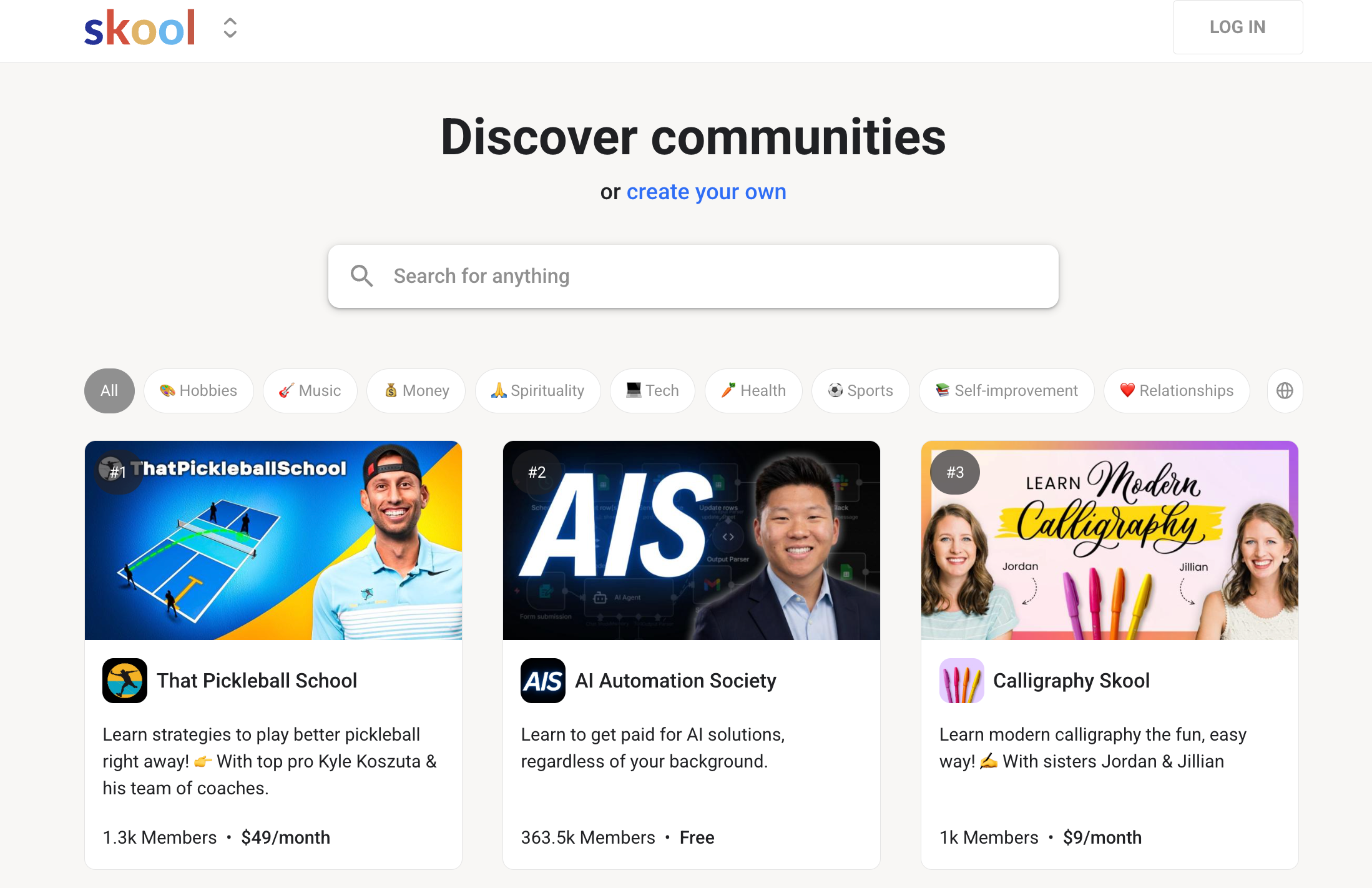
Skool is not a straightforward swap for Thinkific. It is a fundamentally different model of how you deliver a course, and whether it fits depends entirely on how you teach.
Thinkific is structured around the solo learner moving through a course at their own pace, with the community experience as an optional add-on. Skool inverts that. The community feed is the center of the product, and the course content sits alongside it.
Members post, discuss, ask questions, and engage with each other as part of the normal learning experience. If your course business depends on cohort energy, peer accountability, or ongoing member interaction, that structure is genuinely different from what a traditional LMS gives you.
Skool organizes everything into groups: a community feed, a classroom for course content, and a calendar for scheduling live calls and events. Skool also includes a built-in gamification system with points, levels, and leaderboards that reward members for participating in discussions.
One part that is easy to miss: Skool does not include native video hosting. You will need a separate service like Vimeo, Wistia, or Bunny.net, which adds anywhere from $7 to $79 or more per month, depending on your video volume. That is not unusual in this space, but it is worth factoring into your actual monthly cost.
Limitations: Skool has no quizzes, tests, certificates, or advanced LMS reporting. There is no email marketing, no native CRM integrations, no funnel builder, no checkout customization, and no custom domain. Your community lives on a Skool subdomain. Each community requires its own separate subscription, so if you run multiple groups, you pay per group.
Final Verdict: Which Thinkific Alternative is the Best for You?
We hope this breakdown has given you a clearer picture of what is actually available in 2026. As you have seen, most platforms force a trade-off.
A solid course experience with weak community tools, or an engaged community with limited teaching features. Billing surprises, support black holes, and features that keep migrating to higher tiers are not unique to Thinkific. They are patterns that show up across the legacy platforms in this space.
Klasio was built with a different set of priorities. Instead of gating the core teaching toolkit behind higher plans, the Starter plan at $49 per month already includes a custom domain, branding removal, a student mobile app, an AI assistant, gamification, certificates, quizzes, assignments, a blog, a lead manager, and native Zoom and Google Meet integrations. These are the exact features Thinkific reviewers repeatedly described as having been pushed up the pricing ladder. On Klasio, they sit at the entry tier.
On billing, the structure is predictable by design. The free plan requires no credit card, so there is no auto-charge if you forget about a trial. Monthly plans carry 0% commission on your sales. And if you want to exit the recurring billing model entirely, Lifetime Deals start at $399 as a one-time payment with updates and support included.
On payments, Klasio never touches your money. You connect your own Stripe, PayPal, or Razorpay account, and payments go directly there, with no proprietary processor layer in between. If the Thinkific Payments KYC situation is what pushed you to look for alternatives, this is the most direct answer to that problem.
For creators moving over from Thinkific, Klasio offers free migration help so you are not copying courses page by page. And if you want to evaluate the platform before committing, the free plan gives you one course, 50 students, and quiz and assignment features, which is enough to run a real pilot cohort.

Frequently Asked Questions
Is Thinkific no longer free?
No, Thinkific no longer offers a permanent free plan. They removed it in 2023, replacing it with a limited free trial. If you want a free plan with no expiry and no credit card required, Klasio and Systeme.io both offer one.
Does Thinkific take a percentage of sales?
No, Thinkific does not take a percentage of sales on its paid plans, but it does charge a 5% transaction fee if you use Stripe or PayPal instead of their proprietary Thinkific Payments processor.
What is Thinkific similar to in terms of learning platforms?
Thinkific is most similar to Teachable, Podia, and LearnWorlds, all of which are hosted course platforms focused on selling and delivering online courses. LearnWorlds is the closest feature-for-feature comparison, particularly if SCORM support and a polished authoring environment matter to you.
Is Teachable better than Thinkific?
Teachable is not straightforwardly better than Thinkific. Teachable has a simpler setup experience, but it charges transaction fees on lower-tier plans and has similar support limitations. For creators who need live cohort tools, multilingual support, or predictable billing, neither platform is a strong fit.
What is better, Thinkific or Kajabi?
Kajabi is better that Thikific if you need a more complete platform with built-in email marketing, funnels, and a website builder included at every tier. The trade-off is price: Kajabi starts at $89 per month compared to Thinkific’s lower entry point.
Is Podia better than Thinkific?
Podia is better than Thinkific if you want an all-in-one platform without a proprietary payment processor in the middle. Podia includes a website builder, email marketing, digital downloads, and coaching tools under one subscription, and processes payments directly through Stripe and PayPal with no KYC requirements or fund holds.
How many creators use Thinkific?
Thinkific currently empowers around 35,000 customers, according to their own about page. Those creators have collectively earned $3.7 billion in revenue through the platform and have reached over 200 million learners.
Does Thinkific have a website builder?
Yes, Thinkific includes a drag-and-drop website builder on all paid plans. It comes with pre-made templates and does not require any coding. The trade-off is that the builder has been widely described by users as limited compared to dedicated website tools, and some customization features like full branding removal require the Grow plan or higher.




Leave a Reply