

Email is still one of the most reliable channels for selling courses, nurturing leads, and keeping students engaged after they enroll. The challenge is that most email platforms are built for broad business use, while course creators need tools that support launches, onboarding, segmentation, and student communication.
In this guide, I break down the best email marketing tools for course creators, including standalone platforms and all-in-one systems.
TL;DR
- Kit is the best email marketing platform for course creators if you want an email platform built around creators.
- If you want your email, course hosting, funnels, and checkout in one system, Kajabi is the better fit.
- If your sales process depends on segmentation, behavioral triggers, and deeper automation, ActiveCampaign is the strongest option.
- If you want something simpler and more affordable, MailerLite is a practical choice.
- If your business runs on WordPress and you want to keep your email setup there, weMail is worth considering.
Quick Overview of the Best Email Marketing Tools for Course Creators
| Tool Name | Best for | Starting Price |
| Kit | Creators building a newsletter audience before launching a course | Free plan + $39/mo |
| Kajabi | Course creators who want email, course hosting & funnels in one place | $89/mo |
| ActiveCampaign | Course creators with complex student nurture sequences & lead scoring | $15/mo |
| weMail | Course creators running their school on WordPress/WooCommerce | Free plan + $12.50/mo |
| Mailchimp | First-time course creators who want a simple, familiar tool to get started | Free plan + $13/mo |
| MailerLite | Solo course creators on a tight budget who still need solid automation | Free plan + $9/mo |
| GetResponse | Course creators who use webinars as part of their launch strategy | Free plan + $19/mo |
| Klaviyo | Course creators selling through an eCommerce store (Shopify, etc.) | Free plan + $20/mo |
| Brevo | Course creators who need email + SMS reminders for live cohorts | Free plan + $9/mo |
| OmniSend | Course creators selling physical bundles or merch alongside digital products | Free plan + $16/mo |
| Beehiiv | Course creators monetizing through a paid newsletter or content membership | Free plan + $49/mo |
| Kartra | Established course creators who want advanced funnels & affiliate management | ~$99/mo |
| GoHighLevel | Course creators running a coaching agency or managing multiple client programs | $97/mo |
Now, let’s learn about these email marketing tools for course creators in detail.
Kit
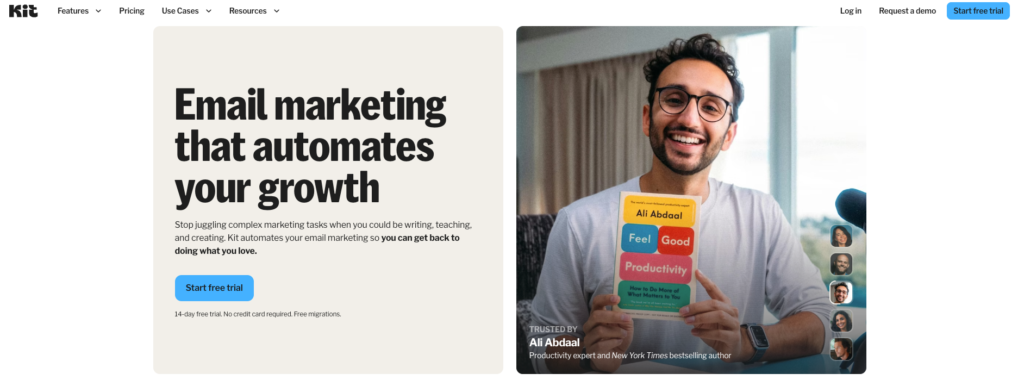
If you already know ConvertKit by its old name, the platform is now called Kit. For course creators, it is a good fit when your email system depends on subscriber tagging, nurture sequences, opt-in forms, and launch automations rather than a built-in LMS.
Kit also has a dedicated use case for course creators on its site, which lines up with how the product is positioned today.
Key features
- Visual automations for welcome flows, launch sequences, and evergreen funnels. On paid plans, Kit offers unlimited Visual Automations and unlimited email sequences.
- Tagging and segmentation so you can separate leads, active students, buyers, and non-buyers, then send targeted campaigns based on subscriber state.
- Landing pages and opt-in forms for lead capture, waitlists, webinar registration, and free lesson delivery. Kit includes unlimited landing pages and forms on its free plan.
- Email broadcasts and sequences for launches, onboarding, cart-close reminders, and post-purchase follow-up. The free Newsletter plan includes unlimited broadcasts and one automated sequence, while paid plans expand automation depth.
- Creator Profile, which acts like a lightweight creator hub for your bio, newsletter content, links, and products. That can be useful if you want a simple profile page alongside your list-building setup.
- Digital product and subscription selling inside the platform, including product pages and automated fulfillment. That matters if you sell templates, mini-courses, memberships, or paid newsletters alongside your main course offer.
- Integrations and migration support. Kit lists 100+ direct apps and offers free migration for creators on paid plans.
Kajabi
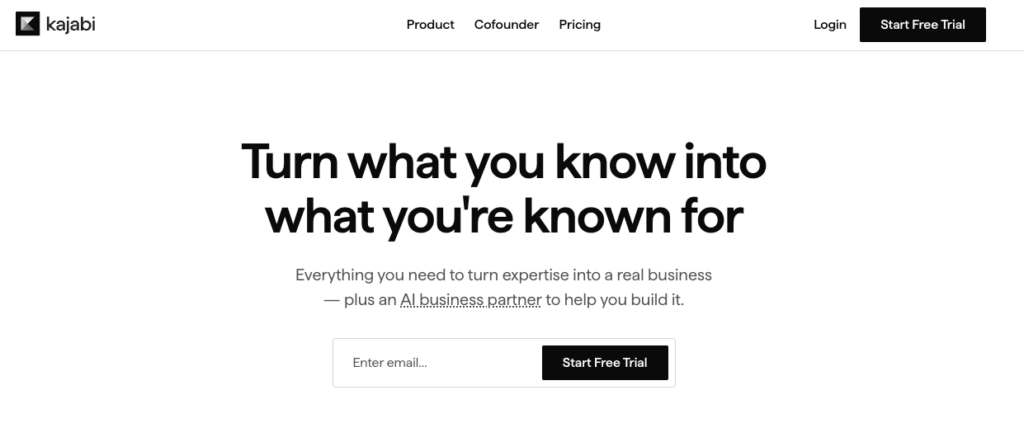
Kajabi fits course creators who would rather keep email, course delivery, checkout, and funnels in one system. You can build courses, coaching programs, memberships, communities, and other digital products inside the same platform. So, your email setup can stay connected to enrollment and customer activity.
Kajabi also supports both one-off broadcasts and automated sequences, which makes it useful for launches, onboarding, and retention flows.
Key features
- Email broadcasts for launch emails, announcements, newsletter sends, and timed promotions. Kajabi treats broadcasts as single campaigns you can schedule for a specific date and time.
- Email sequences for automated onboarding, nurture, cart follow-up, and student engagement. Sequences run on preset delays and can be triggered through Kajabi automations.
- Tags and segmentation so you can organize leads, buyers, active students, and alumni inside the same contact database. Tags can also be used to filter contacts and send sequence-based campaigns to specific groups.
- Automations tied to user behavior, such as form submissions, email sequence completion, and offer purchases. That is useful for adding tags, moving subscribers into the next sequence, or changing messaging after a student enrolls.
- Funnels that connect landing pages, email campaigns, and offers in one flow. Kajabi also provides funnel templates for common use cases such as freebie funnels, product launches, webinars, and waitlists.
- Built-in course, product, and community hosting so your marketing and delivery stack can stay in one platform. Kajabi supports courses, coaching, memberships, communities, newsletters, podcasts, and downloads.
- Customizable checkout with one-time payments, payment plans, and subscriptions. Kajabi’s enhanced checkout also supports offer-specific templates and purchase tracking through Google Analytics.
- Analytics and reports for revenue, subscriptions, offers, customers, and related business metrics.
Read More: Kajabi Alternatives
ActiveCampaign
ActiveCampaign is a good fit for course creators who want email marketing to connect closely with subscriber behavior, lead qualification, and sales workflows. It works well when your funnel includes webinars, waitlists, application forms, checkout follow-up, and segmented nurture paths.
Key features
- Behavior-based automations that can start when a contact visits a page, opens an email, or submits a form. That makes it useful for enrollment reminders, abandoned checkout follow-up, and post-webinar sequences.
- Advanced segmentation with dynamic conditions based on actions, website visits, field values, and tags. Segments update in real time and can be reused across campaigns.
- Tag-based contact management for organizing leads, buyers, active students, and interest groups. Tags can also be used in automation triggers and conditional content.
- Lead scoring so you can rank subscribers by fit and engagement. This is helpful when you want to identify warm leads for high-ticket courses, coaching offers, or sales calls.
- Built-in forms for collecting leads and adding them to email or SMS lists. Forms can also add tags, create deals, and notify your team when someone submits.
- CRM integration for creators who run consultative sales processes or application-based programs. ActiveCampaign’s sales CRM includes deal management, lead scoring, and automation-driven pipeline updates.
- Cross-channel messaging across email, SMS, and WhatsApp on the current platform. That can matter if your launch process includes reminder messages outside the inbox.
weMail
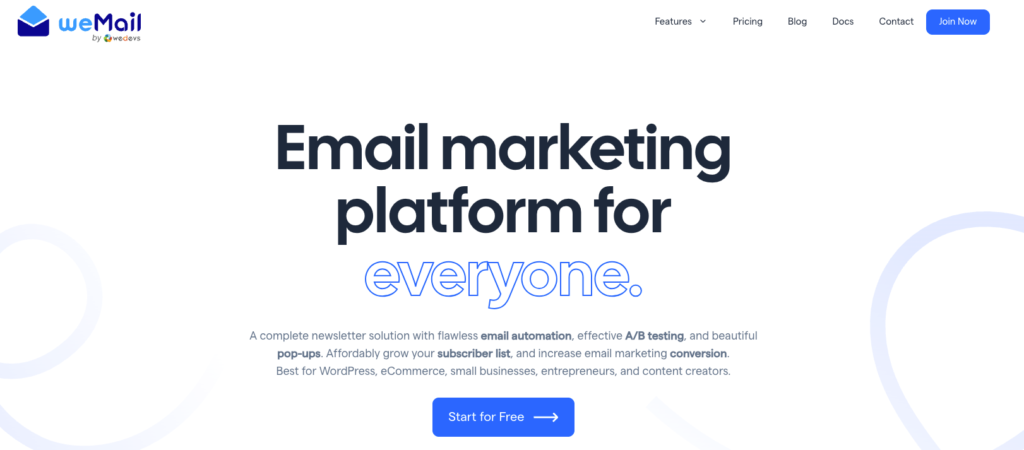
If your course business runs on WordPress, weMail can fit well because it keeps email marketing inside your WordPress dashboard and supports external sending gateways. Such as Amazon SES, SMTP, Brevo, SendGrid, SparkPost, Mailgun, Elastic Email, Postmark, and Pepipost.
For course creators selling through WooCommerce, Easy Digital Downloads, or FastSpring, that setup can make list sync and purchase-based messaging easier to manage.
Key features
- WordPress-native campaign builder with both a drag-and-drop editor and a simple text-focused editor, so you can create newsletters, launch emails, and onboarding campaigns without leaving WordPress.
- Automation and drip campaigns for email series, conditional logic, and timezone-based delivery through Timewarp. This is useful for welcome sequences, lesson reminders, and cohort-based communication.
- Segmentation and tagging based on subscriber data, campaign activity, purchase activity, custom fields, and tags. That gives you room to separate leads, buyers, active students, and past students.
- Built-in forms and popups, including pop-up forms, slide-in forms, floating bars, and embeddable HTML forms, plus custom form fields for collecting extra subscriber data.
- A/B testing and reporting with subject and content testing, campaign-level open and click reporting, an overview dashboard, and Google Analytics integration for UTM tracking.
- Gateway flexibility through multiple sending options, which can matter if you want to control deliverability and sending cost instead of relying on a single built-in mail service.
- E-commerce and form integrations for WooCommerce, Easy Digital Downloads, FastSpring, Contact Form 7, Gravity Forms, WPForms, Fluent Forms, Elementor Forms, and other WordPress tools.
- List management features such as unlimited lists, WordPress user sync, single opt-in, double opt-in, suppression lists, CSV import, and subscriber export.
Mailchimp
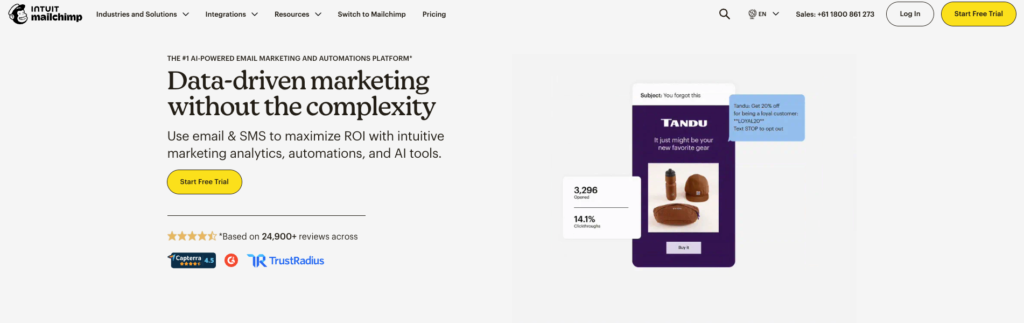
Mailchimp works well for course creators who want a familiar email platform with templates, audience management, signup forms, and landing pages in one place. It is useful for launch emails, webinar promotion, lead magnet delivery, and basic student segmentation, especially if you do not need a heavy CRM setup.
Key features
- Email campaigns and templates for newsletters, launch emails, onboarding emails, and promotional sends, with an email builder included across plans.
- Marketing Automation Flows for automated journeys based on customer behavior and interests. Paid plans include deeper automation, while the free plan does not include automation flows.
- Tags and segmentation for organizing leads, buyers, and students by contact data, engagement, and behavior. The comparison page lists tags across all plans, with basic segmentation on lower tiers and advanced segmentation on higher tiers.
- Forms, pop-up forms, and landing pages for waitlists, webinar registration, lead magnets, and course interest pages. Mailchimp includes forms and landing pages across plans, and its landing page builder supports templates, custom URLs, tags, and page analytics.
- Reporting and analytics for campaign performance, landing page visits, clicks, conversions, and revenue signals. Reporting is limited on lower tiers and expands on paid plans.
- Integrations with 300+ apps, including WooCommerce, Stripe, Zapier, WordPress, and Squarespace, which helps if your course business already depends on other tools for checkout, site management, or content delivery.
- SMS as an add-on on paid plans in select countries, which can be relevant if you want reminders or campaign support outside email.
MailerLite
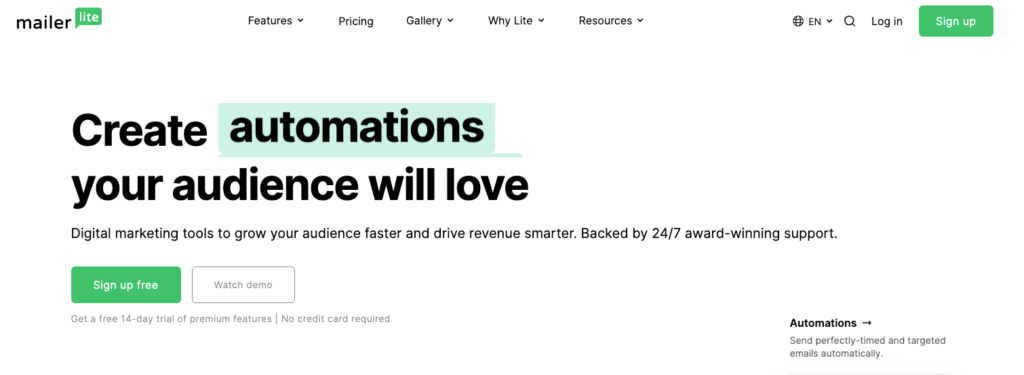
MailerLite is a practical option for course creators who want email automation, forms, and landing pages without moving into a heavier CRM setup. It works well for lead magnet funnels, waitlists, launch sequences, and ongoing student communication, especially if you want a simpler interface and a lower starting cost.
MailerLite’s free plan currently covers up to 500 subscribers and 12,000 monthly emails, while paid plans start at $10 per month for the Growing Business tier.
Key features
- Email automation builder for welcome sequences, nurture campaigns, and timed lesson follow-up. MailerLite also includes automation templates and multiple automation triggers.
- Landing pages, websites, and signup forms for list building, webinar registration, waitlists, and course pre-launch pages. The free plan includes one website, up to 10 landing pages, and unlimited signup forms and pop-ups.
- Segmentation and tags through unlimited segmentation and interest groups, which helps when you need to separate leads, buyers, active students, and past students.
- Drag-and-drop email editor plus a rich-text editor for building newsletters, launch emails, and onboarding emails.
- A/B testing and reporting, including comparative reporting, list growth reporting, automation reports, and e-commerce sales tracking on higher tiers.
- Digital product support for creators selling downloads, subscriptions, or smaller products alongside a course. MailerLite includes digital product and paid newsletter features across its plans, with higher product limits on paid tiers.
- Integrations with tools such as Stripe, WordPress, WooCommerce, Zapier, and Make, which are useful if your course stack already depends on other platforms.
GetResponse
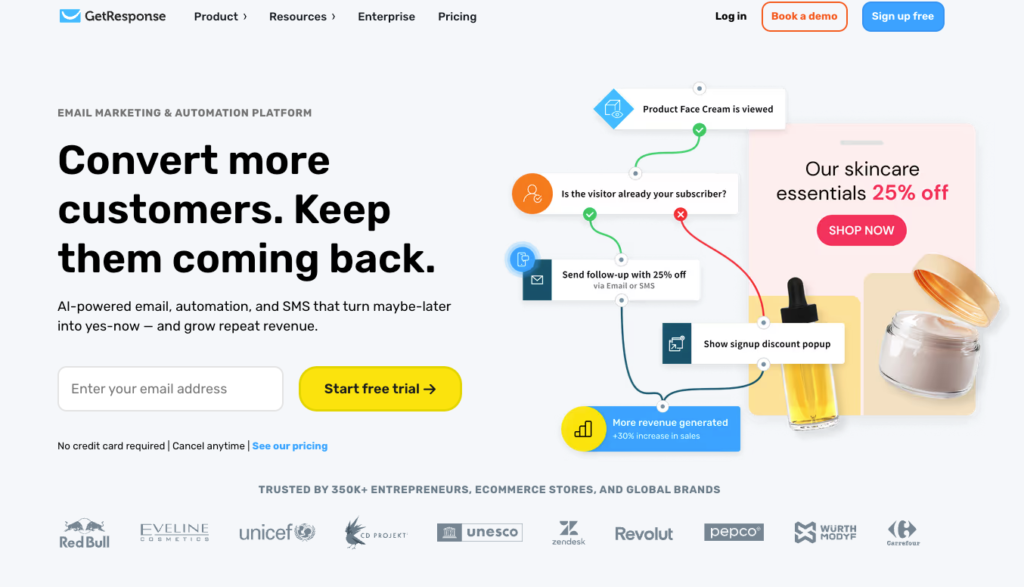
GetResponse works well for course creators who use webinars, lead magnets, nurture sequences, and timed promotions as part of their sales process. It combines email marketing with landing pages, automation, webinars, and course tools. So, you can manage list growth and audience conversion in one platform.
Key features
- Email automation and autoresponders for welcome flows, nurture campaigns, launch sequences, and post-purchase follow-up. GetResponse includes automation workflows as part of its broader marketing platform.
- Webinar hosting built into the platform, which is useful if your course funnel depends on live sessions, workshops, or on-demand training. GetResponse’s webinar tools are designed to connect with list building and email follow-up.
- Course creation tools that let you build and sell online courses inside the platform. GetResponse also documents course building and promotion as part of its creator workflow.
- Landing pages and signup forms for free lessons, webinar registration, waitlists, and lead capture. The free plan includes landing pages with basic features, while paid plans unlock more capacity and testing options.
- Paid newsletters and content monetization for creators who want to combine courses with subscription content. GetResponse positions this as part of its creator offering.
- Unlimited email sends on paid plans with pricing tied to subscriber count and feature tier. That can be useful if your course business depends on frequent campaign sends during launches or cohort onboarding.
- Free plan availability for testing the platform before moving into a paid setup. The free tier includes basic email tools, forms, and a landing page, though automation, webinars, and monetization features are more limited there.
Klaviyo
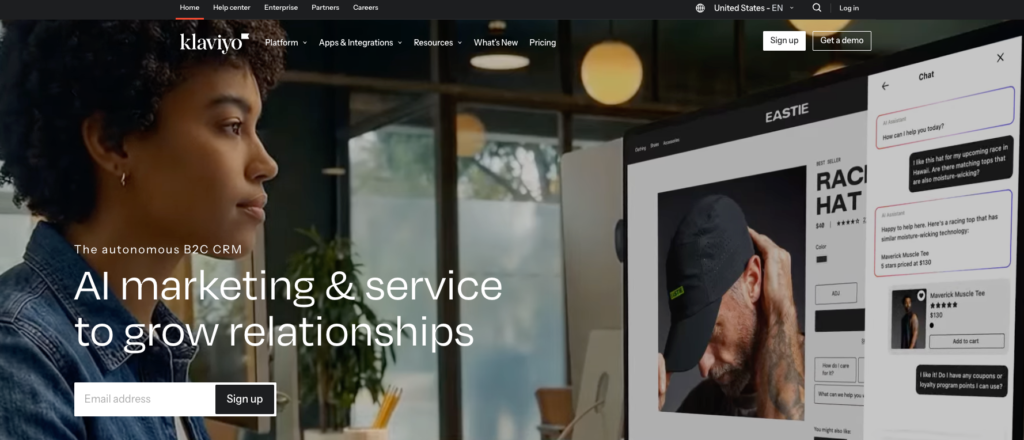
Klaviyo fits course creators whose sales process looks more like a storefront funnel than a simple newsletter setup. If you collect leads through forms, sell through checkout pages, and want email tied closely to purchase activity, profile data, and revenue reporting, Klaviyo gives you that kind of structure.
Key features
- Automated flows for welcome emails, abandoned checkout follow-up, launch reminders, upsell sequences, and post-purchase messaging. Klaviyo’s Flows are built around customer behavior and can run across email, SMS, and push.
- Advanced segmentation based on profile properties, behavior, purchases, message engagement, and predictive data. This is useful when you want separate paths for leads, buyers, repeat buyers, and inactive subscribers.
- Unified customer profiles that bring together activity from multiple data sources into one view. For course creators, this can help when you want messaging based on clicks, purchases, and engagement history rather than just list membership.
- Sign-up forms and subscribe pages for list growth. Klaviyo supports popup, flyout, full-page, and embedded forms, which work well for lead magnets, webinar registration, and waitlists.
- Email and SMS on the same platform if you want launch communication across more than one channel. Klaviyo’s platform is built around email plus mobile messaging, with paid plans scaling by channel usage.
- Reporting and revenue analysis so you can track campaign performance and connect messaging to revenue. Klaviyo also offers deeper analytics products if you want more detailed customer and product insight.
- A large integration ecosystem with 350+ apps, including e-commerce, payment, landing page, and other connected tools. That matters if your course stack already includes external checkout, site, or customer data tools.
Brevo
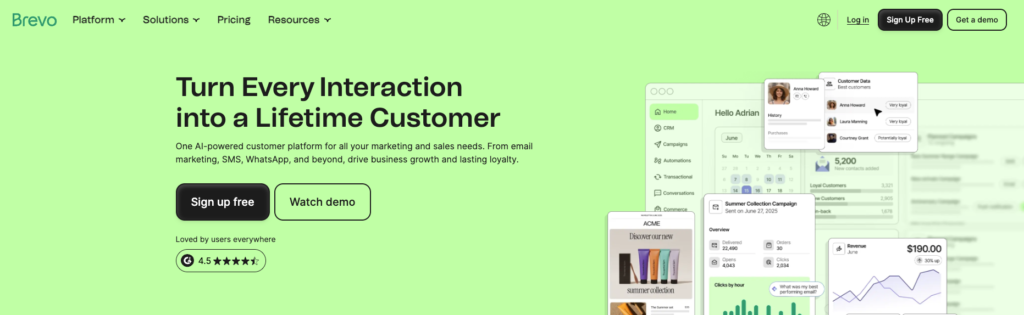
Brevo is a practical choice if you want email marketing, SMS, forms, landing pages, and basic CRM tools in one platform. For course creators, that can be useful when your setup includes lead capture, launch campaigns, onboarding flows, and transactional messages such as confirmations or reminders.
Brevo also has a free plan with up to 300 emails per day, which makes it accessible for smaller lists or early-stage course businesses.
Key features
- Email campaigns and templates with a drag-and-drop editor, reusable templates, and device preview tools for launch emails, newsletters, and student updates.
- Marketing automation with triggers, actions, and rules for workflows such as welcome emails, onboarding, page-visit follow-up, lead scoring, and contact management.
- Forms and landing pages for lead magnets, webinar registration, waitlists, and course pre-launch pages.
- SMS and WhatsApp support if you want to add reminders or short-form campaign messages alongside email.
- Segmentation and tracking through advanced segmentation, web and event tracking, and reporting on opens, clicks, bounces, geography, and devices.
- Transactional messaging for confirmations, delivery notices, and other operational emails tied to purchases or registrations.
- Free and upgrade paths that start with the free tier, then add automation, A/B testing, landing pages, and deeper reporting on higher plans.
Omnisend

Omnisend works best for course creators whose sales process looks more like an e-commerce funnel than a traditional course platform. If you rely on checkout-based promotions, abandoned-cart recovery, upsells, and post-purchase follow-up, its channel mix and reporting can be useful.
Key features
- Visual automation builder with drag-and-drop workflow creation, pre-built automation templates, multi-step journeys, delays, split paths, and conditional logic.
- Email, SMS, and web push in one automation system, which helps when your launch and follow-up flows run across more than one channel.
- Segmentation and personalized targeting based on audience data and behavior, so you can separate leads, buyers, repeat customers, and inactive contacts.
- Sign-up forms and list-building tools for collecting subscribers and feeding them into automations. Omnisend includes forms even on the free plan.
- Campaign builder features such as customizable email templates, a drag-and-drop content builder, campaign boosters, product pickers, and discount codes.
- Reporting with revenue attribution, including open rates, click-throughs, sales conversions, and campaign-level revenue tracking.
- 200+ pre-built integrations plus API options, which can help if your course business already depends on external checkout, ecommerce, or subscription tools.
Beehiiv
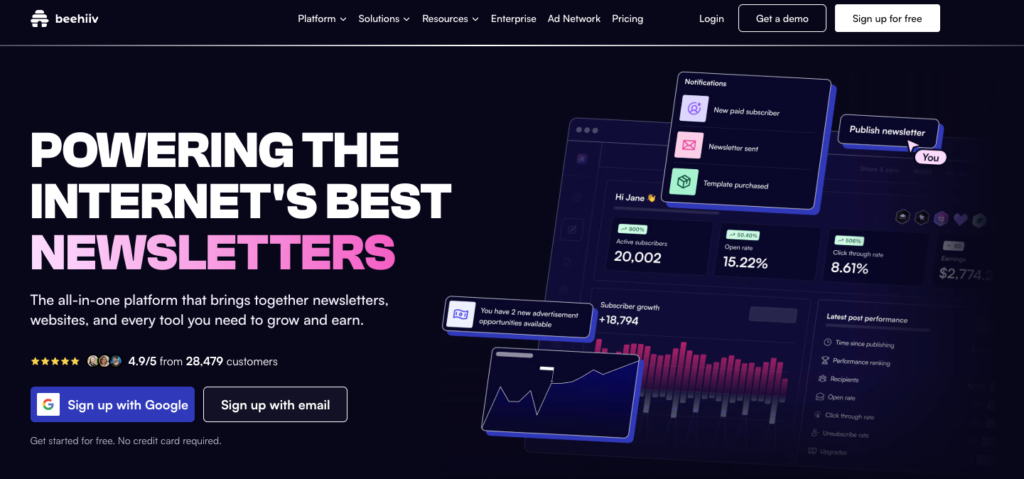
Beehiiv is a good fit for course creators who use newsletters as a core part of audience building, nurture, and promotion. If your funnel depends on regular content, free lessons, subscriber growth, and email-based upsells, Beehiiv gives you a newsletter-first setup with website, growth, and monetization tools in the same platform.
Key features
- Newsletter editor with previews and media support for writing lessons, weekly updates, and launch emails. Beehiiv includes real-time previews, media embeds, AI writing assistance, and brand customization tools.
- Automations for nurture and upsell flows on Scale plans and above. You can build workflows with triggers, actions, delays, and conditional branches for welcome series, lead generation, re-engagement, upsell, and churn recovery campaigns.
- Segmentation tools for targeting subscribers by behavior, engagement, tags, tiers, sign-up dates, location, and custom fields. Beehiiv supports dynamic, static, and manual segments, and those segments can be used in campaigns, automations, and A/B tests.
- Built-in website and growth tools so you can publish a newsletter, run a website, and use referral programs, Recommendations, pop-ups, and email gates to grow your list.
- Monetization options including paid subscriptions, the Beehiiv Ad Network, paid recommendations through Boosts, and digital products on paid plans. Beehiiv also states that it takes 0% of paid subscription revenue, excluding Stripe processing fees.
- Analytics and performance tracking for clicks, engagement, subscriber growth, open rates, click-through rates, and conversions, which helps when you are tracking content-led course sales over time.
Kartra
Kartra is a solid option for course creators who want email marketing, checkout, funnels, and course delivery in one platform. It works best when your business depends on automated sales flows, membership access, and behavior-based follow-up rather than a separate email tool connected to several other apps.
Key features
- Email marketing and automation for broadcasts, follow-up sequences, and behavior-based campaigns tied to user actions and engagement.
- Sales funnels and funnel mapping so you can build launch paths, lead magnet funnels, and offer journeys inside the same system.
- Landing pages, forms, and checkouts with drag-and-drop builders and pre-built templates for opt-ins, sales pages, and conversion flows.
- Memberships and course hosting for delivering courses or gated content without needing a separate LMS on higher plans.
- Video hosting on plans above the entry tier, which can be useful for lesson delivery, webinar replays, and sales videos.
- Webinars, calendars, and appointments for creators who sell through live sessions, calls, or scheduled coaching.
- Affiliate management and analytics for tracking funnel performance, managing partners, and reviewing campaign results inside one dashboard.
GoHighLevel
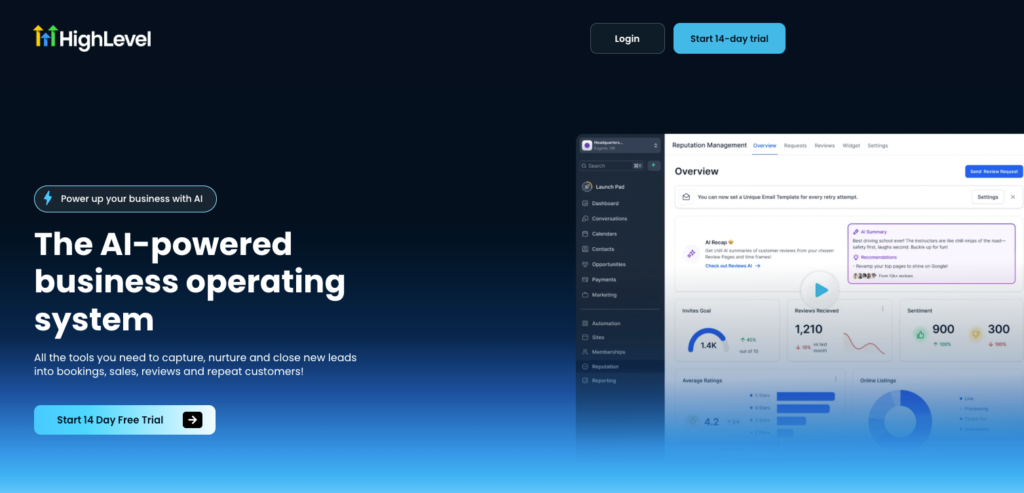
GoHighLevel is a better fit for course creators who run a more operationally complex business, especially if you also sell coaching, consultations, or agency-style services alongside your courses. It combines CRM, funnels, email, SMS, scheduling, payments, and course hosting in one platform. So, you can manage lead capture, follow-up, and delivery without stitching together as many separate tools.
Key features
- Workflow automation with triggers and actions for things like form submissions, tag changes, appointment bookings, and follow-up emails. HighLevel also offers workflow templates and a newer AI workflow builder for faster setup.
- Built-in CRM and pipeline management for tracking leads, applications, booked calls, and enrolled students in one system.
- Email plus SMS inside the same platform, which is useful if your enrollment flow includes reminder texts, nurture emails, and appointment follow-up.
- Funnels, websites, forms, and surveys for opt-in pages, webinar registration, application funnels, and sales pages.
- Courses and memberships for hosting lessons, offers, and gated content inside the platform. HighLevel’s support docs also show dedicated workflows for launching courses and building membership sites.
- Calendars and scheduling for discovery calls, coaching sessions, and consultation-based sales flows.
- Agency-oriented structure with sub-accounts, white-label options, and rebilling features on higher plans. That matters most if you manage multiple brands or client accounts, and less if you only run a single course business.
How to Choose the Right Email Marketing Platform
Choosing the right email marketing platform depends on how your course business works behind the scenes. A creator selling one evergreen course through a simple funnel will need something different from a creator running cohorts, webinars, upsells, and segmented student journeys.
As you compare tools, focus less on feature volume and more on workflow fit. The best platform for you is the one that supports your list growth, launch process, student communication, and tech stack without adding too much operational overhead.
1. Start with your business model
Look at how you sell and deliver your courses right now. If you sell a standalone course with a lead magnet and a nurture sequence, a lightweight email platform may be enough.
If you run memberships, coaching, webinars, and sales funnels, you may need a platform with stronger automation or an all-in-one setup.
2. Check how much automation you actually need
Most course creators need more than broadcasts and basic autoresponders. You may want separate workflows for new leads, cart abandoners, enrolled students, inactive subscribers, and past buyers. In that case, visual automations, tagging, conditional logic, and behavioral triggers matter more than template variety.
3. Think about your course delivery stack
Your email platform should work well with the tools you already use for checkout, course hosting, landing pages, and payments. If your business runs on WordPress, a tool like weMail may make sense. If you want email, funnels, and course hosting in one place, an all-in-one platform may reduce integration work.
4. Look at segmentation and tagging
For course creators, segmentation affects both conversions and student experience. You should be able to separate subscribers by lead source, product interest, purchase history, engagement level, or course status. That gives you cleaner launch campaigns, more relevant onboarding, and better re-engagement flows.
5. Review the pricing structure carefully
Low entry pricing can look attractive, but the real cost usually changes as your list grows or when you need automation, SMS, advanced reporting, or extra users. Check what happens at higher subscriber tiers and whether important features are locked behind more expensive plans.
6. Consider if you need an all-in-one platform
An all-in-one tool can simplify your setup if you want email, funnels, checkout, and course hosting in the same system. A standalone email platform can still be the better choice if you already like your LMS, website builder, or checkout flow and only need stronger email functionality.
7. Pay attention to reporting
You should be able to track the metrics that matter for a course business, such as open rates, click rates, funnel conversions, and revenue attribution. Basic reporting is enough for some creators, but if you run launches regularly, you may want more detailed campaign and automation analytics.
8. Choose for your next stage, not just your current one
Your platform should fit your current workflow, but it should also leave room for list growth, new offers, and more advanced segmentation. Switching platforms later is possible, though it usually involves migration work, automation rebuilds, and list cleanup.
Build the Email System Behind Your Course
Choosing the right platform is only the first step. What matters next is how you set it up for your course business. Your email platform should support the full student journey, from lead capture and nurture to sales, onboarding, engagement, and re-enrollment.
Start by building the essentials first. Set up your opt-in form or landing page, create a welcome sequence, segment subscribers by interest or purchase status, and map the automations that support your course funnel.




Leave a Reply