
Choosing a free online training platform for your employees is harder than it looks. Many platforms advertise generous free plans, but learner limits, missing features, and unexpected upgrade costs often appear after you’ve already created courses and invited your team. Choosing the wrong platform can cost you time, money, and a difficult migration later.
We compared the 10 best free online training platforms for employees using the criteria that matter most when you’re making a decision. Every platform was evaluated based on its free plan value, course creation tools, learner limits, assessments, reporting, mobile learning, integrations, upgrade path, and long-term value. We also looked at customer reviews to understand where each platform performs well and where it falls short.
Whether you’re onboarding new employees, delivering compliance training, building an internal learning hub, or creating customer education, this guide will help you find the right platform. Start with the quick recommendations below, then explore the detailed reviews to compare features, understand the trade-offs, and choose the LMS that best fits your team.
TL;DR
- Klasio is the best free online training platform for growing teams if you want to launch employee training with a mobile app and 0% commission, because the free plan includes one course, 50 learners, quizzes, assignments, and certificates at no cost.
- TalentLMS is the best free option for small team training if you need a plan with no time limit, because it supports five users and ten courses on a permanent free tier.
- Zoho Learn is the right pick if your team already uses Zoho apps, because it keeps your learning and business tools connected in one ecosystem.
- Systeme.io is worth considering if you want to combine employee training with course selling in one free tool, because the free plan supports unlimited learners with built-in checkout and email marketing at no cost.
- Moodle is the best choice if you want complete control over your employee training platform, because it is open source and free to self-host with no learner or course limits.
- Chamilo LMS is the better self-hosted option if you want a simpler alternative to Moodle, because it gives you full ownership with a lighter setup process.
- ProProfs Training Maker is the right fit if fast employee onboarding is your priority, because it helps you create and deliver training with minimal setup.
- Google Classroom works best if your employees already use Google Workspace, because it fits naturally into the tools they already know.
- Open edX is the right pick if your team has technical resources and needs advanced customization, because it is free to self-host and built for complex learning environments.
- FreshLearn is the best option if you want to validate your first training course before paying for an LMS, because the free plan supports 25 learners with unlimited courses at no cost.
How We Picked These Platforms
Choosing a free online training platform looks easy until you start training real employees. That is when learner limits, missing features, and forced upgrades become real problems. Every platform in this guide was evaluated on how much value you get before paying and whether it can continue supporting your team as your training needs grow.
Evaluation Criteria
- Free plan value: How much you can accomplish before hitting a paywall.
- Course creation tools: How easily you can build, organize, and update training content.
- Learner limits: The number of employees you can train on the free plan.
- Ease of setup: How quickly you can launch training without technical expertise.
- Mobile learning: Whether employees can complete training from a phone or tablet.
- Assessments and quizzes: The tools available to test knowledge and measure learning.
- Reporting and analytics: The insights you get to monitor progress and completion rates.
- Integrations: How well the platform connects with the tools your team already uses.
- Upgrade path: Whether the paid plans add meaningful value as your training needs grow.
- Customer reviews: Feedback from verified users on reliability, support, and day-to-day experience.
Free Plans at a Glance
The table below compares the free plan limits, key features, and ideal use case for each platform. Use it to narrow your options before reading the full reviews.
| Platform | Free Plan | Learner Limit | Course Limit | Certificates | Mobile App | Best For |
| Klasio | Permanent | 50 learners | 1 course | ✅ | ✅ | Growing teams and course-based employee training |
| TalentLMS | Permanent | 5 users | 10 courses | ✅ | ✅ | Small team training |
| Zoho Learn | Permanent | 5 users | 5 courses | ❌ | ✅ | Teams using Zoho apps |
| Systeme.io | Permanent | Unlimited | 1 course funnel | ❌ | ❌ | All-in-one training and course selling |
| Moodle | Self-hosted | Unlimited | Unlimited | ✅ | ✅ | Complete platform ownership |
| Chamilo LMS | Self-hosted | Unlimited | Unlimited | ✅ | ✅ | Lightweight self-hosted LMS |
| ProProfs Training Maker | Permanent | 10 learners | Unlimited | ✅ | ✅ | Fast employee onboarding |
| Google Classroom | Permanent | Unlimited | Unlimited | ❌ | ✅ | Google Workspace teams |
| Open edX | Self-hosted | Unlimited | Unlimited | ✅ | ❌ | Developer-controlled learning platforms |
| FreshLearn | Permanent | 25 learners | Unlimited | ❌ | ❌ | Creators testing a first course or training program |
What to Look for in a Free Employee Training Platform
Choosing the right free employee training platform starts with knowing which features matter most. Some platforms offer generous free plans but limit the tools you need as your training program grows. Focus on the features below to compare platforms fairly and choose one that supports your team today and in the future.
A Course Builder You Can Use on Day One
A simple course builder helps you with course creation and publishing training without technical expertise. Look for support for videos, documents, quizzes, and multimedia lessons that keep course creation fast and organized. Simple editing tools also save time as your course library grows.
Live Training for Instructor-Led Sessions
Some training programs need more than self-paced lessons. Live streaming for education can help teams join instructor-led sessions, workshops, demonstrations, and Q&A sessions in real time. Look for reliable live video, audience interaction, session recording, and easy access to replays. This gives employees the choice to attend live or catch up later.
Employee Progress You Can Actually Track
Progress tracking shows who started, completed, or still needs to finish a course. Look for a platform that tracks enrollments, lesson progress, quiz scores, and course completion. These insights help you measure training success and support employees who need extra guidance.
Assessments That Measure Real Learning
Quizzes, assignments, and knowledge checks confirm employees understand the material before applying new skills at work. Choose a platform that makes assessments easy to create, assign, and review, so you can measure learning with confidence.
Certificates Your Team Can Share
Certificates recognize employees for completing training and provide proof of achievement. They also help you manage compliance, professional development, and other required learning programs. Free certificate support adds more value to a platform from day one.
Mobile Learning Built for Busy Schedules
Mobile learning lets employees complete training wherever work takes them. A responsive website or dedicated mobile app gives your team the flexibility to learn without waiting to return to a desk. That flexibility often leads to higher course completion rates.
Reporting That Helps You Improve Training
Reporting should give you clear visibility into course completion, assessment results, and learner engagement. These insights help you improve existing programs, identify knowledge gaps, and make better training decisions over time.
Integrations That Fit Your Existing Stack
Strong integrations keep your training platform connected with the tools your team already uses. Support for HR software, communication apps, cloud storage, and productivity tools reduces manual work and keeps training part of your daily workflow.
A Paid Plan That Supports Future Growth
Upgrade plans should add meaningful value as your training needs expand. Compare learner limits, premium features, and pricing before choosing a platform, so you can continue growing without migrating to a different LMS.
The 10 Best Free Online Training Platforms for Employees
Every free training platform has different strengths, limits, and upgrade paths. The entries below follow the same structure so you can compare them on equal terms and pick the one that fits your team.
1. Klasio
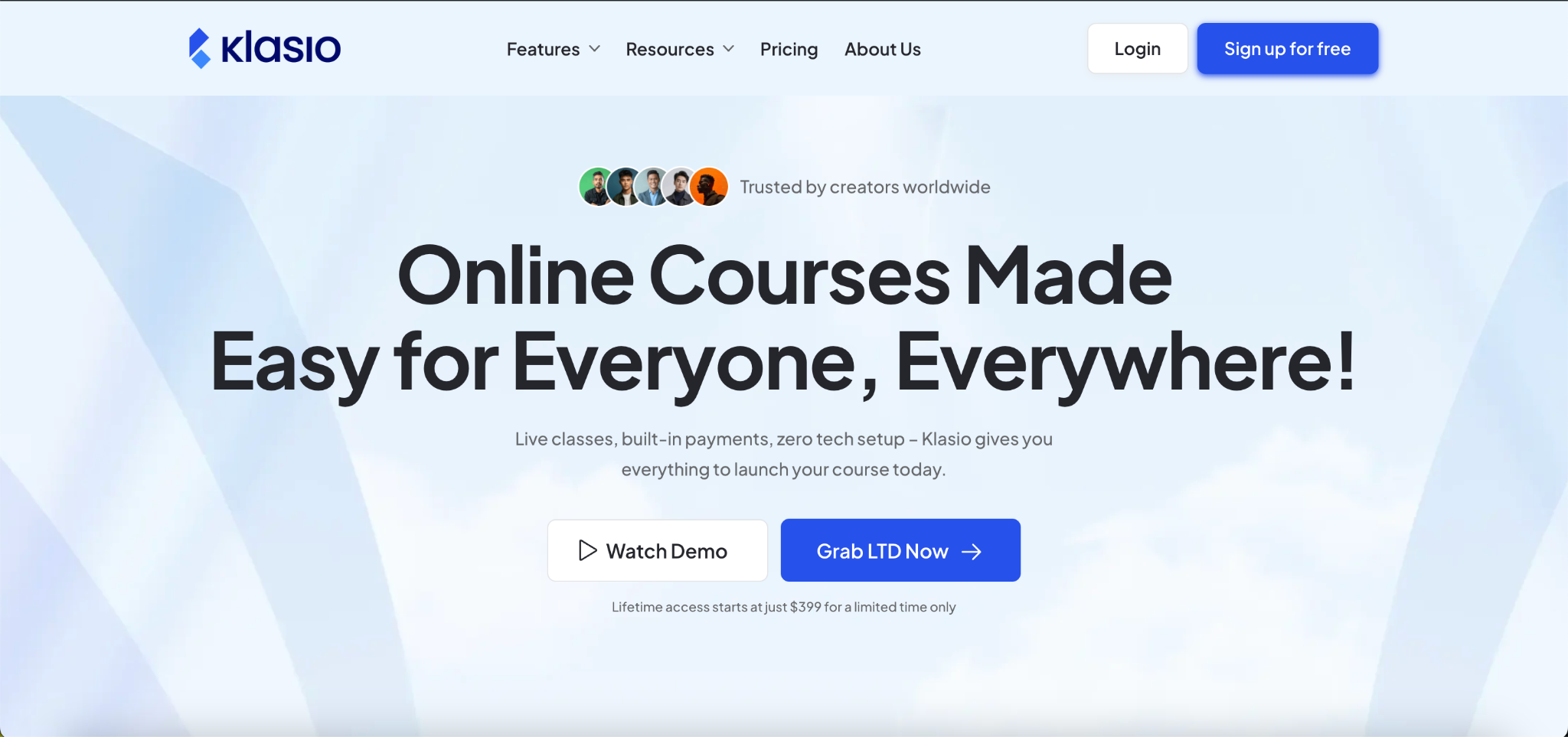
Klasio is a cloud-based LMS built for businesses, trainers, and course creators who want to launch online training without a large upfront investment. If you’re evaluating platforms for a growing company, you may also want to explore our guide to the best LMS for small businesses. The free plan includes the core tools needed to build courses, train employees, and grow into a larger learning program from day one.
Best For
Growing teams, employee onboarding, customer education, and businesses that want the option to sell courses later.
Free Plan Limits
1 course, 50 learners.
Key Features
- Drag-and-drop course builder with AI-assisted course creation
- Mobile app for learners on iOS and Android
- Quizzes, assignments, and automated course certificates
- Built-in checkout with direct payments and 0% commission
Paid Pricing
Plans start at $49/month. Higher tiers add more learners, cloud video uploads, advanced branding, and additional staff accounts.
Pros
- Free plan includes a mobile app, certificates, and quizzes with no time limit
- Built-in payments let you sell courses without a third-party tool
- Setup requires no technical expertise
Cons
- Free plan is capped at one course and 50 learners
- Custom domain and branding removal require a paid plan
Verdict
Choose Klasio if you want a free training platform that covers employee training today and gives you room to sell courses or scale your program without switching platforms.
2. TalentLMS
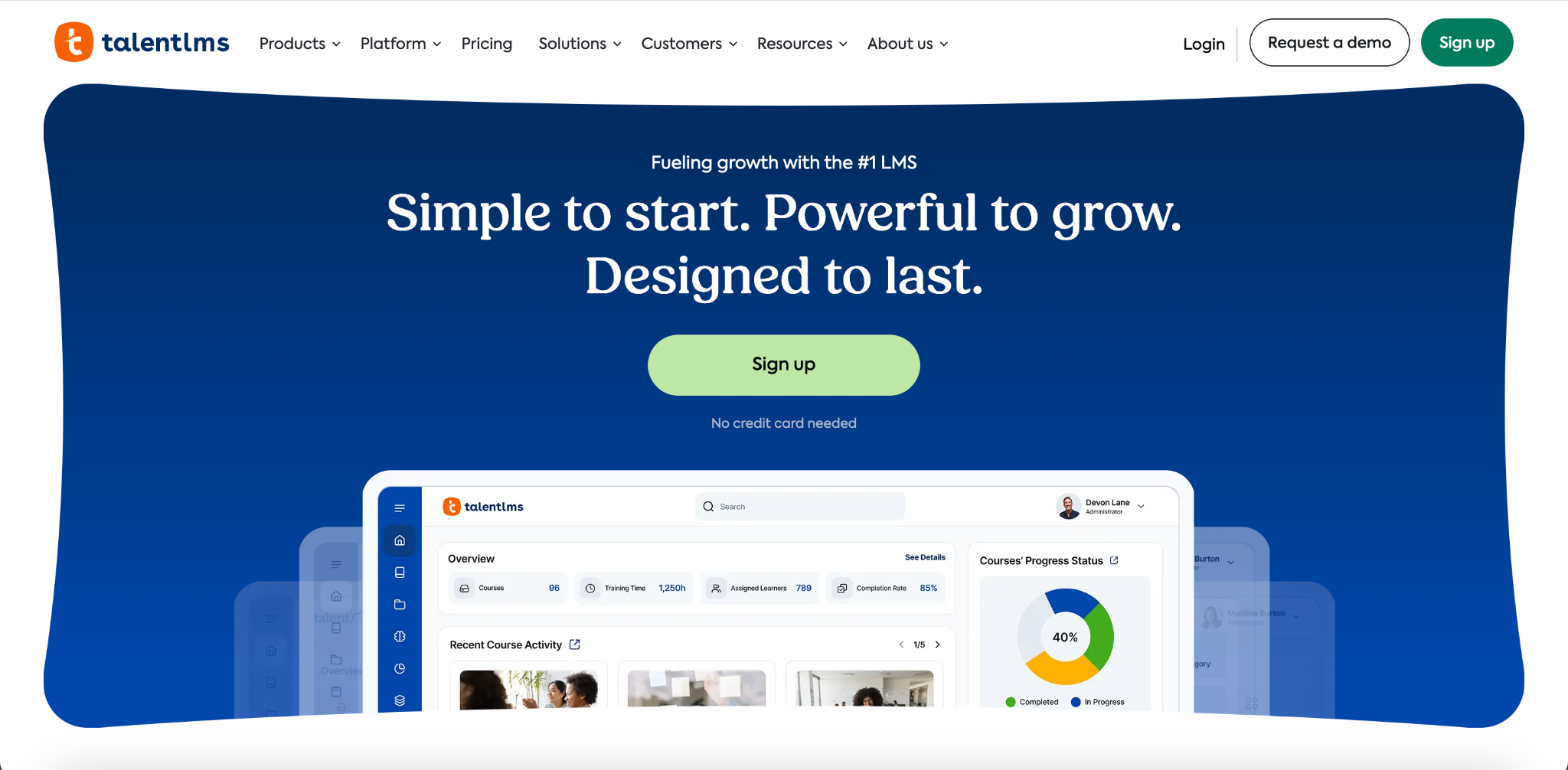
TalentLMS is a cloud-based LMS built for businesses that need a reliable, easy-to-manage training platform for employees, partners, and customers. The free plan is permanent with no time limit, making it a practical starting point for small teams that want to test internal training before committing to a paid plan.
Best For
Small teams, HR managers running pilot training programs, and businesses that need a proven platform with a clear upgrade path.
Free Plan Limits
5 active users, 10 active courses.
Key Features
- Course builder that supports video, audio, presentations, and SCORM content
- Gamification with points, badges, and leaderboards to keep employees engaged
- Quizzes, assignments, and completion certificates on all plans including free
- Reporting dashboard to track enrollment, progress, and course completion
Paid Pricing
Core plan starts at $119/month for up to 100 users. Grow, Pro, and Enterprise tiers add higher user limits, branching, automation, custom reports, and priority support.
Pros
- Free plan has no time limit and requires no credit card
- Supports SCORM content for teams with existing training materials
- Trusted by over 70,000 businesses with a strong track record
Cons
- Free plan caps at 5 users, which limits any team beyond a small pilot
- Custom domain, branding removal, and advanced reporting require a paid plan
- Paid plan pricing jumps significantly between tiers
Verdict
Choose TalentLMS if you are running a small team training program and want a permanent free plan backed by a mature, well-supported platform.
3. Zoho Learn
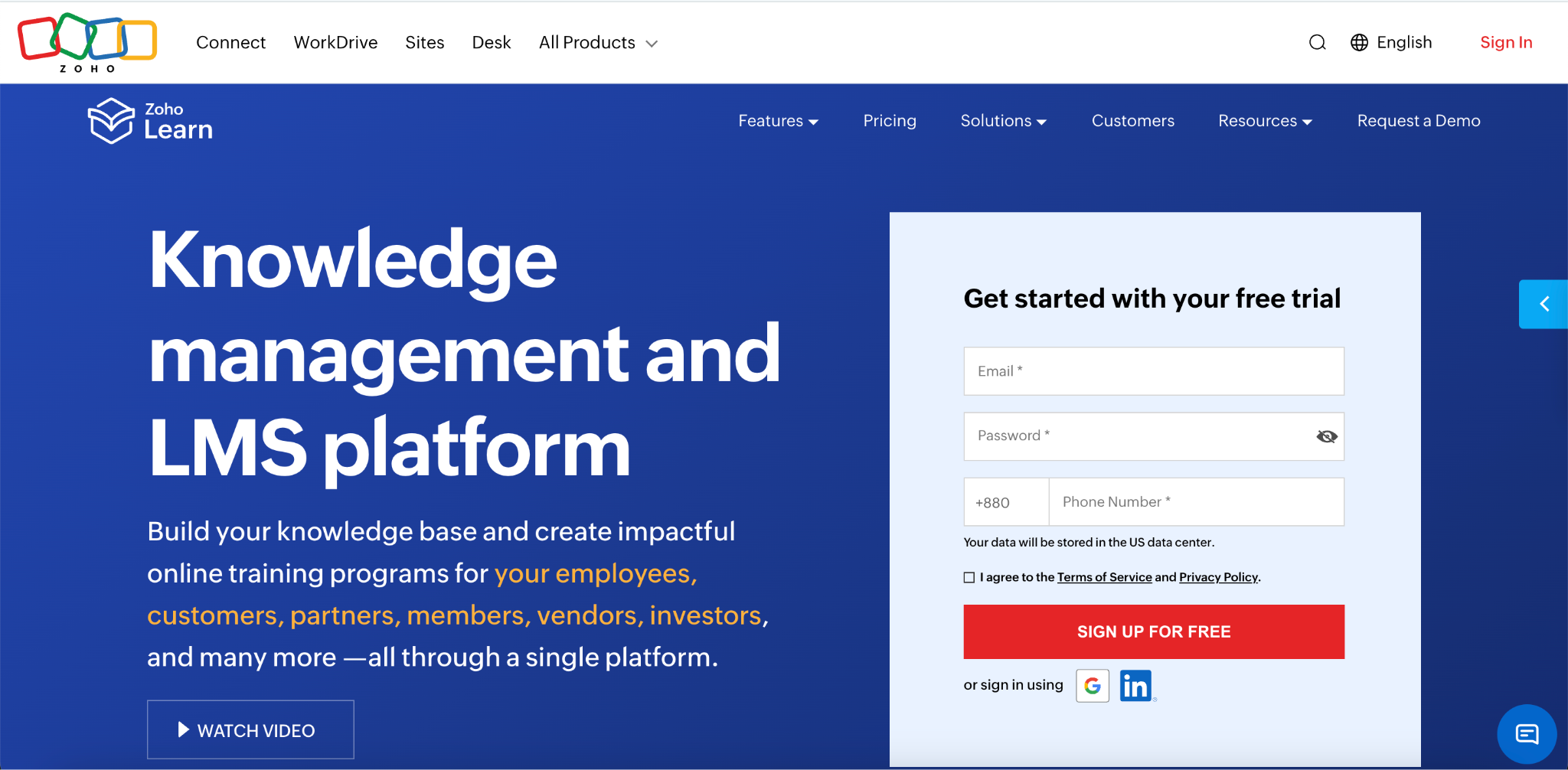
Zoho Learn is a knowledge management and training platform built for teams that already operate inside the Zoho ecosystem. It combines course creation with knowledge manuals, learning paths, and quizzes, making it a practical choice for businesses that want training and documentation in one place.
Best For
Teams already using Zoho products, small businesses that need knowledge management alongside employee training, and organizations that want a self-service training hub without switching platforms.
Free Plan Limits
5 users, 5 courses, 3 spaces, 5 manuals, 2 learning paths, 1 GB storage.
Key Features
- Course builder with text, video, document lessons, and SCORM support
- Knowledge manuals for SOPs, onboarding guides, and team documentation
- Learning paths to sequence training in a structured order
- Universal search across courses, manuals, and articles
Paid Pricing
Express plan starts at $4/user/month. The Professional plan adds unlimited courses, assignments, drip lessons, advanced reporting, and detailed quiz controls.
Pros
- Integrates naturally with Zoho CRM, Zoho People, and other Zoho apps
- Combines course training and knowledge management in one platform
- SCORM support is available on the free plan
Cons
- Free plan caps at 5 users and 5 courses, which limits any real team rollout
- Certificates are not available on the free plan
- Teams outside the Zoho ecosystem get less value from the integrations
Verdict
Choose Zoho Learn if your team already runs on Zoho and you want training and knowledge management in one place without adding a separate tool.
4. Systeme.io
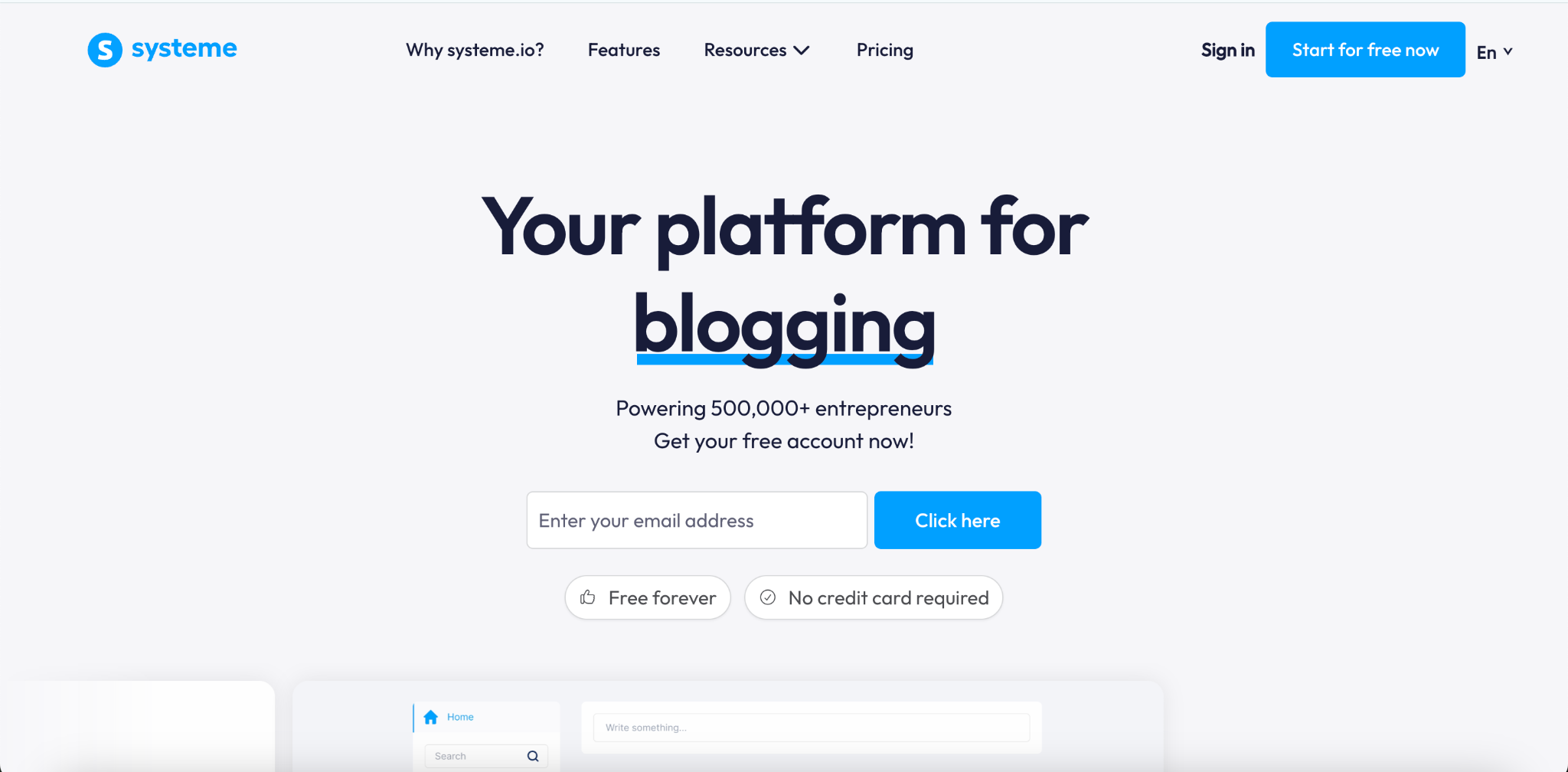
Systeme.io is an all-in-one marketing and course platform built for solo creators and small businesses that want to launch courses, sell digital products, and run email marketing from a single tool. The free plan is permanent with no credit card required, making it one of the most accessible starting points for teams testing a training program before investing in a dedicated LMS.
Best For
Solo trainers, small businesses, and course creators who want to combine employee training with built-in email marketing and sales funnels at no cost.
Free Plan Limits
1 course, 2,000 contacts, 3 sales funnels, unlimited email sends. No custom domain, no certificates, no quizzes. Systeme.io branding appears on all pages.
Key Features
- Course builder with modules, lessons, video uploads, and drip scheduling
- Built-in email marketing with unlimited sends and tag-based segmentation
- Sales funnels and checkout pages with 0% transaction fees on all plans
- Automation rules to enroll learners and send course access after purchase
Paid Pricing
Startup plan starts at $17/month and adds more funnels, more automation rules, a higher contact limit, and a custom domain. Webinar ($47/month) and Unlimited ($97/month) tiers add webinar hosting and remove most caps.
Pros
- Permanent free plan with no time limit and no credit card required
- 0% transaction fees on every plan including free
- Combines course delivery, email marketing, and sales in one tool
Cons
- Free plan is limited to one course and has no certificates, quizzes, or custom domain
- Course builder lacks advanced LMS features like assessments, progress tracking, and gamification
- Interface and templates are functional but less polished than dedicated LMS platforms
Verdict
Choose Systeme.io if you want to launch a training course and sell it through your own funnel without paying for separate tools, and you are comfortable with basic course features while you validate your program.
5. Moodle
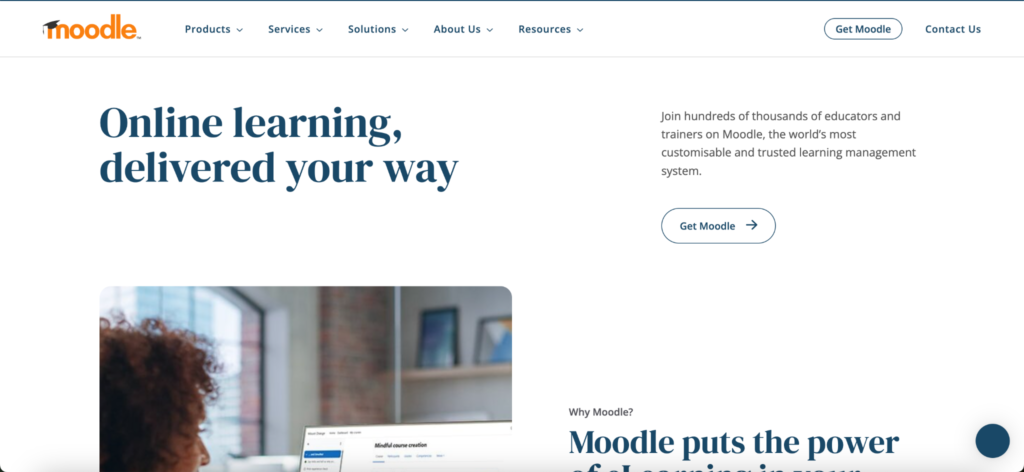
Moodle is the world’s most widely used open-source LMS, powering over 147,000 registered sites across 236 countries. Organizations download and self-host the software at no licensing cost, keeping full control over their data, plugins, customization, and user limits. The trade-off is that setup and ongoing maintenance require technical resources.
Best For
Organizations with in-house IT support, educational institutions, government agencies, and teams that need complete platform ownership with no per-user fees or vendor lock-in.
Free Plan Limits
No license fee. Unlimited learners, unlimited courses. Server hosting costs apply separately – a basic setup typically runs $5 to $30 per month on a VPS. MoodleCloud, the managed version, has no permanent free plan.
Key Features
- Full course builder with text, video, SCORM, xAPI, and H5P content support
- Quizzes, assignments, forums, and completion certificates on all self-hosted installs
- 1,700+ community plugins covering gamification, analytics, integrations, and custom themes
- Role-based access controls for admins, teachers, and learners at any scale
Paid Pricing
The software is free. MoodleCloud managed hosting starts at approximately $130 to $200 per year for up to 50 users. Moodle Workplace, the enterprise edition with multi-tenancy and compliance tools, is custom-priced through certified partners and typically starts at $50,000 per year for large deployments.
Pros
- No licensing fee and no per-learner cost at any scale
- Fully customizable with thousands of community-maintained plugins
- SCORM, xAPI, and H5P support included out of the box
- Active global community with free documentation and forum support
Cons
- Requires technical expertise to install, configure, and maintain
- No dedicated support unless you pay a Moodle partner or use MoodleCloud
- UI feels dated compared to modern hosted LMS platforms
- Upgrades and security patching are your responsibility
Verdict
Choose Moodle if your organization has technical resources and wants a fully owned, infinitely scalable training platform with no ongoing license costs.
6. Chamilo LMS
Chamilo is a free, open-source LMS built for organizations that want a full-featured training platform without the setup complexity of Moodle. It runs on lower server resources than Moodle, installs faster, and delivers an interface that both administrators and learners find easier to navigate from day one. It powers training programs for organizations ranging from 10 to 700,000 registered users across 180+ countries.
Best For
Small to mid-sized organizations, government agencies, educational institutions, and HR departments that want a self-hosted LMS with a lower technical barrier than Moodle.
Free Plan Limits
No license fee. Unlimited learners, unlimited courses. Server hosting costs apply. A basic VPS setup typically runs $5 to $30 per month. Professional hosting and support are available through certified Chamilo partners at custom pricing.
Key Features
- Course builder with learning paths, drag-and-drop content, and SCORM 1.2/2004 and xAPI support
- 20+ quiz question types including multiple choice, fill-in-the-blank, matching, and adaptive tests
- Certificate generation tied to course completion and learning path milestones
- BigBlueButton and OpenMeetings integration for live virtual classroom sessions
Paid Pricing
The software is free. Chamilo PRO, the enterprise services package offered by BeezNest, covers managed hosting, priority support, maintenance, upgrades, and custom integrations. Pricing is quoted per project and organization size.
Pros
- No licensing fee and no per-learner cost at any scale
- Easier to install and maintain than Moodle on similar server hardware
- SCORM, xAPI, certificates, and 20+ quiz types included out of the box
- GDPR-compliant with built-in security and audit tools
Cons
- Smaller plugin and community ecosystem than Moodle
- Mobile interface is functional but less refined than the desktop experience
- No official managed free tier – self-hosting requires technical setup
- Support depends on community forums unless you pay a certified partner
Verdict
Choose Chamilo if you want a self-hosted LMS with full ownership and no license fees, and you need something easier to set up and run than Moodle without giving up core training features.
Verified from the live pricing page. Free plan: permanent, up to 10 learners, unlimited courses, unlimited admins, unlimited quizzes, unlimited storage, AI course creation, SCORM and TinCan, custom certificates, custom domain, mobile learning (responsive, no dedicated app), integrations including BambooHR and Salesforce, gamification. Paid Business plans start per learner per month. Here is the entry.
7. ProProfs Training Maker
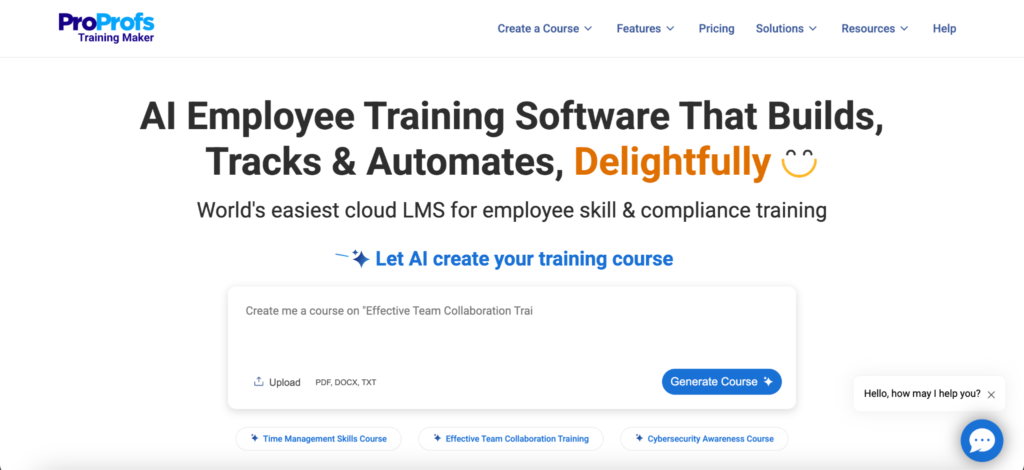
ProProfs Training Maker is a cloud-based LMS built specifically for employee training, compliance programs, and onboarding. It is one of the few platforms that gives you unlimited courses, unlimited admins, SCORM support, custom certificates, and a ready-made course library on the free plan – all capped at 10 learners. The platform is designed to get a training program running in hours, not days.
Best For
Small businesses, HR managers, and compliance officers who need to launch employee onboarding or compliance training quickly without technical setup or a large team.
Free Plan Limits
10 learners. Unlimited courses, unlimited admins, unlimited storage, unlimited quizzes.
Key Features
- AI-powered course builder that generates courses and quizzes from a single prompt
- Library of 500+ ready-made courses covering compliance, safety, HIPAA, OSHA, and sexual harassment training
- Custom certificates issued automatically on course completion
- SCORM and TinCan support for importing content from external authoring tools
Paid Pricing
Business plans are priced per learner per month. The Essentials tier starts at approximately $1.97 per learner per month on annual billing. Higher tiers add dedicated onboarding support, a success manager, phone support, and advanced reporting.
Pros
- Free plan includes unlimited courses, AI creation, SCORM, and custom certificates at no cost
- Ready-made compliance course library reduces content creation time
- Custom domain and branded learner portal available on the free plan
- Integrates with BambooHR, Salesforce, and HRIS systems on all plans
Cons
- Free plan is hard-capped at 10 learners – any growth requires a paid plan
- No dedicated mobile app – learners access training through a mobile-responsive browser
- 9.5% platform fee applies when selling courses through the ProProfs gateway on the free plan
Verdict
Choose ProProfs Training Maker if you need to launch employee onboarding or compliance training fast and your team is small enough to stay within the 10-learner free plan limit.
8. Google Classroom
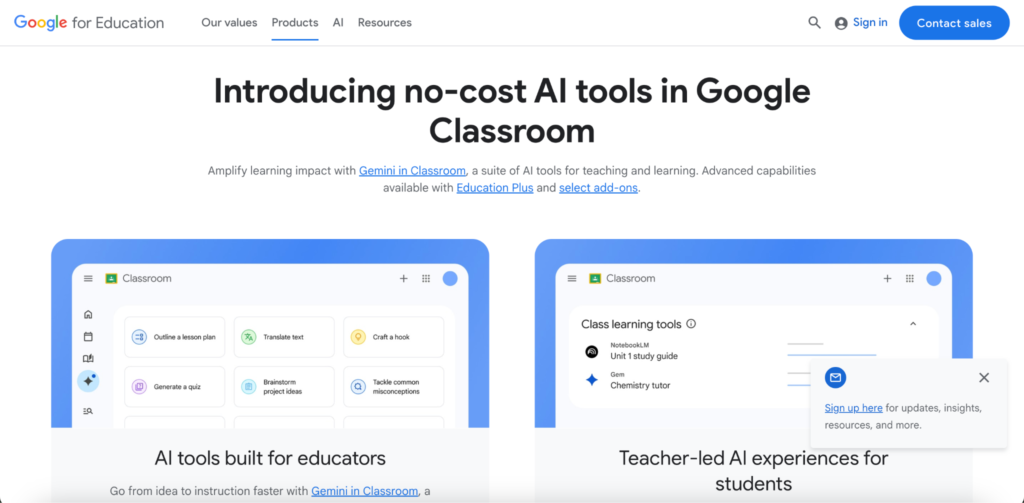
Google Classroom is a free course management tool built into Google Workspace. It is not a purpose-built LMS – it does not offer certificates, SCORM, advanced reporting, or custom branding. What it does offer is a familiar, zero-setup environment for assigning materials, collecting work, and communicating with learners who already use Google tools every day. For businesses already running on Google Workspace, it removes the friction of introducing a new platform entirely.
Best For
Small teams and businesses already using Google Workspace that need a simple, no-cost way to assign training materials, track assignment completion, and communicate with employees.
Free Plan Limits
Unlimited learners, unlimited classes, unlimited assignments. 15 GB of shared Google account storage. Requires a Google account for every learner.
Key Features
- Assignment creation and distribution using Google Docs, Slides, Forms, and Drive
- Google Meet integration for live training sessions and virtual classrooms
- Mobile apps for iOS and Android so learners can complete training from any device
- Grade book for tracking assignment submission and basic completion status
Paid Pricing
Free for individual users and qualifying educational institutions via Google Workspace for Education Fundamentals. Business teams access Google Classroom through Google Workspace Business plans starting at approximately $6 per user per month. Education Plus with advanced features starts at approximately $5 per user per year for qualifying institutions.
Pros
- Completely free with no learner limit for individual and institutional users
- Zero setup time for teams already using Google Workspace
- iOS and Android apps included at no extra cost
- Real-time collaboration through Google Docs and Slides built in
Cons
- No certificates, SCORM support, or custom branding on any plan
- Reporting is limited to assignment submission status – no completion tracking or engagement analytics
- Requires every learner to have a Google account, which blocks non-Gmail users
- Not built for selling courses or running structured learning paths
Verdict
Choose Google Classroom if your team already works in Google Workspace and you need a free, familiar way to assign and track training materials without setting up a separate LMS.
All verified from official Open edX sources and third-party research. Key facts confirmed: free and open-source under open-source licenses, no per-learner fee, self-hosted via Tutor (Docker-based), requires Ubuntu 20.04+, Python 3.8+, MySQL/PostgreSQL, Nginx, Redis, Elasticsearch, RabbitMQ – minimum 8GB RAM for production. Features include Studio course authoring, certificates, SCORM via XBlock plugin, xAPI, SSO via SAML/OAuth, analytics, learning paths. No dedicated mobile app from the platform itself, but mobile-friendly browser experience. Managed hosting available through 18+ certified partners in the Open edX Marketplace. No built-in ecommerce – payment integration requires external tools.
9. Open edX
Open edX is the open-source platform originally built by Harvard and MIT that now powers edX.org and thousands of independent learning sites serving over 140 million learners across 196 countries. Organizations self-host and deploy their own fully branded instance at no licensing cost. It is built for massive scale – purpose-designed to handle thousands of concurrent learners across hundreds of courses – but requires significant technical resources to deploy and maintain.
Best For
Governments, large enterprises, universities, and NGOs that need a fully owned, infinitely scalable learning platform and have dedicated DevOps or engineering resources to manage the infrastructure.
Free Plan Limits
No license fee. Unlimited learners, unlimited courses. Production deployment requires a server with at least 8 GB RAM running Ubuntu, Python, MySQL, Redis, Elasticsearch, and RabbitMQ. Infrastructure and hosting costs are the organization’s responsibility.
Key Features
- Open edX Studio course authoring with drag-and-drop content creation, learning paths, and assessments
- Certificates, stackable credentials, and skills-based badging built into the platform
- SCORM support via the edx_xblock_scorm XBlock plugin
- SSO via SAML 2.0, OAuth 2.0 (Google, Microsoft, LinkedIn), LDAP, and Shibboleth
Paid Pricing
The software is free. Managed hosting through certified Open edX partners typically starts at a few hundred dollars per month for small deployments and scales significantly for enterprise rollouts. Over 18 providers are listed in the Open edX Marketplace.
Pros
- No licensing fee and no per-learner cost at any scale
- Built to handle millions of learners – the most scalable option on this list
- Full data ownership and control over hosting environment
- Active global community with biannual named releases and extensive documentation
Cons
- The most technically demanding platform on this list – requires Docker, DNS, SSL, and backend expertise to deploy
- No native mobile app – learners access content through a mobile-optimized browser
- No built-in ecommerce – selling courses requires integrating an external payment system
- Biannual major releases require migration work and downtime risk on self-managed instances
Verdict
Choose Open edX if your organization has technical engineering resources and needs a fully owned, large-scale learning platform that can grow to millions of learners without per-user licensing costs.
10. FreshLearn
FreshLearn is a knowledge commerce platform built for creators and small businesses that want to launch, sell, and manage online courses without a large upfront investment. The free plan lets you publish one product, enroll 25 learners manually, and build a basic sales page and website – enough to validate a course idea before committing to a paid plan. FreshLearn explicitly supports employee training, partner enablement, and customer education alongside course selling.
Best For
Solo trainers, coaches, and small businesses that want to test a training course with a small group before investing in a paid LMS, and who want course selling and delivery in one tool.
Free Plan Limits
1 product, 25 manual enrollments, 3 sales pages, blogging CMS, basic website. No custom domain, no certificates, no mobile app, no automation, no integrations. A 10% transaction fee applies to paid course sales on the free plan.
Key Features
- Course builder supporting self-paced video courses, cohort-based programs, live masterclasses, and digital downloads
- Built-in sales pages, checkout, and payment processing via Stripe, Razorpay, and PayPal
- AI website builder and AI course outline generator on all plans including free
- 0% platform transaction fees on all paid plans
Paid Pricing
Pro plan starts at $49/month (or $37/month on a two-year plan) and adds unlimited courses, custom domain, drip content, upsells, and 0% transaction fees. The No Brainer plan at $69-$79/month unlocks certificates, assignments, live classes, gamification, mobile app access for learners, and branding removal.
Pros
- Free plan requires no credit card and supports 25 learners at no cost
- 0% transaction fees on all paid plans – you keep 100% of course revenue minus payment processor fees
- Combines course delivery, sales pages, and checkout in one tool
- Free migration for annual plan subscribers covering courses, pages, and member data
Cons
- Free plan is limited to 1 product and 25 learners with a 10% transaction fee
- Certificates, assignments, and mobile app access require the No Brainer plan at $69/month
- No API on any plan – third-party integrations rely on Zapier
- Some users report cancellation and billing difficulties based on Capterra reviews
Verdict
Choose FreshLearn if you want to validate a training course or digital product with up to 25 learners at no cost, with the option to add certificates, live classes, and mobile access when you are ready to scale.
What Free Employee Training Platforms Cannot Do
A free employee training platform is a great way to launch your first learning program. It lets you build courses, train a small team, and test your workflow without any upfront cost. As your organization grows, however, free plans begin to show their limits. Knowing those limits early helps you choose the right time to upgrade instead of waiting until they interrupt your training.
1. Learner Limits Slow Growth
Most free plans only support a small number of learners. TalentLMS allows up to 5 active users, ProProfs supports 10, and Klasio includes up to 50. Once you reach the limit, adding new learners usually requires upgrading your plan. If your team is growing, it is better to plan ahead than interrupt an active training program.
2. Basic Reporting Gives Limited Insights
Free plans usually show course completions, but they often stop there. Advanced reporting, learner engagement, quiz performance, and detailed analytics are typically available only on paid plans. Without these insights, it becomes harder to improve your training and identify where learners struggle.
3. Automation and Integrations Are Usually Paid
As your team grows, manual work quickly adds up. Automatically enrolling new employees, sending reminder emails, or connecting your LMS with HR software, Slack, CRM tools, or Zapier workflows are features commonly reserved for paid plans. These tools save time and reduce repetitive administrative work.
4. Professional Features Come Later
Many features that create a polished learning experience are not included in free plans. Custom branding, white-label domains, certificates, mobile apps, gamification, and advanced assessments are usually part of paid subscriptions. These features become more important when you train customers, partners, or larger employee groups.
When Should You Upgrade?
Upgrade when your LMS starts limiting your training instead of supporting it. If you are reaching learner limits, spending too much time on manual tasks, or need better reporting to improve results, a paid plan will usually save more time and deliver more value than staying on a free tier.
Why Klasio Is the Best Free LMS for Employee Training
Many free LMS platforms help you launch employee training, but they often limit the features that matter as your team grows. Mobile apps, certificates, higher learner limits, or ecommerce tools are frequently locked behind paid plans. Klasio takes a different approach by including the essentials from the start, so you can build a complete training program without immediate upgrades.
The free plan includes one course, support for up to 50 learners, and no credit card or time limit. You can create lessons with video, audio, PDFs, and text, measure progress with quizzes and assignments, and automatically issue completion certificates. Unlike many free LMS platforms, Klasio also includes a dedicated mobile app for iOS and Android, making it easy for employees to learn wherever they work.
Launching your training program is simple, even if you have no technical experience. The AI-powered course builder helps you generate a course outline in minutes, while the drag-and-drop website builder lets you publish a branded training portal without writing code. Instead of spending days setting up software, you can focus on creating useful training for your team.
As your business grows, Klasio grows with you. Paid plans increase learner limits, unlock additional courses, add advanced branding, and provide more administrative tools without requiring you to migrate to a new platform. Your existing courses, learners, and training data stay in one place, making the upgrade process simple.
Choose Klasio if you want a free LMS with generous learner limits, mobile learning, quizzes, certificates, and a clear path to scale. Consider another platform if you need SCORM support from day one or must train hundreds of employees immediately without upgrading.
If you want a free LMS that supports your first employees today and still fits your business as it grows, Klasio is one of the strongest places to start.
Start your free Klasio account today. No credit card required. No time limit. No platform commission.
Frequently Asked Questions
What is the best free online training platform for employees?
The best free online training platform for employees depends on your team size and training goals. Klasio is the strongest overall free option for growing teams — it includes one course, 50 learners, a mobile app, quizzes, assignments, and certificates at no cost. TalentLMS is the better choice for small teams of five or fewer who need a permanent free plan with no time limit.
Can I train remote employees with a free LMS?
Yes, you can train remote employees with a free LMS, provided the platform supports mobile access and does not require employees to be on the same network. Klasio, TalentLMS, Google Classroom, and ProProfs Training Maker all support remote learners through a browser or mobile app on the free plan. Self-hosted options like Moodle and Open edX also support remote access once deployed.
Do free employee training platforms support mobile learning?
Some do and some do not. Klasio includes a dedicated iOS and Android mobile app on the free plan. Google Classroom and TalentLMS offer mobile-responsive platforms with dedicated apps. Systeme.io and FreshLearn do not include a mobile app on their free plans. If mobile access is a priority, check the mobile app column in the comparison table before choosing a platform.
Can I use a free LMS for compliance training?
You can use a free LMS for basic compliance training, but most platforms lock the features compliance programs depend on behind paid plans. Certificates of completion, SCORM content support, automated re-enrollment, and audit-ready reporting are rarely available on free tiers. ProProfs Training Maker is the strongest free option for compliance — it includes a ready-made library of HIPAA, OSHA, and safety courses alongside custom certificates on the free plan, though only for up to 10 learners.
What is the difference between a free LMS and a paid LMS?
The difference between a free LMS and a paid LMS comes down to scale, automation, and advanced features. Free plans give you the core tools — course creation, basic assessments, and learner management — within tight limits on users, courses, and storage. Paid plans remove those limits and add automation, custom branding, advanced reporting, integrations with HR software, and dedicated support. The learning experience for employees is often similar at small scale. The operational experience for admins is significantly better on paid plans.
Which free LMS works best for employee onboarding?
ProProfs Training Maker works best for employee onboarding among the free options on this list. The free plan includes unlimited courses, AI-powered course creation, a library of ready-made onboarding templates, SCORM support, and custom certificates — all capped at 10 learners. For teams larger than 10, Klasio’s free plan supports up to 50 learners with structured courses, quizzes, assignments, and certificates that cover a complete onboarding program.
Can I issue certificates with a free employee training platform?
Yes, several free employee training platforms issue certificates at no cost. Klasio, TalentLMS, ProProfs Training Maker, Moodle, Chamilo, and Open edX all include certificate generation on their free or self-hosted plans. Zoho Learn, Systeme.io, FreshLearn, and Google Classroom do not offer certificates on the free tier. If certificates are required for compliance or professional development, confirm certificate support before choosing a platform.




Leave a Reply