
Exporting your student list is important because it allows you to back up learner data, track engagement and progress, and use the information for reporting, communication, and marketing purposes. Here’s how you can export your student list in Klasio:
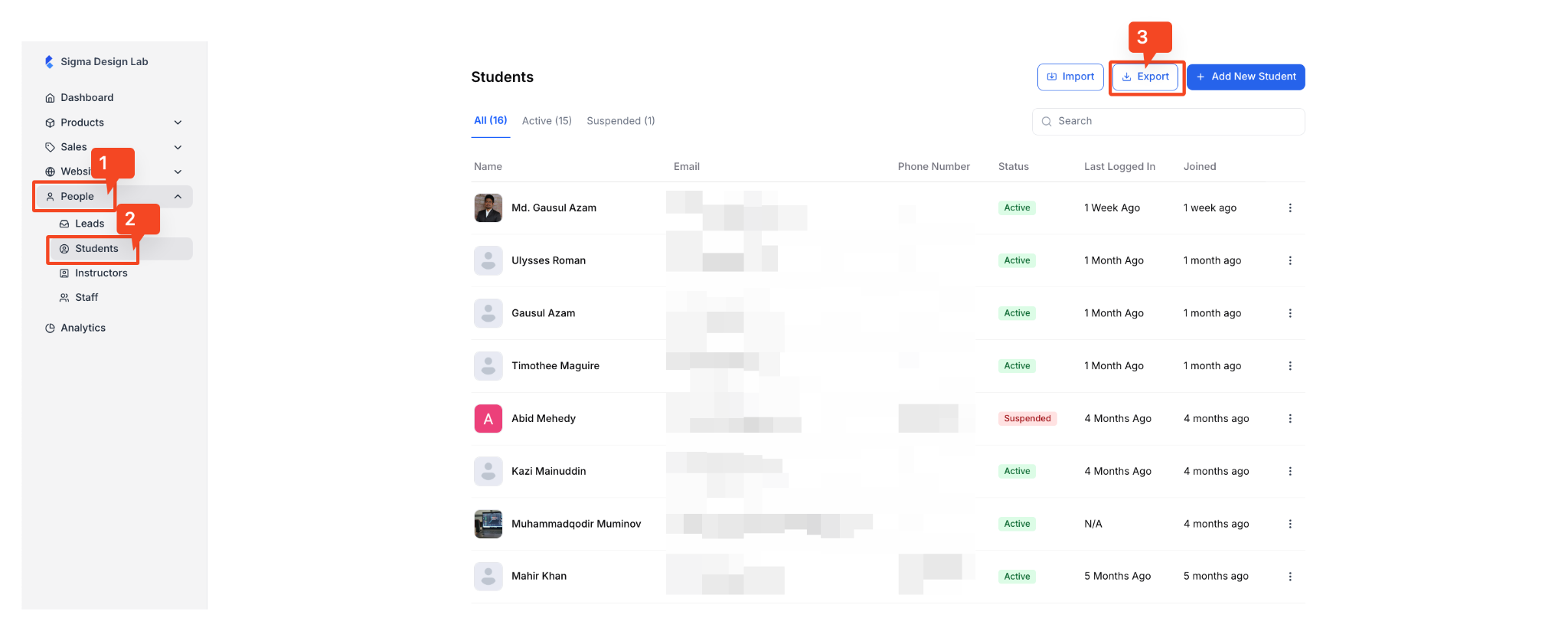
1. From your dashboard, expand “People” and click on “Students.” In the new window, you will see the list of all the students you have in your academy. In the top right corner, you will see the “Export” button; click on it.
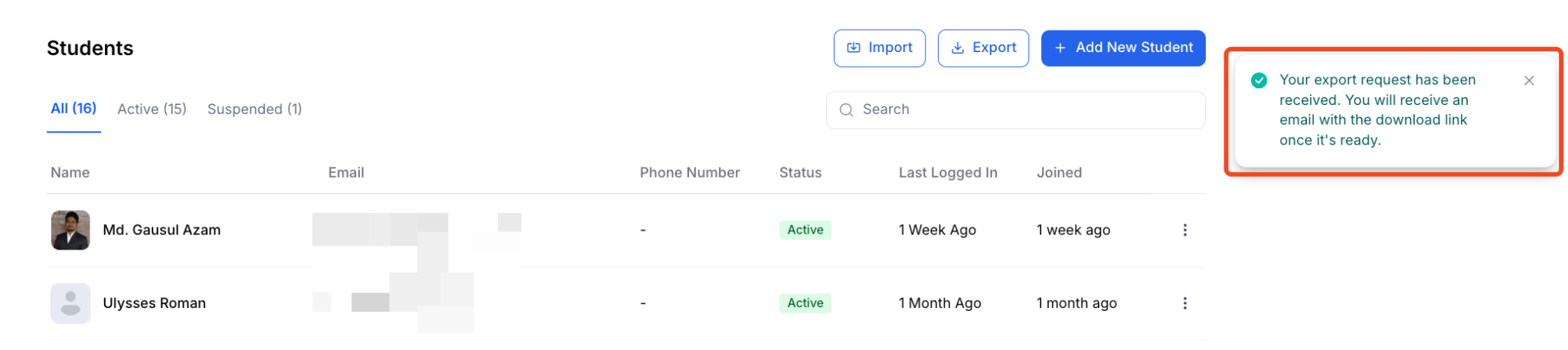
2. Once you click on the “Export” button, an email will be sent to your email address with the link to download the student list.
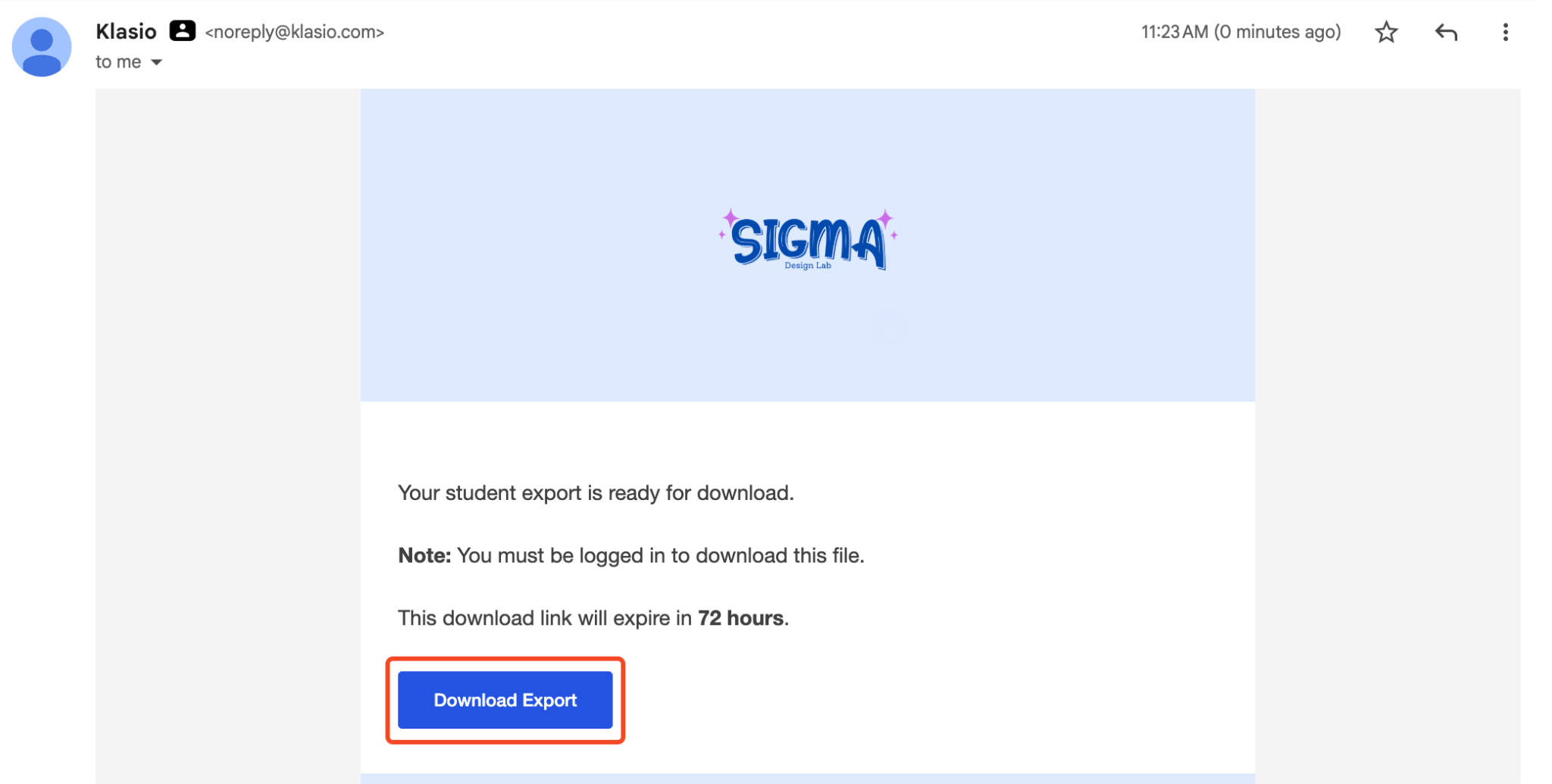
3. Check the email address of your Klasio account, and you will find the following email. Click on the “Download Export” button to download the student list. Once you do, the student list will be downloaded as a .csv file.
If you face any problems while exporting your student list or are unable to do it, please reach out to us at [email protected].