
To export your subscriber list, follow these steps:
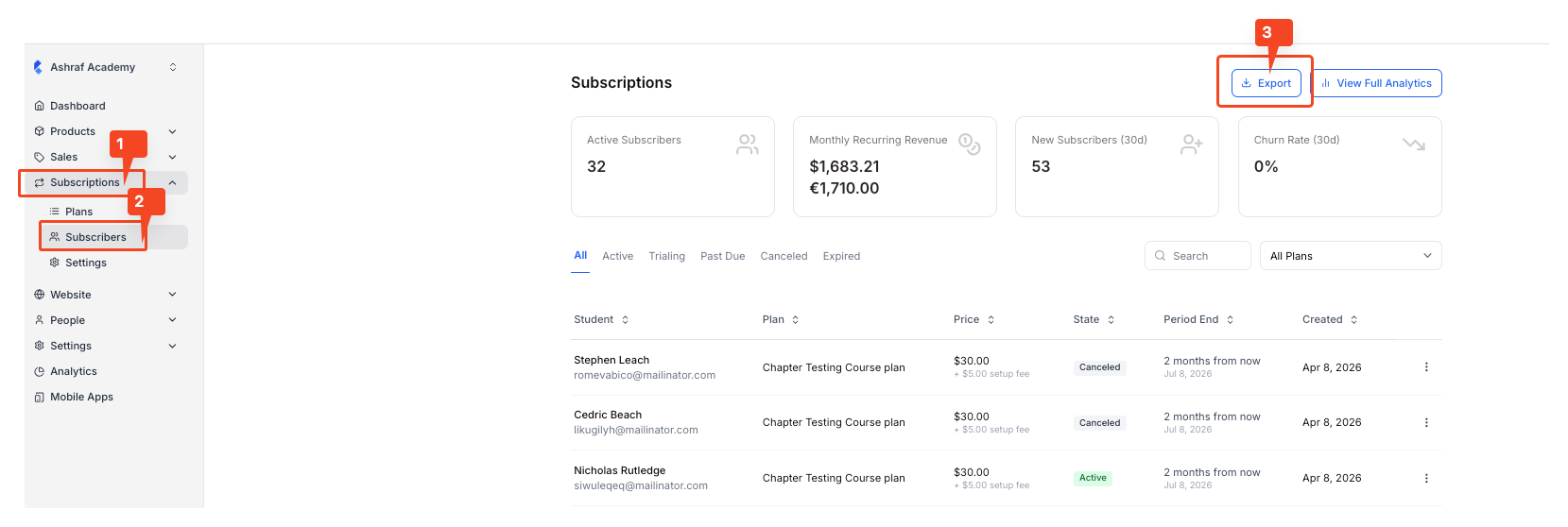
1. Go to Subscription > Subscribers from the navigation menu. On the new screen, click on the “Export” button.
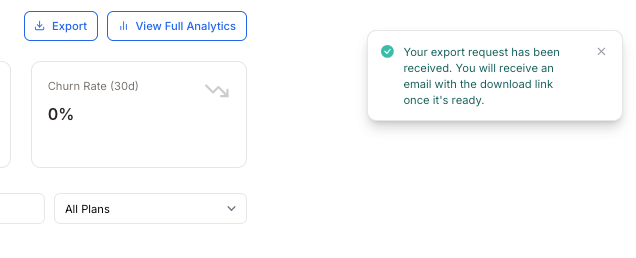
2. Once you click on the button, a notification will popup saying that you will receive the list soon in your email.
3. Once you receive the email, you can simply download the list from there. If you don’t receive an email after multiple attempts, please contact [email protected]