
Having a logo and a favicon on your academy website will make it look professional. Here’s how you can add a logo and favicon to your academy website:
From your admin dashboard, expand Settings and then click General. In the new screen, slightly scroll down to find the Logo section, where you will see two separate uploaders for logo and favicon.
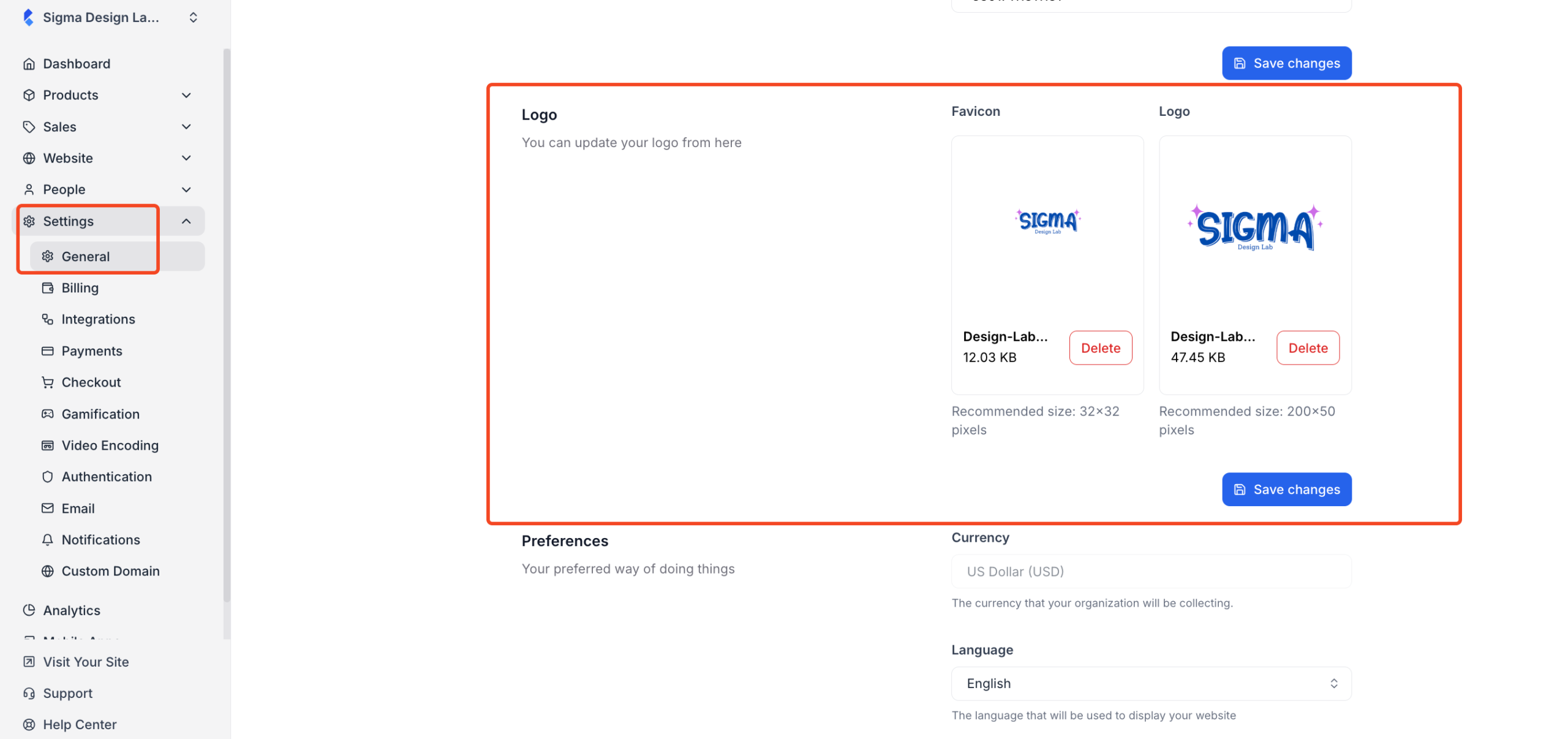
Use the respective uploaders to upload your site’s logo and favicon. For the logo, the recommended size is 200×50 pixels, and the recommended size for the favicon is 32×32 pixels.
Once you have uploaded the images, click on the “Save Changes” button to save the changes.