Product bundles are a great way to diversify your online course business. To that end, now you can bundle and sell your products in Klasio. Here’s how:
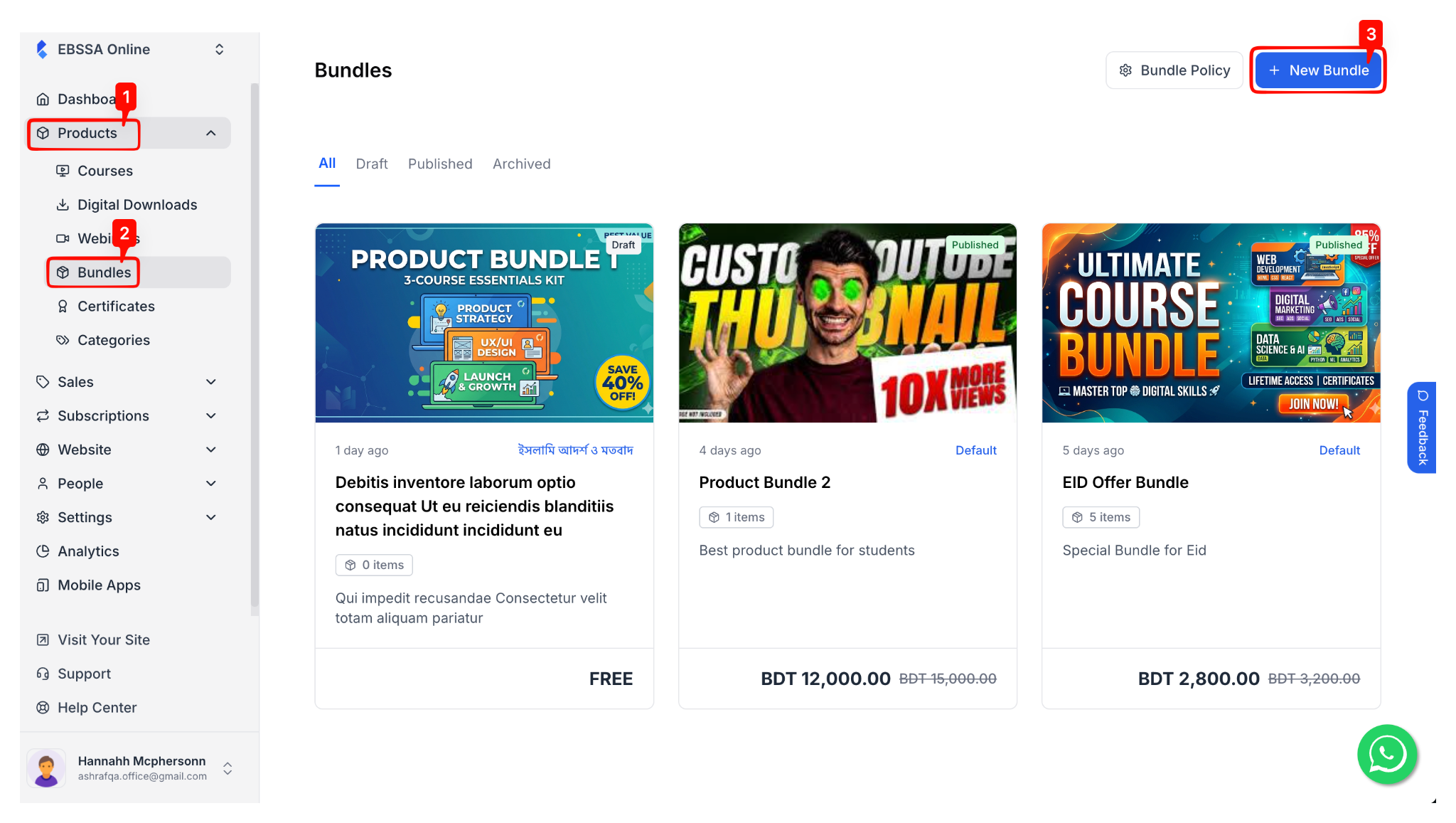
1. From your dashboard, go to Products > Bundles. Then, on the new screen, click on the “New Bundle” button in the top right corner.
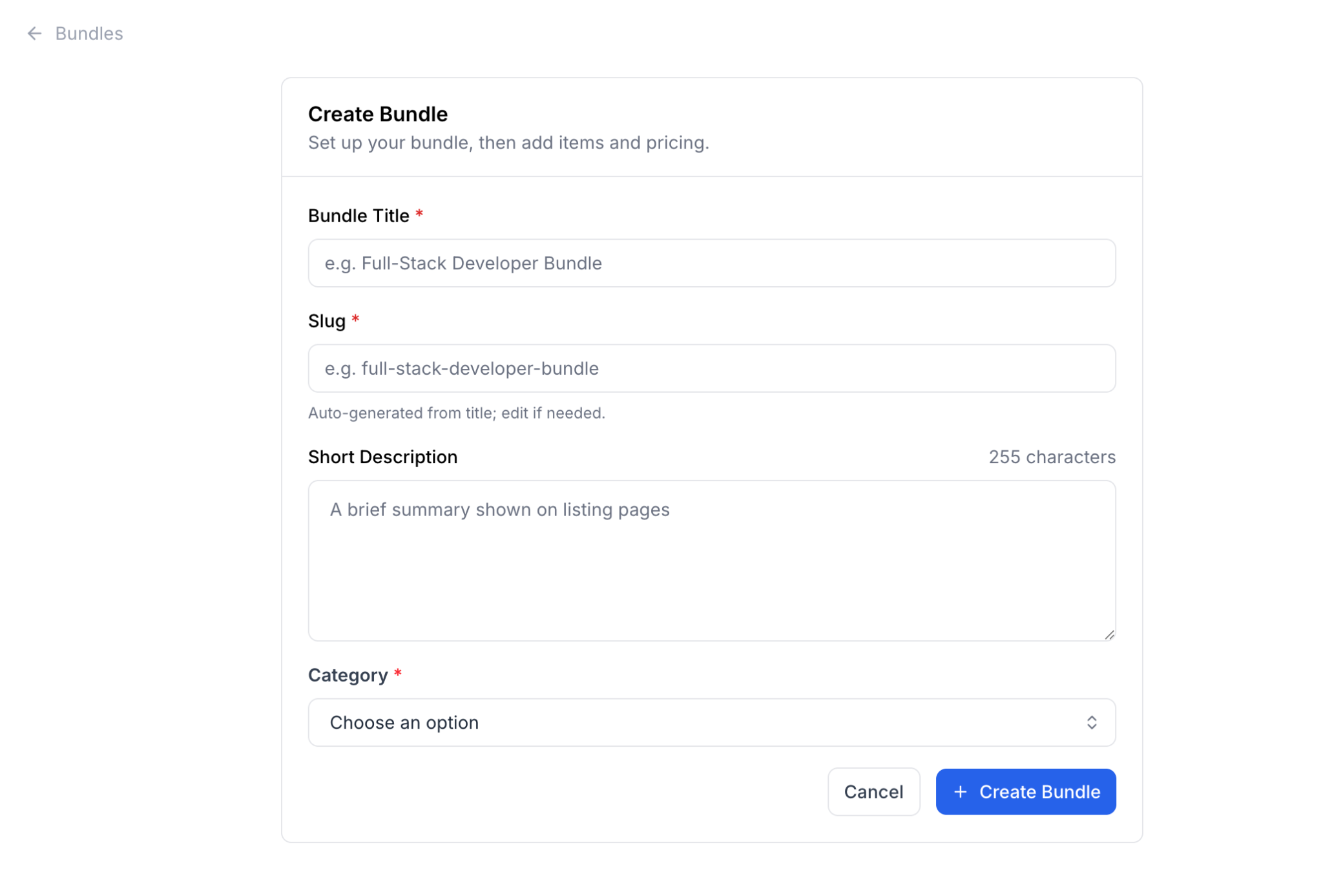
2. On the next screen, you will be prompted to give your product bundle a name, a slug, a description, and select a category for it. The slug will be initially generated automatically based on the title, but you can edit it afterwards.
Also, you will have to choose the category from the dropdown. If you don’t see your desired product category, you will need to create it a new.
When you are done, click on the “Create Bundle” button.
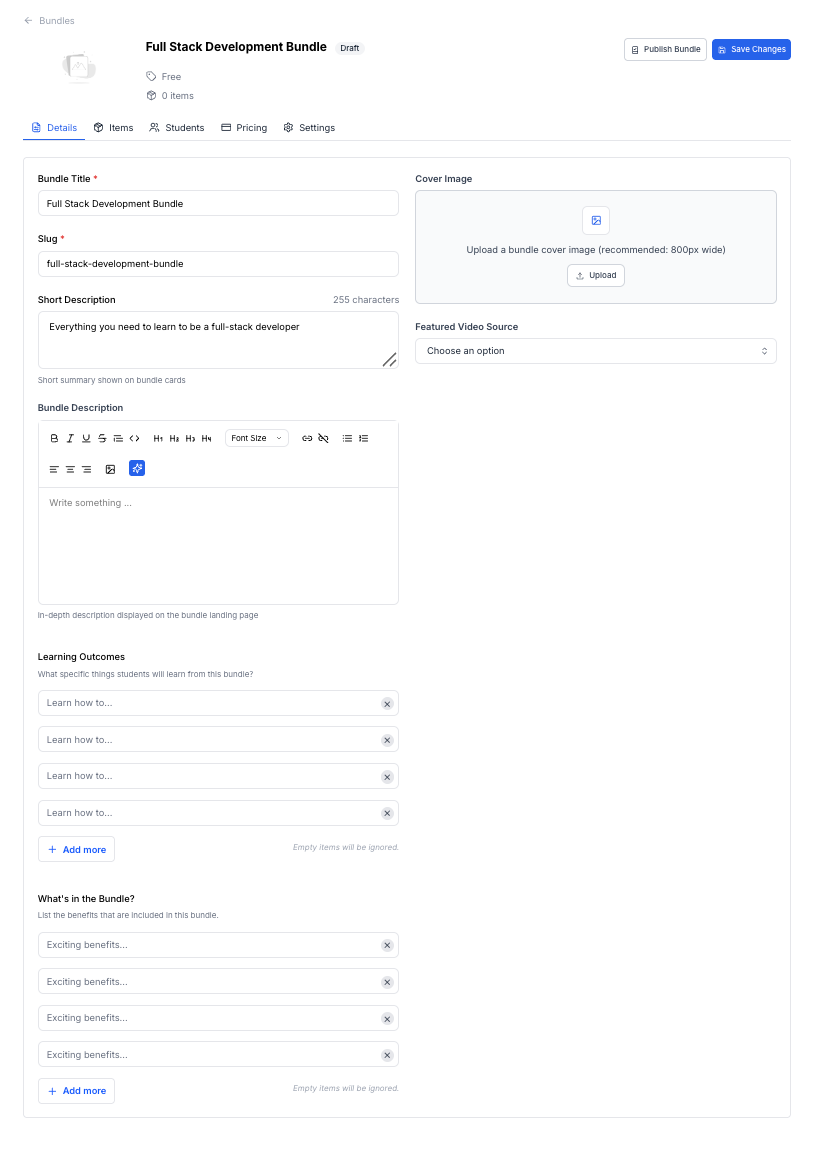
3. Then, you will be taken to the bundle editor, where you can customize your bundle further. In the bundle editor, we have multiple tabs. The first tab is “Details.” Apart from name, slug, and short description, you can add a detailed description, learning outcomes, and list the content of the bundle.
Also, you can choose the thumbnail and featured video source for the bundle. The featured video source will be displayed in the bundle details page.
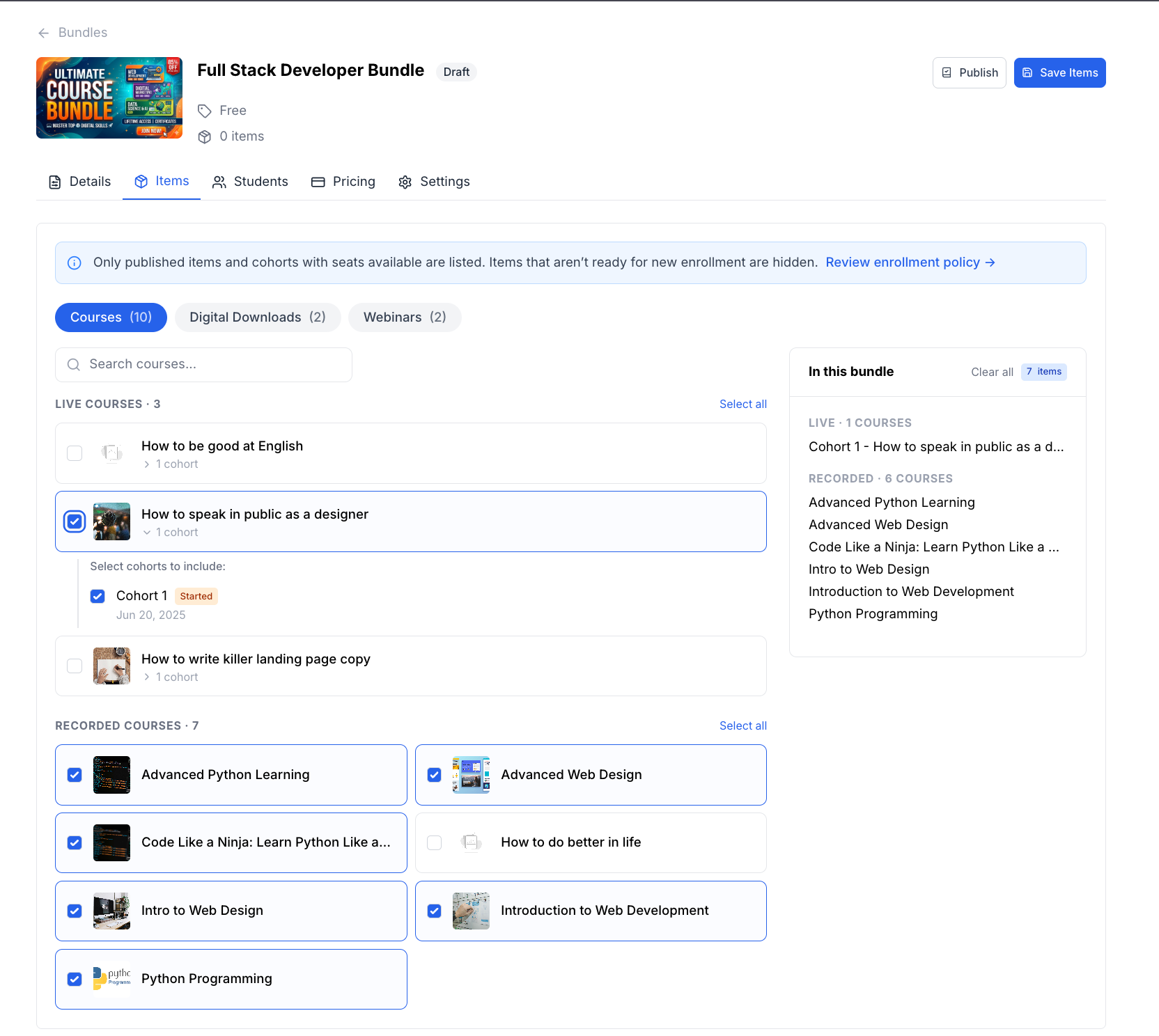
4. The next tab is “Items,” where you can select the items for your product bundle. In this tab, you will see all of your products listed. You just need to click to select them. As you select them, they will appear under the “In this bundle” section.
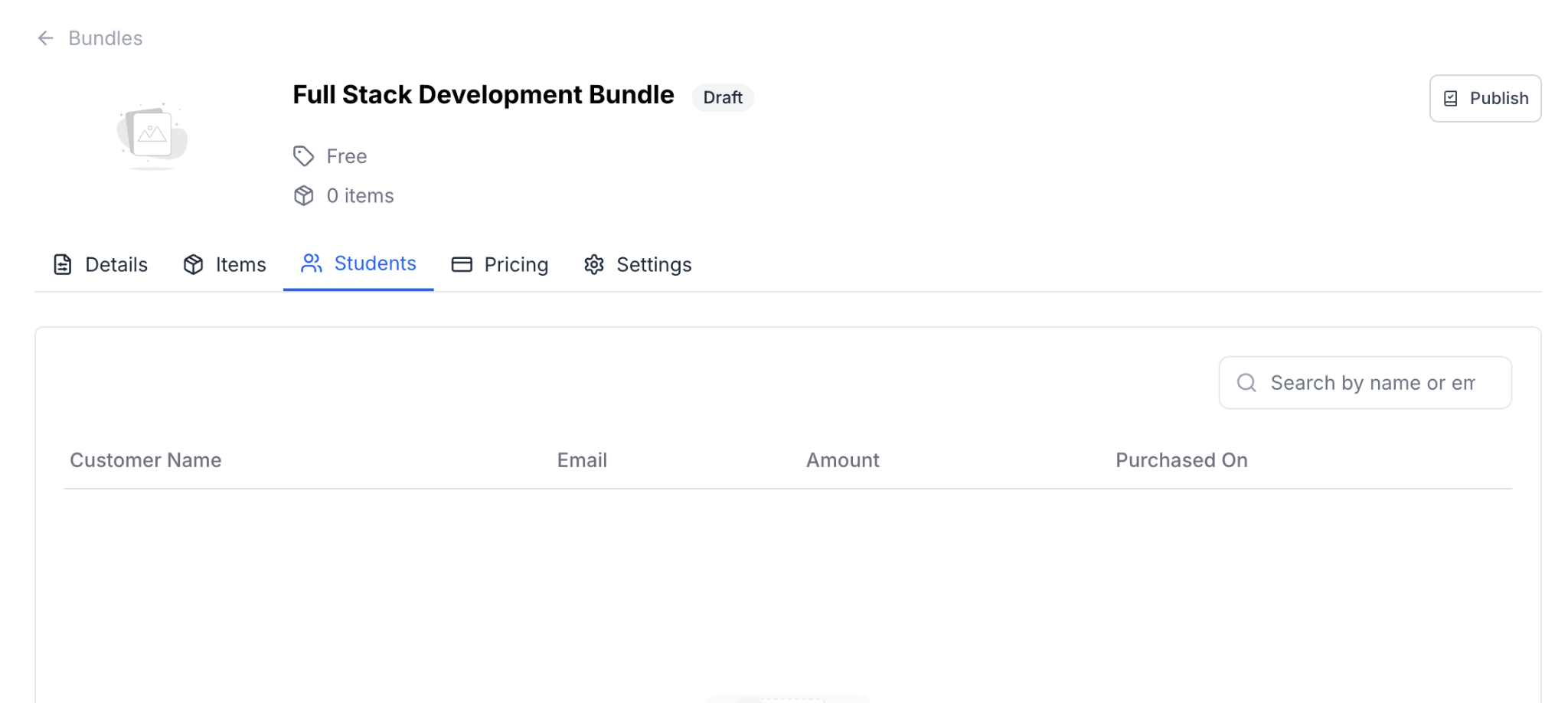
5. The next tab is students, where you can see the list of students who purchased this course.
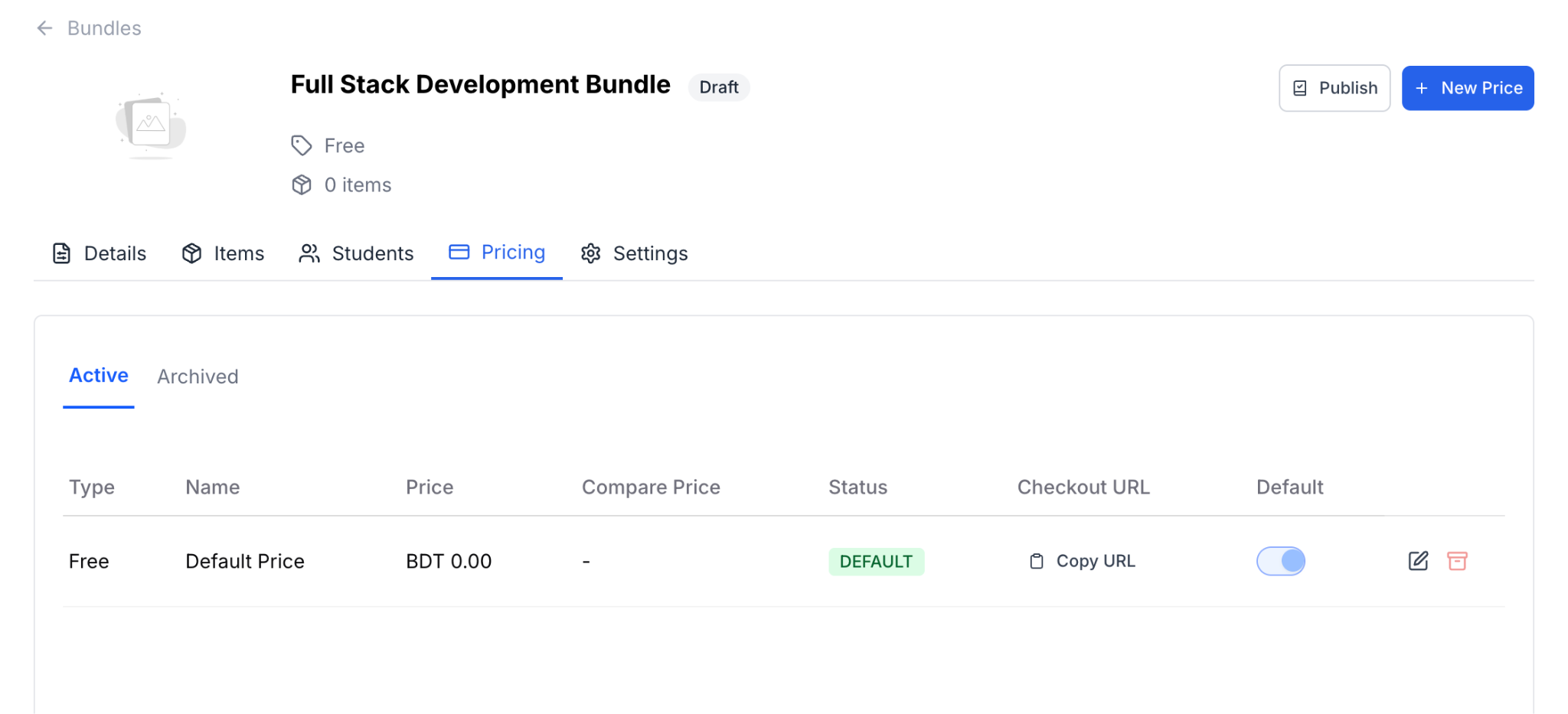
6. After the Students tab, we have the pricing tab. Here, you can set up your pricing for the bundle. The details have been covered in a different documentation.
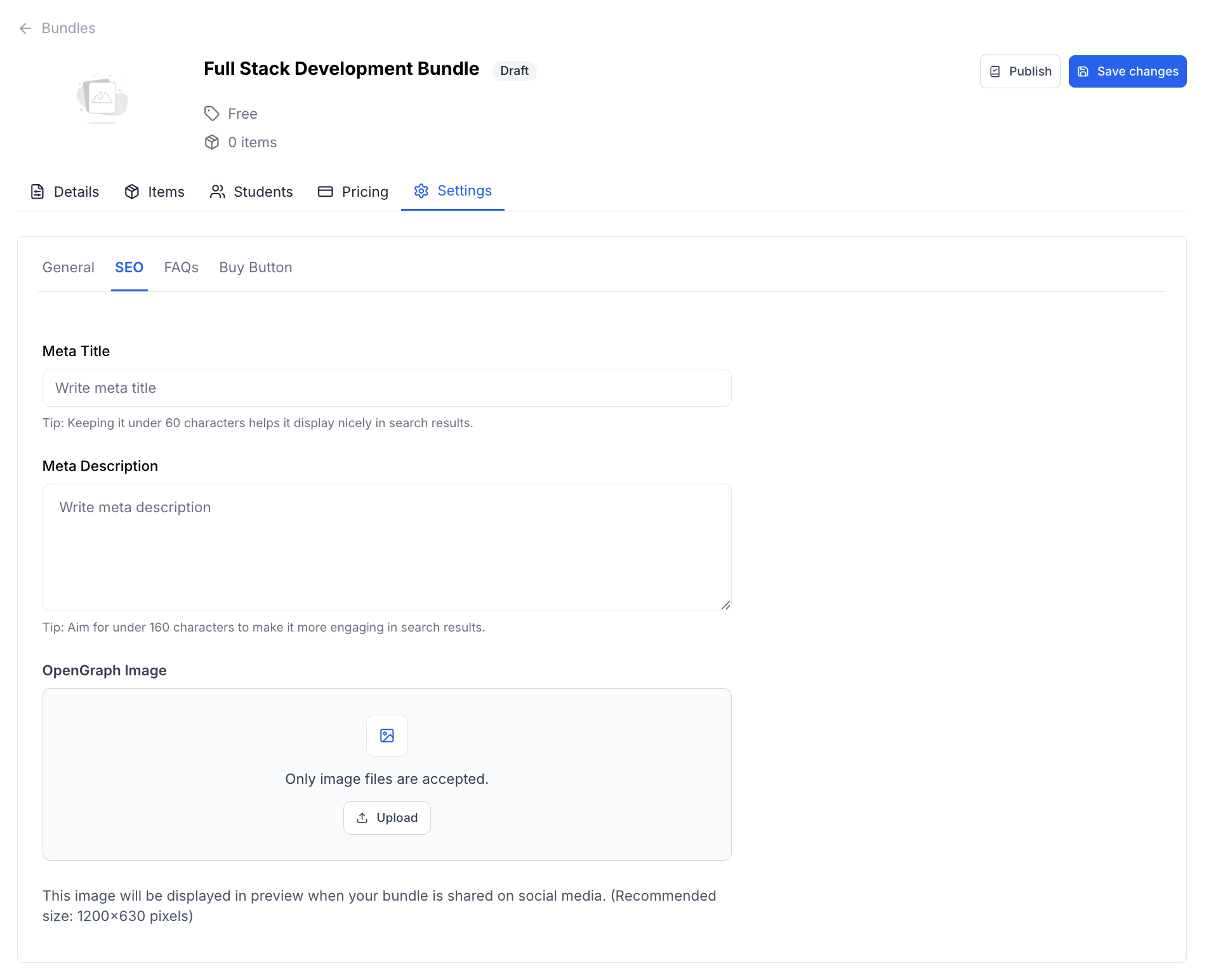
7. The last tab is Settings, where you can customize different aspects of the product bundles. The details of this tab have also been covered in another documentation.
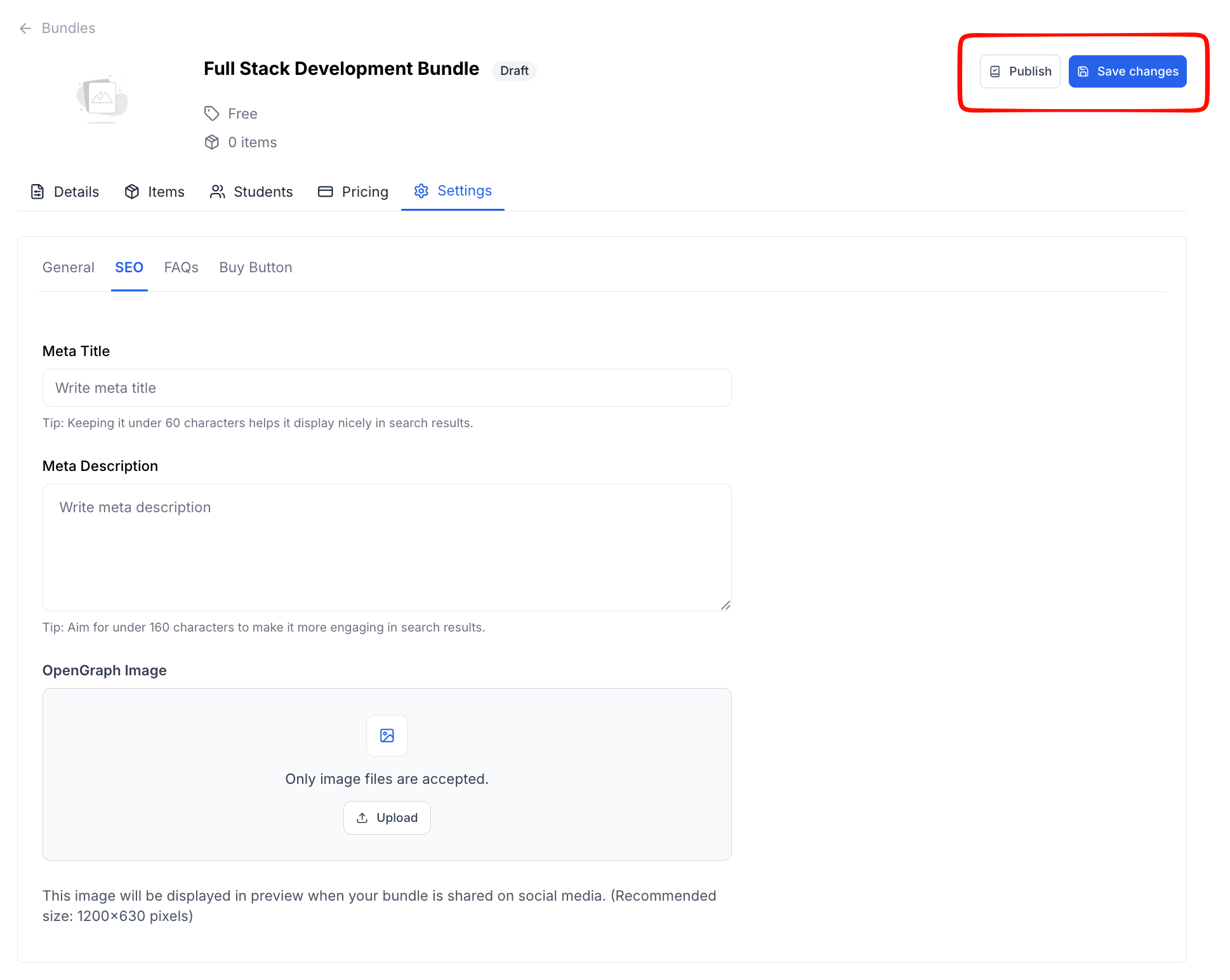
8. When you are done with everything, you can click on the “Save Changes” button to save the bundle as a draft or click on the “Publish” button to publish it.