To duplicate a recorded course in Klasio, follow these steps:
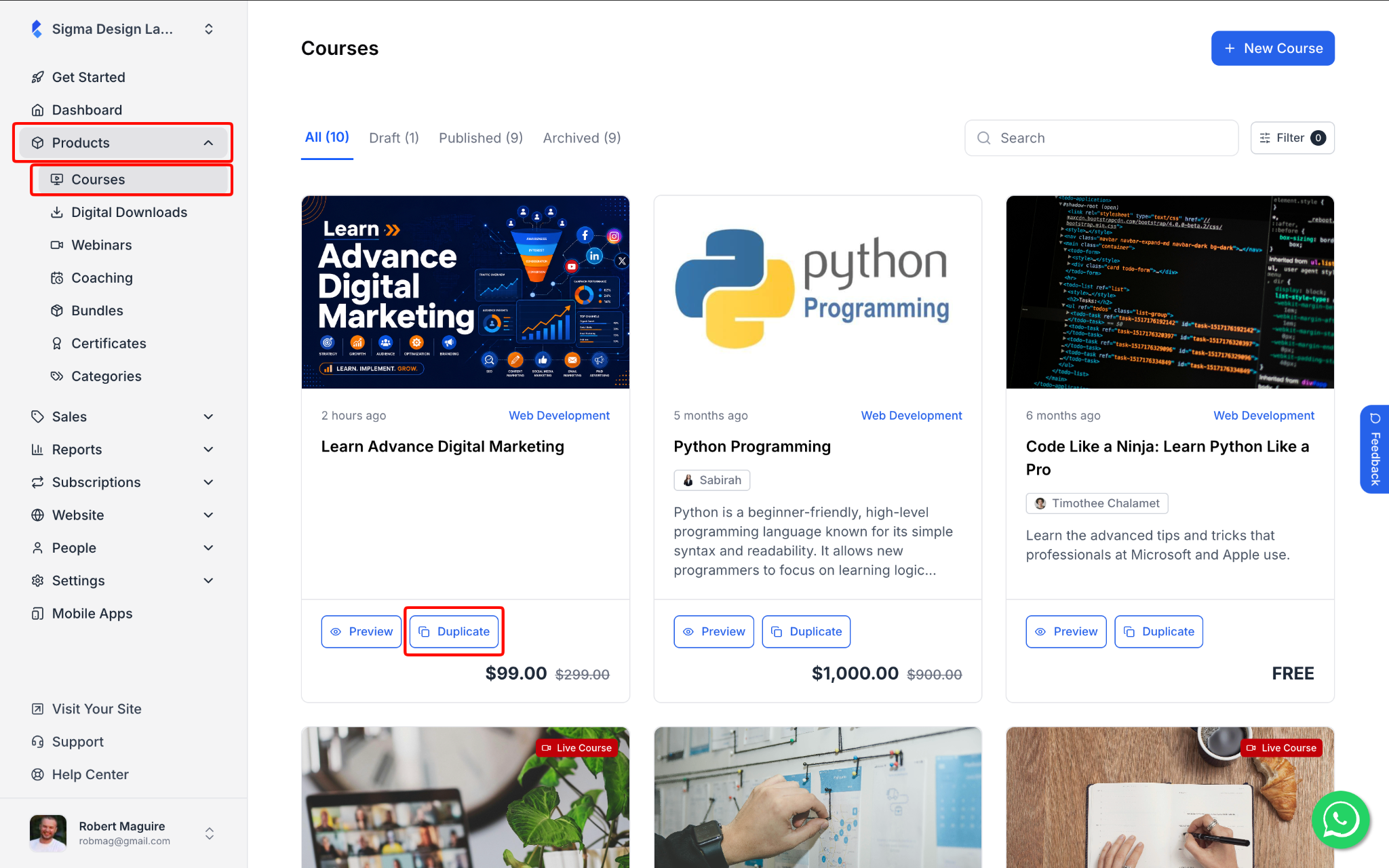
1. From your dashboard, go to Products > Courses. Find the course you want to duplicate and click the Duplicate button on the course card.
2. Klasio will create an exact copy of the course with all its curriculum, details, pricing, and settings. The duplicated course will appear in your course list with (Copy) added to the title and will be set to Draft by default.
Note: The Duplicate feature is only available for recorded courses. Live courses cannot be duplicated.
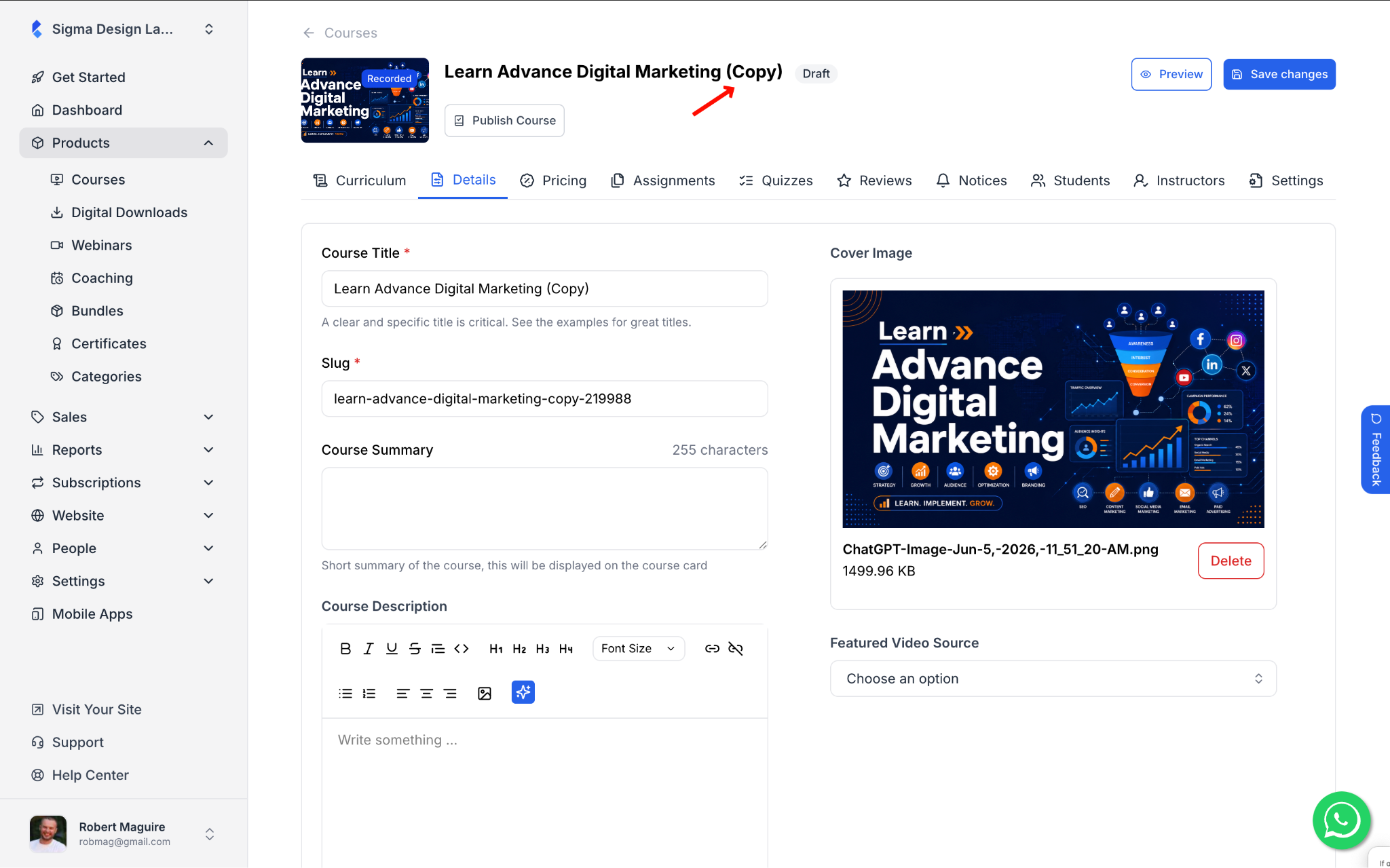
3. Now you can make any changes you need. Here is what you can edit:
- Curriculum – add, remove, or update chapters and lessons. Learn more
- Details – update the title, description, cover image, and learning outcomes. Learn more
- Pricing – set a new price or update the existing one. Learn moreˇ
- Instructors – assign a different instructor if needed. Learn more
- Settings – update the difficulty level, category, visibility, and more. Learn more
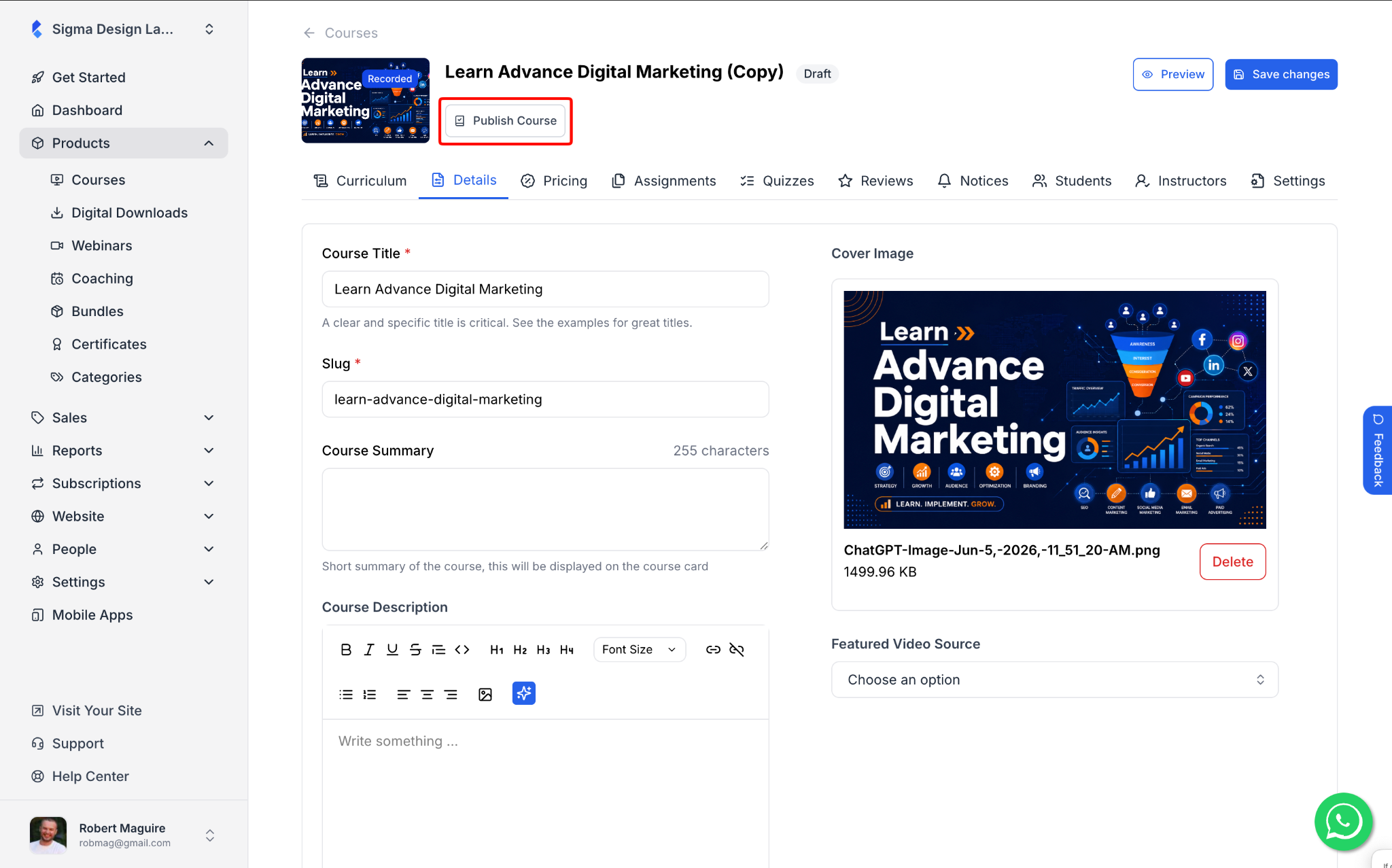
4. Once you are satisfied with the changes, click Publish Course to make it live.